This repository was archived by the owner on Aug 27, 2025. It is now read-only.
-
Notifications
You must be signed in to change notification settings - Fork 58
Adding video timeline #127
Merged
Merged
Changes from all commits
Commits
File filter
Filter by extension
Conversations
Failed to load comments.
Loading
Jump to
Jump to file
Failed to load files.
Loading
Diff view
Diff view
There are no files selected for viewing
This file contains hidden or bidirectional Unicode text that may be interpreted or compiled differently than what appears below. To review, open the file in an editor that reveals hidden Unicode characters.
Learn more about bidirectional Unicode characters
| Original file line number | Diff line number | Diff line change | ||||
|---|---|---|---|---|---|---|
|
|
@@ -13,3 +13,7 @@ A collection of quick tips to help you get the most out of Kilo Code. | |||||
| - When using Debug mode, ask Kilo to "start a new task in Debug mode with all of the necessary context needed to figure out X" so that the debugging process uses its own context window and doesn't pollute the main task | ||||||
| - Add your own tips by clicking "Edit this page" below! | ||||||
| - To manage large files and reduce context/resource usage, adjust the `File read auto-truncate threshold` setting. This setting controls the number of lines read from a file in one batch. Lower values can improve performance when working with very large files, but may require more read operations. You can find this setting in the Kilo Code settings under 'Advanced Settings'. | ||||||
|
|
||||||
| | Browser Tab | Auto-Approve Tab | Display Tab | | ||||||
| |---------|---------|---------| | ||||||
| | [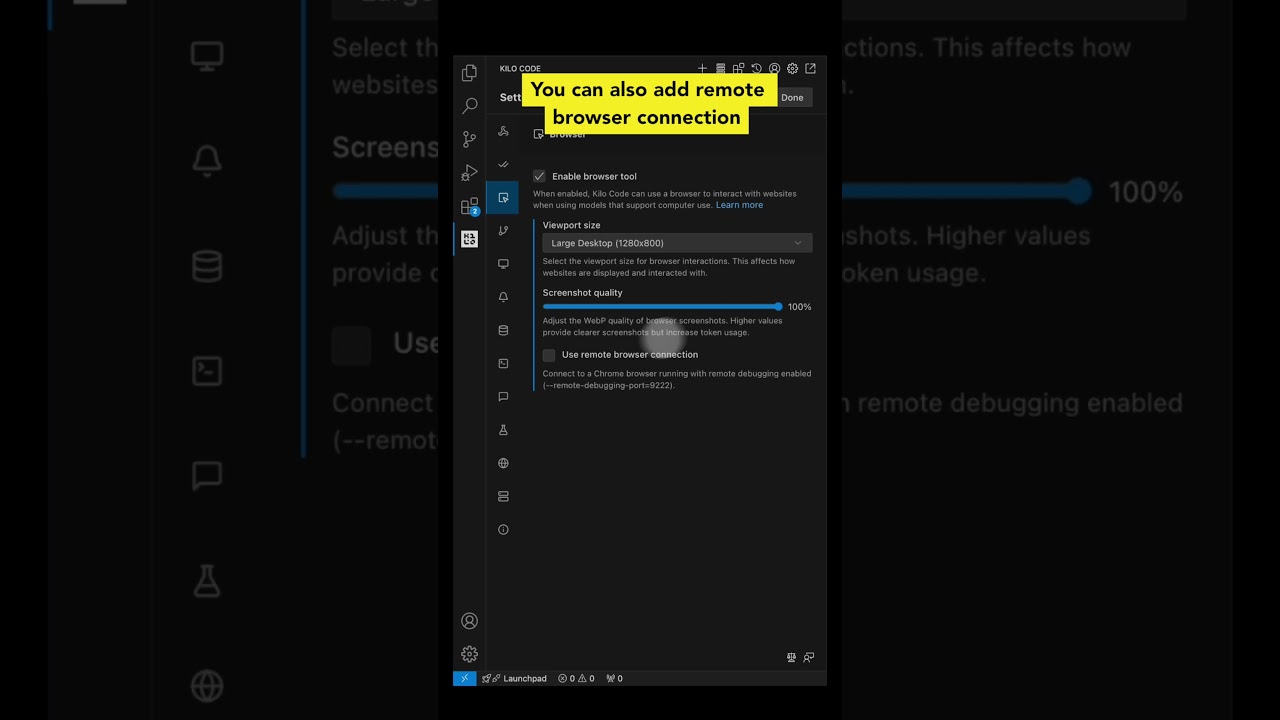](https://youtube.com/shorts/VMPKXt8k050?feature=shared) | [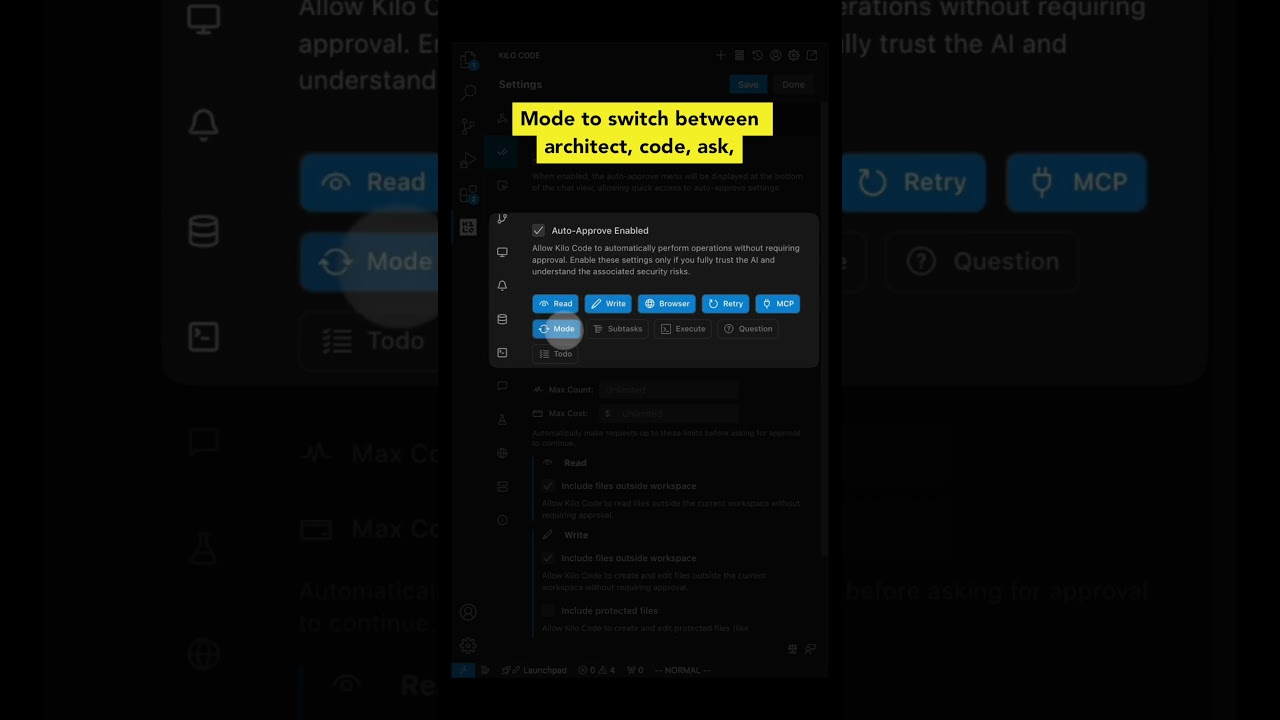](https://youtube.com/shorts/NBccFnYDQ-k?feature=shared) | [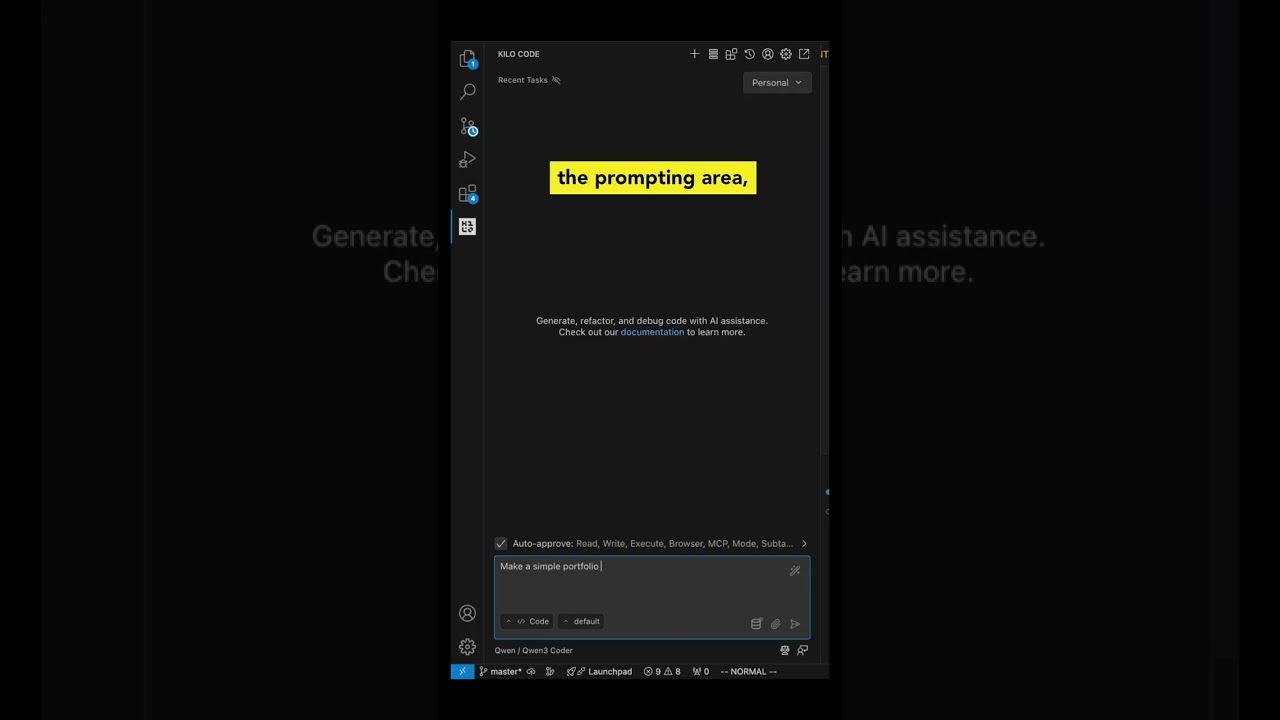](https://youtube.com/shorts/qYrT2pbfS7E?feature=shared) | | ||||||
|
||||||
| | [](https://youtube.com/shorts/VMPKXt8k050?feature=shared) | [](https://youtube.com/shorts/NBccFnYDQ-k?feature=shared) | [](https://youtube.com/shorts/qYrT2pbfS7E?feature=shared) | | |
| | [](https://youtube.com/shorts/VMPKXt8k050?feature=shared) | [](https://youtube.com/shorts/NBccFnYDQ-k?feature=shared) | [](https://youtube.com/shorts/qYrT2pbfS7E?feature=shared) | |
Add this suggestion to a batch that can be applied as a single commit.
This suggestion is invalid because no changes were made to the code.
Suggestions cannot be applied while the pull request is closed.
Suggestions cannot be applied while viewing a subset of changes.
Only one suggestion per line can be applied in a batch.
Add this suggestion to a batch that can be applied as a single commit.
Applying suggestions on deleted lines is not supported.
You must change the existing code in this line in order to create a valid suggestion.
Outdated suggestions cannot be applied.
This suggestion has been applied or marked resolved.
Suggestions cannot be applied from pending reviews.
Suggestions cannot be applied on multi-line comments.
Suggestions cannot be applied while the pull request is queued to merge.
Suggestion cannot be applied right now. Please check back later.
There was a problem hiding this comment.
Choose a reason for hiding this comment
The reason will be displayed to describe this comment to others. Learn more.
The table headers are unclear and don't match the PR title which mentions 'video timeline'. Consider adding a descriptive section header above the table to explain what these videos demonstrate.