PicGo is a CLI tool to upload images to various cloud providers. Please see here of more information.
NOTE: This uploader is deprecated and will be replaced by PicGo in version 0.18.
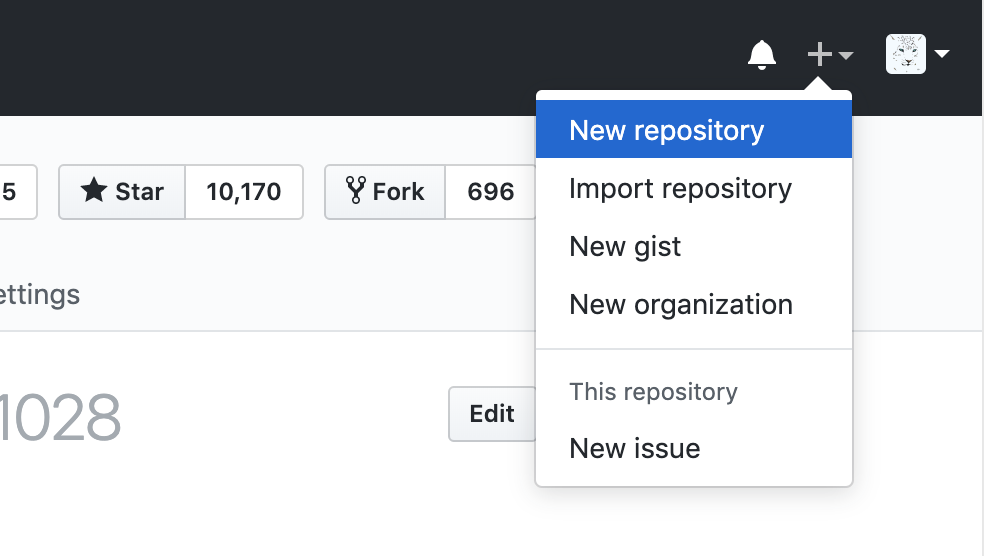
- Step 1, Create a GitHub repo.
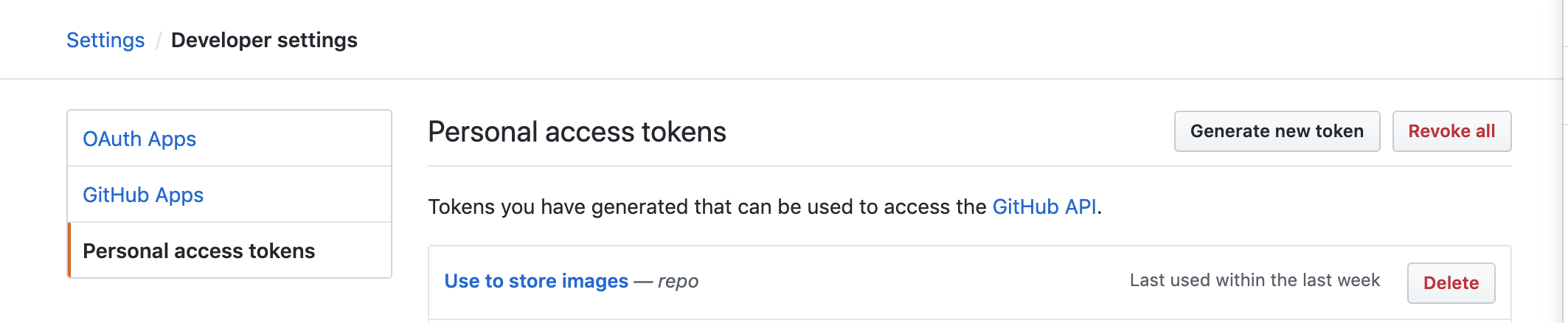
- Step 2, Create a GitHub token in Settings/Developer settings.
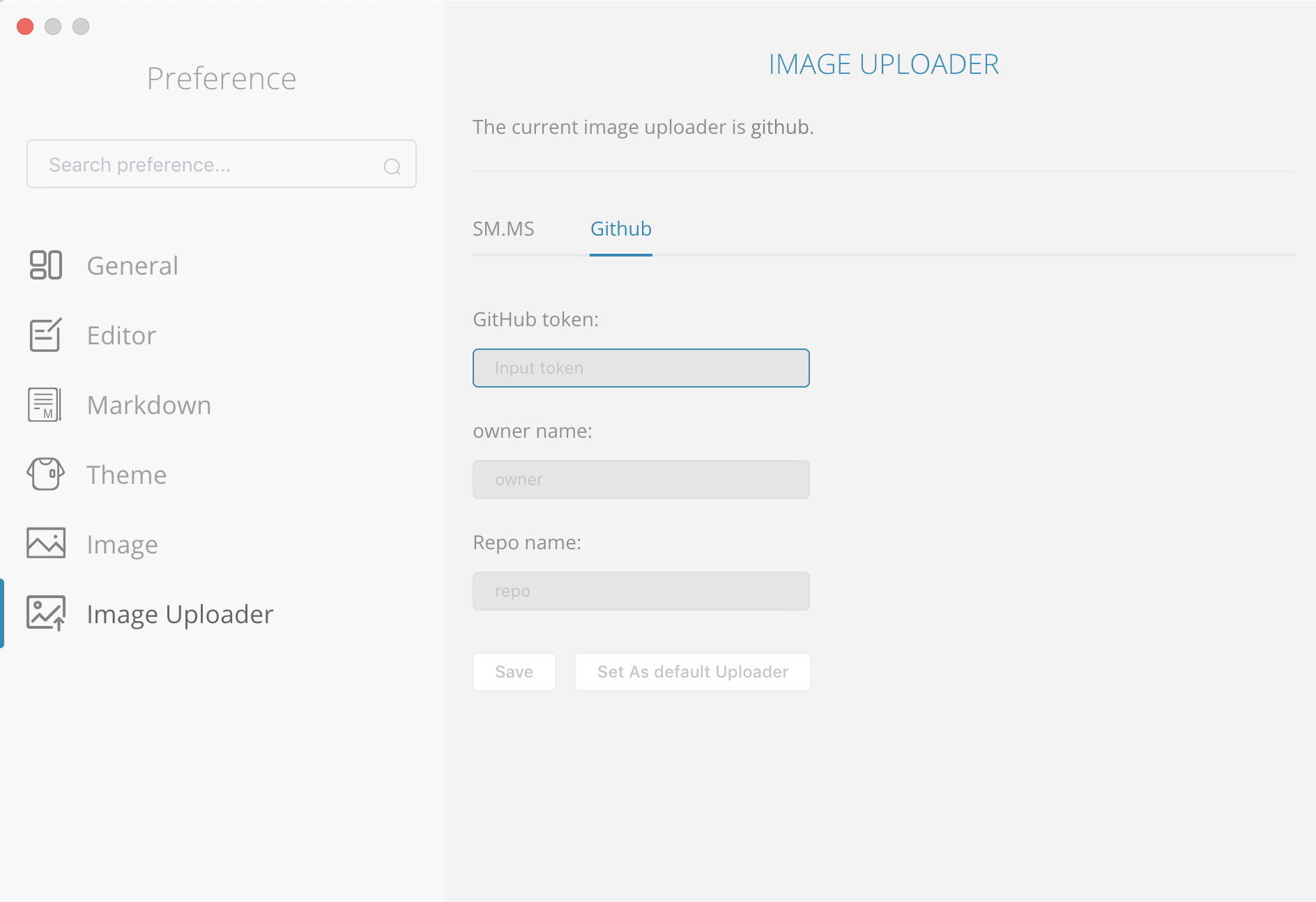
- Config in MarkText Preferences window. click
CmdOrCtrl + ,to open MarkText Preferences window.
-
Input you
token,owner nameandrepo namewhick you just created. ClickSaveandSet As default Uploader. -
Paste an image into MarkText and open you created repo to see the uploaded image.