
Organize, label, and browse your ChatGPT conversations like an email inbox.
Categorize by topic, filter, and revisit your ideas with ease.


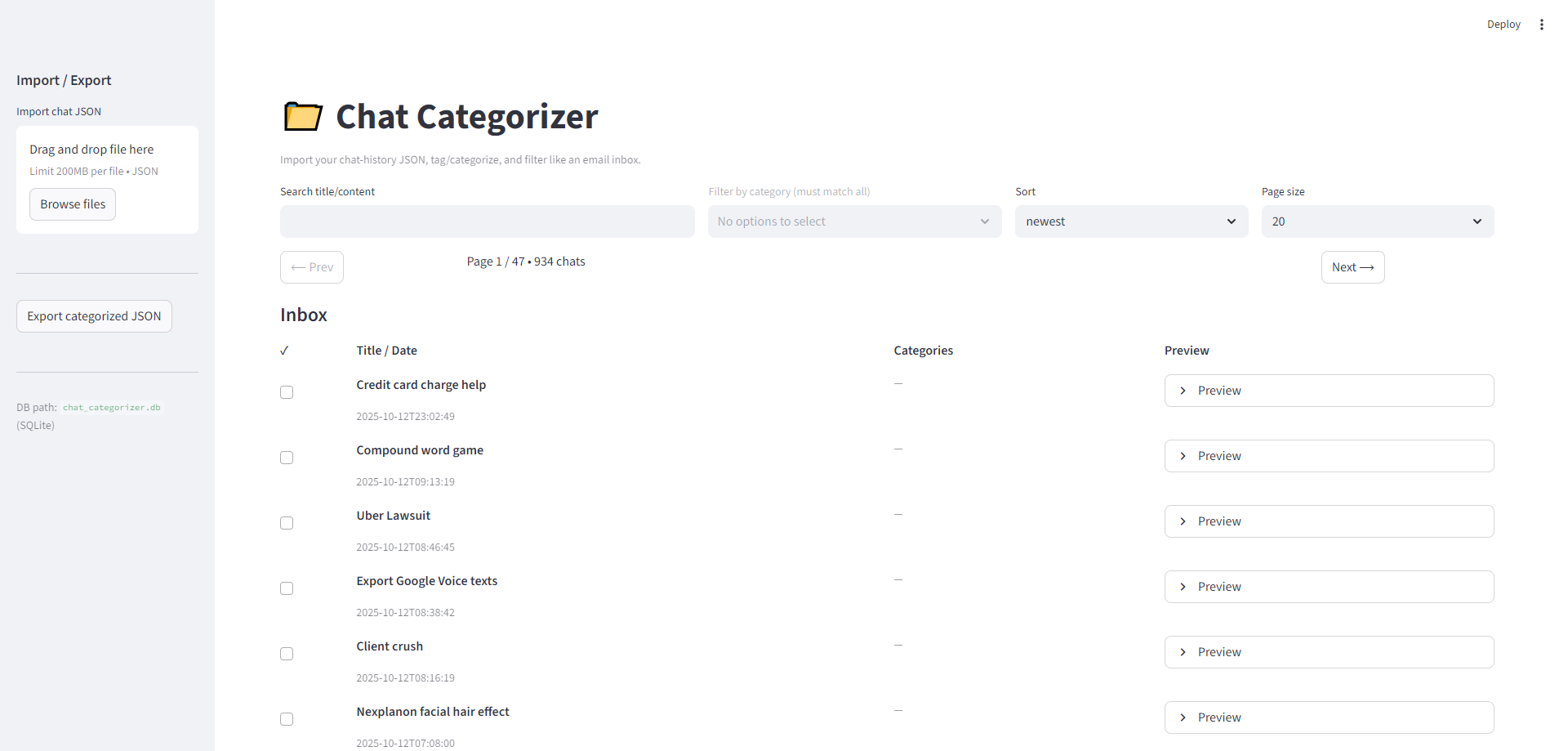
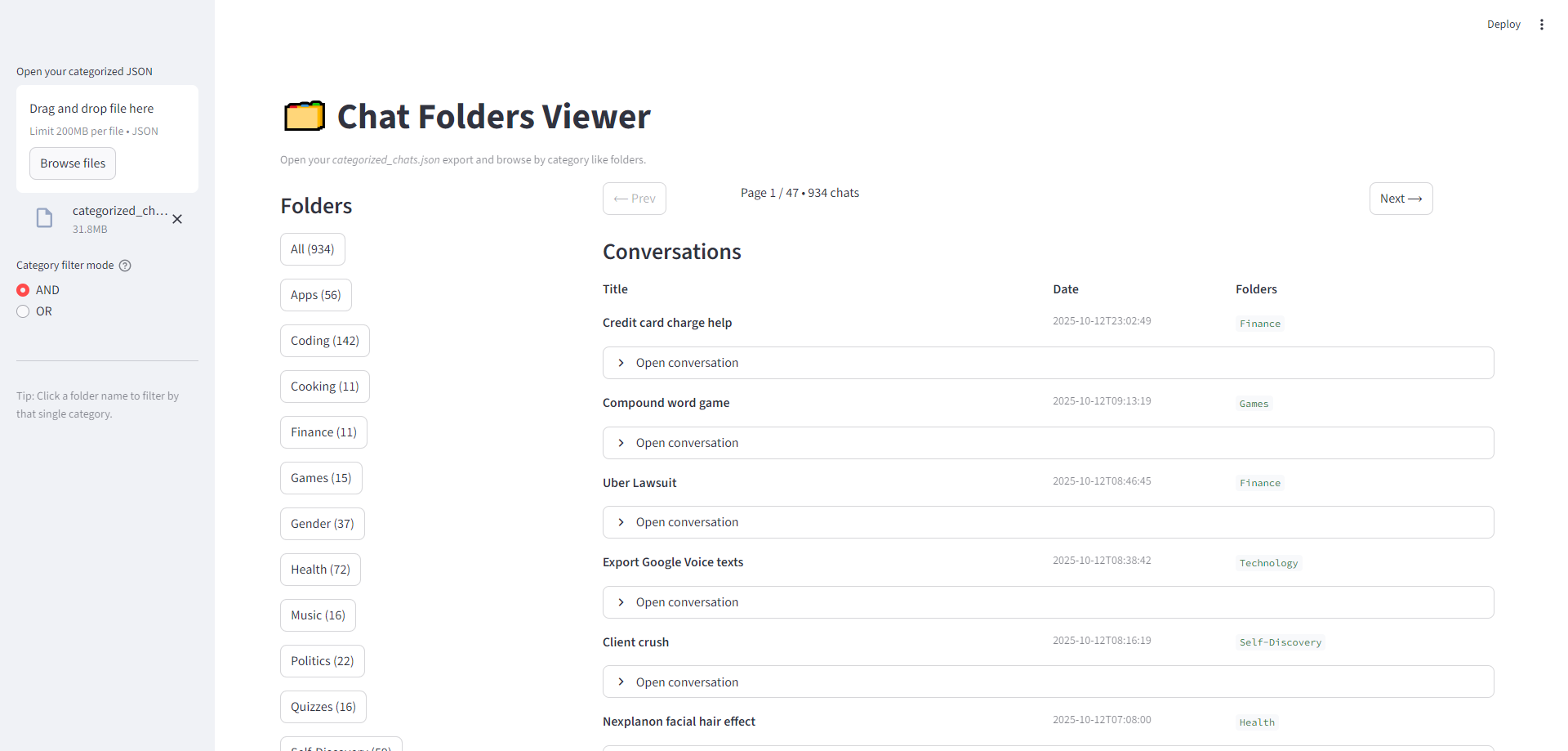
ChatGPT-Categories is a pair of lightweight Streamlit apps designed to help you sort and revisit your ChatGPT chat history.
Think of it like Gmail for your conversations — every chat becomes a message, and you can label it with multiple categories (Coding, Health, Writing, etc.).
- 🧭 Chat Categorizer (
app.py) — an editor for tagging, filtering, and exporting your chats - 🗂️ Folders Viewer (
category_viewer.py) — a read-only browser that lets you navigate by folder, search, and preview messages
Both apps run locally, keep data in SQLite, and use a simple, portable messages.json format so you can round-trip your progress at any time.
| Categorizer | Folders Viewer |
|---|---|
 |
 |
- Python 3.9+
- Streamlit for the reactive interface
- SQLite for lightweight local persistence
- JSON for portable exports/imports
# Clone and enter
git clone https://github.com/monapdx/ChatGPT-Categories.git
cd ChatGPT-Categories

# (Optional) Create a virtual environment
python -m venv .venv && source .venv/bin/activate    # Windows: .venv\Scripts\activate

# Install dependencies
pip install -r requirements.txt