This repository was archived by the owner on Jun 16, 2022. It is now read-only.
This repository was archived by the owner on Jun 16, 2022. It is now read-only.
Alt alert style and app error when removing a team member #87

Description

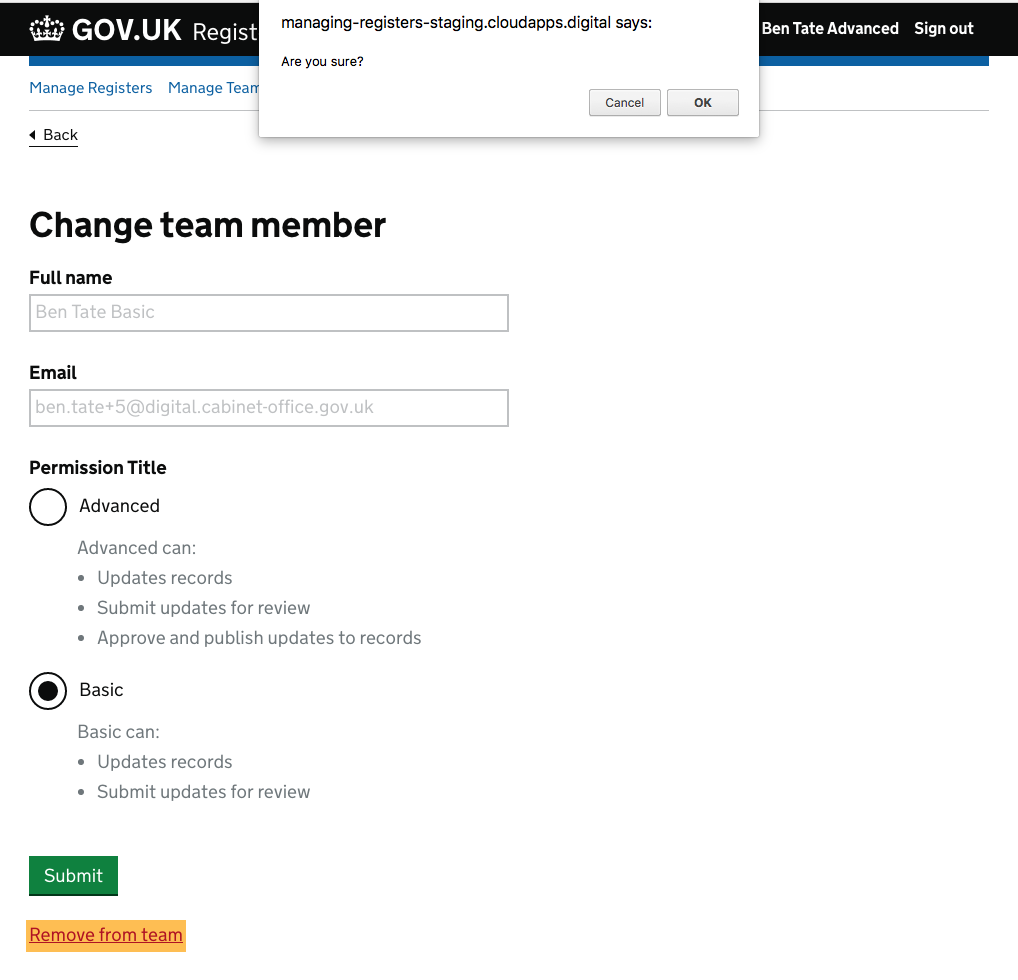
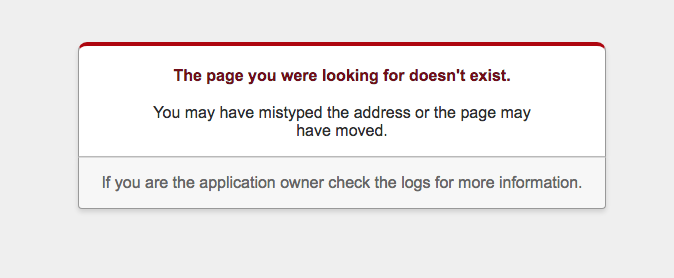
As a custodian or an advanced user, if you remove a team member, you see the default browser alert, rather than the 'are you sure' pattern. When you confirm the removal of a team member you get an application error.
URL:
https://managing-registers-staging.cloudapps.digital/teams/16/team_members/54/edit
Steps to recreate:
- Login as a custodian or advanced user
- Select 'Manage team' from the nav
- Click the 'Change' link next to a team member name
- Click the 'Remove from team' link
- When you get the browser alert click 'Ok'
Expected result:
https://projects.invisionapp.com/d/main#/console/10972863/233583093/preview
Actual result: