A collection of files and batch files to simplify the creation of a VSCode with an App/Core Architecture with a specialized batch file for c++ projects using Cmake.
The created project can be used in Visual Studio.
Warning
THIS IS A COMMAND LINE TOOL THAT REQUIRES VSCODE
Note
This project is regularly updated to meet my needs so if you don't like something feel free to fork this and change it.
You can download the repository in your desired location or clone the repository.
git clone https://github.com/some1hundred/VSCode-ProjectTools.git
and done! you may now use the scripts
Add the VSCode-ProjectTools folder to the path with the following tutorials:
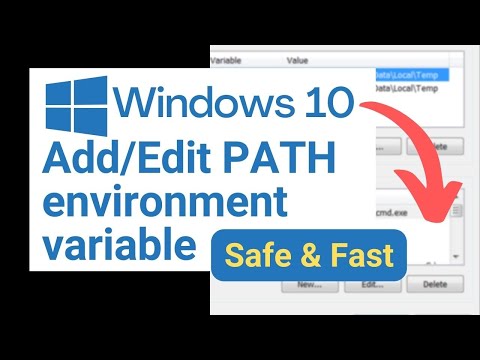
In this section the use of the tool is explained:
You will need Visual Studio Code
And the following extensions
For the C++ Specialized Projects run
Projc NameOfYourProject g
Replacing NameOfYourProject with the name you want to assign to it and g as an optional feature to include github files with it.
For Projects using any other languages run
ProjType NameOfYourProject FileExtension g
Replacing NameOfYourProject with the name you want to assign to, FileExtension with the file extension of your program and g as an optional feature to include github files with it.
VScode will be opened automatically inside the folder if its on the path otherwise you can open it manually.
Modifiy the files as you wish (you can change the name of the executable with the cmake list in the App folder).
Press ⌃ Control + ⇧ Shift + P

Type select a kit once the option appears press ⏎ Enter

Select your desired kit or scan for kits if none appear and repeat the previous steps.

Build the project with the cmake tools buttons added on the lower right corner.

After building with the Visual Studio kit open the generated build folder on the explorer

Open the .sln file generated on the build folder with VS.

Right Click on the App Project in the Solution Explorer

And you are all set! Just Configure the solution preferences to your liking
Click on Set as startup project
