Useful clothing data for FiveM around GTA:V clothing. Static data and clothing images, organised by collections. Similar to v-clothingnames but with the intention to fill in the gaps and add additional useful properties to relevant items of clothing. Images are taken using a custom script (will probably release at a later point) based on fivem-greenscreener with manual editing where needed.
- Upload base collection images
- Upload MP Drawables JSON
- Check all static data
- Upload MP Props JSON
- Check all static data
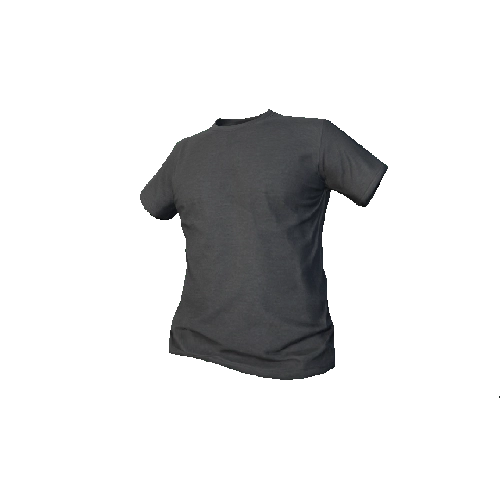
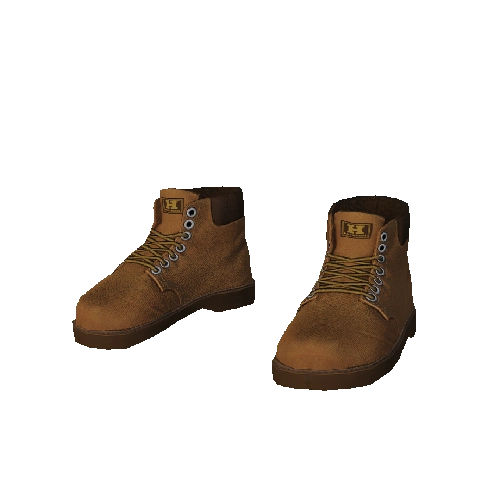
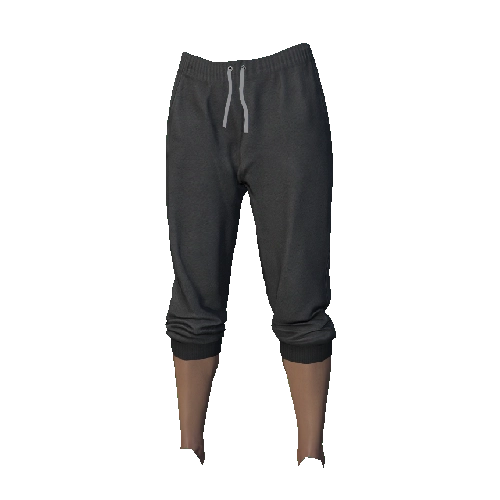
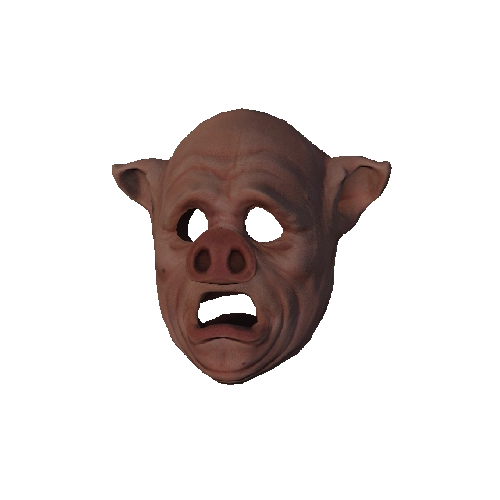
Images are named according to their type (drawable or prop), component, model index, and texture index. For example to get the shirt at index position 1 in a collection you would have the prefix D for drawable, 11 for JBIB, 1 for the index, and 0 for the first texture: D_11_1_0.
Images can be used using follwing link:
https://raw.githubusercontent.com/Colbss/FiveM-ClothingData/refs/heads/master/images/{MODEL}/{COLLECTION}/{PREFIX}_{COMPONENT/PROP_TYPE}_{MODEL_INDEX}_{TEXTURE_INDEX}.webp
All data for a single model / ped is split between a drawables and a props json. Within each collection the clothing is organized by string-based component / prop type indexes for readability (note the images use number based component type indexes, refer to the index maps below).
| Number Index | String Index | Human-Readable |
|---|---|---|
| 1 | BERD | Mask |
| 3 | UPPR | Torso / Arms |
| 4 | LOWR | Legs / Pants |
| 5 | HAND | Bags |
| 6 | FEET | Shoes |
| 7 | TEEF | Neck Accessories |
| 8 | ACCS | Undershirts / Belts |
| 9 | TASK | Vests |
| 11 | JBIB | Shirts / Jackets |
| Number Index | String Index | Human-Readable |
|---|---|---|
| 0 | P_HEAD | Hats |
| 1 | P_EYES | Glasses |
| 2 | P_EARS | Ears |
| 6 | P_LWRIST | Watches |
| 7 | P_RWRIST | Bracelets |
A lot of the static clothing data needs to be verified due to some of the labels being null, non-null labels still need to be checked. Something to be mindful of is the labels seem to get more and more 'offset' the further along you get. The texture count is correct but the labels dont seem to line up (based on the default label data). If the label is not correct a new label will need to be defined at your own discretion.
If a new label is defined it should ideally be based around existing labels (i.e. all the undershirts should match their full shirt counterpart). Models of the same clothing item but with slightly different 'sizes' or 'states' should not be described in the label. For example armor has lots of variations for different clothing combinations, however we don't want to add unique names for these different sizes. A "Grey Armor Vest" is the same regardless of the slight size difference. The only exceptions to this is where a clothing item is part of a set, i.e. overalls / onsie / robe etc, where it makes sense to append "Upper" / "Bottom" to the label indicating it is a set. Or in cases like where a hood is up or cap is in reverse etc.
If a texture is blank / has the checkered texture the 'isBlank' property on the texture should be set to true, ensuring to remove the quotation marks. Otherwise remove the 'isBlank' property if there is a texture. Likewise, if a model has no mesh then the 'isBlank' property on the model should be set to true, or removed if the mesh isn't blank. Please be careful for checking for blank meshes in game as if there is no mesh when scrolling through clothing it will not change the current clothing item until a new clothing with a mesh is selected.
Some components have special properties in the data that needs to be defined and will be null by default. Gloves (UPPER) has 1 special property, hasGloves, pretty self explanatory. Masks (BEARD) have 2 special properties, faceCovered and shrinkFace. If the peds face is concealed then faceCovered should be set to true (covered enough to hide your identity), otherwise set to false. If the masks is skin tight and may result in clipping of facial features through the mask then shrinkFace should be set to true, otherwise set to false. Note- you will need to check in-game for the special properties for masks, ensure to disable any 'mask-fix' resources.
| Non Face Covered Mask | Mask Requiring Face Shrink |
|---|---|
 |
 |