A curated collection of reusable DAX measures, calculation patterns, and helper logic for Power BI projects.
This repository is designed to centralize common analytical logic used across dashboards, helping reduce duplication, improve consistency, and speed up Power BI development.
In real-world Power BI projects, the same DAX logic is rewritten again and again: time intelligence, context checks, KPI logic, formatting, SVG visuals, and more.
This library exists to act as a practical, reusable reference for those patterns — focused on things Power BI developers actually reuse every week.
The goals are to:
- Reduce repetitive DAX writing
- Improve readability and consistency across reports
- Encourage scalable, maintainable Power BI models
- Provide copy-paste-ready building blocks for faster development
UDFs are organized by intent, not theory — mirroring how Power BI developers think and work.
UDFs for handling filters, selections, drill levels, and evaluation context.
Typical use cases:
- Context-aware logic
- Conditional visibility
- Debugging and validation
Reusable time-based calculation patterns.
Includes:
- MTD / YTD (safe patterns)
- Comparisons
- Running Total and Rolling periods
- Date-aware labels and comparisons
UDFs focused on presentation and usability.
Includes:
- Color conditional formatting
- Number formatting
Reusable SVG-based visuals built with DAX.
Includes:
- Target Line Bar Chart
- Text highlight pill visual
These patterns allow highly customized visuals without relying on external custom visuals.
- Reusable DAX UDFs
- Common analytical patterns
- SVG-based visual techniques
- Performance-conscious implementations
- Clear, readable measure design
You can:
- Copy UDFs directly into your Power BI model
- Adapt patterns to fit your schema and business logic
- Use the repository as a reference during development
- Combine UDFs to build more complex logic
Each UDF is intentionally generic and meant to be customized.
This demo video is only for developers who prefer learning UDF concepts visually before using the repository.
You do not need to watch the video to use the UDFs — the repository is fully usable on its own.
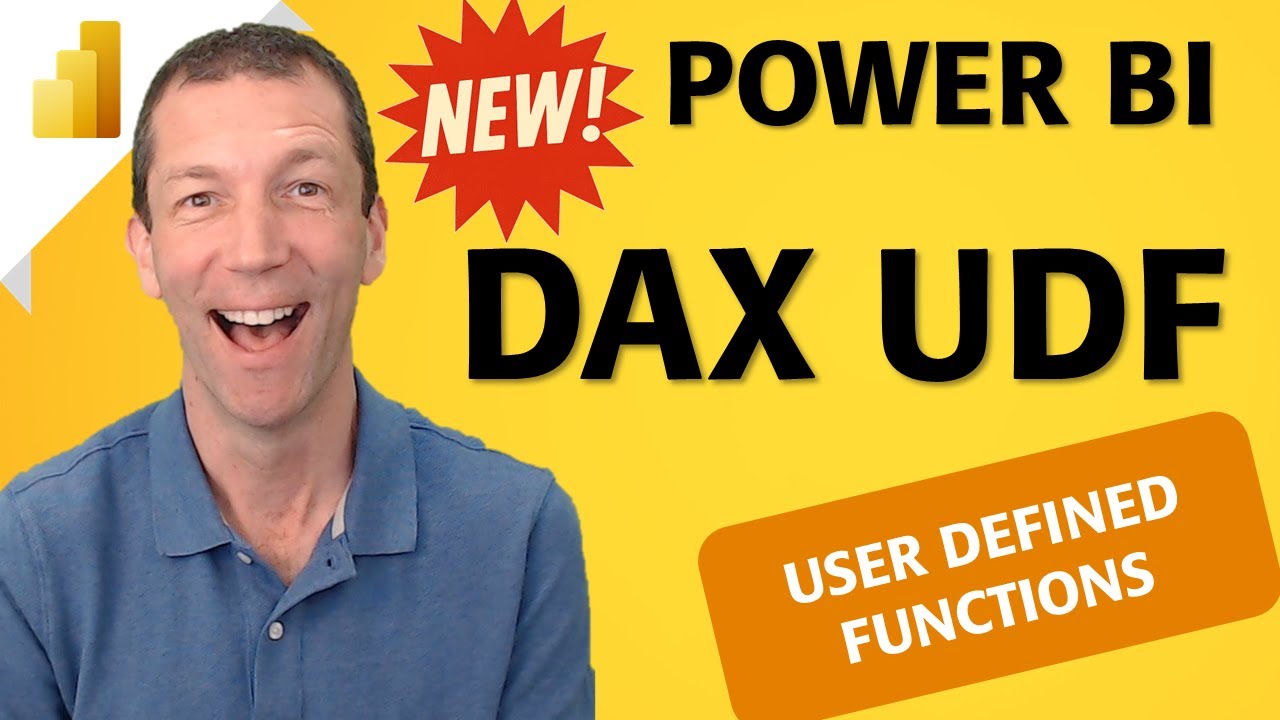
The video explains the concept of UDFs in Power BI and how patterns in this repository can be applied in real projects.
- These UDFs are generic by design — always adapt them to your own data model.
- Performance depends on relationships, cardinality, and model design.
- Always test measures in your own environment before production use.
- DAX Best Practices: User-Defined Functions (Microsoft Learn)
https://learn.microsoft.com/en-us/dax/best-practices/dax-user-defined-functions
Maintained by Sajjad Ahmadi
Power BI & Data Visualization Consultant