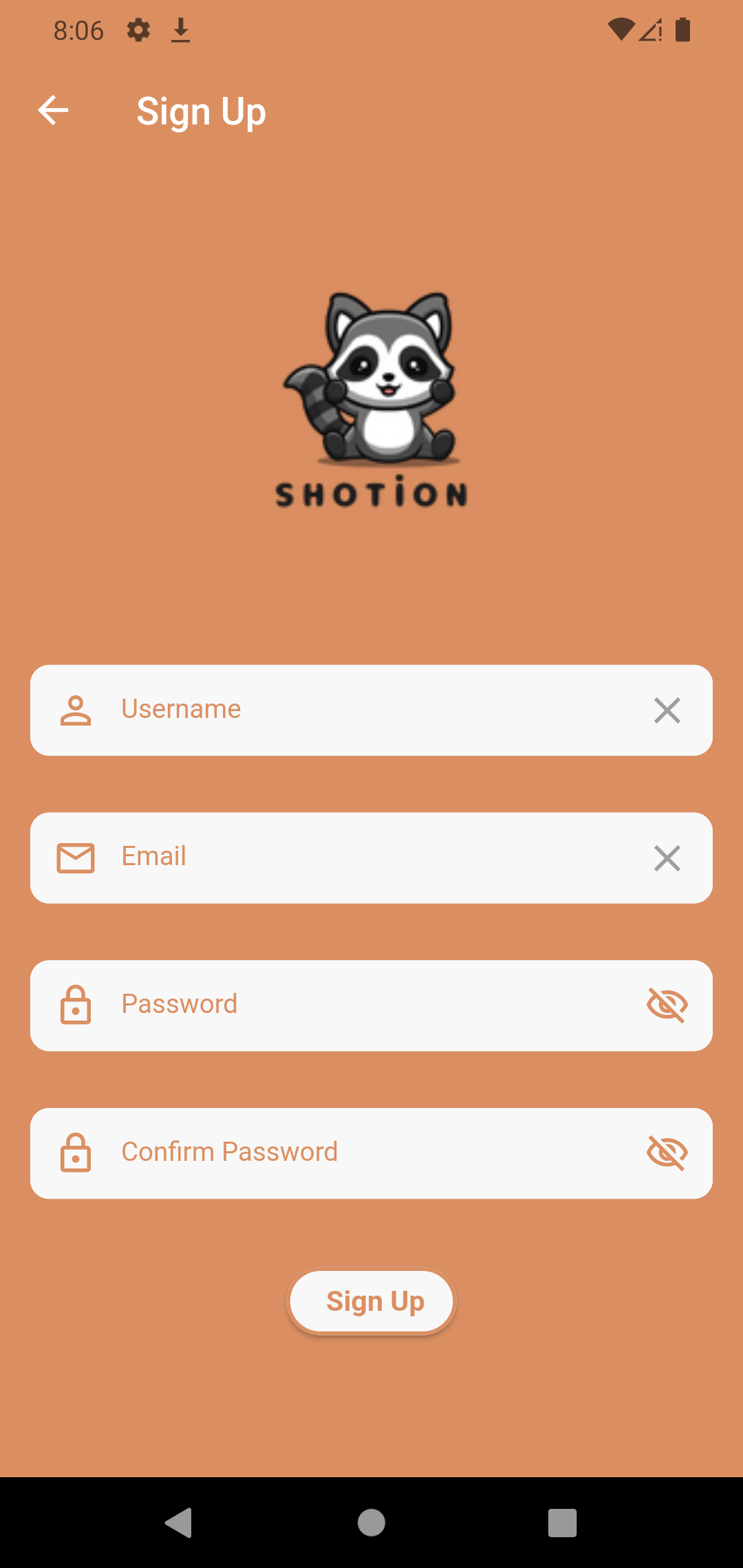
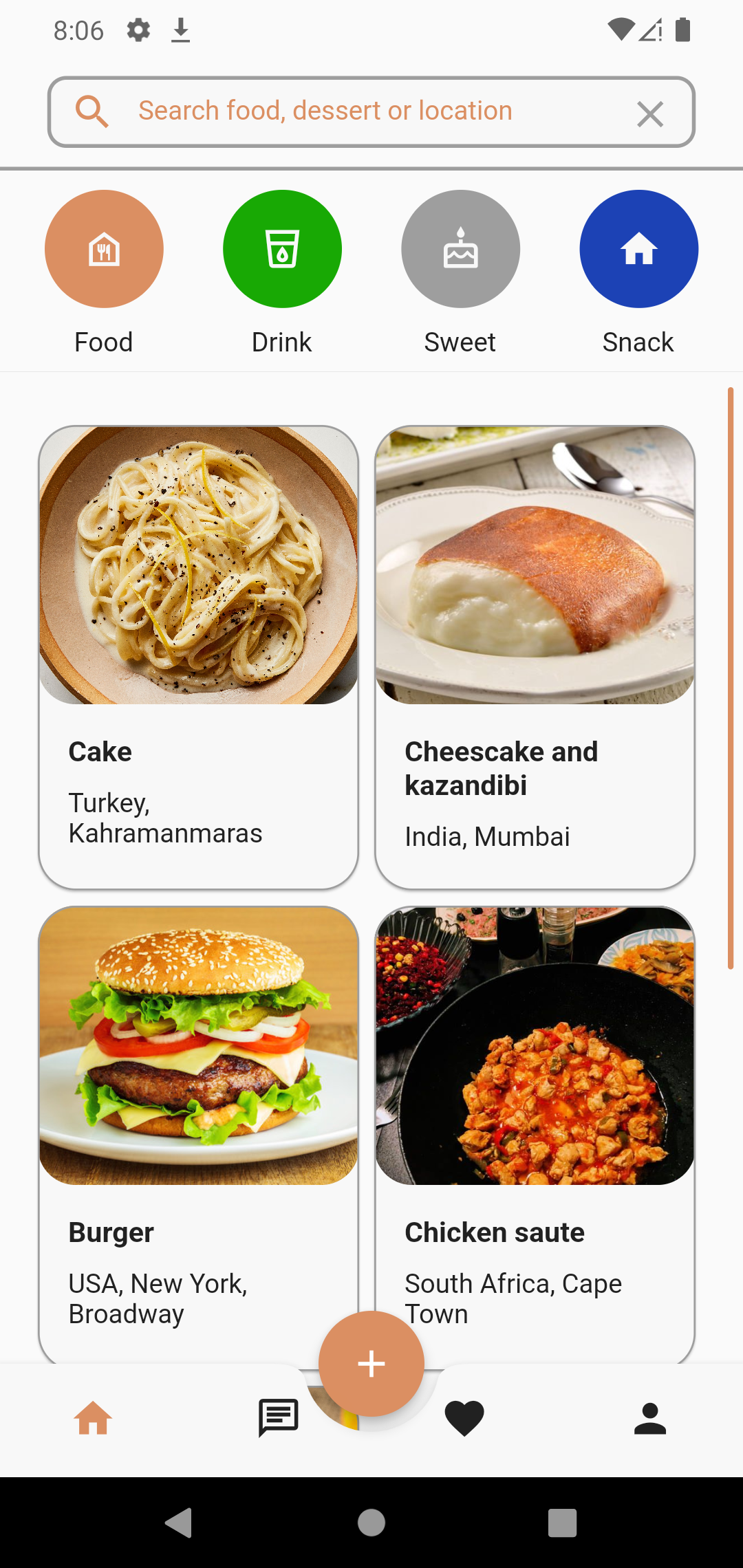
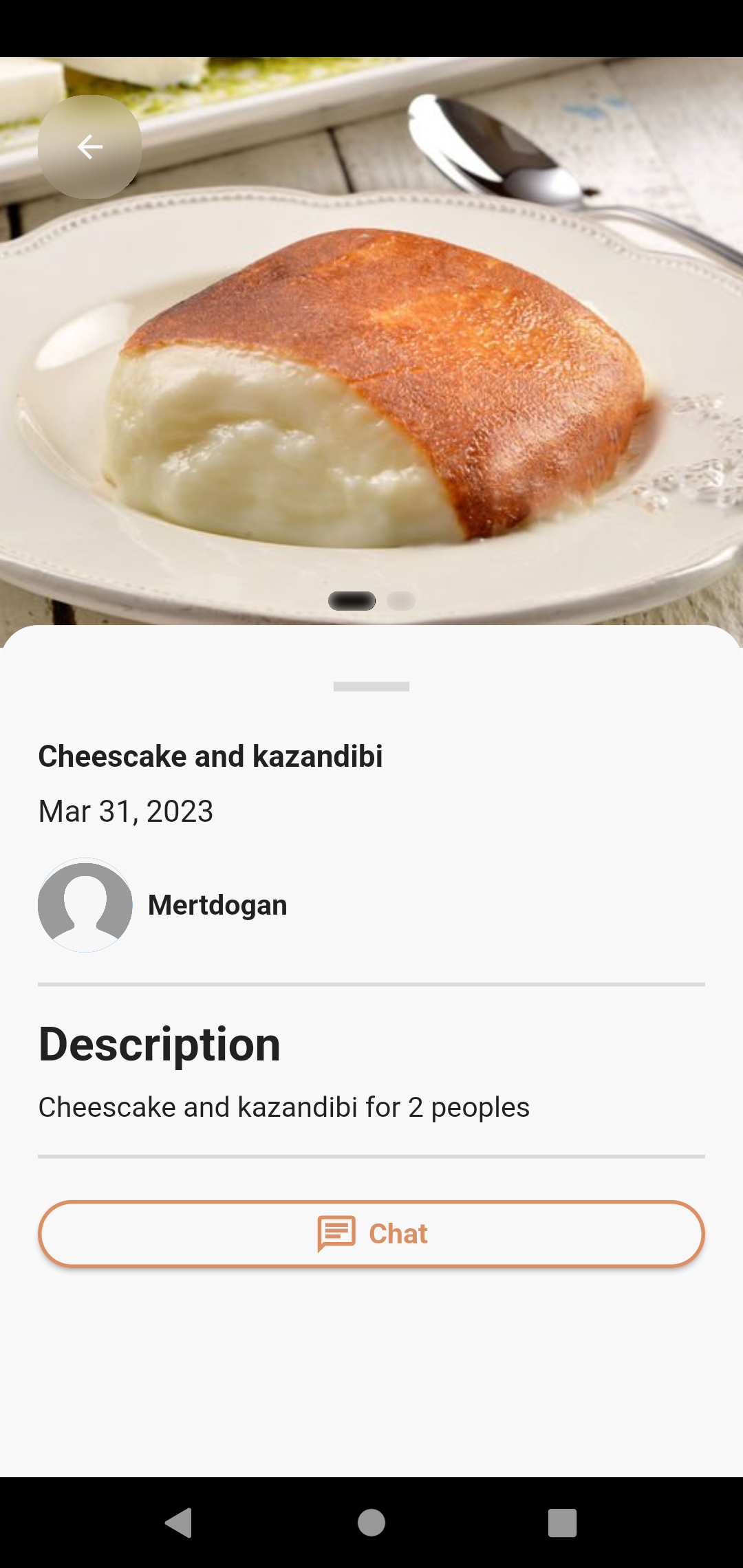
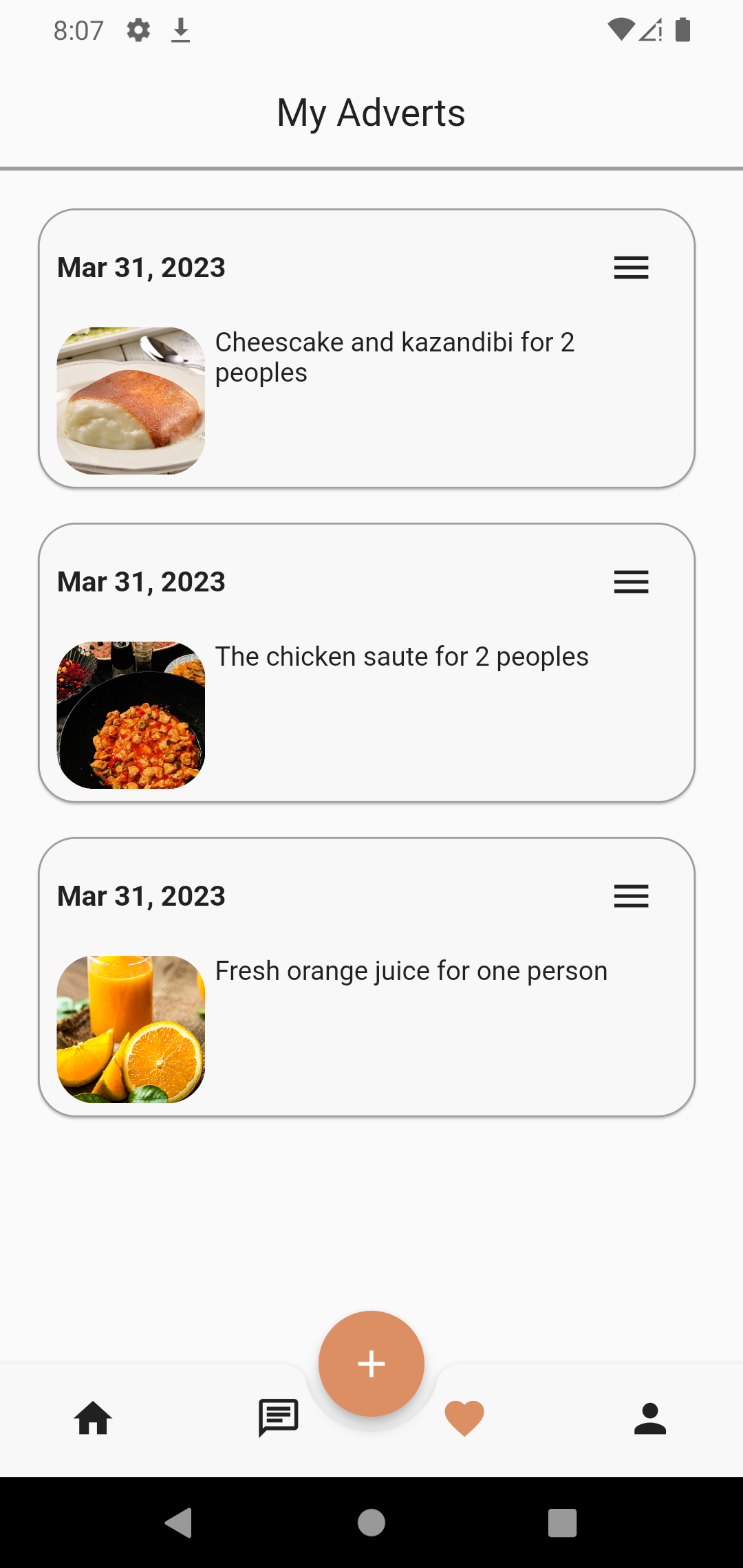
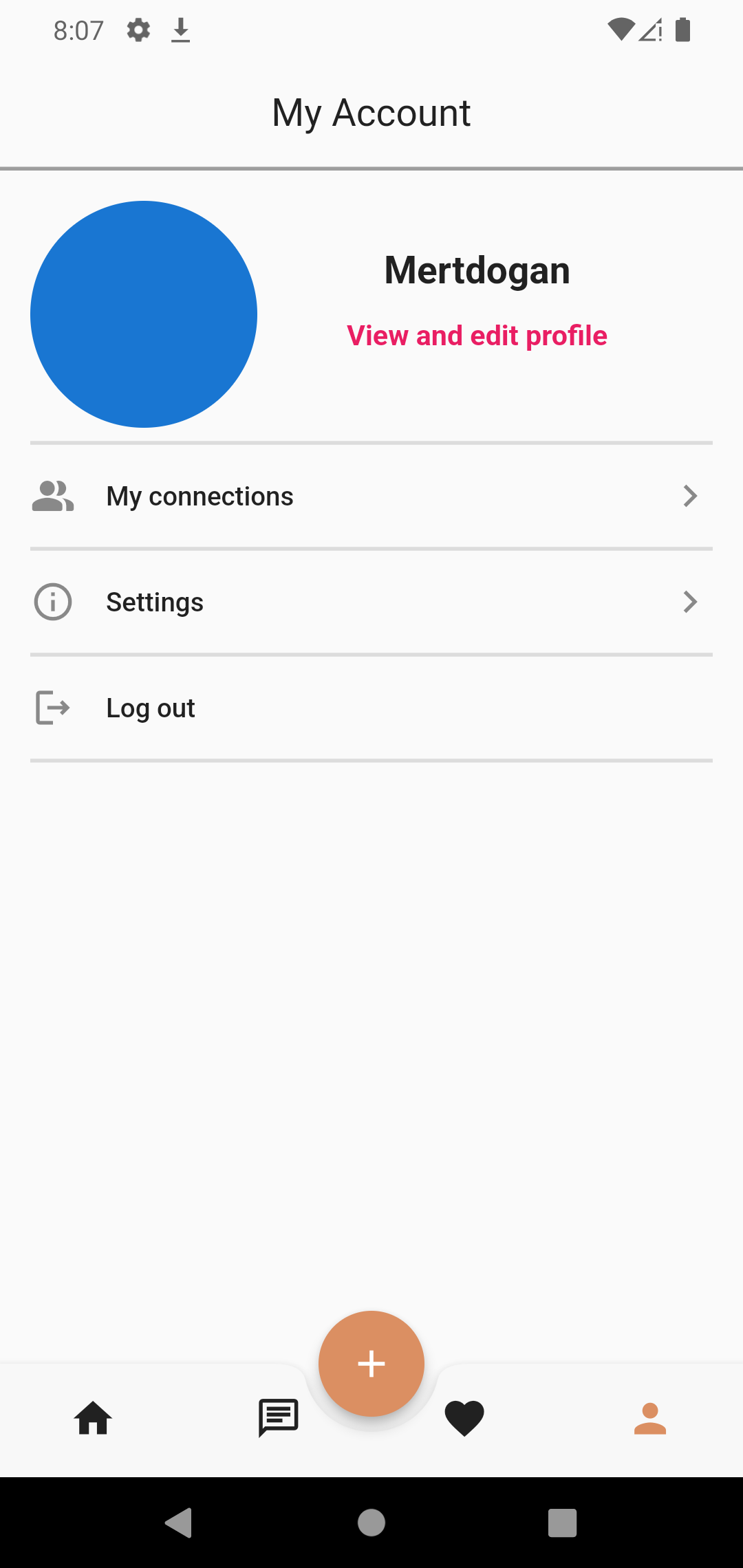
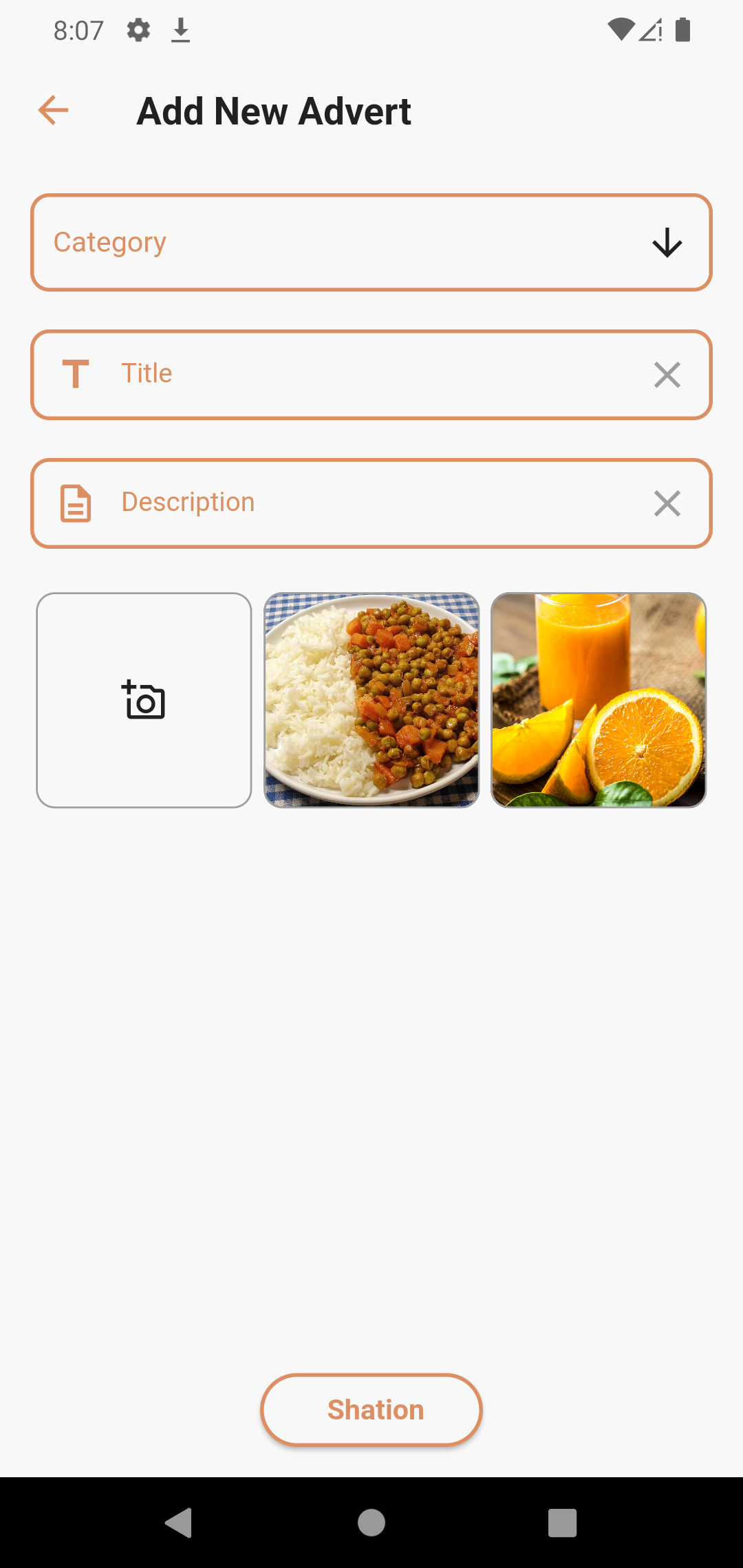
- Open the terminal and clone the repo.
git clone https://github.com/Deatsilence/ZeroHunger.git
-
Please make sure you have flutter installed. If you do not, follow the steps from here.
-
Enable the developer mode on your phone and connect it to your computer with the USB cable.
-
Once you clone the repository Open the project in Vscode or android studio and in the terminal type:
flutter doctor
##to check for all requirements to run the application
flutter run
5 . And now you are up and running in few moments