




Note
Any help is welcome, feel free to contact me.






Your language is not yet supported and you want to help with the translation? Follow this guide.
The Reef card for Home Assistant helps you manage your reef aquarium.
Combined with ha-reefbeat-component, it automatically supports your Redsea (ReefBeat) devices.
Note
If you have non-Redsea devices and want them to be supported, you can request it here.
✅ Implemented ☑️ In progress ❌ Planned
| Model | Status | Issues 📆(Planned) 🐛(Bugs) |
||
| ReefATO+ | RSATO+ | ❌ | 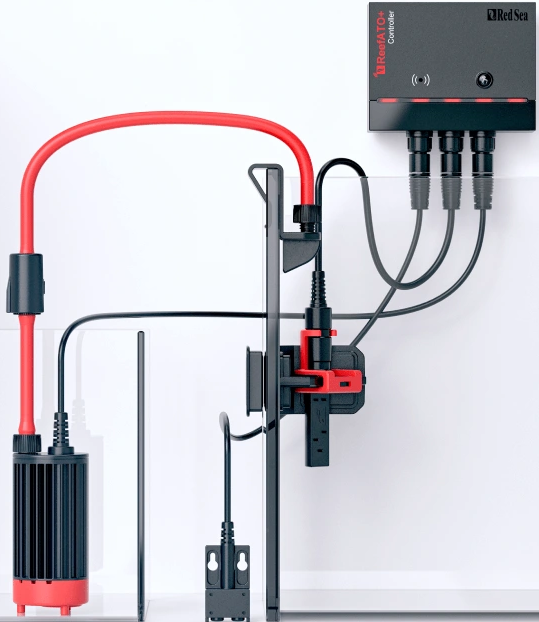 |
📆 🐛 |
| ReefControl | RSSENSE If you own one, you can contact me here and I will add its support. | ❌ | 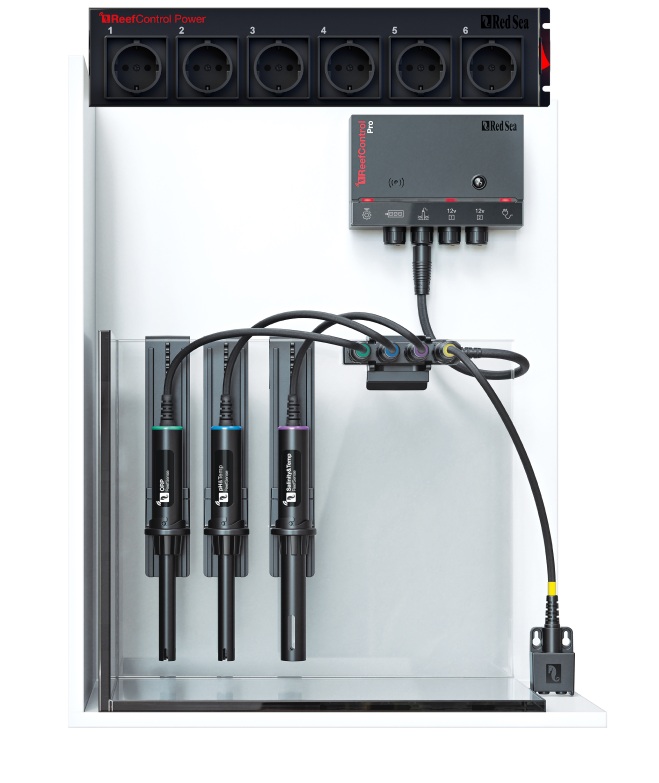 |
📆 🐛 |
| ReefDose | RSDOSE2 | ✅ | 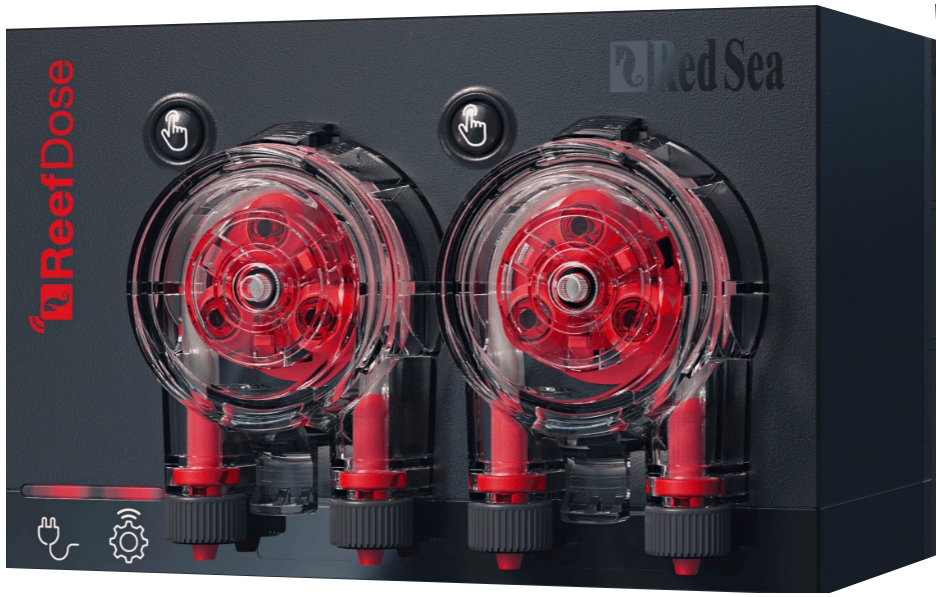 |
📆 🐛 |
| RSDOSE4 | ✅ | 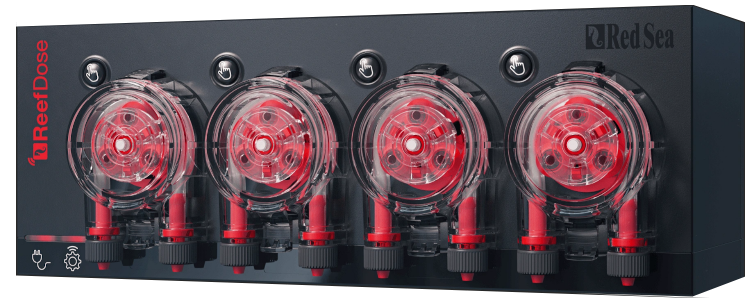 |
||
| ReefLed | G1 | ❌ | 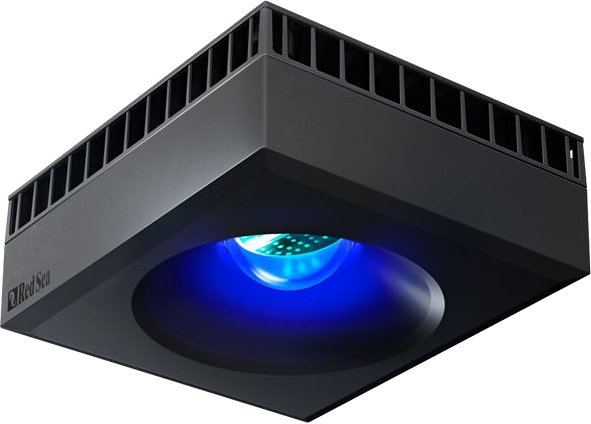 |
📆 🐛 |
| G2 | ❌ | 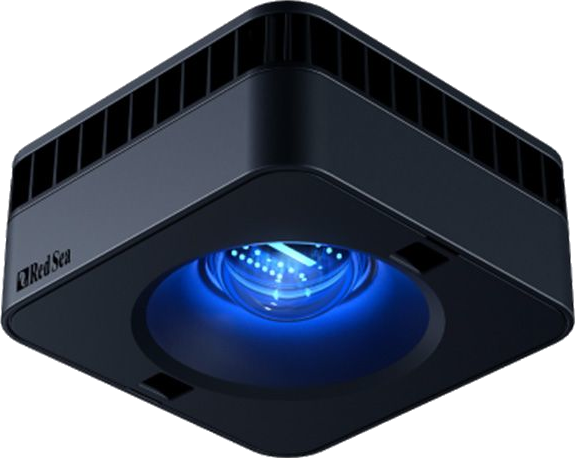 |
||
| ReefMat | RSMAT250 | ☑️ | 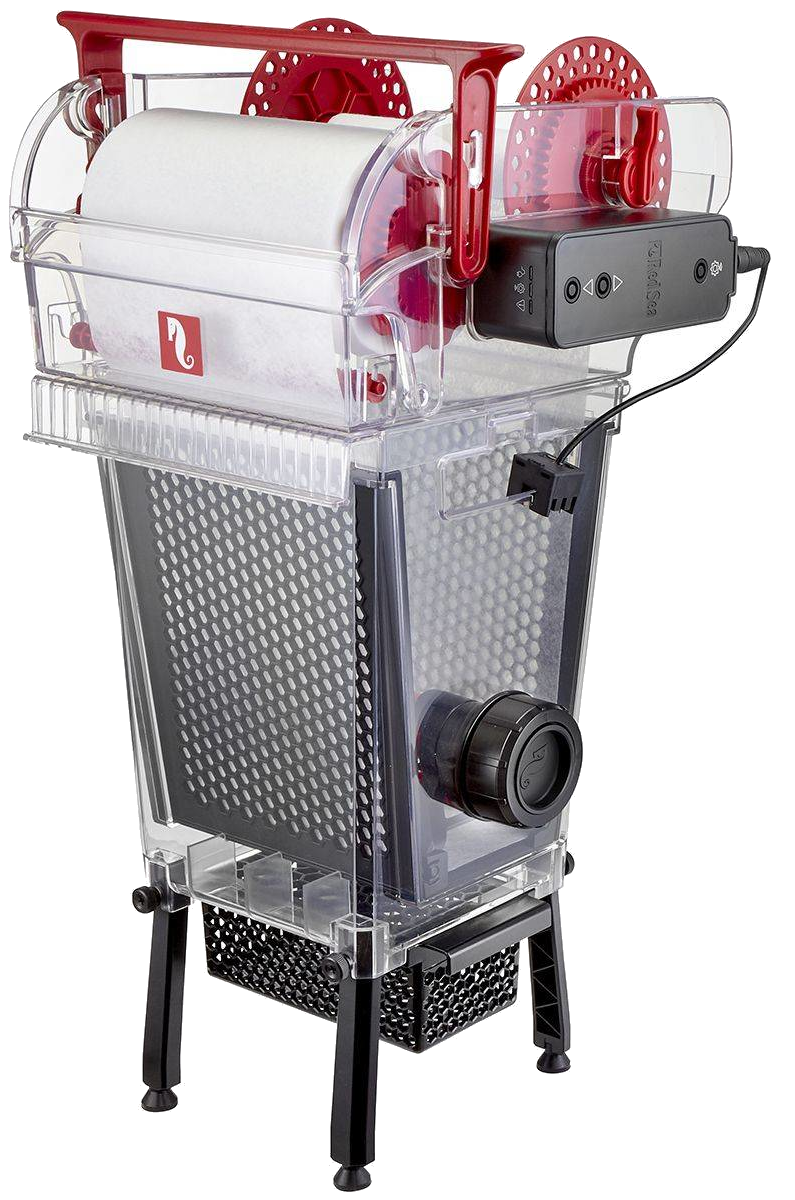 |
📆 🐛 |
| RSMAT500 | ☑️ | |||
| RSMAT1200 | ☑️ | |||
| ReefRun | RSRUN | ❌ | 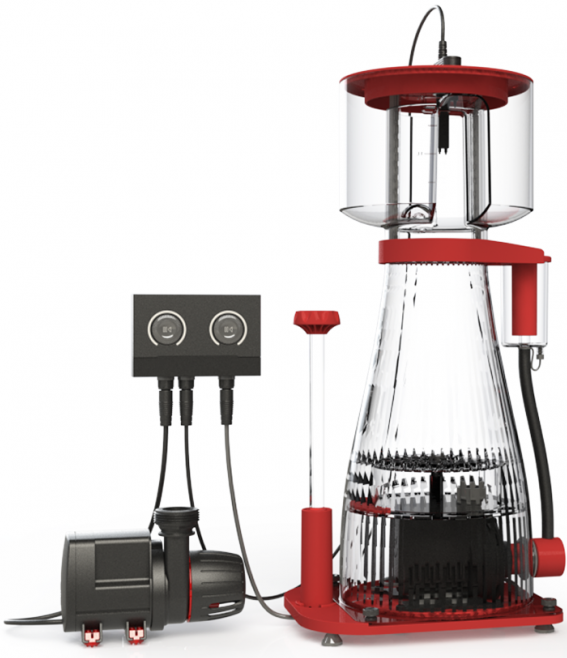 |
📆 🐛 |
| ReefWave | RSWAVE | ❌ | 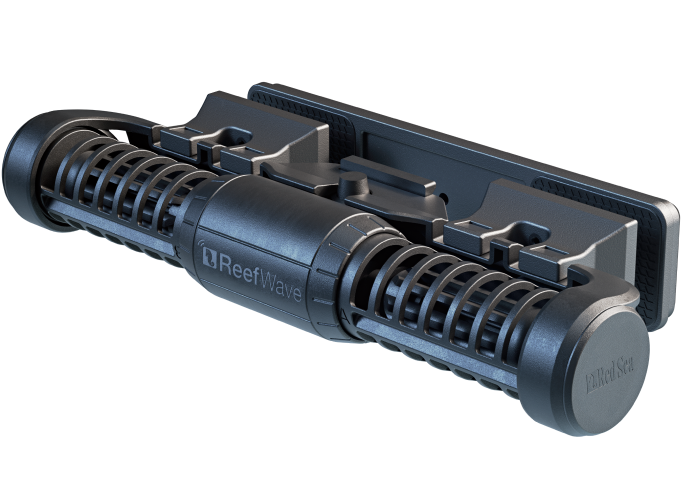 |
📆 🐛 |
Caution
Until HACS validation you can only install this card using the custom repositary, not the direct installation.
Click here to open the repository directly in HACS and click "Download":

Or search for «reef-card» in HACS.

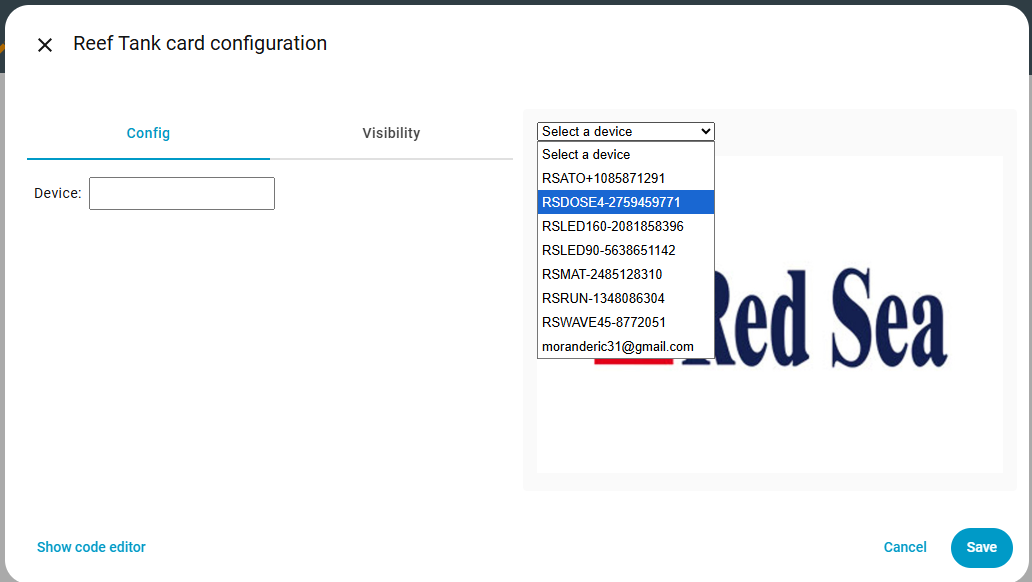
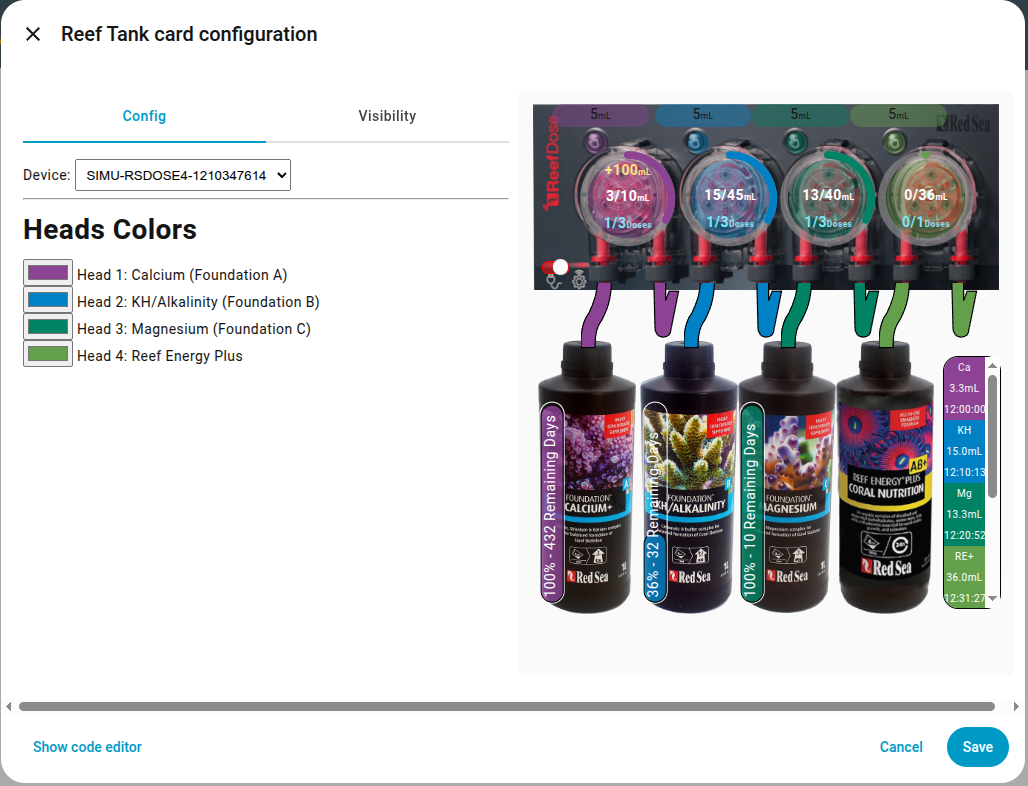
Without the device parameter, the card automatically detects all ReefBeat devices and lets you choose the one you want.
To remove device selection and force a specific one, set the device parameter to the name of your device.
 |
 |
Planned.
Want it supported sooner? Vote here.
Planned.
Want it supported sooner? Vote here.
ReefDose with ha-reef-card in action:
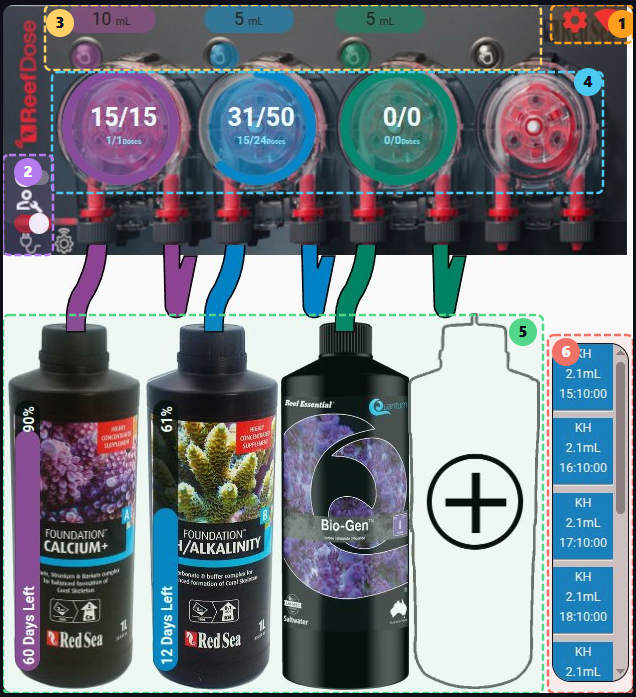
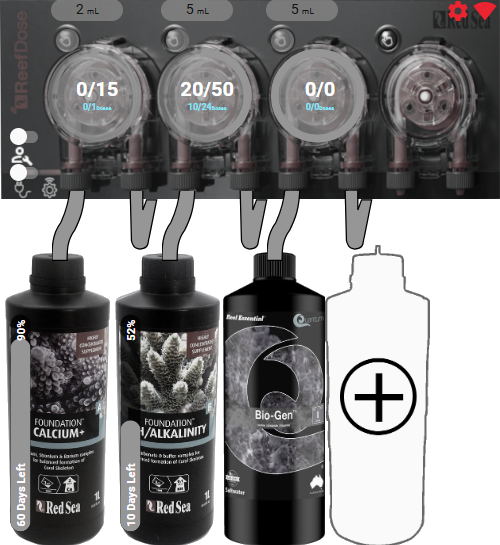
The ReefDose card is divided into 6 zones:
- Configuration/WiFi Information
- States
- Manual Dosing
- Head configuration and scheduling
- Supplement management
- Future dose queue

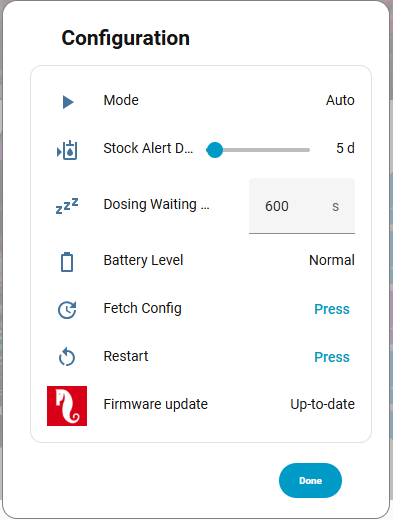
Click the icon  to manage the general configuration of the ReefDose.
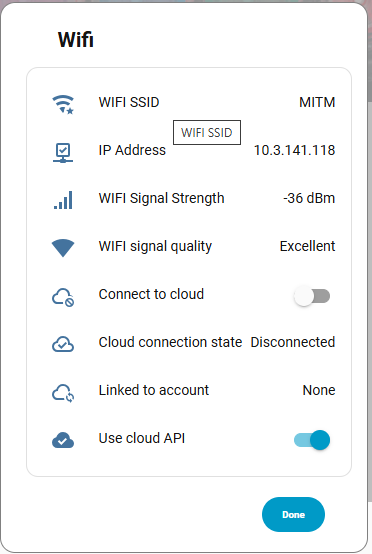
Click the icon  to manage the network settings.

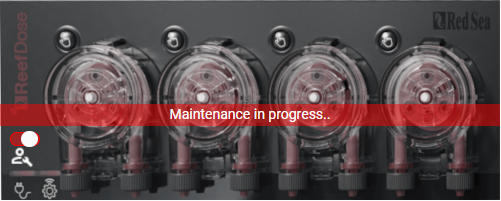
The maintenance switch  switches the device to maintenance mode.
The on/off switch  toggles the ReefDose between on and off states.

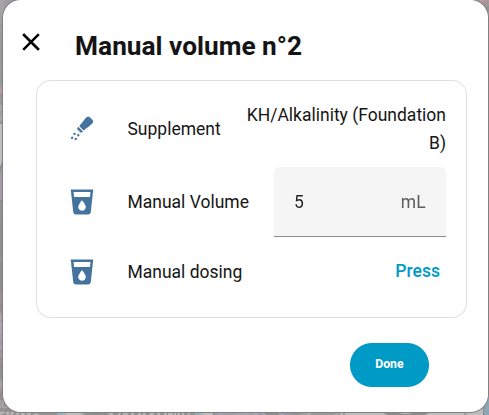
The button  displays the default manual dose for this head. Clicking it opens the configuration dialog for this dosing.
You can add shortcuts using the card editor:
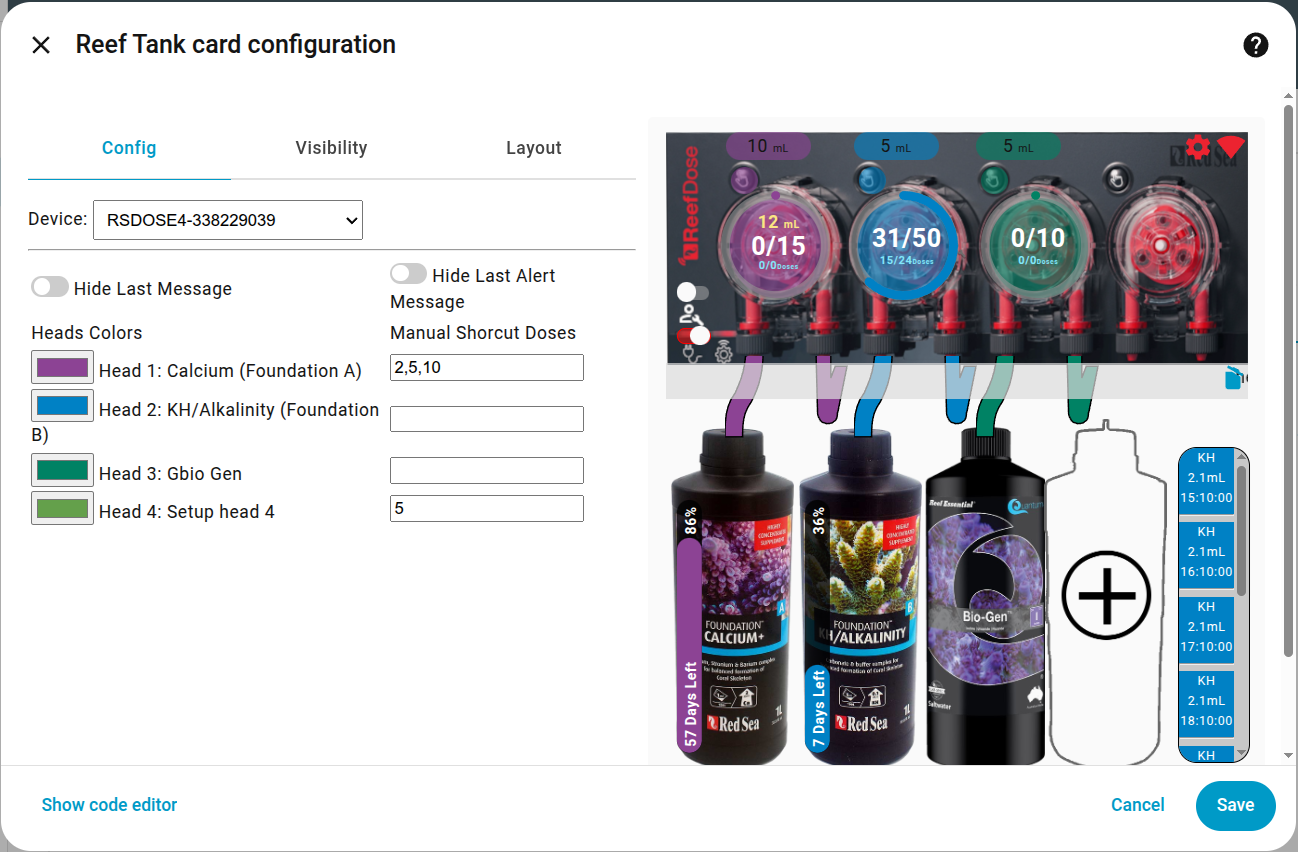
For example, head 1 offers 2, 5, and 10 mL as shortcuts.
These values will appear at the top of the dialog. Clicking a shortcut sends a command to dose the defined value.
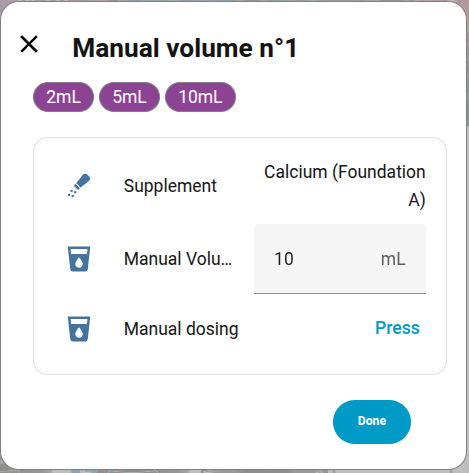
Pressing the manual dose button:  sends a dose command with the default value displayed just above:
  , i.e. 10 mL in this example.
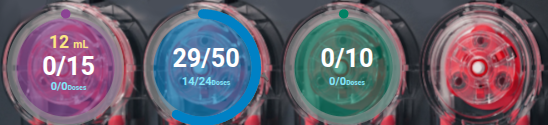
This zone allows you to view the current head schedule and change it.
-
The colored circular ring indicates the percentage of the daily dose already delivered.
-
The yellow number at the top shows the cumulative daily manual dose total.
-
The central part shows the volume delivered compared to the total programmed daily volume.
-
The blue lower part shows the number of doses delivered compared to the total doses for the day (example: 14/24 for blue because it is an hourly schedule and this screenshot was taken at 14:15). The values for purple and green show 0/0 because these doses are scheduled for 8:00 but the integration was started after 8:00, so there will be no doses today.
-
A long press on one of the 4 heads toggles it on/off.
-
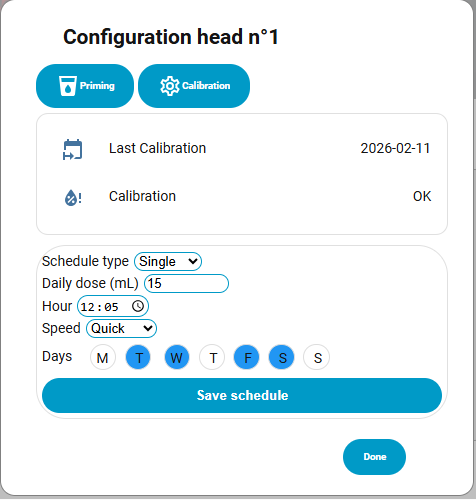
A click on a head opens the scheduling dialog. From this dialog you can run a priming cycle, recalibrate the head, change the daily dose and its schedule. Don't forget to save the schedule before closing.
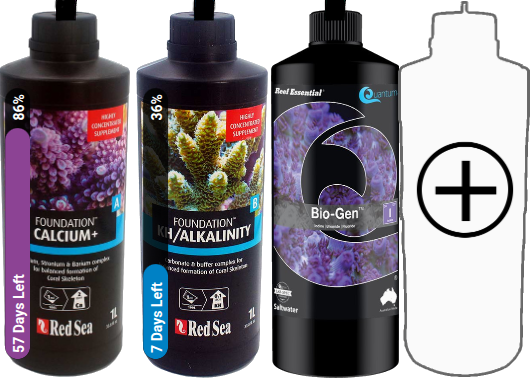
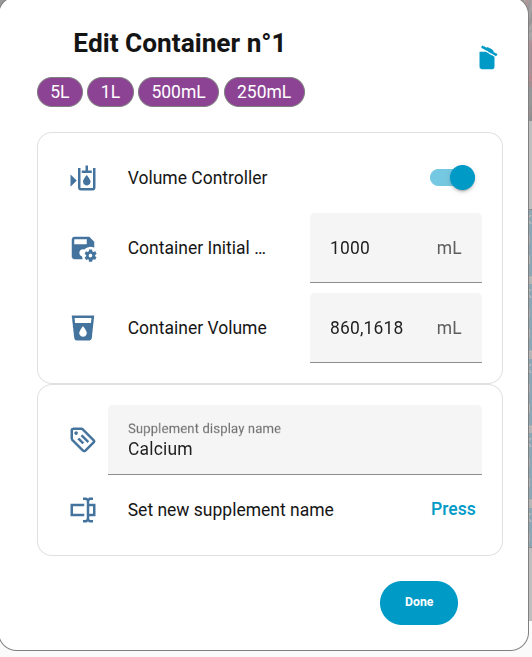
This zone is used to manage supplements. If a supplement is already declared, clicking on it will open the configuration dialog where you can:
- Delete the supplement (trash icon at the top right)
- Specify the total volume of the container
- Specify the actual volume of the supplement
- Decide whether you want to track the remaining volume. Clicking the shortcuts at the top will enable tracking and set default values for a full container.
- Change the display name of the supplement.
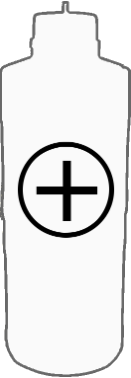
If no supplement is linked to a head, you can add one by clicking on the container with a '+' (head 4 in our example).
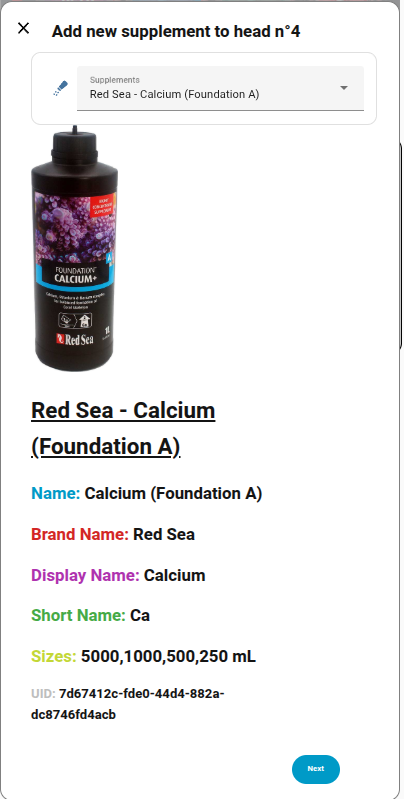
Then follow the instructions:
Here is the list of supported images for supplements, grouped by brand. If yours has a ❌, you can request its addition here.
ATI 0/2 🖼️
| ❌ | Essential Pro 1 | |
| ❌ | Essential Pro 2 | |
Aqua Forest 3/9 🖼️
| ✅ | Ca Plus | 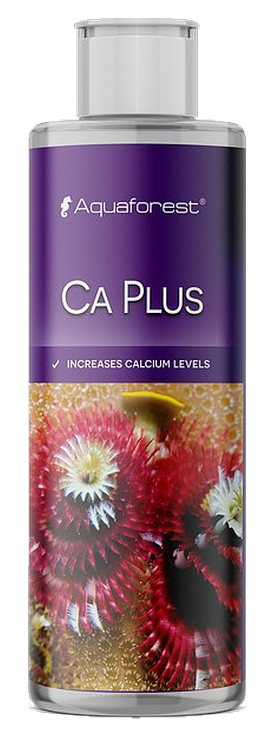 |
| ❌ | Calcium | |
| ❌ | Component 1+ | |
| ❌ | Component 2+ | |
| ❌ | Component 3+ | |
| ❌ | KH Buffer | |
| ✅ | KH Plus | 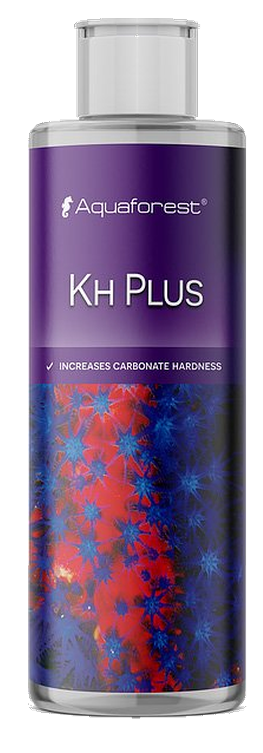 |
| ❌ | Magnesium | |
| ✅ | Mg Plus | 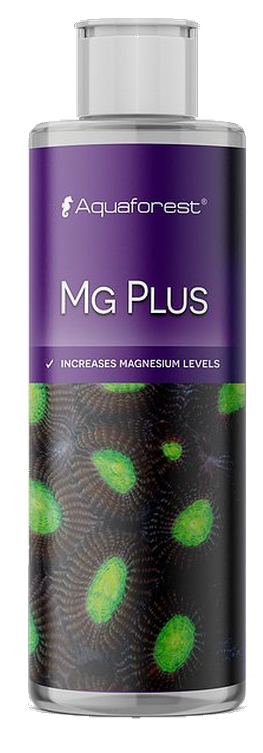 |
BRS 0/4 🖼️
| ❌ | Liquid Calcium | |
| ❌ | Liquid alkalinity | |
| ❌ | Magnesium Mix | |
| ❌ | Part C | |
Brightwell 0/12 🖼️
| ❌ | Calcion | |
| ❌ | Ferrion | |
| ❌ | Hydrate - MG | |
| ❌ | KoralAmino | |
| ❌ | Koralcolor | |
| ❌ | Liquid Reef | |
| ❌ | Potassion | |
| ❌ | Reef Code A | |
| ❌ | Reef Code B | |
| ❌ | Replenish | |
| ❌ | Restore | |
| ❌ | Strontion | |
ESV 0/5 🖼️
| ❌ | B-Ionic Component 1 | |
| ❌ | B-Ionic Component 2 | |
| ❌ | B-Ionic Magnesium | |
| ❌ | Transition elements | |
| ❌ | Transition elements plus | |
Fauna Marine 0/11 🖼️
| ❌ | Amin | |
| ❌ | Balling light trace 1 | |
| ❌ | Balling light trace 2 | |
| ❌ | Balling light trace 3 | |
| ❌ | Balling light Ca | |
| ❌ | Balling light KH | |
| ❌ | Balling light Mg | |
| ❌ | Blue trace elements | |
| ❌ | Green trace elements | |
| ❌ | Min S | |
| ❌ | Red trace elements | |
Quantum 7/7 🖼️
| ✅ | Aragonite A | 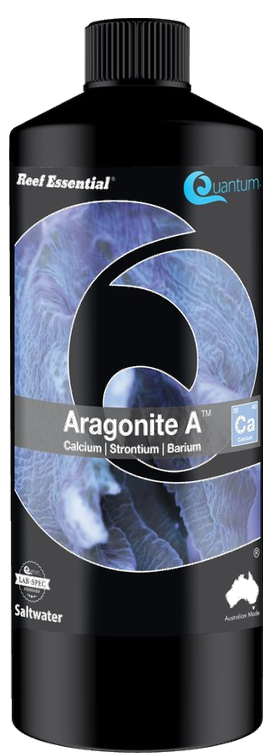 |
| ✅ | Aragonite B | 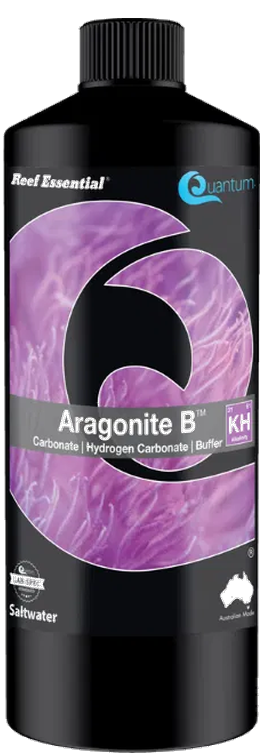 |
| ✅ | Aragonite C | 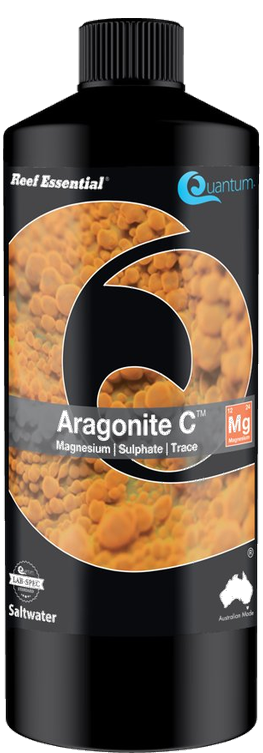 |
| ✅ | Bio Kalium | 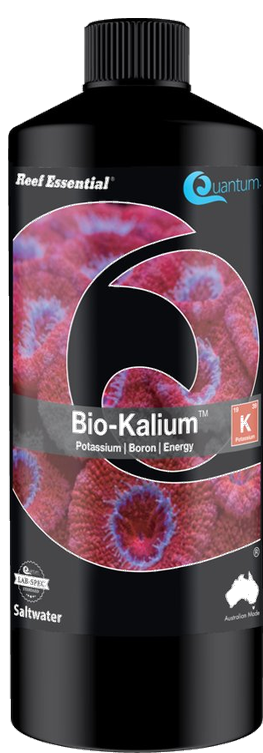 |
| ✅ | Bio Metals | 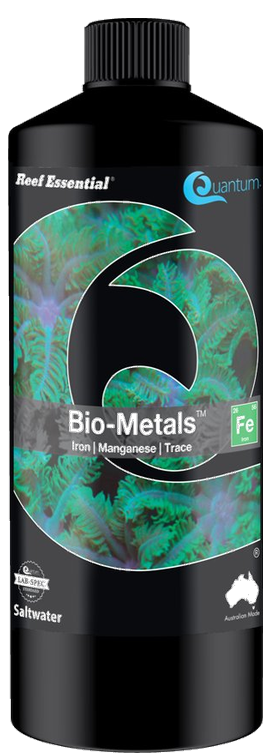 |
| ✅ | Bio enhance | 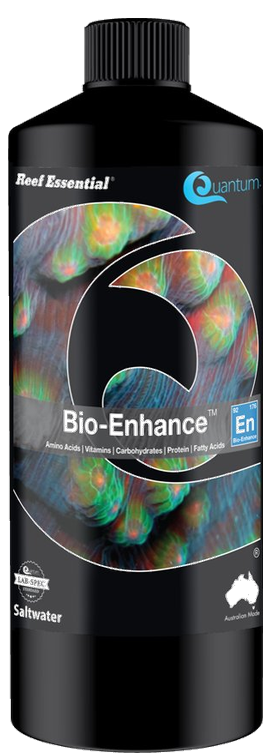 |
| ✅ | Gbio Gen | 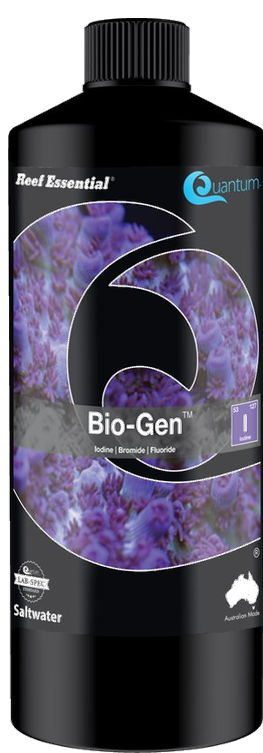 |
Red Sea 10/13 🖼️
| ✅ | Bio Active (Colors D) | 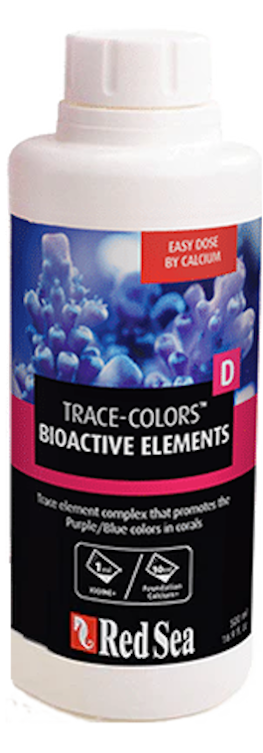 |
| ✅ | Calcium (Foundation A) | 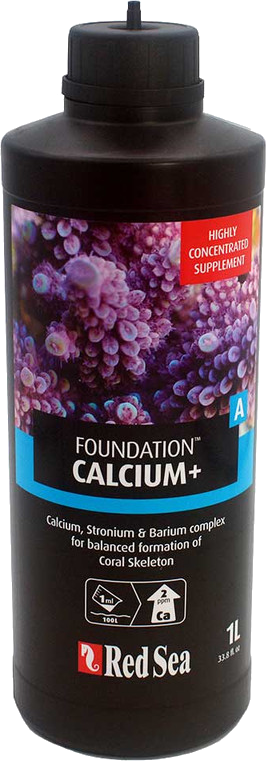 |
| ❌ | Calcium (Powder) | |
| ✅ | Iodine (Colors A) | 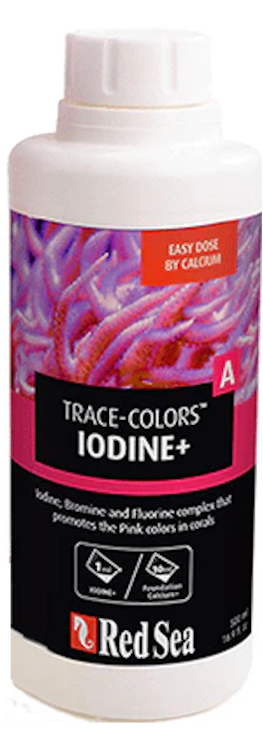 |
| ✅ | Iron (Colors C) | 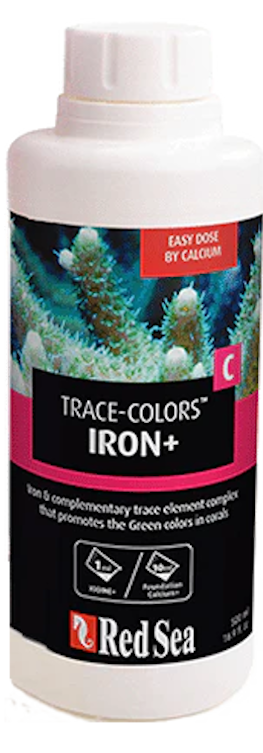 |
| ✅ | KH/Alkalinity (Foundation B) | 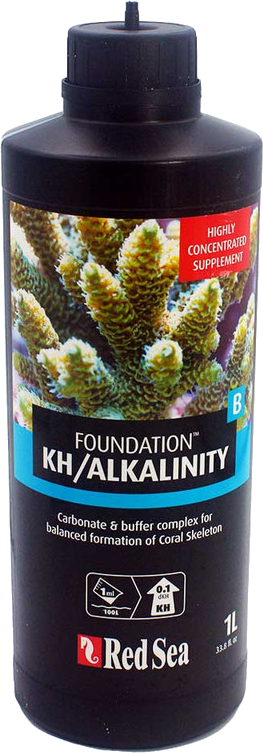 |
| ❌ | KH/Alkalinity (Powder) | |
| ✅ | Magnesium (Foundation C) | 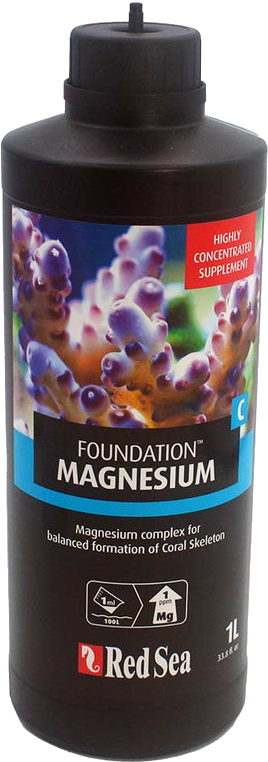 |
| ❌ | Magnesium (Powder) | |
| ✅ | NO3PO4-X | 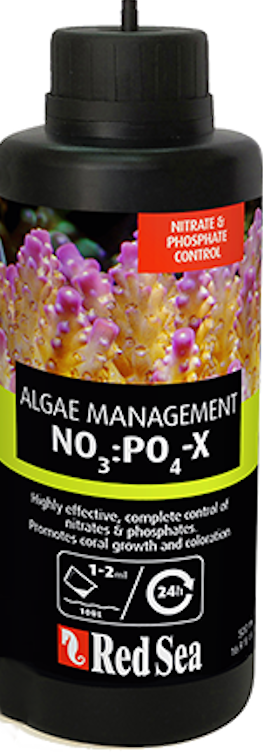 |
| ✅ | Potassium (Colors B) | 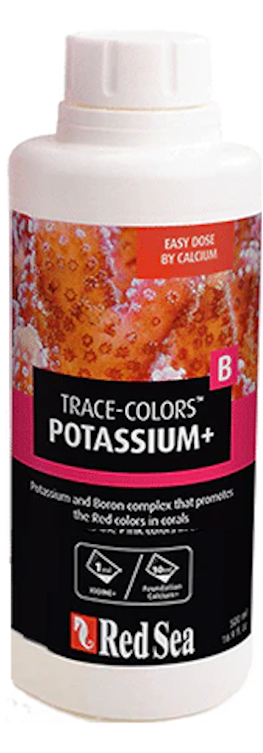 |
| ✅ | Reef Energy Plus | 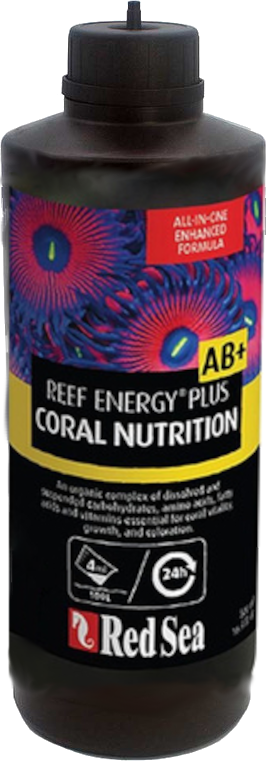 |
| ✅ | ReefCare Program |  |
Seachem 0/9 🖼️
| ❌ | Reef Calcium | |
| ❌ | Reef Carbonate | |
| ❌ | Reef Complete | |
| ❌ | Reef Fusion 1 | |
| ❌ | Reef Fusion 2 | |
| ❌ | Reef Iodine | |
| ❌ | Reef Plus | |
| ❌ | Reef Strontium | |
| ❌ | Reef Trace | |
Triton 0/4 🖼️
| ❌ | Core7 elements 1 | |
| ❌ | Core7 elements 2 | |
| ❌ | Core7 elements 3A | |
| ❌ | Core7 elements 3B | |
Tropic Marin 5/14 🖼️
| ❌ | A Element | |
| ✅ | All-For-Reef | 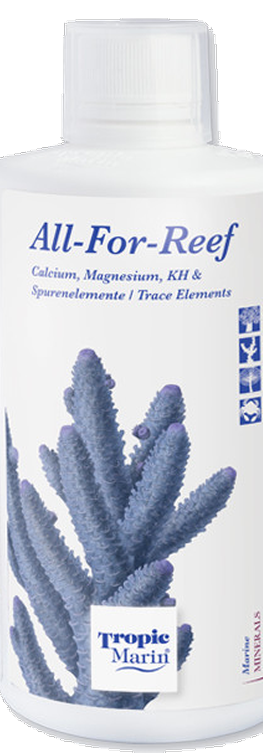 |
| ✅ | Amino Organic |  |
| ❌ | Balling A | |
| ❌ | Balling B | |
| ❌ | Balling C | |
| ✅ | Bio-Magnesium | 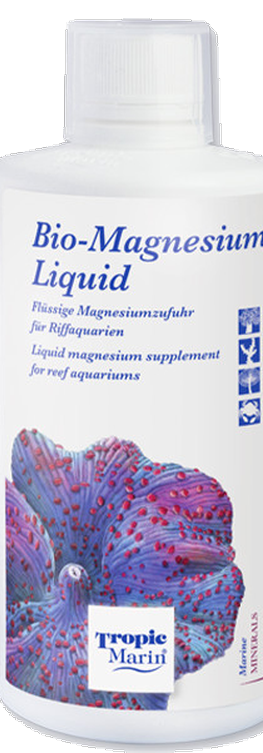 |
| ✅ | Carbo Calcium |  |
| ❌ | Elimi-NP | |
| ❌ | K Element | |
| ❌ | Liquid Buffer | |
| ❌ | NP-Bacto-Balance | |
| ❌ | Plus-NP | |
| ✅ | Potassium | 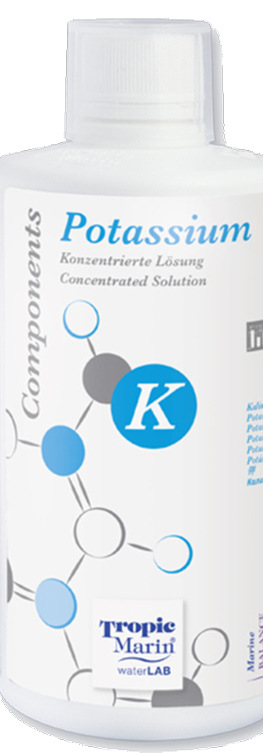 |
Planned.
Want it supported sooner? Vote here.
Planned.
Want it supported sooner? Vote here.
Planned.
Want it supported sooner? Vote here.
Planned.
Want it supported sooner? Vote here.