This project and readme have been auto generated by react-native-make
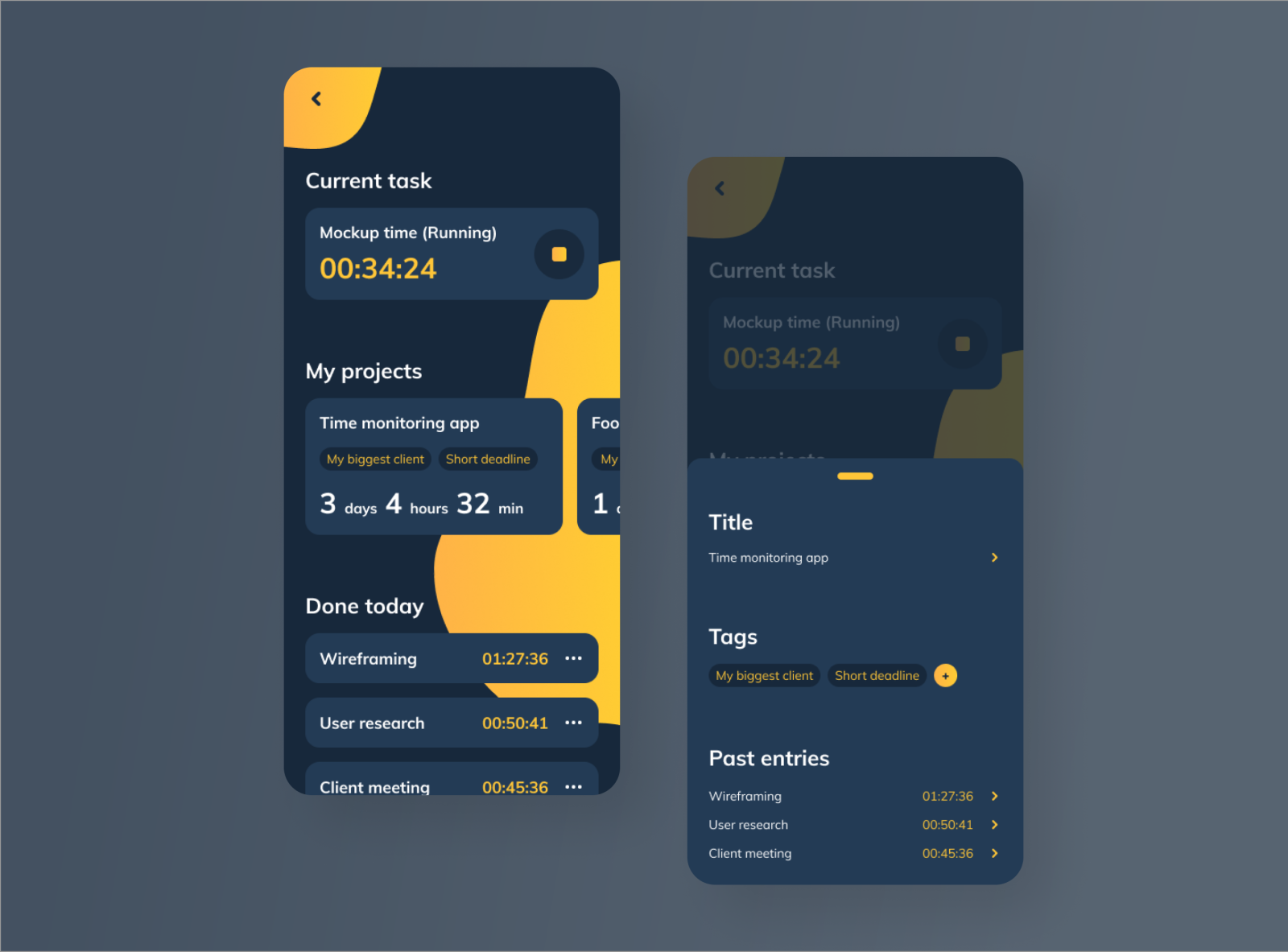
Make sure you have installed:
- Git
- XCode
- Android SDK
- node
- yarn
- react-native-cli
- ruby
- bundler (
sudo gem install bundler)
- bundler (
- transcrypt (
brew install transcrypt)
git clone git@github.com:gguigre/dark-tasks-manager.git
cd dark-tasks-manager
bundle install
yarn
bundle exec pod repo update
cd ios && bundle exec pod install && cd ..Ask the password to a BAM's architect.
transcrypt -c aes-256-cbc -p '<password>'
Launch the app in your simulator:
- iOS:
react-native run-ios - Android:
react-native run-android
When you genereted the repository with react-native-make the following feature must be present.
- A repository should have been created at https://github.com/gguigre/dark-tasks-manager
- Travis CI run your tests
- An application have been created and deployed on appcenter
- You can deploy automaticly with fastlane to appcenter
- We installed the following libraries for you :
- @react-native-community/async-storage
- redux
- recompose
- redux-persist
- redux-saga
- react-navigation
- react-native-localize
- i18n-js
- typesafe-actions
- jest
- prettier
- eslint
You can launch the tests with yarn test. This command will :
- Run
eslinton your project - Check the typescript types
- Run the
jesttests
You can launch the jest tests in watch mode with:
yarn jest --watchYou can also get the coverage with
yarn jest --coverageIf you are in teh bamlab organisation, travis CI have been setted up for you. It should run the yarn test command on each pull request and branch update.
You have created a staging environment for you. This environment push teh application on Appcenter.
To deploy in staging, just run
./scripts/deploy.sh
There is few options on the deploy command. Please run the following command to have all usages:
./scripts/deploy.sh -h