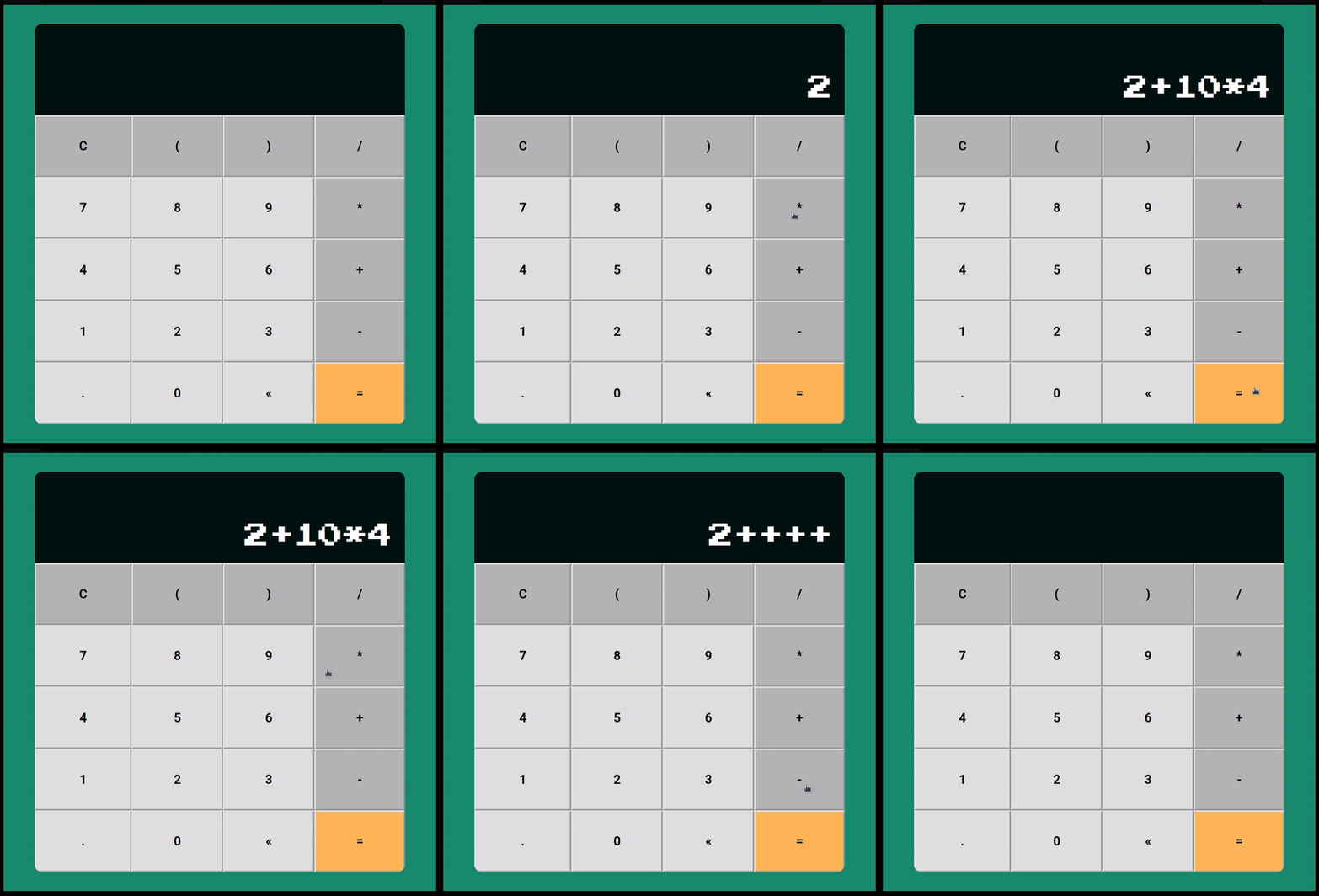
A simple calculator made with JavaScript, HTML and CSS.
display: represents the display element on the calculator.displayMessage: represents the display message element on the calculator.
init: initializes the calculator events.clickEvent: listens for click events on the calculator buttons.result: performs the calculation of the expression on the display.btnClick: determines if a button click is valid.toDisplay: appends a value to the display.clearDisplay: clears the display and the display message.backspace: deletes the last digit on the display.keyPress: listens for keyup events on the display, if the keyCode is 13 (enter), the result is calculated, if the keyCode is 38 (arrow up), the expression history is retrieved.expressionHistory: retrieves the last expression on the display message and places it on the display.validateInput: validates the input on the display to make sure it's a valid expression.
- Call the
initmethod on thecalculatorobject.
calculator.init();Uma calculadora simples feita com JavaScript, HTML e CSS.
display: representa o elemento de display na calculadora.displayMessage: representa o elemento de mensagem de display na calculadora.
init: inicializa os eventos da calculadora.clickEvent: escuta eventos de clique nos botões da calculadora.result: realiza o cálculo da expressão no display.btnClick: determina se um clique no botão é válido.toDisplay: adiciona um valor ao display.clearDisplay: limpa o display e a mensagem de display.backspace: exclui o último dígito no display.keyPress: escuta eventos de keyup no display, se o keyCode é 13 (enter), o resultado é calculado, se o keyCode é 38 (seta para cima), o histórico de expressão é recuperado.expressionHistory: recupera a última expressão na mensagem de display e coloca-a no display.validateInput: valida a entrada no display para garantir que seja uma expressão válida.
- Chame o método
initno objetocalculator.
calculator.init();