
requests is a simple Python HTTP client for making web requests. It supports proxy configuration and is widely used for automation, API testing, and scraping tasks.
Though not asynchronous, it’s lightweight and easy to extend.
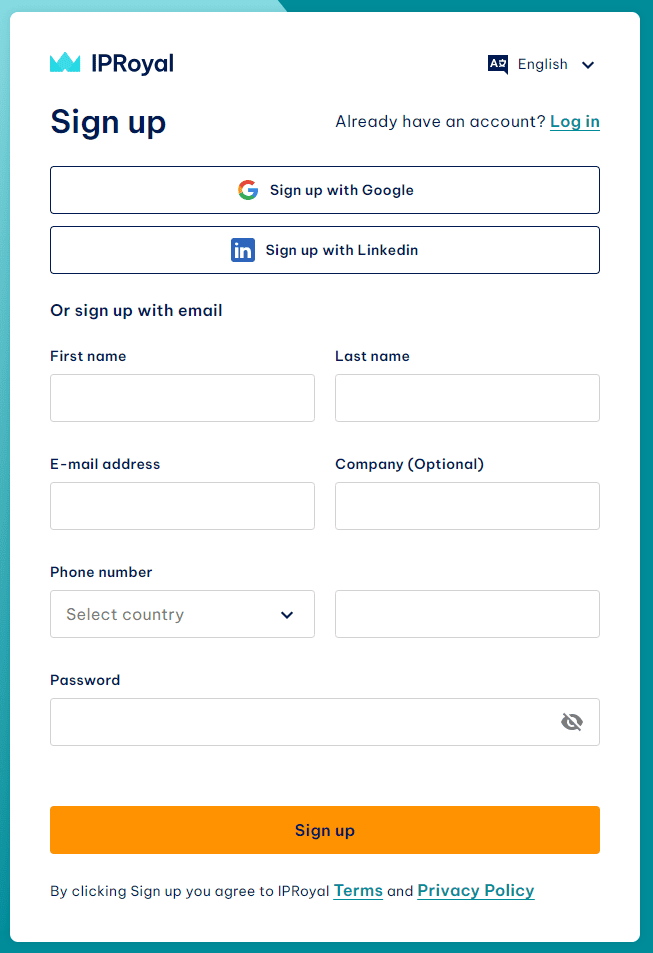
- Create an account on the IPRoyal Dashboard.
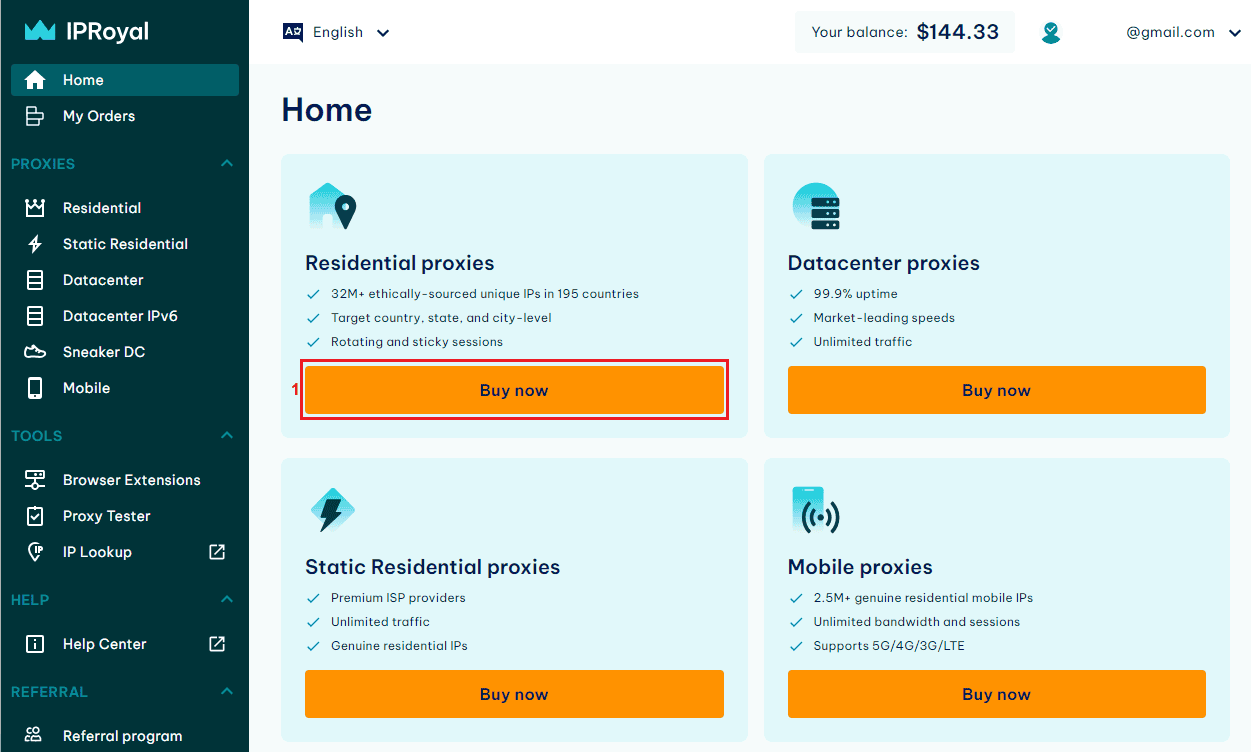
- Purchase Residential Proxies → Click Buy Now.
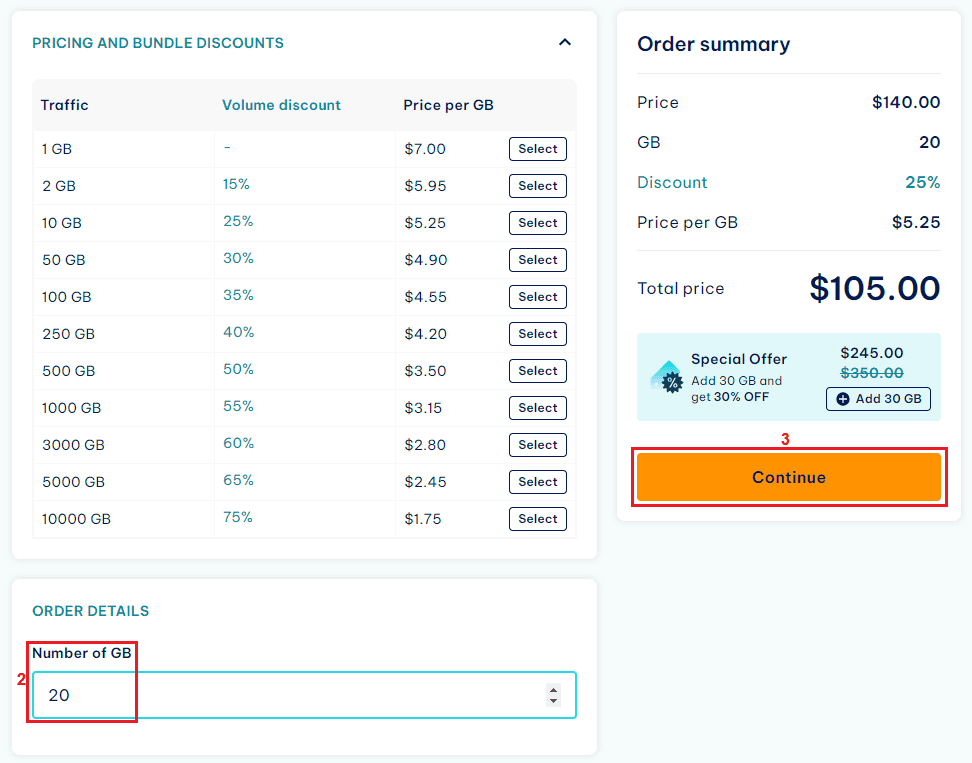
- Choose the required traffic amount.
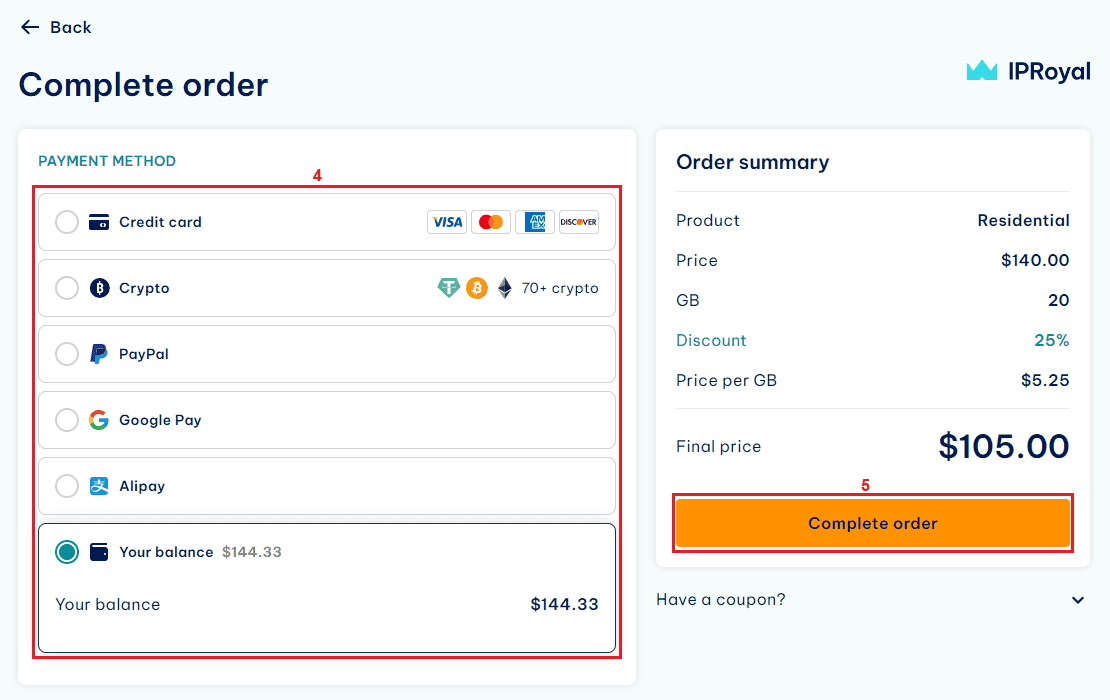
- Complete payment and proceed to your proxy dashboard.
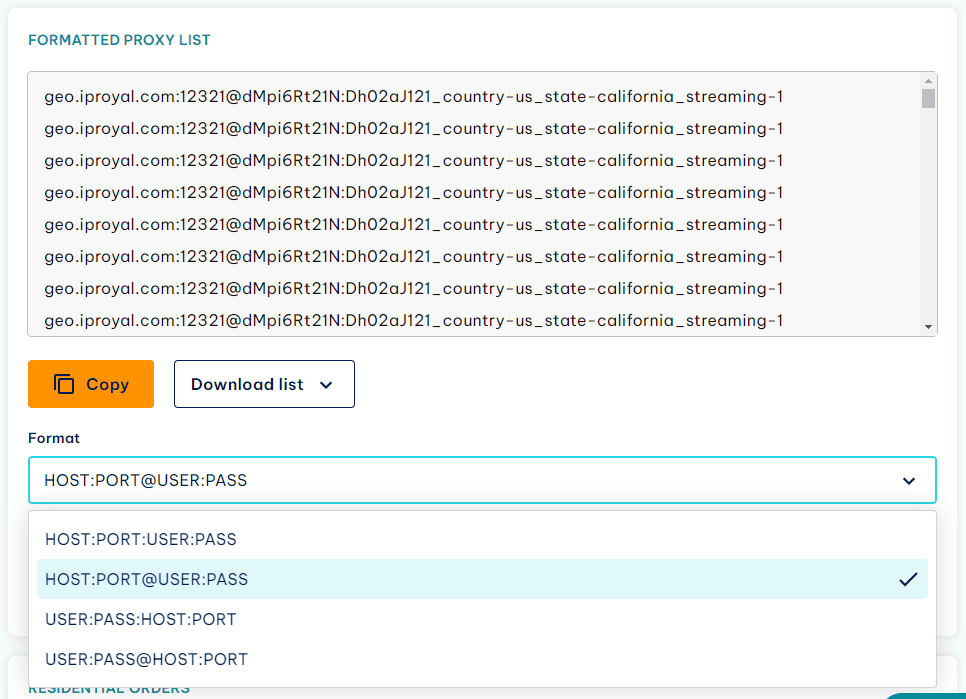
- Select the
user:pass@host:portformat for Python Requests.
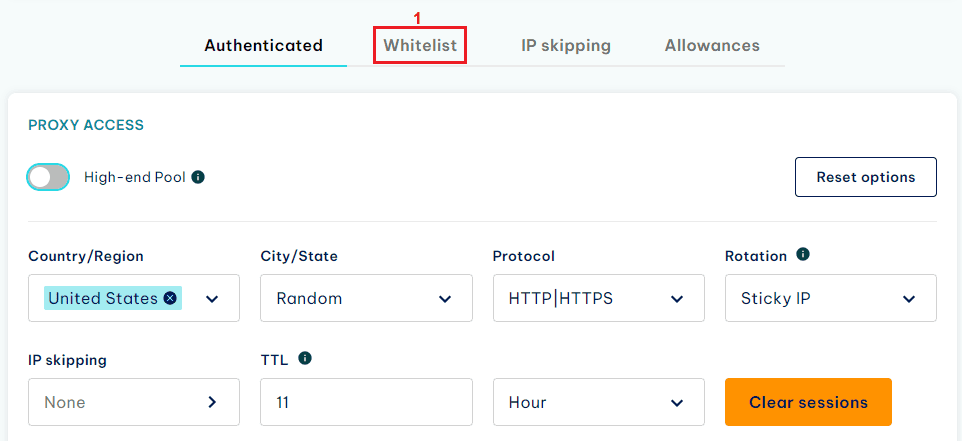
Alternatively, you may use IP whitelisting to bypass authentication credentials. This option is ideal for fixed IP environments.
Install the requests library:
pip install requestsUse standard username and password authentication for your proxy connection.
import requests
proxy = "http://USER:PASS@HOST:PORT"

# Proxy dictionary to be passed to requests
proxies = {
    "http": proxy,
    "https": proxy,
}

# Example URL to test the proxy
url = "http://httpbin.org/ip"

# Make a request using the proxy
response = requests.get(url, proxies=proxies)

# Print the response
print(response.json())If you have whitelisted your IP address on the dashboard, you can connect without credentials.
import requests
proxy = "http://HOST:PORT"

# Proxy dictionary to be passed to requests
proxies = {
    "http": proxy,
    "https": proxy,
}

# Example URL to test the proxy
url = "http://httpbin.org/ip"

# Make a request using the proxy
response = requests.get(url, proxies=proxies)

# Print the response
print(response.json())If your provider doesn’t handle rotation automatically, you can rotate manually across multiple proxies. This example iterates through each proxy and retries on failure.
import requests

# List of proxies provided by IPRoyal
proxies_list = [
    {"host": "geo.iproyal.com", "port": "12321", "username": "user1", "password": "pass1"},
    {"host": "geo.iproyal.com", "port": "12321", "username": "user2", "password": "pass2"},
    {"host": "geo.iproyal.com", "port": "12321", "username": "user3", "password": "pass3"},
    # Add more proxies as needed
]

def get_proxy_url(proxy):
    return f"http://{proxy['username']}:{proxy['password']}@{proxy['host']}:{proxy['port']}"

def make_request(url, proxies_list):
    for proxy in proxies_list:
        proxy_url = get_proxy_url(proxy)
        proxies = {
            "http": proxy_url,
            "https": proxy_url,
        }

        try:
            response = requests.get(url, proxies=proxies, timeout=10)
            response.raise_for_status()  # Raise an HTTPError for bad responses
            print(response.json())
        except requests.exceptions.RequestException as e:
            print(f"An error occurred with proxy {proxy['host']}:{proxy['port']}: {e}")

# Example URL to test the proxies
url = "http://httpbin.org/ip"

# Make requests using different proxies
make_request(url, proxies_list)