Getting Started
This is a quick start guide to tracking robots with the Optitrack system and integrating the output with ROS. Optitrack uses an array of cameras to identify optical markers and can group collections of markers into rigid bodies. This tutorial will use pre-made rigid bodies, however, custom rigid bodies can be easily created (see Defining Rigid Bodies).
Please follow the Software Setup Guide before proceeding.
Note: All files and paths on the Optitrack computer are relative to C:\Users\Optitrack\Documents\ROS_Robot_Tracking\
In this tutorial we will be tracking an ArDrone. Initial preparation consists of the following steps:
- Use the ArDrone frame as defined here (ArDroneA).
- Turn on Optitrack system. Make sure that all cameras are lit up and the Optitrack computer is running.
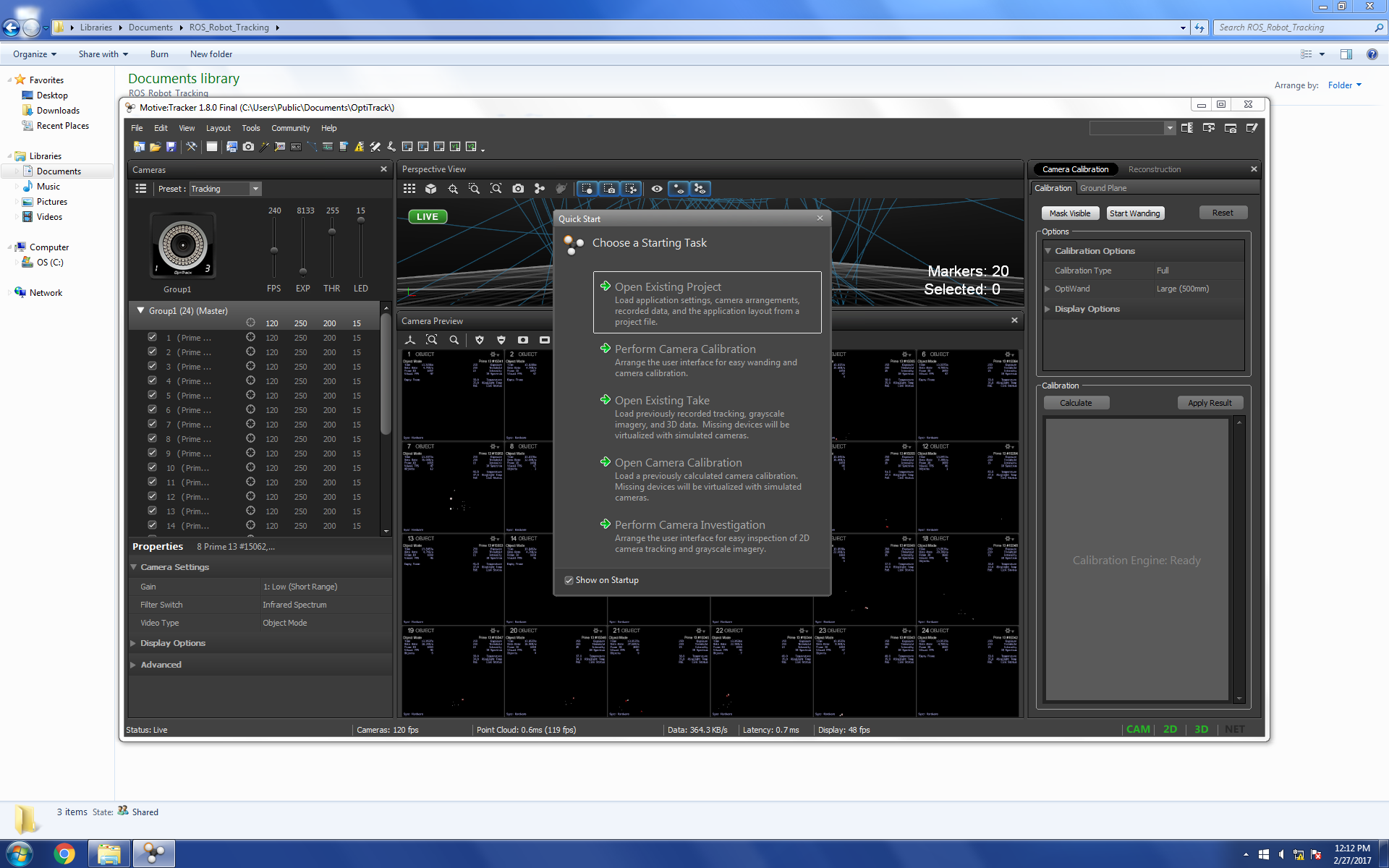
- Start up the Motive tracking software.
 ]
(
]
(The following steps will set up Motive with the proper calibration and rigid body settings.
- Open project Streaming.ttp
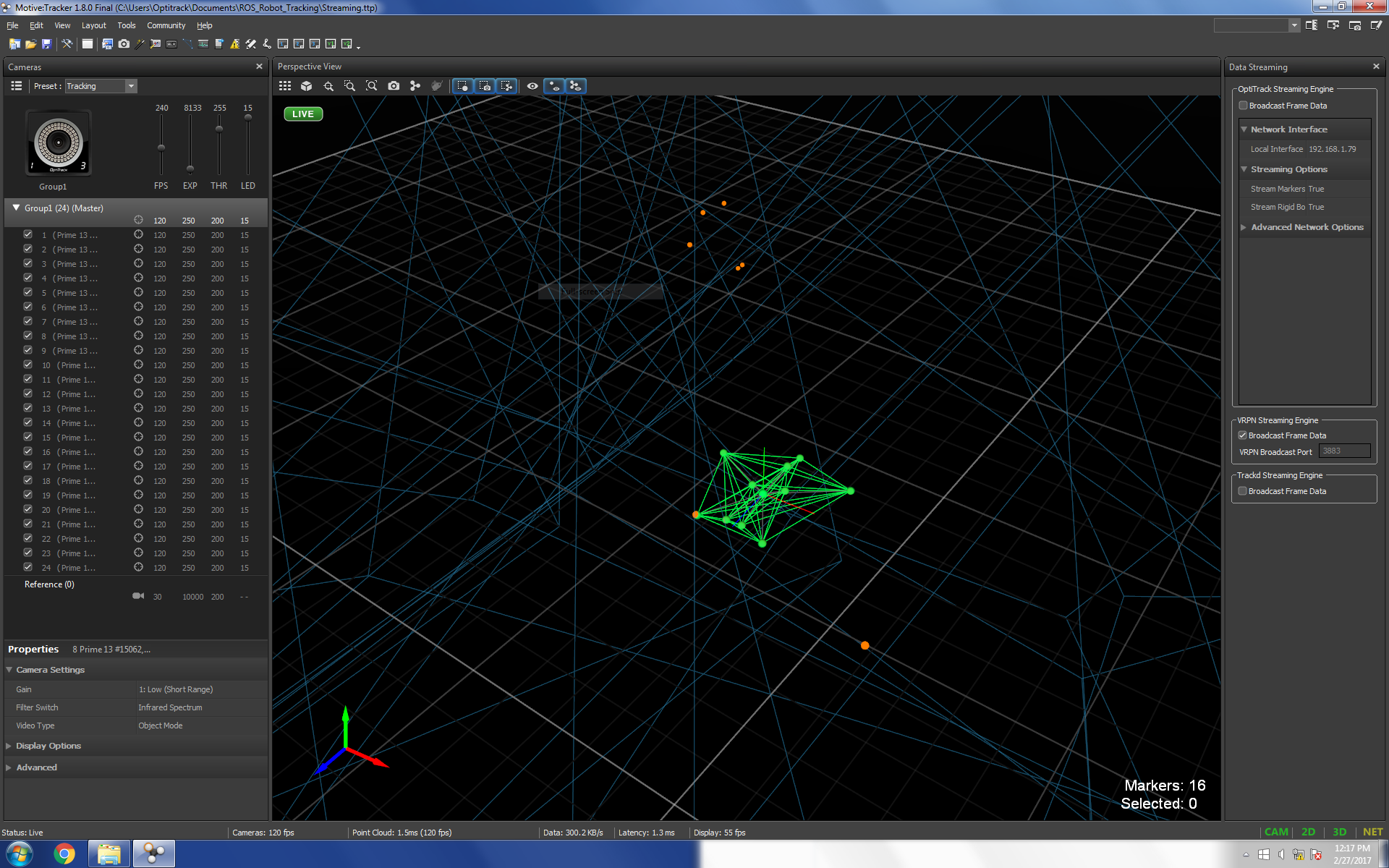
- Drag and drop ArDroneA.tra from the 'Rigid Bodies' folder into Motive.
 ]
(
]
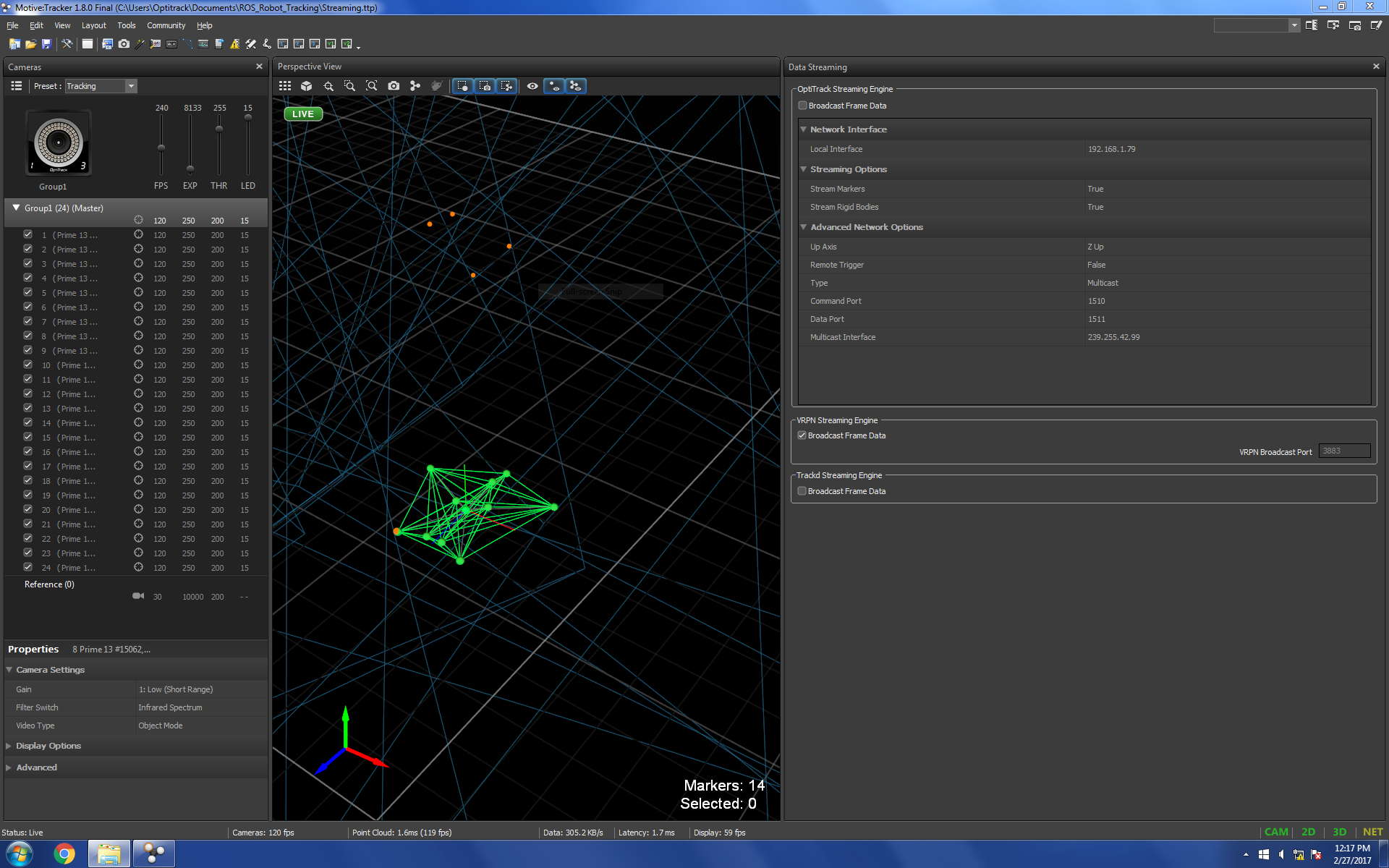
(Proper streaming settings should, at this point, be already properly set, however, lets verify these are correct. In Motive open the Data Streaming Panel and verify that the following settings match with what is shown in the screenshot:
- Local Interface
- Up Axis
- Multicast Interface
- VRPN Broadcast Port
 ]
(
]
(Additionally make sure that 'Broadcast Frame Data' is checked under the VRPN Streaming Engine section.
Motive should now be streaming the ArDrone's pose on the Optitrack network using the VRPN protocol, however, we still need to publish this data to a ROS topic. To do this we will use the vrpn_client_ros package. To accomplish this perform the following steps on your own computer:
- Connect to the 'Optitrack' wifi network. Password:
gocougs! - In a terminal run
roscore - In a separate terminal run
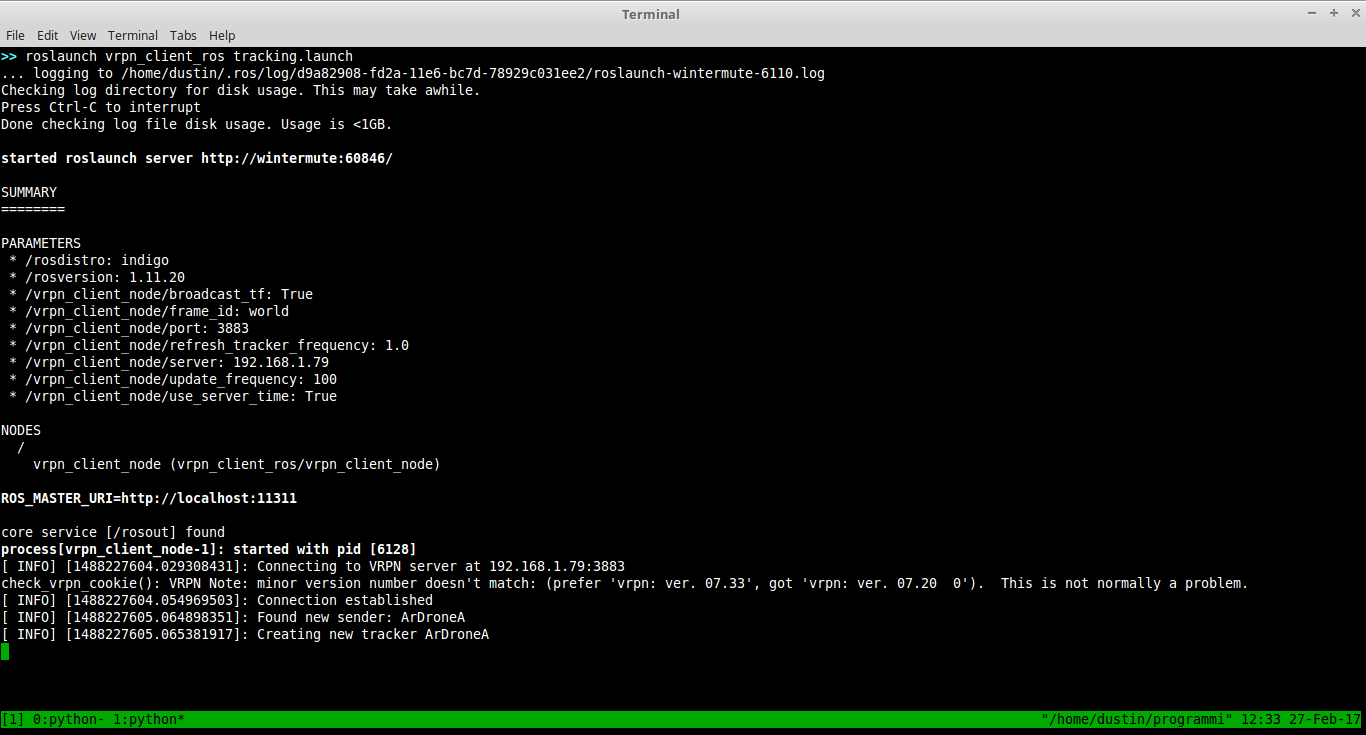
roslaunch vrpn_client_ros tracking.launch
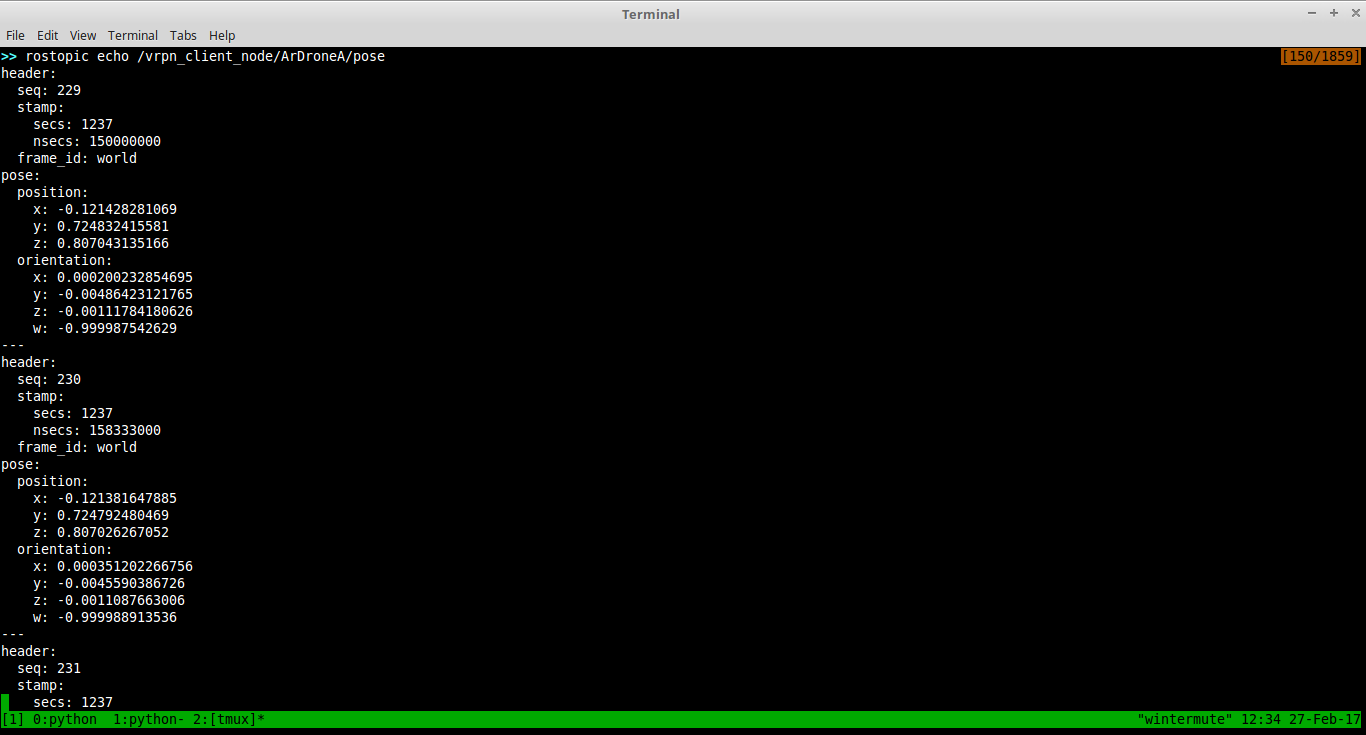
If everything has been set up correctly vrpn_client_ros should inform you that it has connected to a VRPN server and is now publishing pose data for 'ArDroneA'. By default vrpn_client_ros will publish this data as a geometry_msgs/Pose msg to topic /vrpn_client_node/ArDroneA/pose.
 ]
(
]
(
You can run rostopic echo /vrpn_client_node/ArDroneA/pose to verify that pose data is being published.
[ ]
(https://raw.githubusercontent.com/IRLL/optitrack/master/docs/GettingStartedScreenshots/EchoTopic.png)
]
(https://raw.githubusercontent.com/IRLL/optitrack/master/docs/GettingStartedScreenshots/EchoTopic.png)
See Optitrack Utilities to obtain a set of utilities that simplify working with Optitrack and ROS.
Please try not to save the project if prompted. It will save the imported rigid bodies with it.