A web-based platform for creating, distributing, and following personalized training plans. Users receive AI-assisted workout recommendations based on their fitness goals and conditions, while coaches can upload and manage their own structured training programs.
Try it yourself: UrTraining
UrTraining helps clients avoid generic fitness advice and instead get structured programs tailored to their needs. At the same time, it enables trainers to easily share their expertise, grow their reach, and earn without having to learn tech or marketing.
Our AI-based system matches users with training programs created by verified coaches, making it easy to start and stay consistent with a personalized fitness journey.
| Name | Role | Contact (Telegram) |
|---|---|---|
| Ildar Rakiev | Lead / Backend / Design | @mescudiway |
| Makar Dyachenko | Frontend / Design | @index099 |
| Salavat Faizullin | Backend | @FSA_2005 |
| Egor Chernobrovkin | Machine Learning | @lolyhop |
| Alexandra Starikova | Machine Learning | @lexandrinnn_t |
| Ilona Dziurava | PM / Frontend | @a_b_r_i_c_o_s |
| Anisya Kochetkova | Backend, Testing | @anis1305 |
- React – Component-based UI development
- vite – Fast build- and dev-server for service
- Nginx - Serve built frontend vite-application to users
- FastAPI – High-performance Python backend
- PostgreSQL – Relational database
- SQLAlchemy – ORM for database interactions
- Docker – Containerization
- GitHub Actions – CI/CD pipeline
- FAISS - Vector storage library
- PyTorch, Transformers - Fine-tuned, pre-trained models hosting
- OpenAI-like APIs - LLMs integration
- sentence_transformers - embedding models training
- User registration (coach/client)
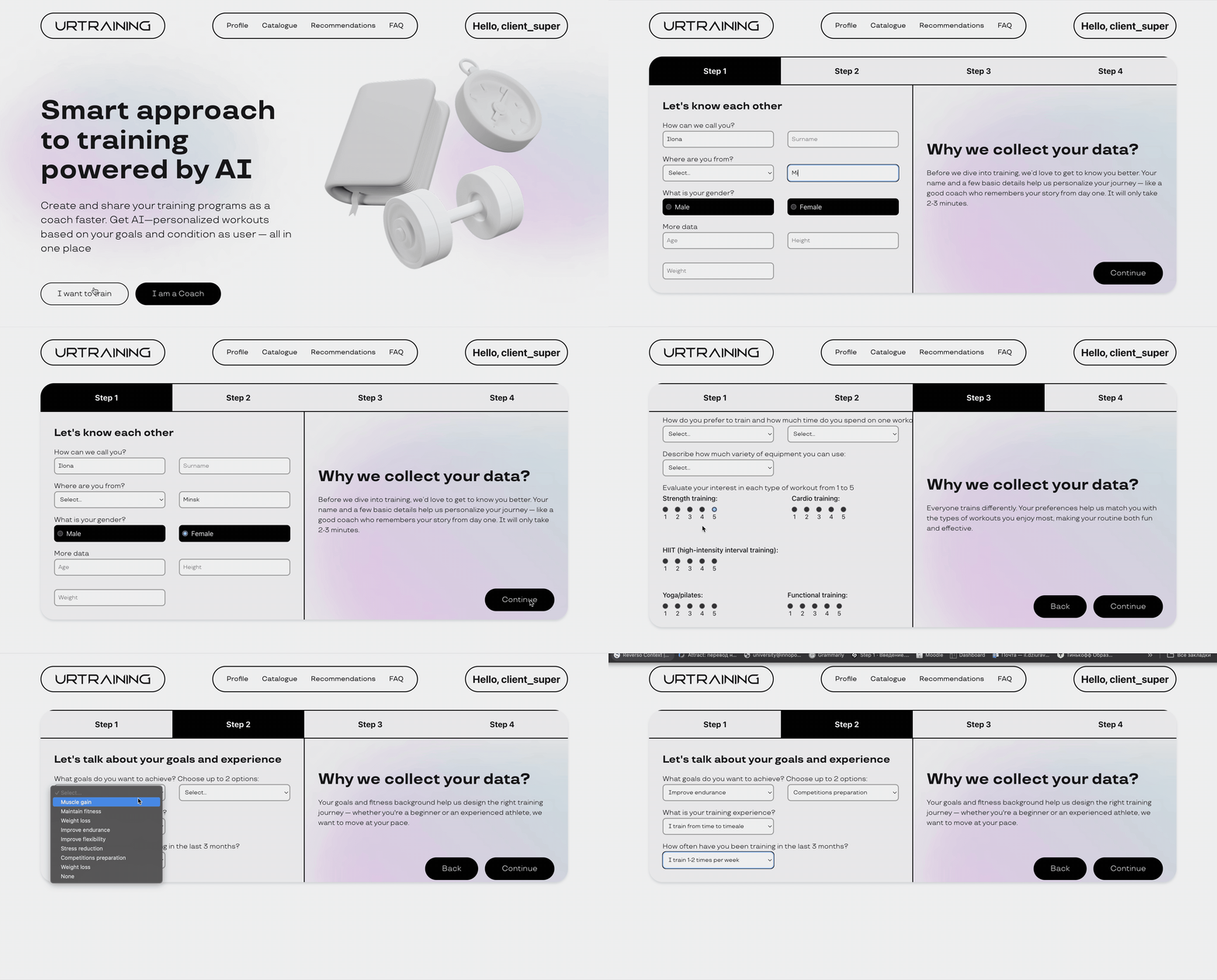
- Questionnaire for users to generate recommendations
- Simple tracking system
- Training program upload (PDF, text, images)
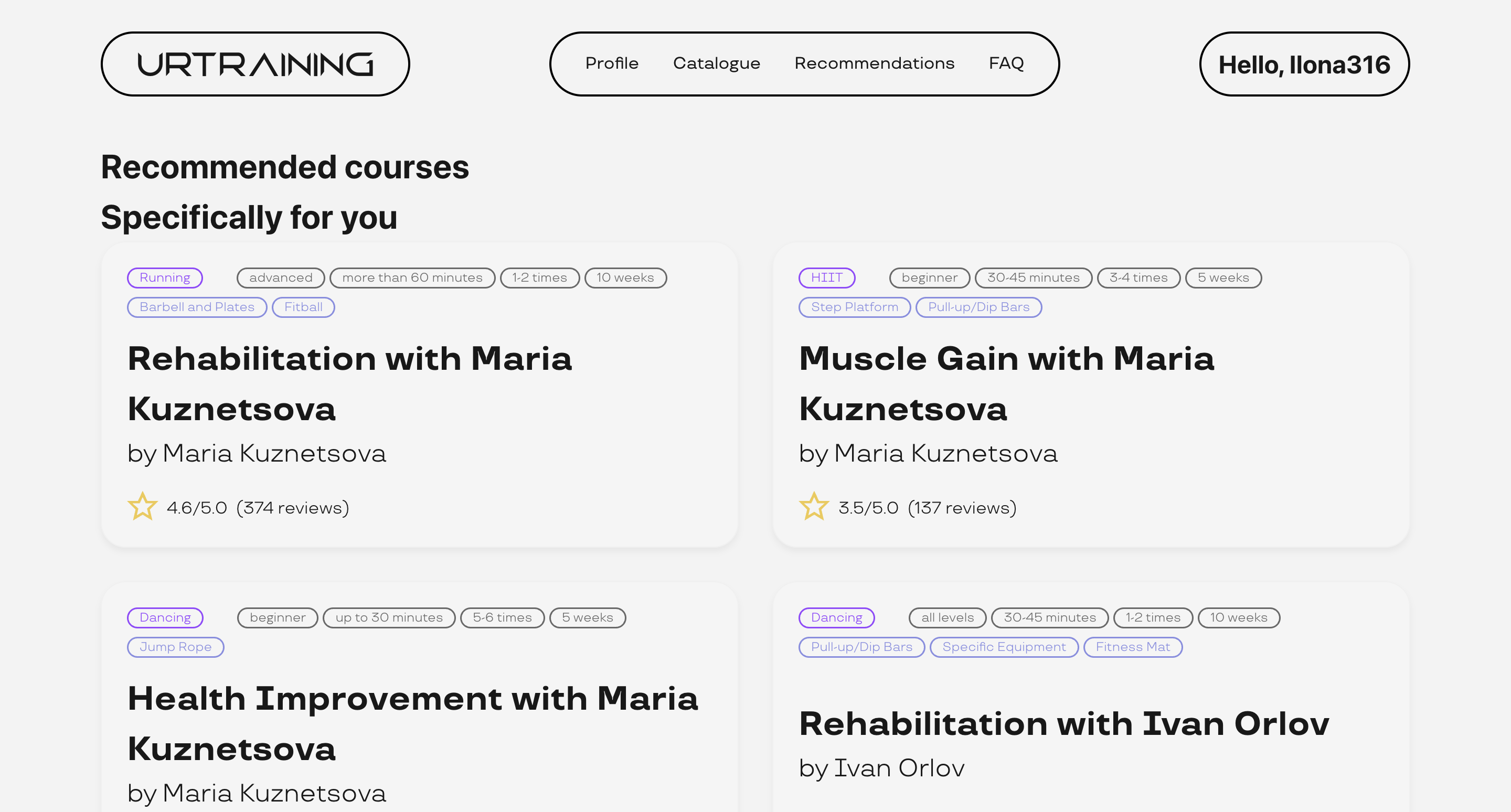
- AI-powered recommendation engine
- Training catalog with filtering
- Save functionality
- Monetization tools for trainers
- Real-time chat/video
- Social features and mobile app
- Subscription systems
- Ratings & reviews
- Smart content moderation and estimation
Week 1: We’ve completed foundational planning, divided responsibilities, and selected our tech stack. Interface design and early implementation of core features (questionnaire, catalog, recommendation engine) are underway.
Week 2: Transformed initial ideas into concrete requirements, established foundational designs, and set up project structures across the frontend and backend.
Week 3: Delivered the first working version of the Minimum Viable Product (MVP). This includes a fully functional end-to-end user journey, with integrated frontend and backend components, persistent data storage, and a basic authentication flow. Additionally, the ML team delivered the first model iteration, integrated via a backend API for early testing and validation.
Week 4: By the end of Week 4, we had a stable, tested, and deployed version of our application in a staging environment, complete with CI/CD automation. This allows for updates and reliable testing going forward. Additionally, the trainer user flow was successfully implemented.
Week 5: Gathering real user feedback, analyzing it, and iterating on our MVP to improve usability and stability. Usability testing sessions were conducted with external testers, allowing us to uncover both critical bugs and areas for UX enhancement.
Week 6: Our primary focus was on finalizing and polishing the project in preparation for the upcoming final presentation. We completed remaining high-priority features, fixed outstanding bugs, and performed comprehensive end-to-end testing to ensure stability and usability across the application. Also we conducted two more feedback sessions to see the user perpective.
Week 7: Final presentation.
Implemented features:
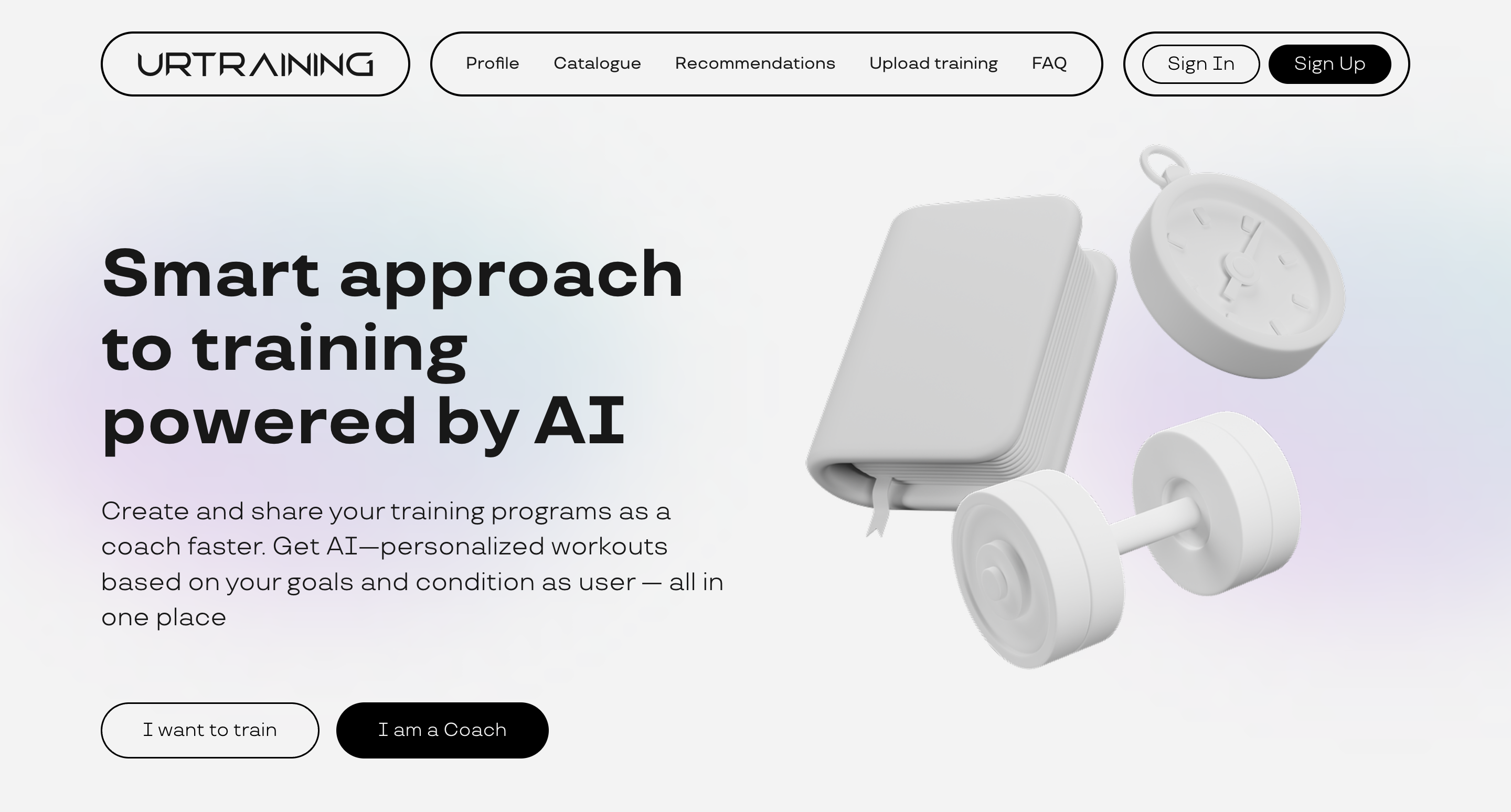
- Main page with Sign In and Sign Up buttons for trainers and clients
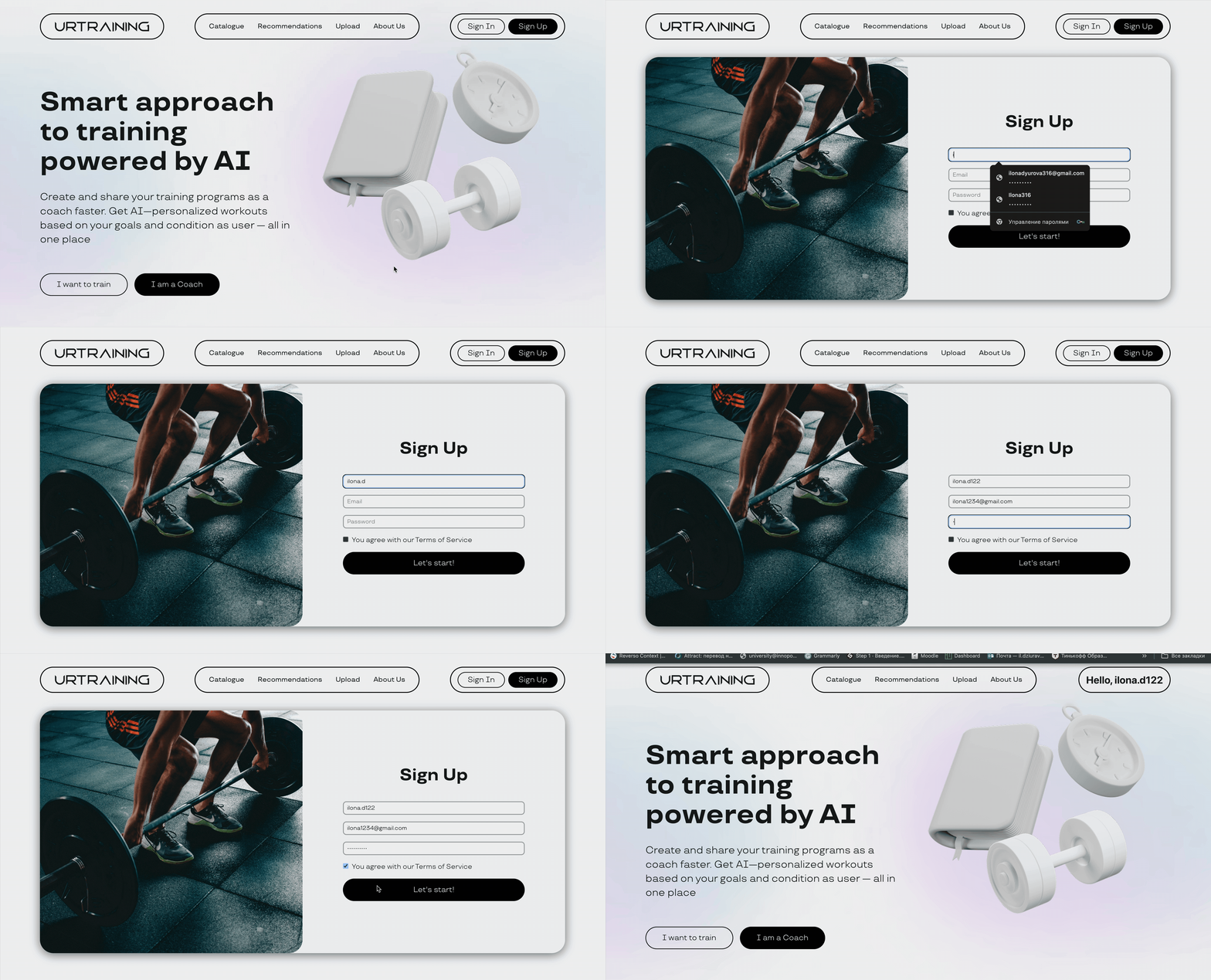
- Registration process
- Questionnaire for users to generate recommendations
- AI-powered recommendation engine
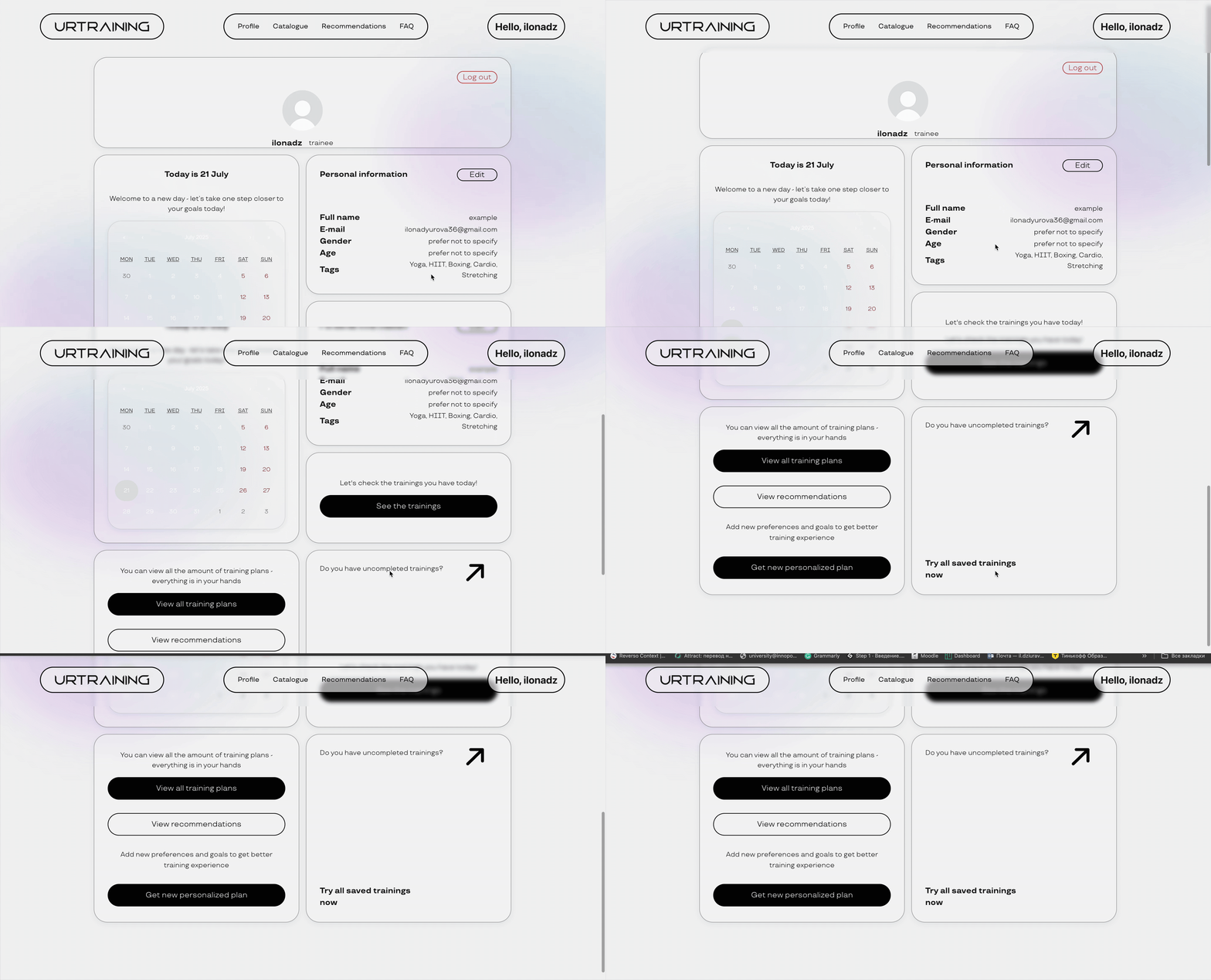
- Client profile
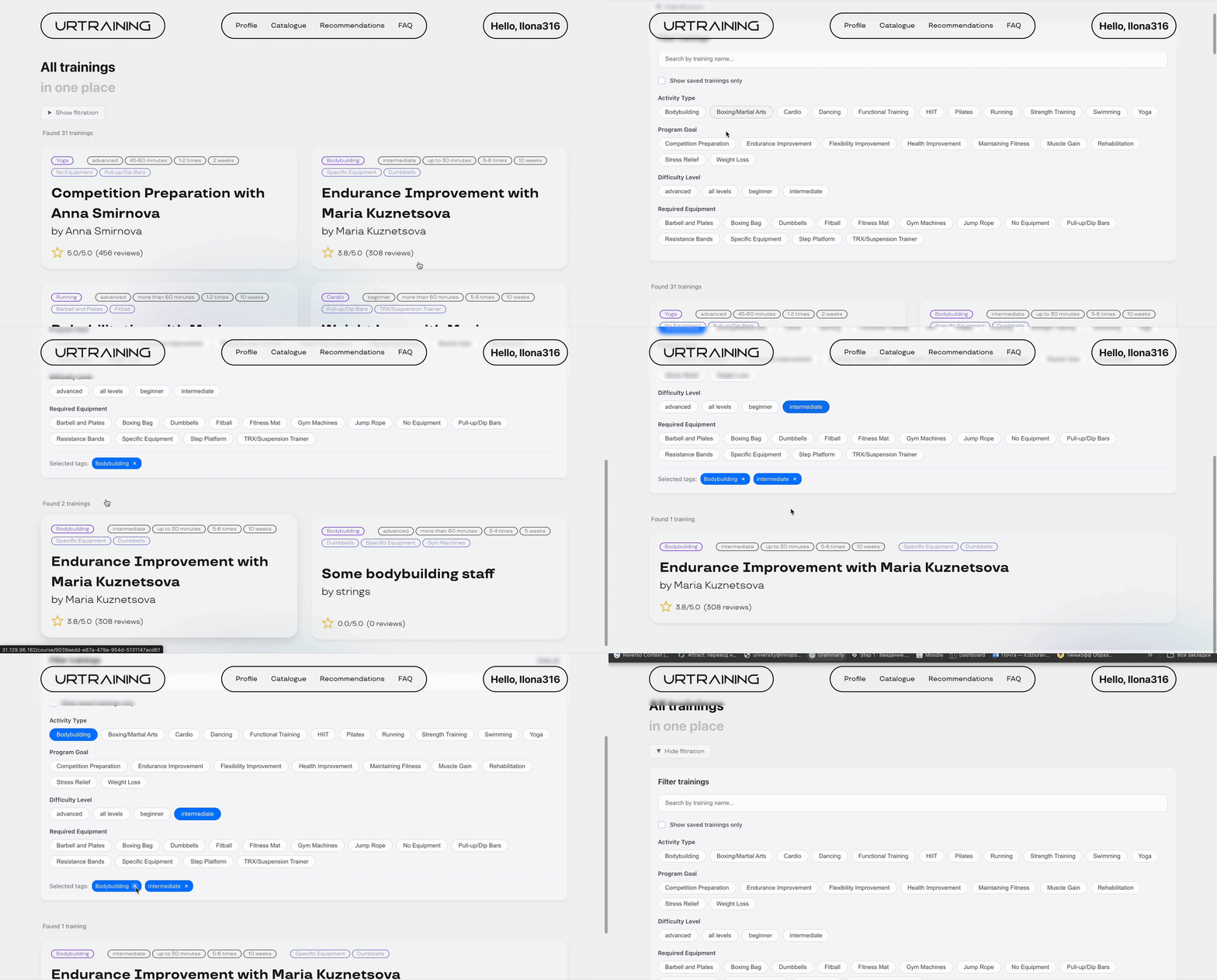
- Training catalog with filtering
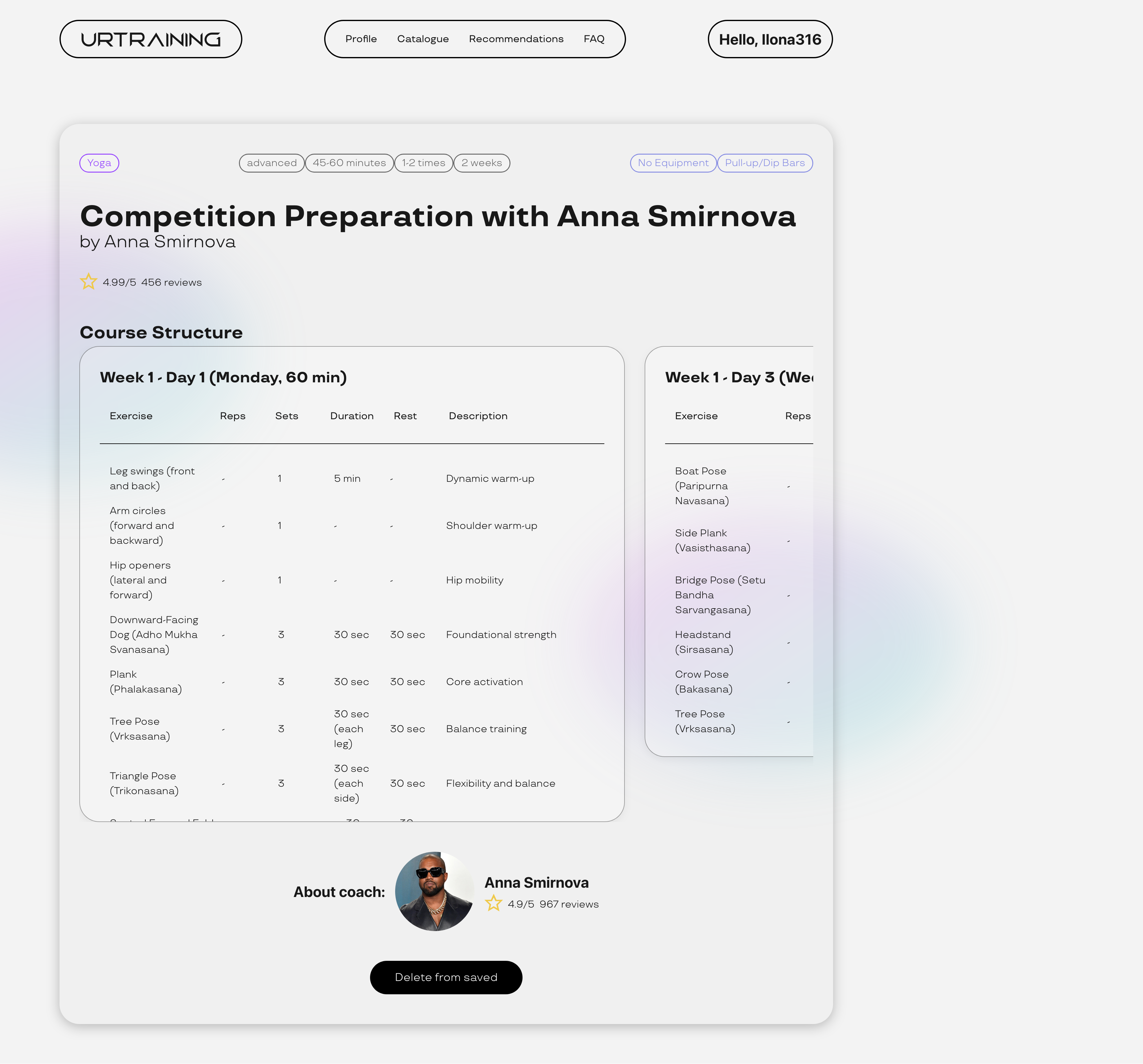
- Course card
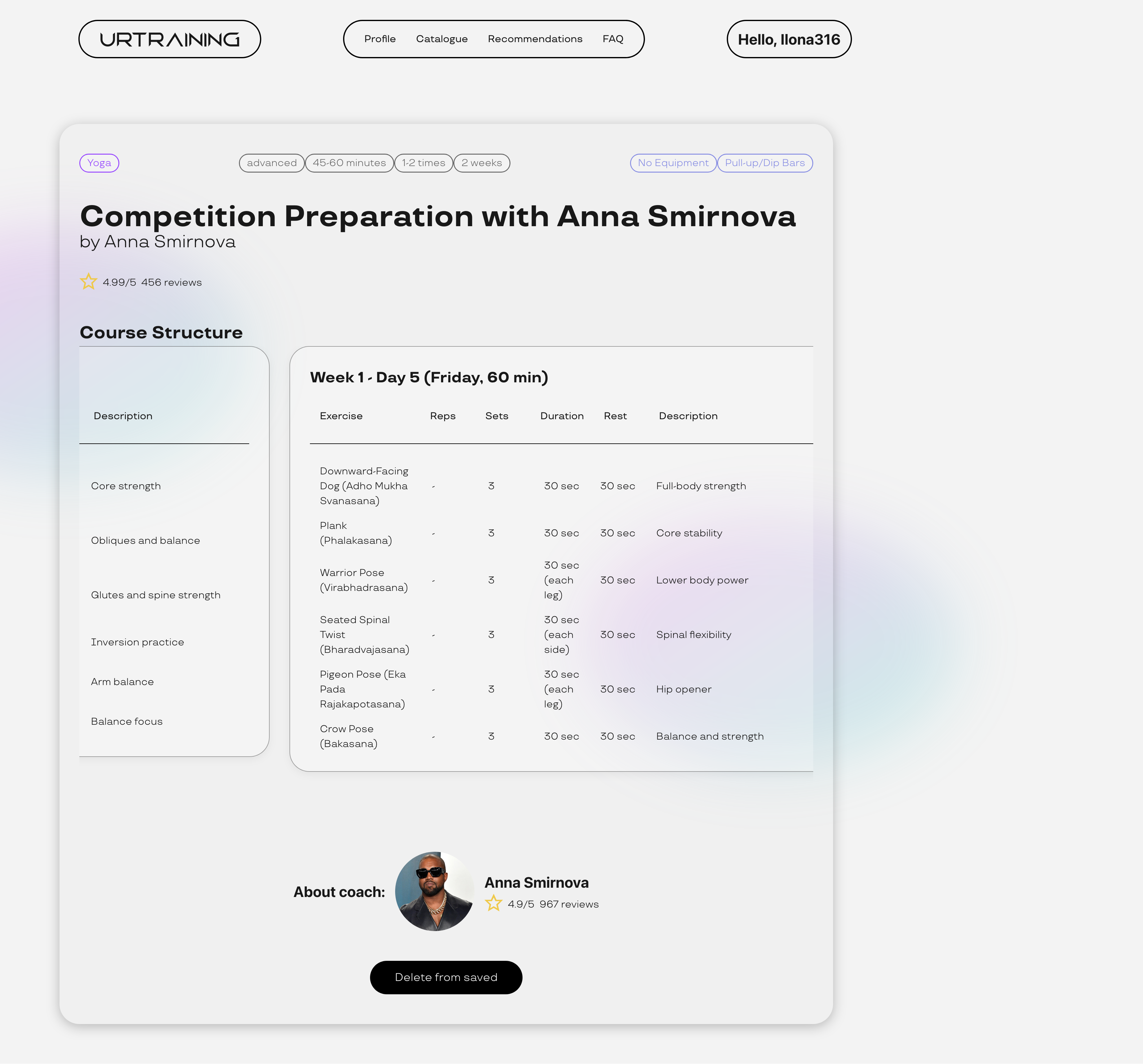
- Save functionality
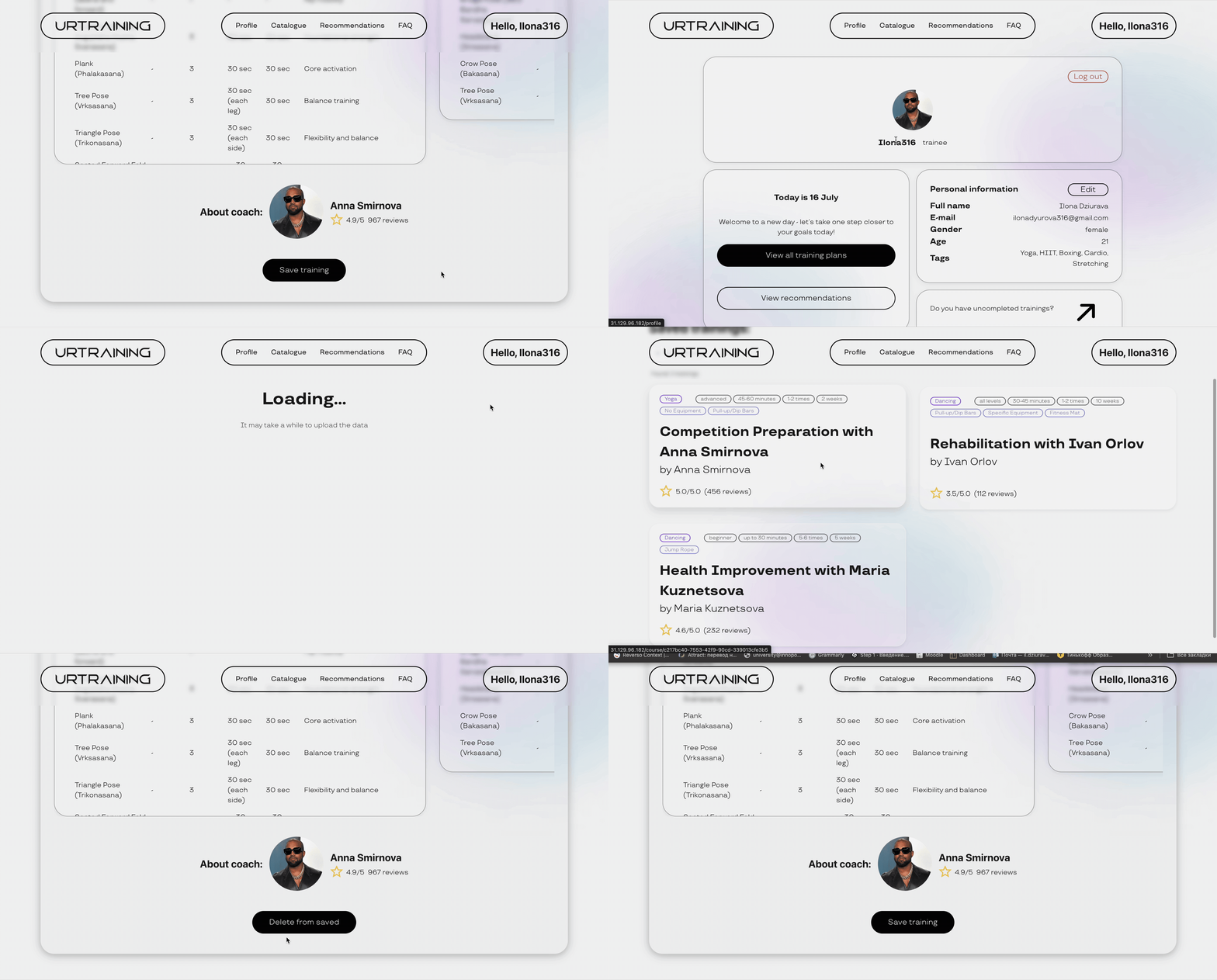
- Simple tracking system
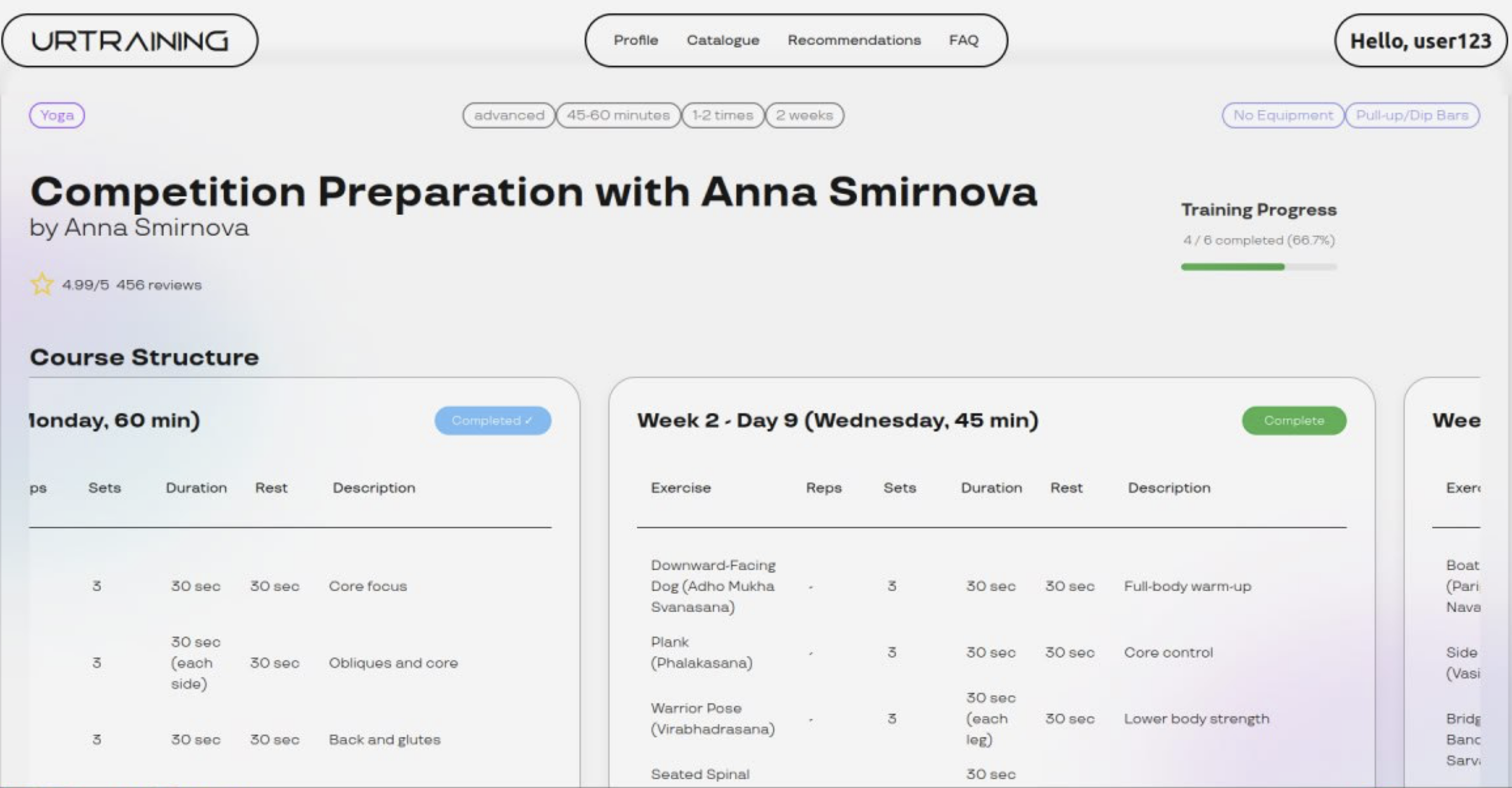
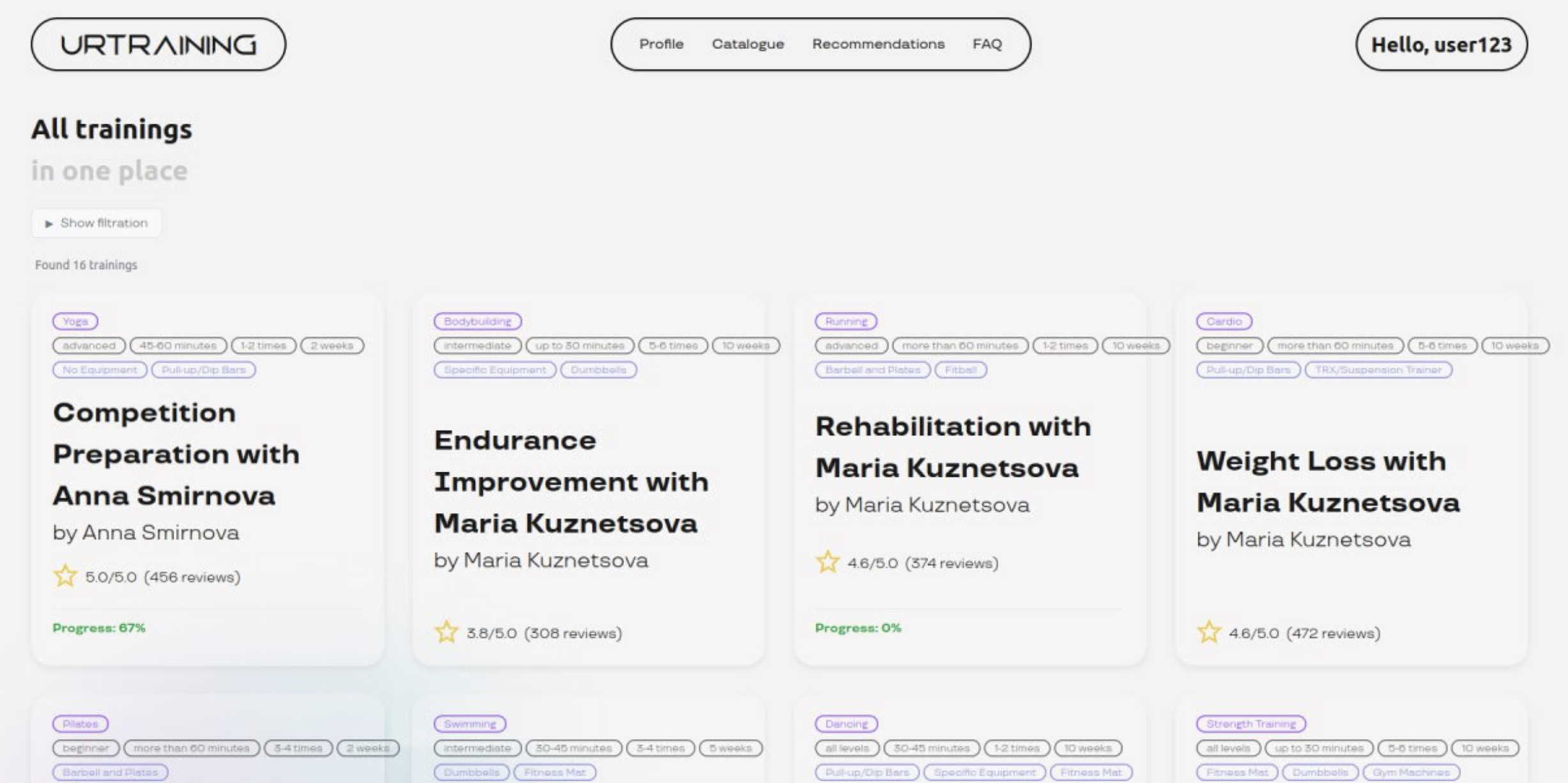
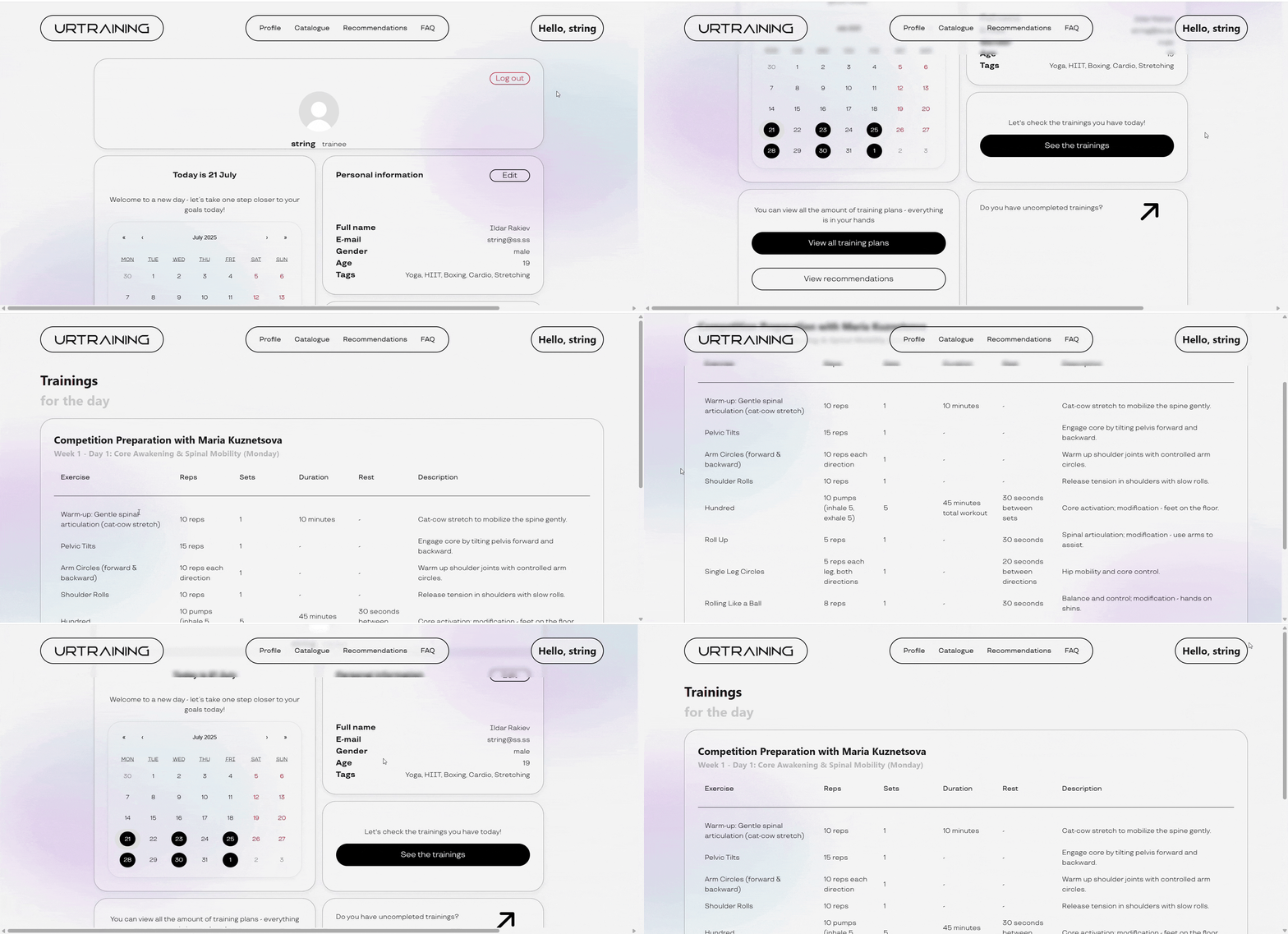
- Tracking schedule
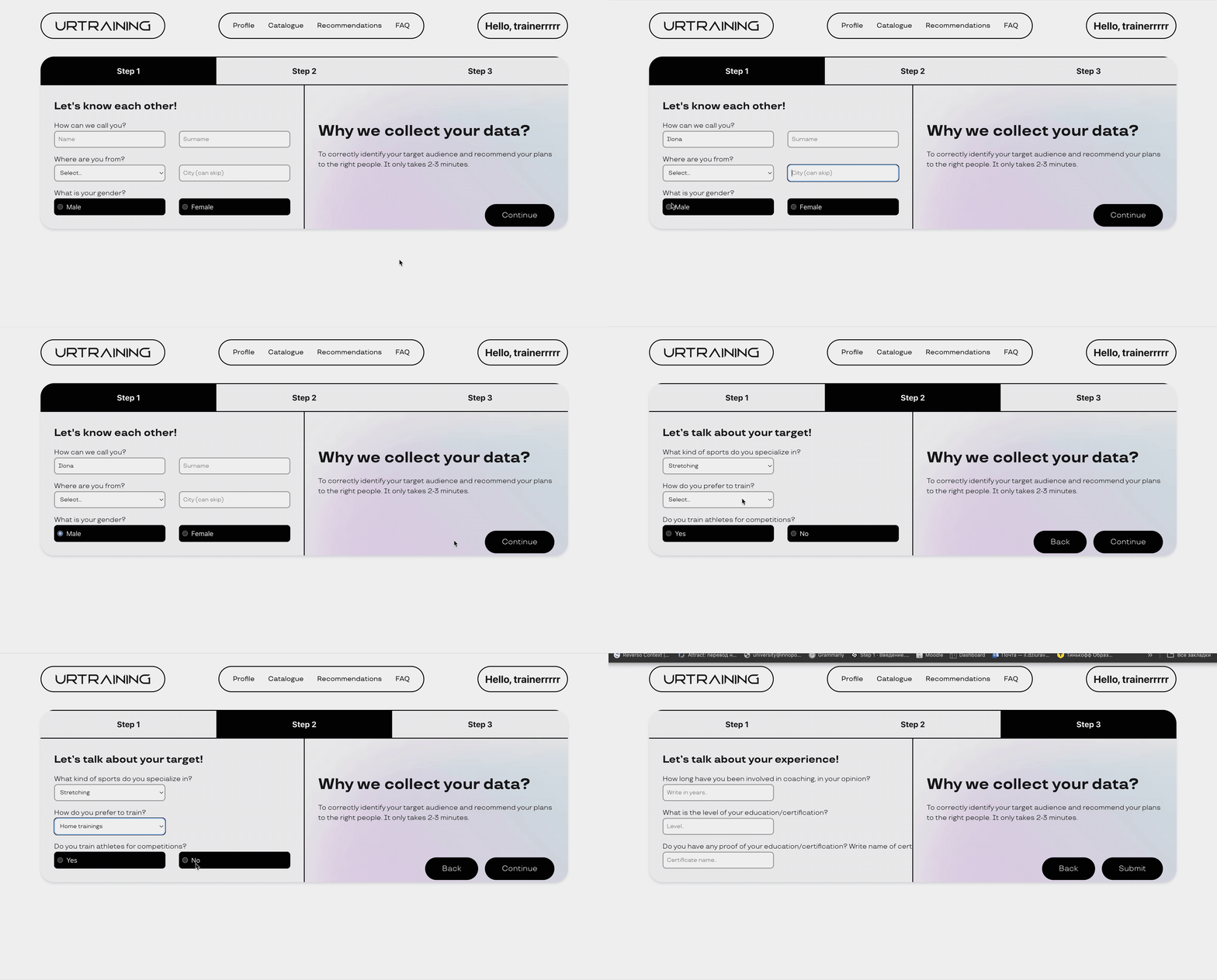
- Questionnaire for trainers
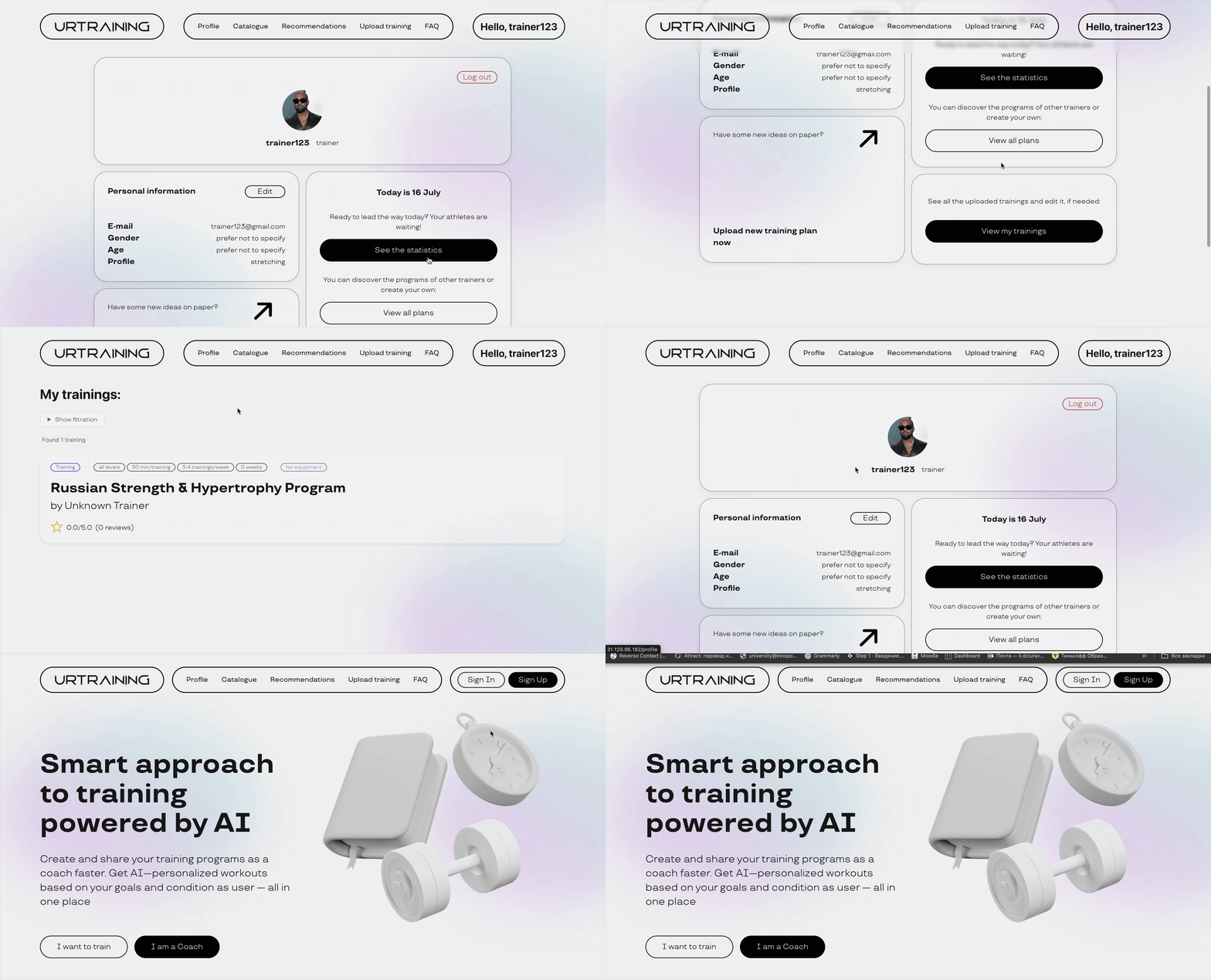
- Trainer profile
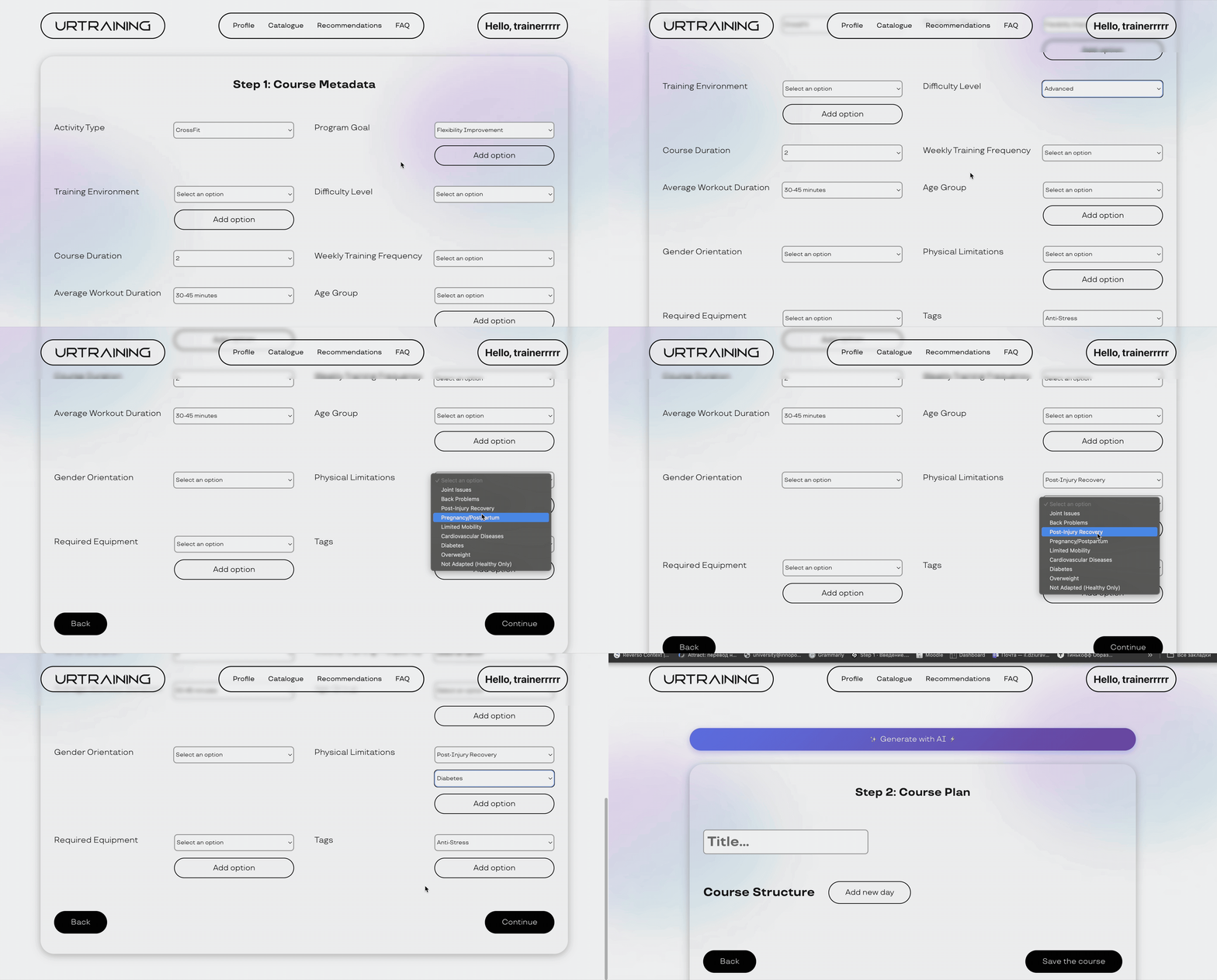
- Course metadata information
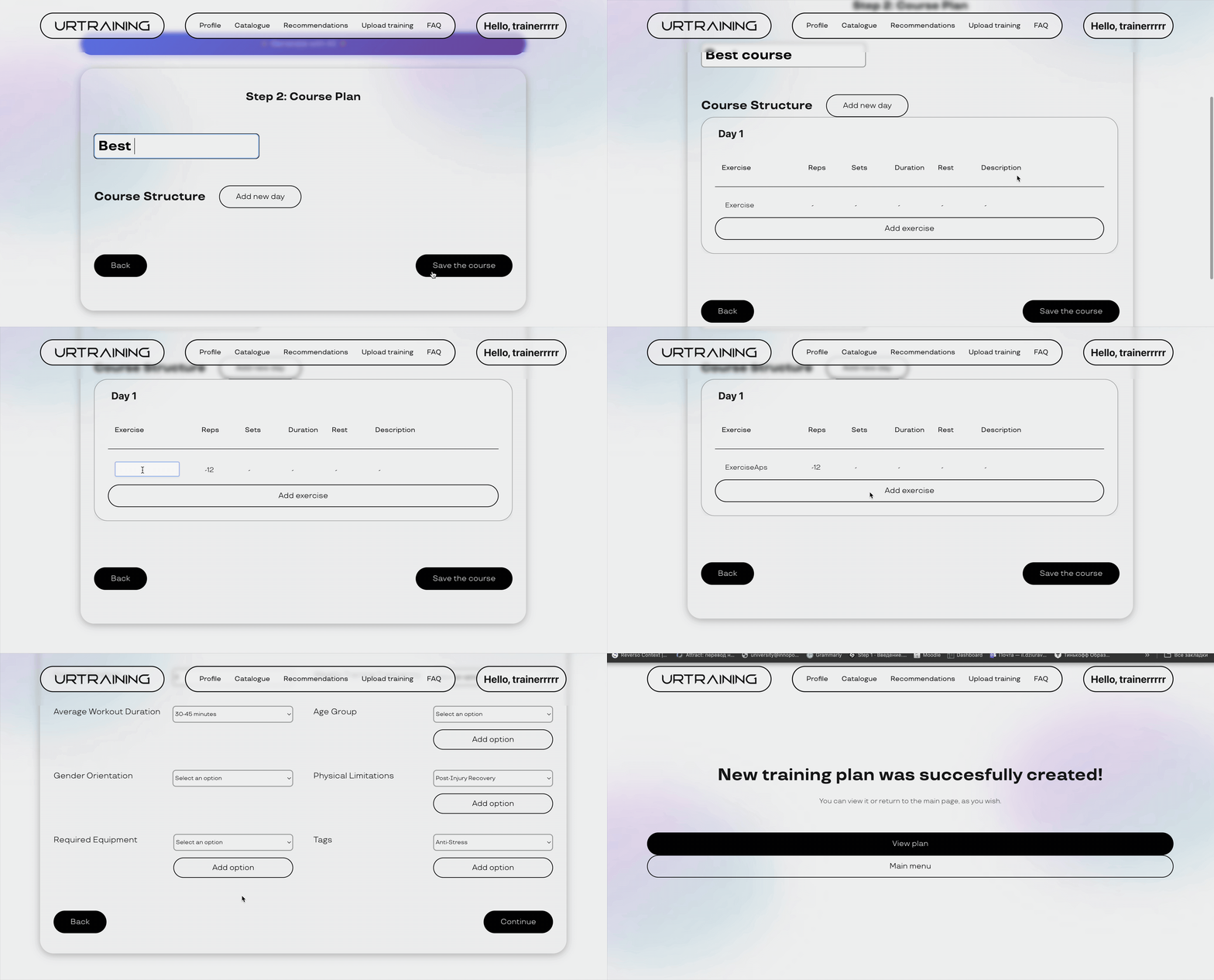
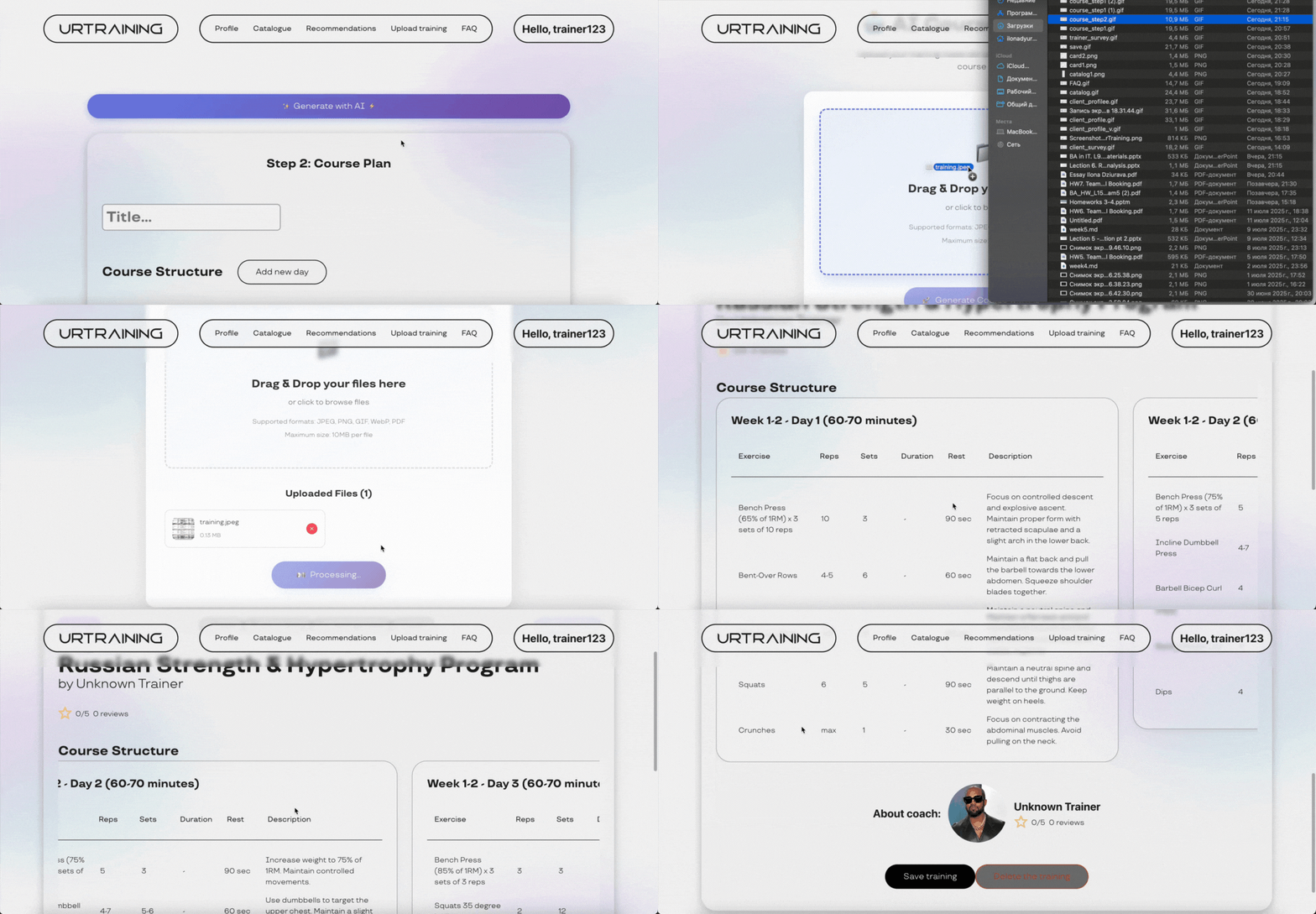
- Manual course creation
- Training upload from photo
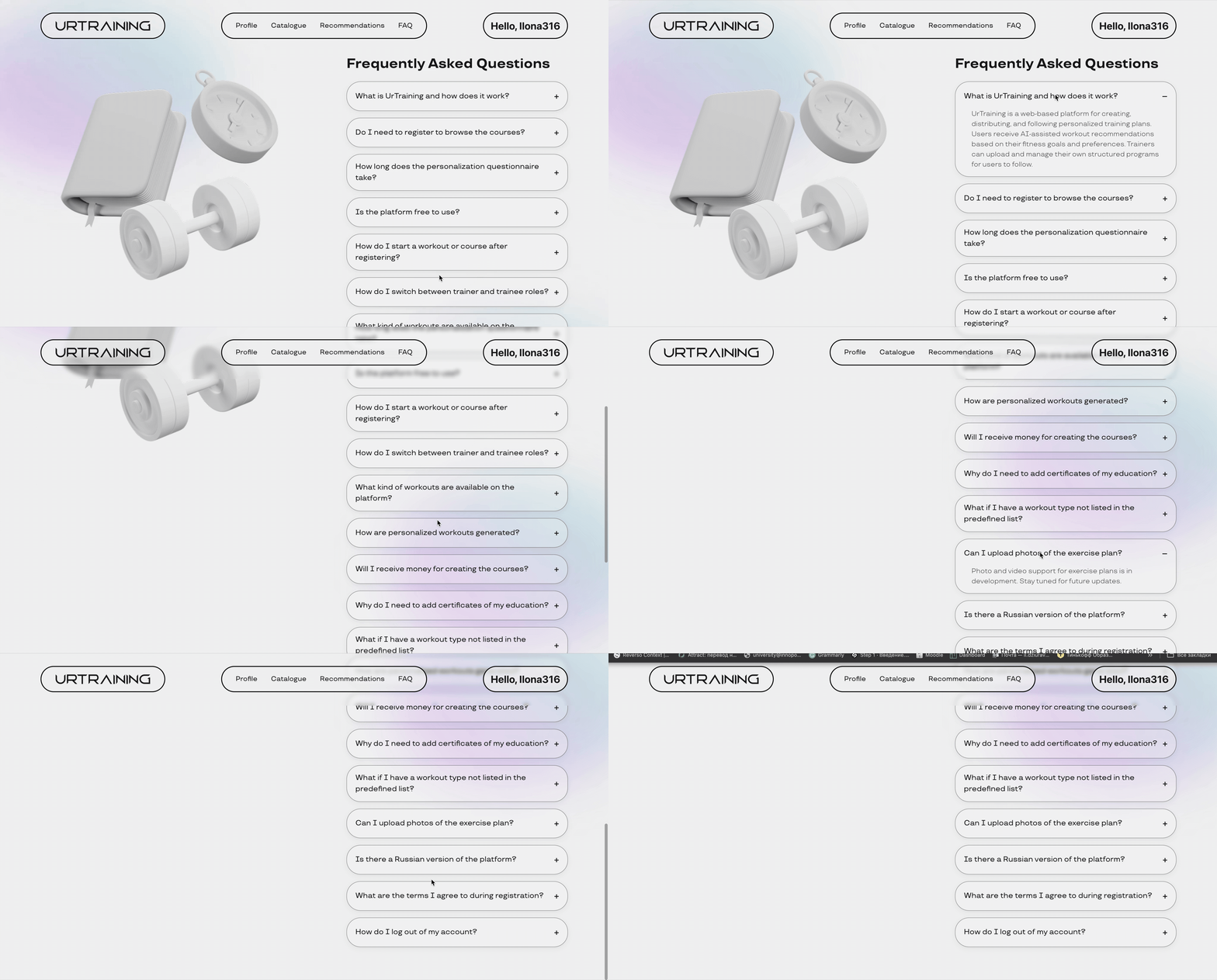
- FAQ page
Fronted part is deployed HERE.
Backend part is deployed HERE.
Vector database API is deployed HERE.
Image-to-tracker system API is deployed HERE.
Trainee assistant API is deployed HERE.
Assitant for schedule generation API is deployed HERE.
All CI/CD files are located at .github/workflows.
| Service | Path | Technology | Deployment Method |
|---|---|---|---|
| Backend | backend/ |
Docker | SSH + Docker Compose |
| Frontend | frontend/ |
Vite + Nginx | SSH + File Copy |
| Image2Tracker | ml/image2tracker/ |
Docker | SSH + Docker Compose |
| Vector DB | ml/vector-db/ |
Docker | SSH + Docker Compose |
| Course Assistant | ml/course-assistant/ |
Docker | SSH + Docker Compose |
| Schedule Creator | ml/schedule-creator/ |
Docker | SSH + Docker Compose |
All workflows share the same trigger pattern: pull request with main branch or push to this branch.
on:
  push:
    branches: [ "main" ]
    paths: [ "service_path/**" ]
  pull_request:
    types: [closed]
    branches: [ "main" ]
paths: [ "service_path/**" ]-
Conditional Execution:
if: |
  github.event_name == 'push' ||
  (github.event_name == 'pull_request' && github.event.pull_request.merged)
-
SSH Deployment:
uses: appleboy/ssh-action@v1.0.3
with:
  host: ${{ secrets.SSH_HOST }}
  username: ${{ secrets.SSH_USER }}
  key: ${{ secrets.SSH_KEY }}
- Docker + Docker Compose installed
- Nginx for frontend
- SSH access configured
~/deploy-backend.log
~/deploy-vector-db.log
~/deploy-image2tracker.log
~/deploy-course-assistant.log
~/deploy-schedule-creator.log
/var/log/nginx/error.loggit clone https://github.com/IU-Capstone-Project-2025/UrTraining.git
cd urtrainingcd backend
python -m venv venv
source venv/bin/activate # or .\venv\Scripts\activate on Windows
docker-compose build
docker-compose up -dServer will be accessible at port 8000.
cd frontend
npm install
npm run devcd ml/vector-db
docker-compose build
docker-compose up -d
# Run any script or training notebook as neededEndpoints will be accessible at port 1337.
cd ml/image2tracker
docker-compose build
docker-compose up -d
# Run any script or training notebook as needed
Endpoints will be accessible at port 1338.
cd ml/course-assisstant
docker-compose build
docker-compose up -d
Endpoints will be accessible at port 1340.
cd ml/course-checker
pip install -r requirements.txt
# Run any script or training notebook as neededcd ml/course-checker
docker-compose build
docker-compose up -dEndpoints will be accessible at port 1341.
Set environment variables for backend/frontend/ml via .env files:
backend/.env
frontend/.env.local
ml/course-assisstant/.env
ml/schedule-creator/.env
Hint: copy .env.example or .env.production structure to .env and fill in the required data before running the project.