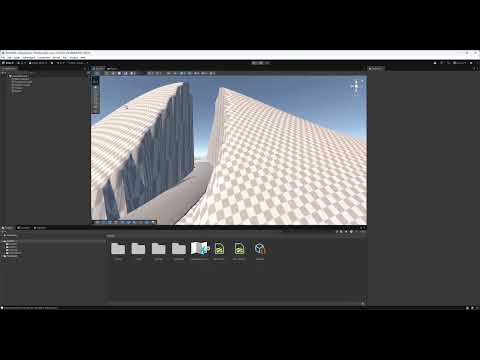
Helper to raise terrain under a chosen mesh—e.g., for integrating roads into your terrain.
- Unity Version: Tested with Unity 6.3 LTS
- Packages Needed: Splines Package from Unity Registry
- Create a terrain in your scene.
- Create a spline along your terrain.
- Add Spline Extrude Component to the spline object to create a road.
- Set Shape Extrude Type to "Road" (or any desired type).
- Select your desired radius.
- Add Mesh Collider Component to the spline object.
Do NOT skip this step! - Add the
TerrainDeformerscript to your terrain object. - Assign your spline object to the
Road Mesh Objectfield in the script inspector. - (Optional, pt. 1) Increase spline radius by 10–20% for better results (you can revert this later).
- Open the context menu and select Project Mesh to Terrain.
⚠️ Warning: This step is destructive and non-reversible! - (Optional, pt. 2) Revert the radius back to its original value.
⚠️ Warning: This step is destructive and non-reversible! - (Optional, pt. 2) Revert the radius back to its original value.