
A terminal screensaver, designed in Go and built for Wayland

Watches for idle activity on Wayland (or X11), then displays animations from sysc-Go when you step away. Runs as a systemd service and supports multi-monitor setups across Niri, Hyprland, Sway, and other Wayland compositors.
One-line install:
curl -fsSL https://raw.githubusercontent.com/Nomadcxx/sysc-walls/master/install.sh | sudo bashyay -S sysc-walls
# or
paru -S sysc-wallsOr manual install:
git clone https://github.com/Nomadcxx/sysc-walls.git
cd sysc-walls
go run cmd/installer/main.go
The installer automatically:
- Downloads sysc-Go as a Go module dependency (no clone needed)
- Builds all binaries (daemon, display, client)
- Installs to
/usr/local/bin - Sets up the systemd user service
- Imports
WAYLAND_DISPLAYfor compositor detection - Backs up and updates your config with current defaults
- Copies bundled ASCII art to
~/.config/sysc-walls/ascii/
Test your installation first:
sysc-walls-daemon -test              # Quick test
sysc-walls-daemon -test -debug       # Test with diagnostics
Then enable the service:
systemctl --user enable sysc-walls.service
systemctl --user start sysc-walls.service
The default idle timeout is 5 minutes.
sysc-walls uses sysc-Go for all animations. Try demo mode to cycle through all effects:
sysc-walls-daemon -demo

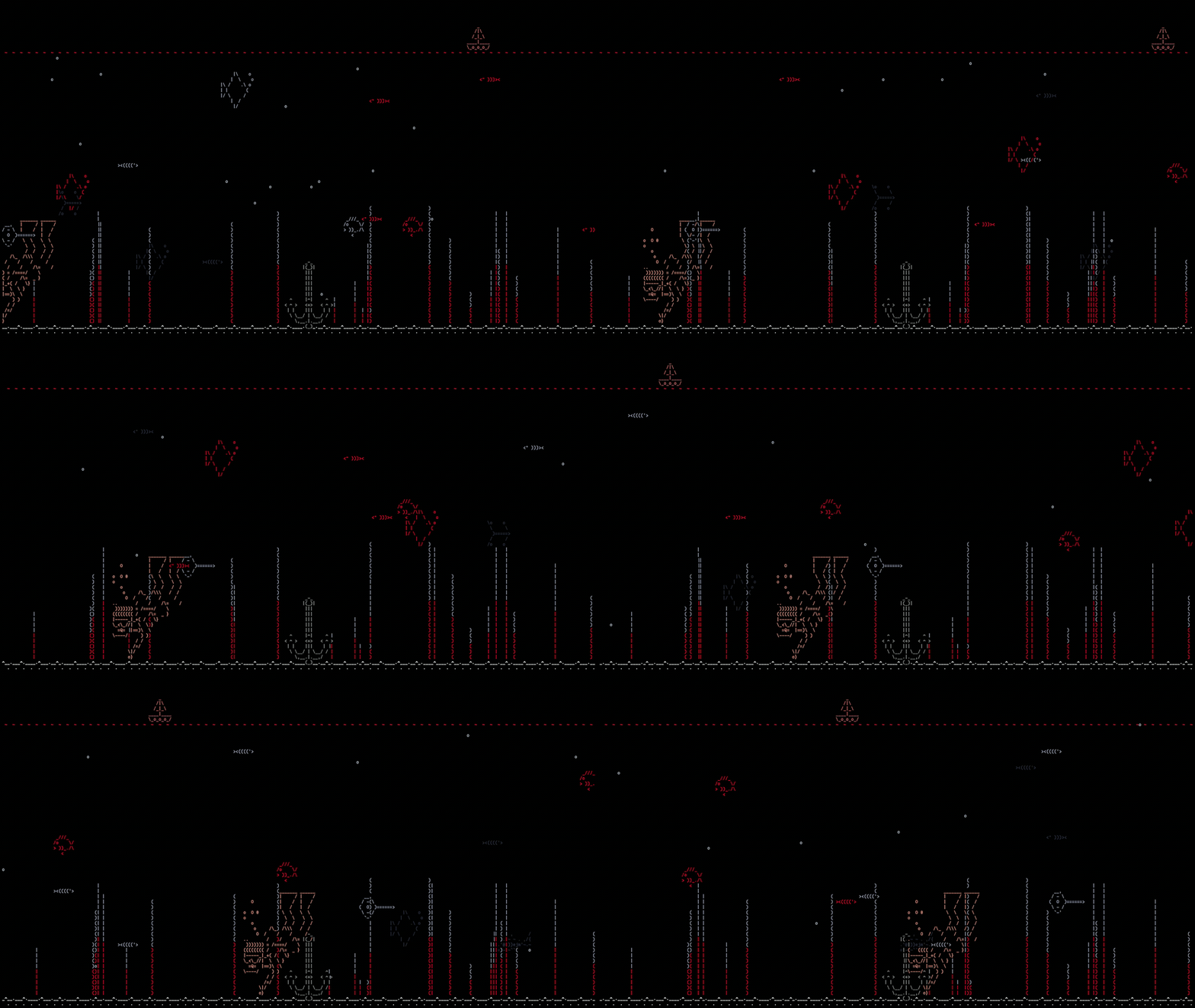
Text effects require ASCII art via the file config option.
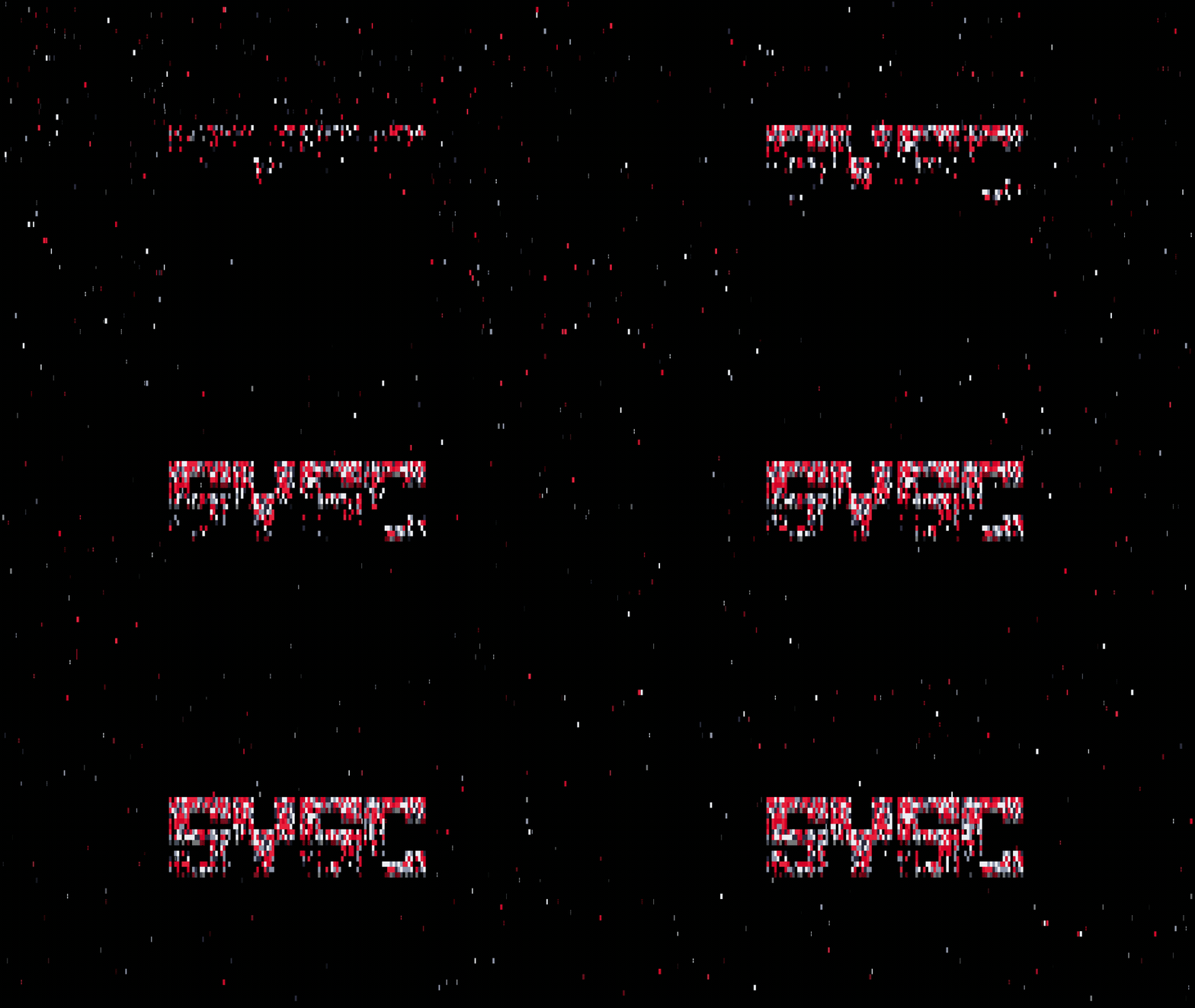
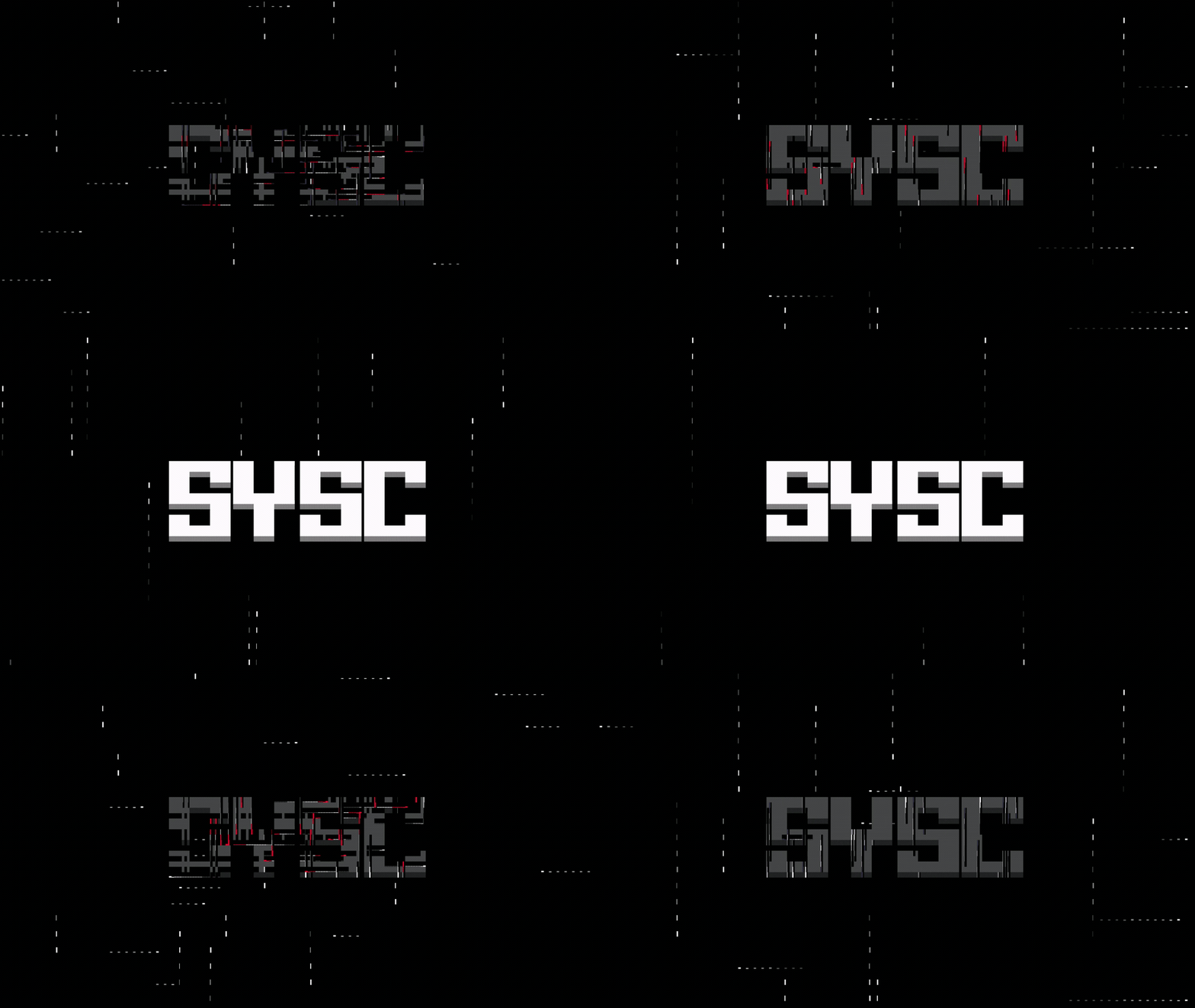
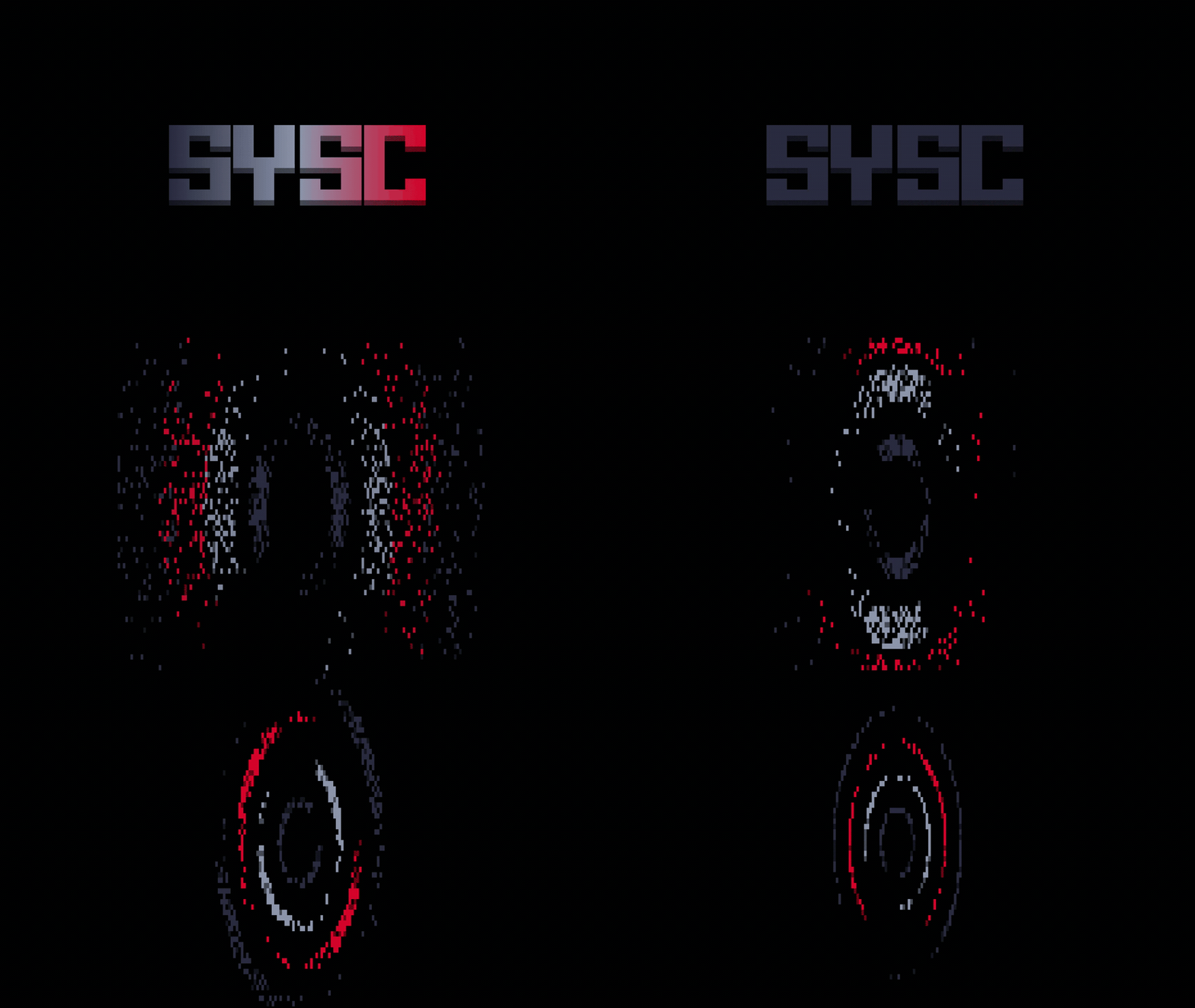

rama, nord, dracula, gruvbox, tokyo-night, catppuccin, material, solarized, monochrome, eldritch, dark, trainsishardjob
For custom ASCII art, use syscgo-tui to create and export text files. See TROUBLESHOOTING.md for setup.
Config lives at ~/.config/sysc-walls/daemon.conf:
[idle]
timeout = 5m          # How long before screensaver kicks in
min_duration = 30s    # Minimum time screensaver runs

[animation]
effect = matrix-art   # Which animation to show
theme = rama          # Color scheme
cycle = false         # Rotate through effects

[daemon]
debug = false         # Enable detailed logging

[terminal]
kitty = true          # Use Kitty terminal (required)
fullscreen = true     # Launch fullscreen
Available effects:
matrix, matrix-art, fire, fire-text, fireworks, rain, rain-art, beams, beam-text, aquarium, ring-text, blackhole
Available themes:
rama, nord, dracula, gruvbox, tokyo-night, catppuccin, material, solarized, monochrome, eldritch, dark, trainsishardjob
For detailed configuration options and troubleshooting, see TROUBLESHOOTING.md.
Quick build with installer (recommended):
git clone https://github.com/Nomadcxx/sysc-walls.git
cd sysc-walls
go run cmd/installer/main.go
Manual build:
# Clone and build
git clone https://github.com/Nomadcxx/sysc-walls.git
cd sysc-walls

go build -o bin/sysc-walls-daemon ./cmd/daemon/
go build -o bin/sysc-walls-display ./cmd/display/
go build -o bin/sysc-walls-client ./cmd/client/

# Install binaries
sudo cp bin/sysc-walls-* /usr/local/bin/
sudo chmod +x /usr/local/bin/sysc-walls-*

# Copy ASCII art
mkdir -p ~/.config/sysc-walls/ascii
cp assets/ascii/*.txt ~/.config/sysc-walls/ascii/

# Setup systemd
mkdir -p ~/.config/systemd/user
cp systemd/sysc-walls-user.service ~/.config/systemd/user/sysc-walls.service
systemctl --user daemon-reload
systemctl --user enable sysc-walls.service
systemctl --user start sysc-walls.serviceThree components:
1. Daemon (cmd/daemon/)
Systemd service that monitors idle time via Wayland's ext-idle-notify-v1 protocol (X11 via xprintidle). Detects compositor (Niri/Hyprland/Sway), launches screensaver on all monitors, kills on activity. See pkg/idle/ for CGO bindings and internal/compositor/ for multi-monitor logic.
2. Display (cmd/display/)
Renders sysc-Go animations in fullscreen Kitty terminals. Wraps effects with terminal sizing, theme application, and ASCII art loading. See internal/animations/.
3. Client (cmd/client/)
Optional CLI for testing. Not needed for normal operation.
Config lives in ~/.config/sysc-walls/daemon.conf (see internal/config/). Build uses sysc-Go as a proper Go module dependency (v1.0.2+).
Quick test:
sysc-walls-daemon -testTest with full diagnostics:
sysc-walls-daemon -test -debugCheck service status:
systemctl --user status sysc-walls.serviceView live logs:
journalctl --user -u sysc-walls.service -fEnable debug logging permanently:
Edit ~/.config/sysc-walls/daemon.conf:
[daemon]
debug = true
For detailed troubleshooting, compositor-specific setup, and common issues, see TROUBLESHOOTING.md.
Work in Progress:
- DateTime Effects - Render time/date as negative space with effects filling around glyphs (fire-datetime, matrix-datetime, etc.)
- VOID Theme - New dark theme with deep blacks and subtle accents
- Better X11 Support - Improved compatibility beyond xprintidle, multi-monitor X11, hybrid Wayland/X11
- Auto-Updating - Self-updating daemon that checks for new versions and animations
- More Font Options - Additional ASCII fonts for text effects (KABEL, YES styles)
- Effect Cycling Improvements - Smoother transitions, configurable cycle timing
- Custom Animation Parameters - Per-effect configuration (speed, density, colors)
- Lock Screen Integration - Optional integration with swaylock/hyprlock
Have a feature request? Open an issue on GitHub.
- sysc-Go - Terminal animation library that powers sysc-walls effects. Includes CLI tools and interactive TUI for creating ASCII art.
- sysc-greet - Console greeter for greetd with sysc-Go animations and video wallpapers
- moonbit - Modern system cleaner with TUI for reclaiming disk space
- terminaltexteffects - Inspiration for terminal visual effects
- sysc-Go - Core animation library used for all effects
MIT - Do whatever you want with it.