


PadOS theme for Open PS2 Loader based on the iOS iPad interface, offers a streamlined and elegant design. It provides a familiar and user-friendly experience, perfect for those who appreciate Apple's aesthetic.
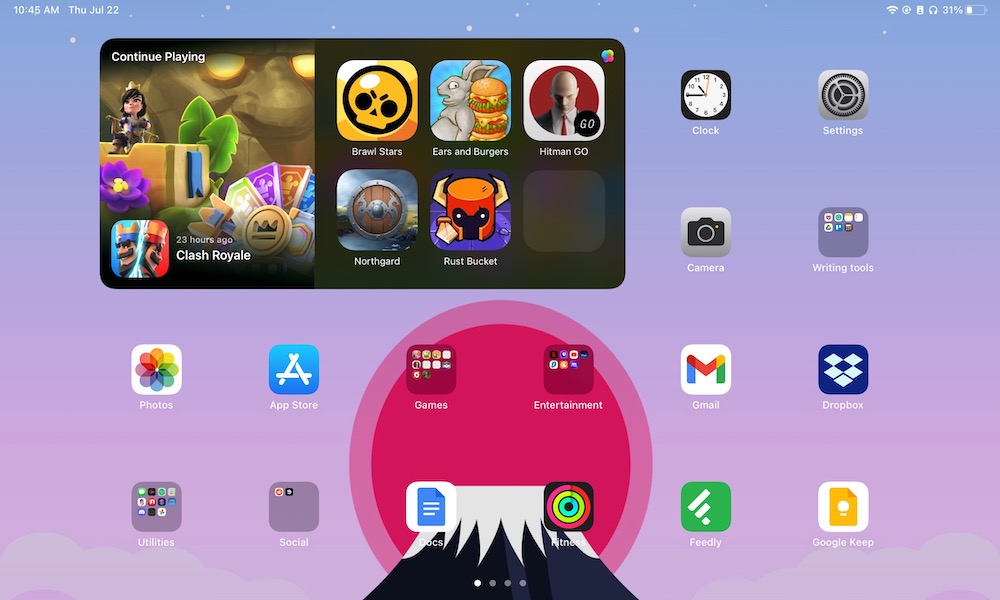

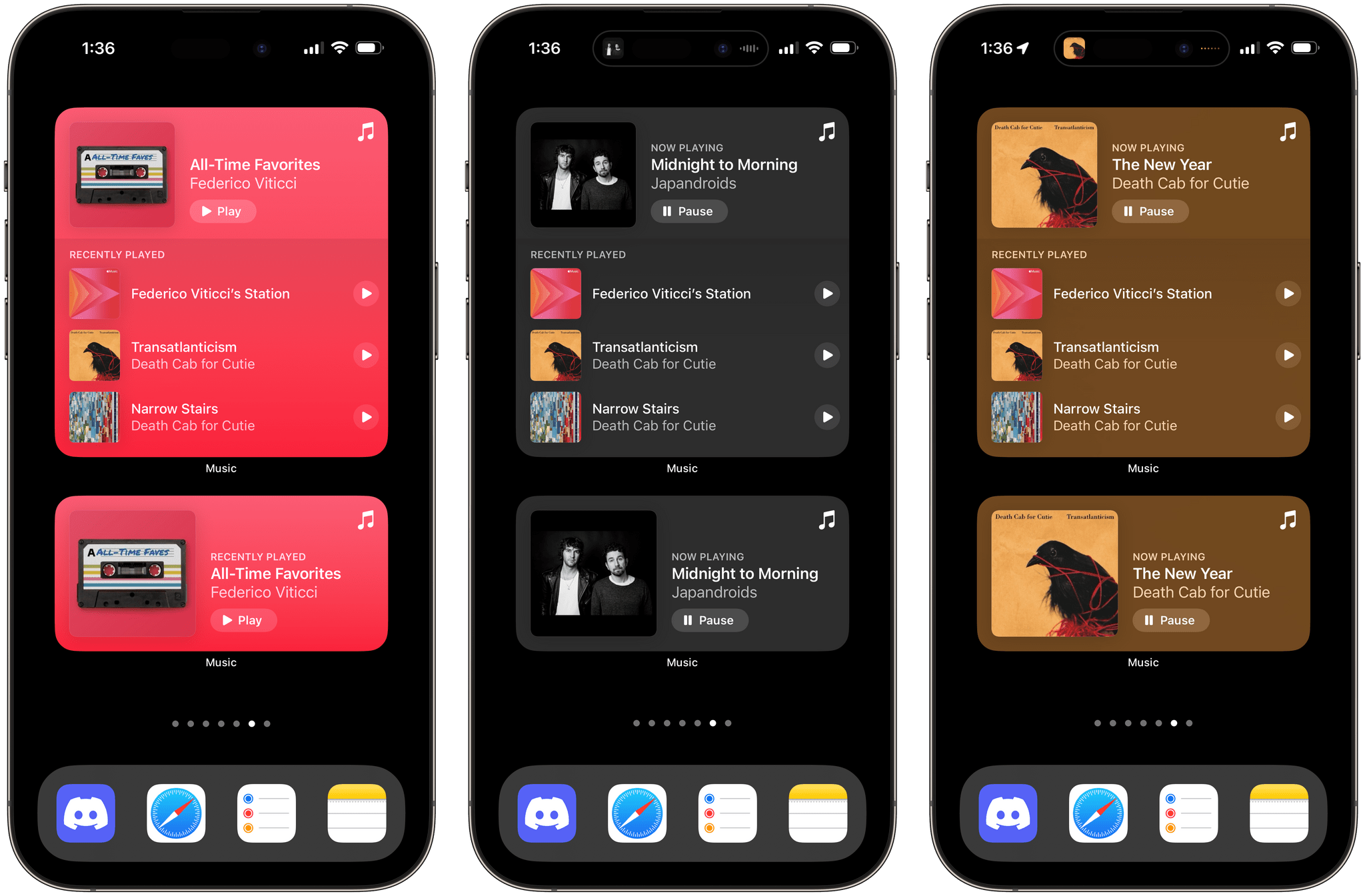
- Minimalist navigation bar inpired by iOS dockbar
- Two different styles, full and single widget.
- Dedicated versions for 4:3 and widescreen
- Working with HD/Full-HD on 16:9 and 4:3
- Compatible with the latest versions of Open Ps2 Loader 1.2


1. Initially, ensure your OPL folder is structured like this on your Device or in your Shared folder
APPS/
ART/
CD/
CFG/
CHT/
DVD/
POPS/
THM/
VMC/
2. Download one of the zip files that contains one of the Theme variants from the Releases page or using the green DOWNLOAD button at the top, (make sure it's one with the thm_ prefix in its name)
thm_PadOS
thm_PadOS-S
thm_PadOS-WIDE
thm_PadOS-S-WIDE
3. Extract the ZIP file and move the theme folder to your THM directory.
THM/
├─ thm_PadOS/
├─ thm_PadOS-S/
├─ thm_PadOS-WIDE/
├─ thm_PadOS-S-WIDE/
Note
Themes must be placed inside a folder named THM (in uppercase) for any of the devices: SMB share, HDD, USB, SD (MX4SIO), once the device starts, OPL will list the themes found in these locations
- SMB (Network Share)
In the root directory or drive you set as your PS2SMB share, in a THM folder
PS2SMB/THM/thm_PadOS/
- USB, SD device
In the root of the drive or partition set for OPL, in a THM folder
mass:/THM/thm_PadOS/
- HDD (Internal hard drive)
Place the THM folder in the OPL Partition of the HDD +OPL, you can create the partition if it doesn't exist, by using uLaunchELF: [FileBrowser > MISC > HddManager]
hdd0:/+OPL/THM/thm_PadOS/
Important
Themes on any of these devices won’t display unless the device is enabled, so make sure to enable the device where your themes are stored through the OPL settings.
Warning
Avoid installing themes on the Memory Card, as their storage size can impact the proper functioning of the themes and cause issues with OPL.
4. Launch OPL, if it was already open, restart it.
5. Go to OPL Settings and then Display Settings. In the Theme option, find and select your theme, then click OK to apply it.
To enhance your experience with the theme, consider these recommendations:
- To ensure proper and optimal viewing, activate the
Widescreenmode for Widescreen versions and deactivate it for normal versions inOPL Settings - Make sure you are using an updated or recent version of Open Ps2 Loader 1.2
- Download the assets for the
ARTfolder (Background Image, Cover, Disc Cover, etc.) using the latest version of OPL Manager