CodeJam - Combine SAP Cloud Application Programming Model with SAP HANA Cloud to Create Full-Stack Applications
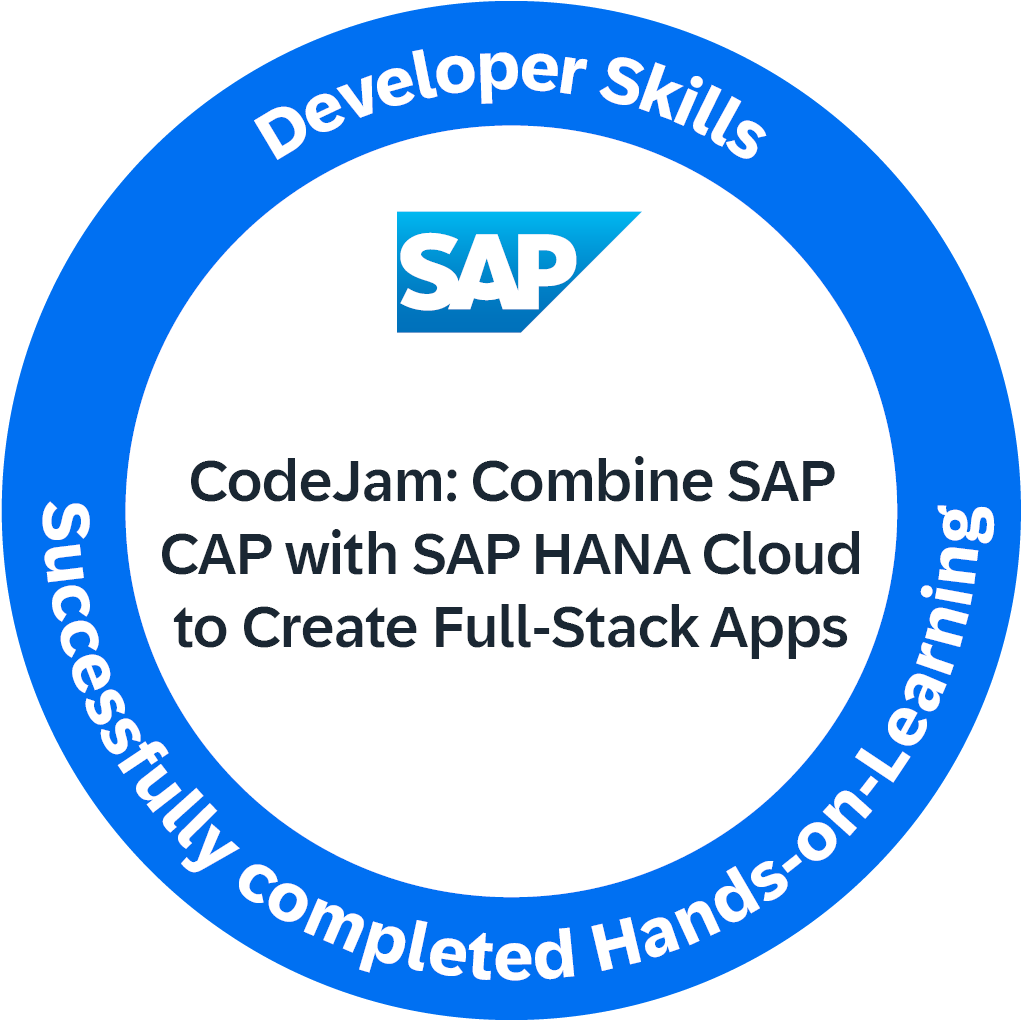
In this CodeJam you will build a full-stack application using SAP Cloud Application Programming Model (CAP) and SAP HANA Cloud, progressing through 8 exercises from project setup to deployment.
Tech stack at a glance:
- SAP Cloud Application Programming Model — Node.js
- SAP HANA Cloud (HDI containers)
- SAP Business Application Studio
- SAP Fiori Elements UI (OData V4)
- XSUAA authentication
- HANA-native artifacts: calculation views and stored procedures
Complete all 8 exercises at an in-person CodeJam event to earn a Credly badge.
SAP CodeJam is a hands-on, collaborative event where developers come together to learn about SAP technologies, share knowledge, and work on practical exercises. These events are typically led by SAP experts and provide a great opportunity to network with peers, ask questions, and gain a deeper understanding of SAP solutions through guided tutorials and real-world scenarios.
Review the introductory slides and video below before or during the opening session.
- SAP Cloud Application Programming Model Presentation from Introduction
- SAP HANA Cloud Presentation from Introduction
- SAP Business Application Studio Presentation from Introduction
- Introduction to SAP Cloud Application Programming Model Video
If you prefer to develop locally or in a container, see the Dev Container and Codespace options in the prerequisites.
The requirements to follow the exercises in this repository, including hardware and software, are detailed in the prerequisites file.
The material consists of a series of exercises. Each exercise is contained in a directory, with a main 'readme' file containing the core exercise instructions, with optional supporting files, such as screenshots and sample files.
During the CodeJam you will complete each exercise one at a time. At the end of each exercise there are questions; these are designed to help you think about the content just covered, and are to be discussed with the entire CodeJam class, led by the instructor, when everyone has finished that exercise.
If you finish an exercise early, please resist the temptation to continue with the next one. Instead, explore what you've just done and see if you can find out more about the subject that was covered. That way we all stay on track together and can benefit from some reflection via the questions (and answers).
The exercises are written in a conversational way; this is so that they have enough context and information to be completed outside the hands-on session itself. To help you navigate and find what you have to actually do next, there are pointers like this 👉 throughout that indicate the things you have to actually do (as opposed to just read for background information).
When creating the HDI Container instance in Exercise 3, the Business Application Studio tooling sometimes does not properly wait for the container creation. In these situations, simply wait a moment for creation to complete and then repeat the step.
Here's an overview of the exercises in this CodeJam.
- Make certain that you have successfully completed all the prerequisites
- Exercise 1 - Set Up SAP HANA Cloud and Development Environment — Set up an SAP HANA Cloud instance and configure your development environment in BAS
- Exercise 2 - Create an SAP Cloud Application Programming Model Project for SAP HANA Cloud — Scaffold a CAP Node.js project and connect it to your HANA Cloud HDI container
- Exercise 3 - Create Database Artifacts Using Core Data Services (CDS) for SAP HANA Cloud — Define the data model using CDS and deploy database artifacts to HANA Cloud
- Exercise 4 - Create a User Interface with CAP (SAP HANA Cloud) — Generate an SAP Fiori Elements list report UI served by the CAP service
- Exercise 5 - Add User Authentication to Your Application (SAP HANA Cloud) — Add XSUAA-based user authentication and role-based access control
- Exercise 6 - Create Calculation View and Expose via CAP (SAP HANA Cloud) — Build a HANA calculation view and expose it as a read-only CAP entity
- Exercise 7 - Create HANA Stored Procedure and Expose as CAP Service Function (SAP HANA Cloud) — Implement a HANA stored procedure and surface it as a CAP service function
- Bonus Homework - Deploy CAP with SAP HANA Cloud project as MTA — Package and deploy the full application as an MTA to SAP BTP Cloud Foundry
If you can spare a couple of minutes at the end of the session, please help me improve for next time by giving me some feedback.
Simply use this Give Feedback link to create a special "feedback" issue, and follow the instructions in there.
Create an issue in this repository if you find a bug or have questions about the content.
For additional support, ask a question in SAP Community.
Here are a few pointers to resources for further connections and information:
The SAP Cloud Application Programming Model (CAP) is a framework of languages, libraries, and tools for building enterprise-grade services and applications. It provides a consistent end-to-end programming model with built-in best practices and out-of-the-box solutions for common tasks.
For more information, visit the following resources:
SAP HANA Cloud is a fully managed, in-memory cloud database as a service (DBaaS) that provides advanced analytics and data management capabilities. It integrates seamlessly with other SAP services including CAP, and supports real-time processing for modern enterprise applications.
For more information, visit the following resources:
SAP Business Application Studio is a cloud-based IDE tailored for SAP application development. It provides built-in support for CAP, SAP Fiori, and SAP HANA, including the graphical calculation view editor used in Exercise 6.
For more information, visit the following resources:
- SAP Business Application Studio Overview
- Getting Started with SAP Business Application Studio
- SAP Business Application Studio Documentation
If you wish to contribute code, offer fixes or improvements, please send a pull request. Due to legal reasons, contributors will be asked to accept a DCO when they create the first pull request to this project. This happens in an automated fashion during the submission process. SAP uses the standard DCO text of the Linux Foundation.
Copyright (c) 2026 SAP SE or an SAP affiliate company. All rights reserved. This project is licensed under the Apache Software License, version 2.0 except as noted otherwise in the LICENSE file.