




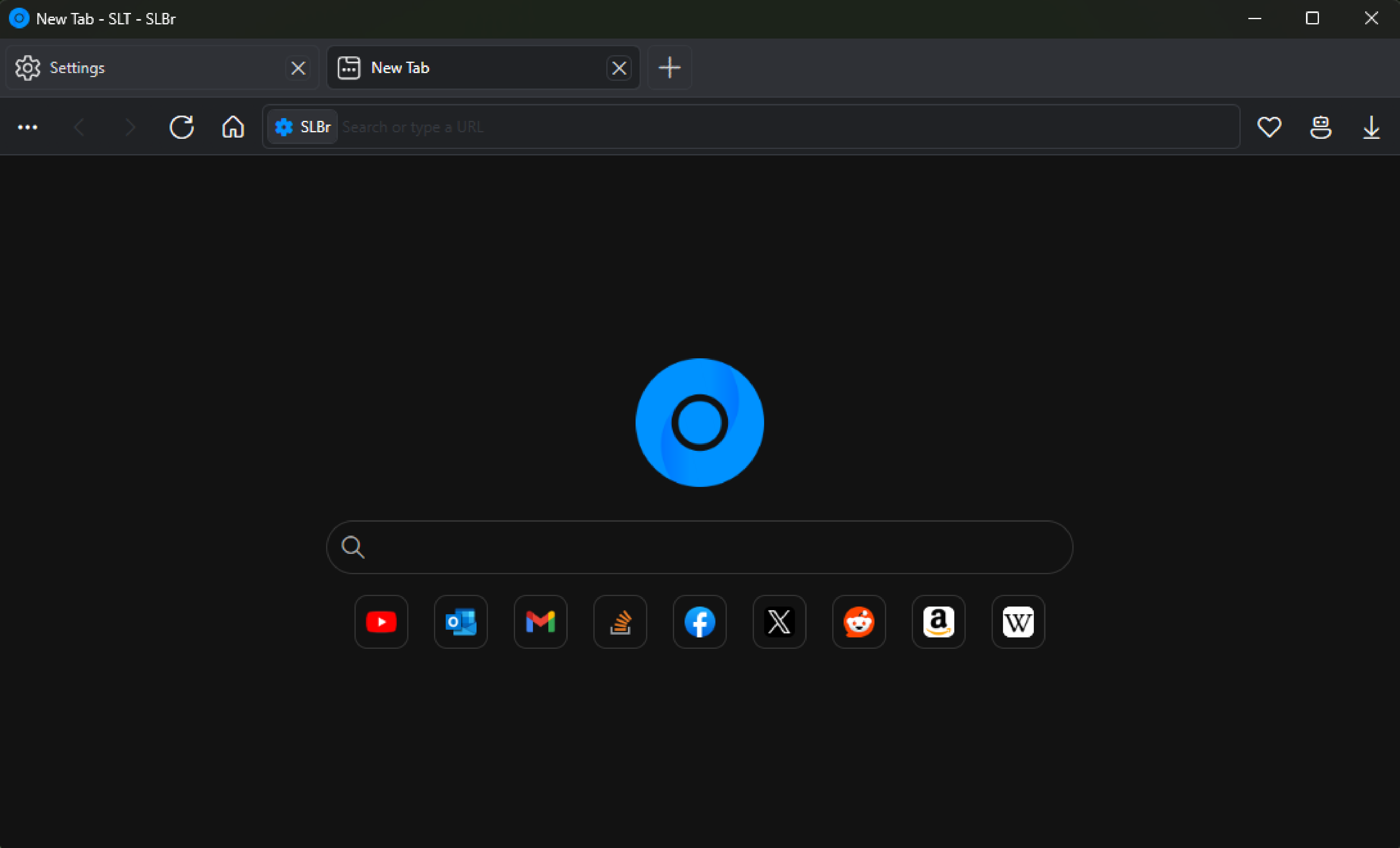
SLBr is an open-source, lightweight web browser based on Chromium. Built with .NET, WPF, CefSharp (CEF), and WebView2 to provide a modern browsing experience while remaining lightweight.
See the full feature list, here
- Clean, Modern UI: Simple & clean design.
- Multi Web Engine: Choose between Chromium engine (CEF), Edge engine (WebView2), Internet Explorer engine (Trident).
- Ad & Tracker Blocking: Browse with fewer ads & less tracking.
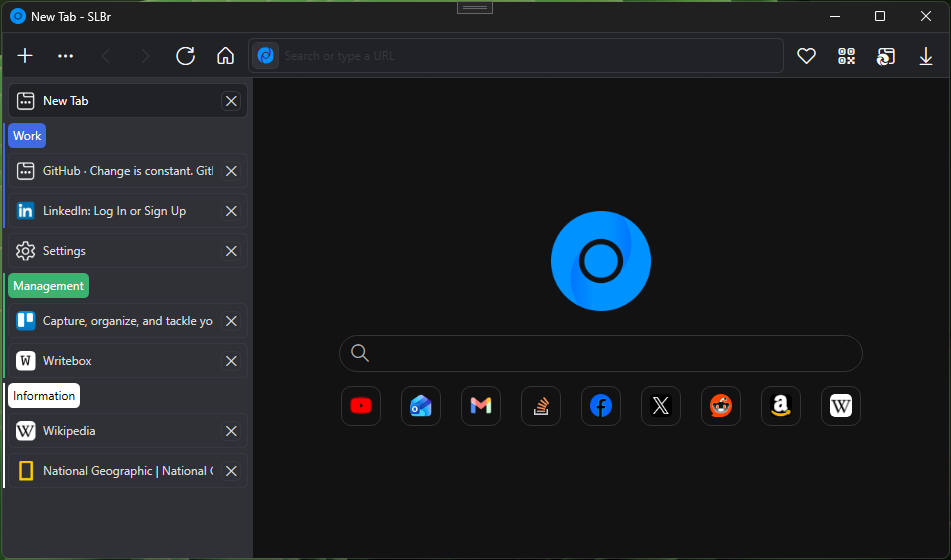
- Tab Layouts: Choose vertical or horizontal tab alignment.
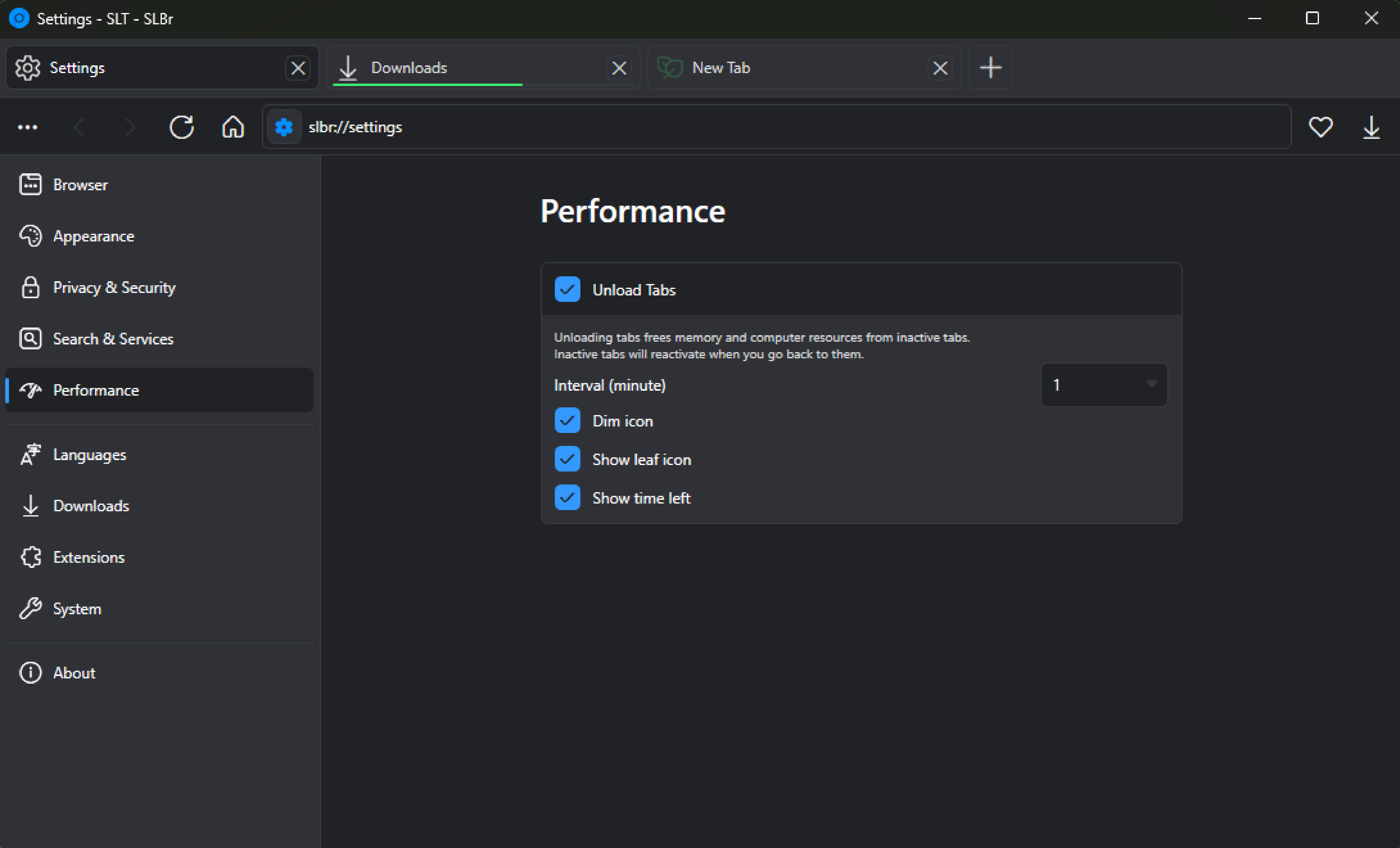
- Tab Unloading: Save memory by unloading inactive tabs.
- Smart Address Bar: Search suggestions directly in the address bar, with quick calculations, weather, and translation.
- Private Tabs (Incognito Tabs): Open private browsing sessions that don't store history and cookies.
- Tab Groups: Organize tabs with color-coding & naming.
- Profile Manager: Manage multiple profiles on startup.
- Web Risk Service: Protects against malicious websites with Google Safe Browsing, Yandex Safe Browsing & PhishTank.
- Web Page Translation: Directly translate websites without proxies with Google, Microsoft, Yandex & Lingvanex providers.
- Clipboard & Download Popup: Attach recent images from the clipboard/downloads, inspired by Opera's Easy Files. (Only for the Chromium web engine)
- Extension Support: Supports Chrome web store extensions. (Only for the Chromium web engine)
To install SLBr, follow these steps:
- Download the latest release.
- Ensure the following requirements are met:
- Microsoft Visual C++ Redistributable - Direct Download x64 (Typically pre-installed on Windows.)
- .NET 9.0 - (Launching SLBr without .NET 9.0 will automatically prompt a redirect to a direct download.)
- Windows 10 & above.
- Chromium Embedded Framework (CEF): Thanks to Marshall Greenblatt.
- CefSharp Team: Thanks to Amaitland and the CefSharp team.
- IPFS (Not present in the latest rework): Thanks to Mauve for assisting with the implementation of IPFS in SLBr.
SLBr is licensed under the GNU General Public License v3.0.
Feature suggestions and contributions would be much appreciated. Your input helps improve SLBr. Alternatively, you can also contribute by sponsoring CefSharp.
Website: SLBr
New Video: YouTube
Old Video: Old SLBr in action
Important
The SECRETS.cs file is removed as private API keys are stored inside. To fix it, either:
- Remove the code that is causing the error, which will remove the ability to use Google Safe Browsing & sign in to Google.
- Generate a new C# class called "SECRETS":
namespace SLBr
{
    static class SECRETS
    {
        public const string GOOGLE_API_KEY = "";
        public const string GOOGLE_DEFAULT_CLIENT_ID = "";
        public const string GOOGLE_DEFAULT_CLIENT_SECRET = "";
        public const string YANDEX_API_KEY = "";
        public const string PHISHTANK_API_KEY = "";
        public const string WEATHER_API_KEY = "";
        public const string AMP_API_KEY = "";
        public const string GOOGLE_TRANSLATE_ENDPOINT = "";
        public const string MICROSOFT_TRANSLATE_ENDPOINT = "";
        public const string LINGVANEX_ENDPOINT = "";
        public const string YANDEX_LANGUAGE_DETECTION_ENDPOINT = "";
        public const string YANDEX_ENDPOINT = "";
        public const string LANGUAGETOOL_SPELLCHECK_ENDPOINT = "";
        public const string MICROSOFT_SPELLCHECK_ENDPOINT = "";
        public const string YANDEX_SPELLCHECK_ENDPOINT = "";
        public const string GOOGLE_SPELLCHECK_ENDPOINT = "";
    }
}