Unity 2020.2.1f1
- Start the project in Unity.
- Start the GameScene
- Hit the "Play" button
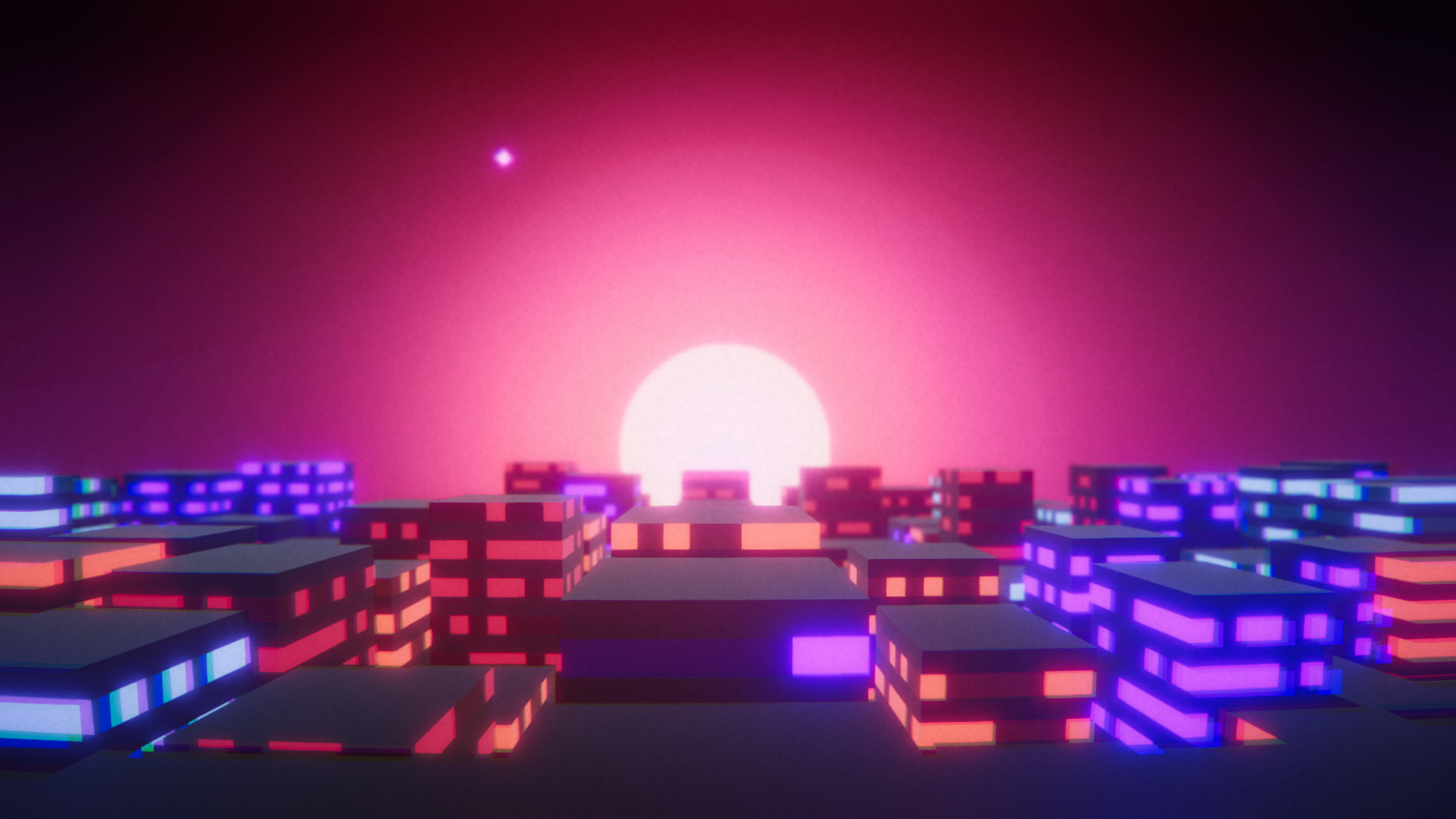
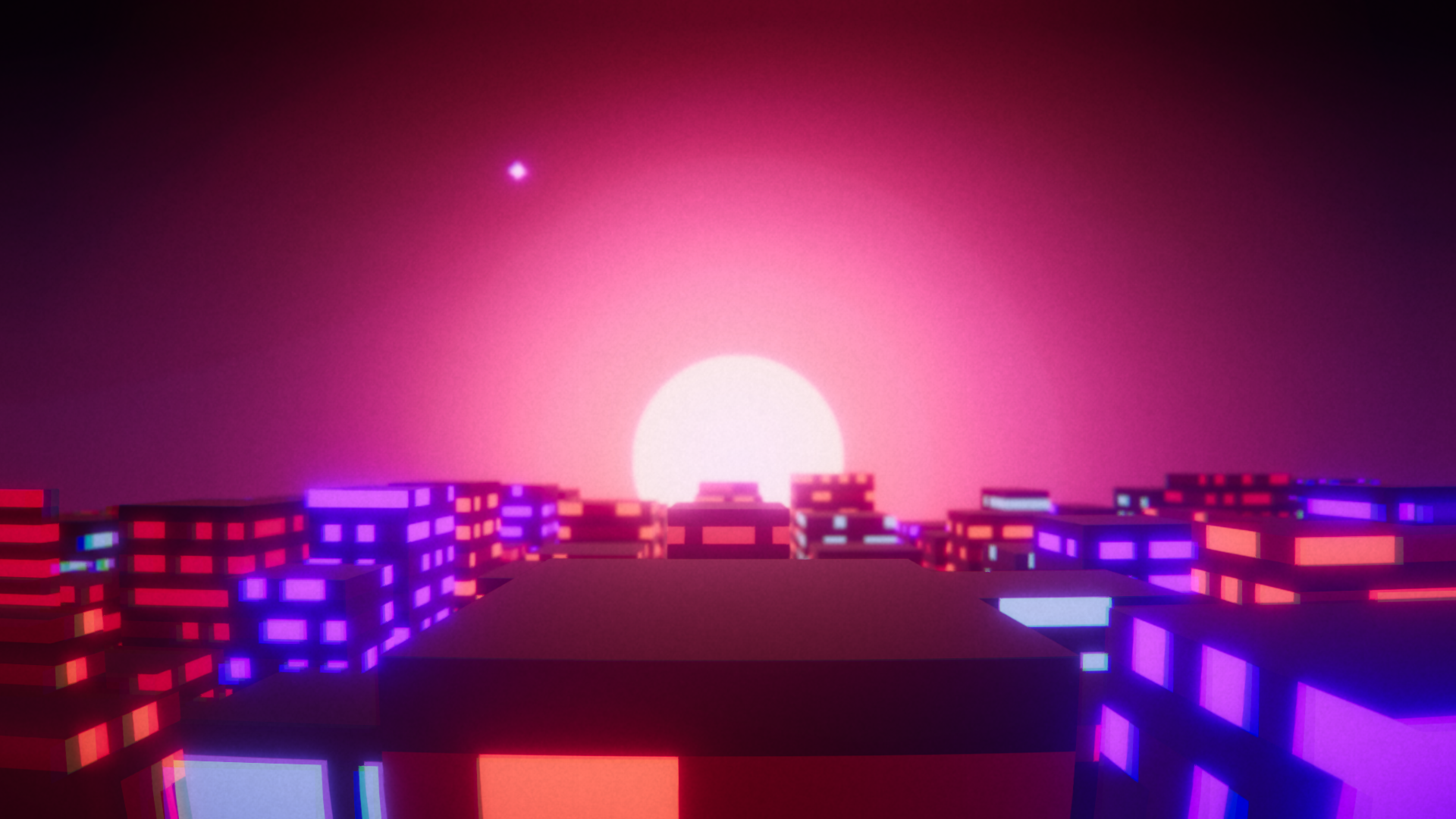
A new city should be generated each time you hit play.
With the mouse, you can look around.
With F10 you can do a screenshots
With Right Click / left alt you can toggle the UI to change the screenshot path, regenerate a new city or destroy the current one.