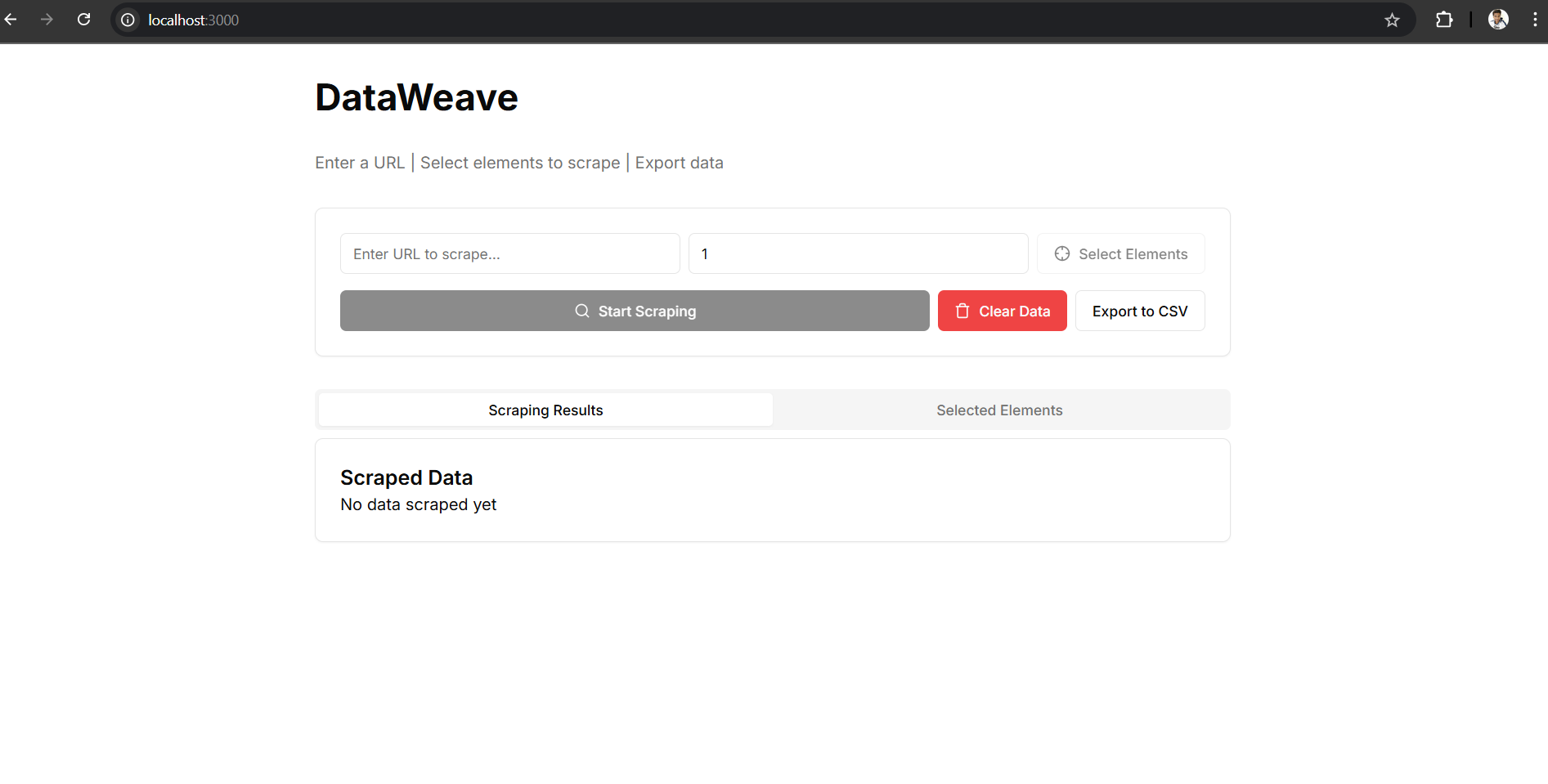
A powerful, intuitive tool that lets you visually extract data from any webpage using XPath selectors — no coding required!

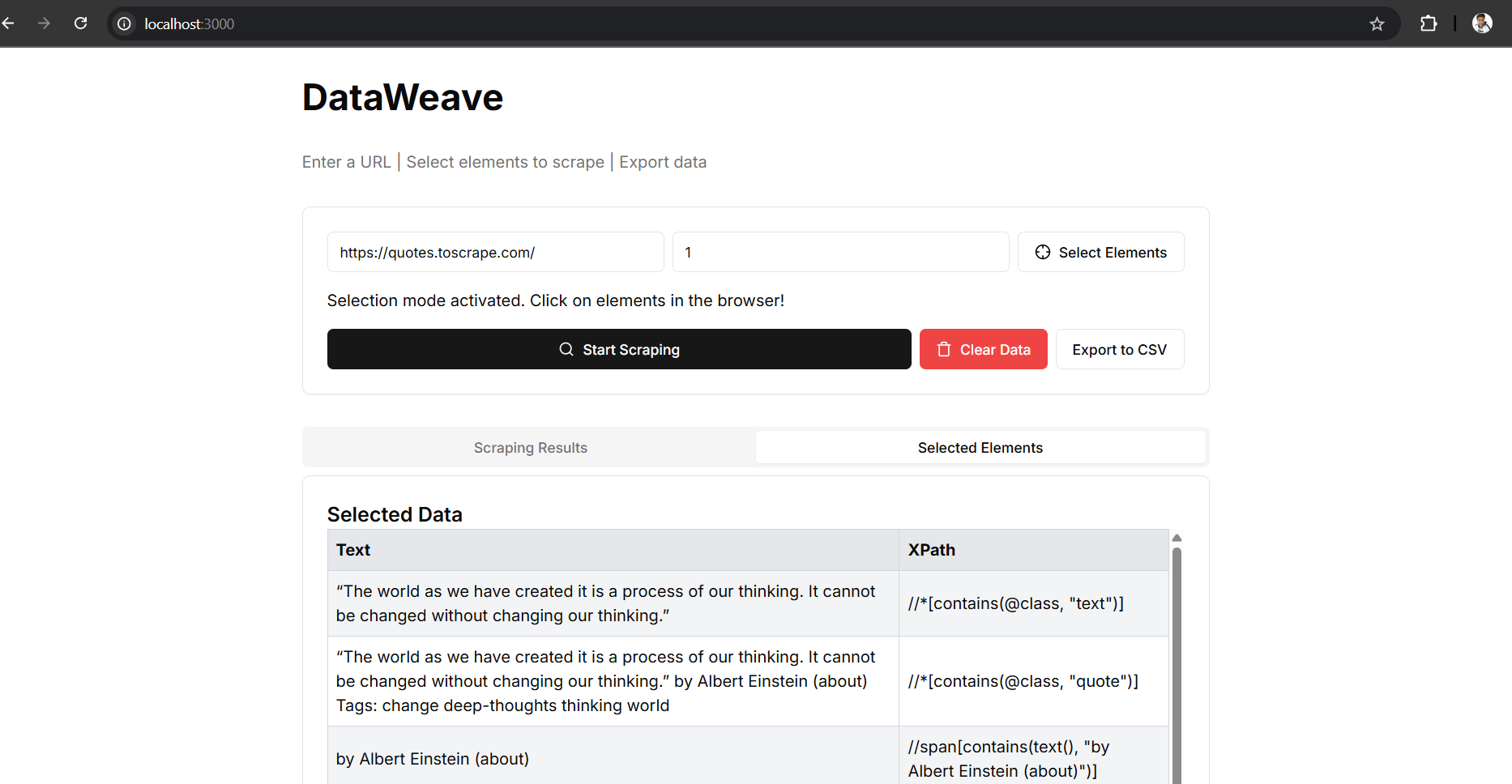
- 🖱️ Point-and-Click Element Selection – Extract data visually by clicking on page elements.
- 🧠 Smart XPath Detection – Auto-generates accurate XPath selectors for selected elements.
- 🔄 Live Data Preview – Instantly see the selected content before scraping.
- 📄 Pagination Support – Easily scrape data across multiple pages.
- 📊 Clean Table Display – Preview selected and scraped data in a structured table.
- 📥 CSV Export – One-click export of scraped data.
- 💾 State Persistence – Remembers your last session, including URL and selections.
- Framework: Next.js + React
- Language: TypeScript
- UI Components: shadcn/ui
- Styling: Tailwind CSS
- Icons: Lucide React
- Notifications: Sonner
- Framework: FastAPI (Python)
- Automation: Selenium
- Driver Handling: WebDriver Manager
# Clone the repository
git clone https://github.com/Scorpian1910/DataWeave.git
cd DataWeave/backend

# Create and activate a virtual environment
python -m venv venv

# On Windows
venv\Scripts\activate

# On macOS/Linux
source venv/bin/activate

# Install dependencies
pip install -r requirements.txt

# Start the FastAPI server
uvicorn main:app --host 0.0.0.0 --port 8000 --reloadcd ../frontend
# Install dependencies
npm install
# Run the development server
npm run devThen open http://localhost:3000 to start scraping!
DataWeave/
├── backend/              # FastAPI server
│   ├── main.py           # API routes & logic
│   └── requirements.txt  # Python dependencies
├── frontend/             # Next.js frontend
│   ├── pages/            # React pages
│   ├── components/       # UI components
│   └── public/assets/    # Static assets (images, etc.)
└── README.md
- 🔐 User Authentication
- 🌐 Remote deployment (Vercel + Render)
- 📂 Project Save/Load support
- 📅 Scheduling & Automation
- 💡 AI-enhanced selector suggestions
Pull requests are welcome! If you’d like to suggest features or report bugs, please open an issue.