User Panel overview
After logging in, you'll see the User Panel:
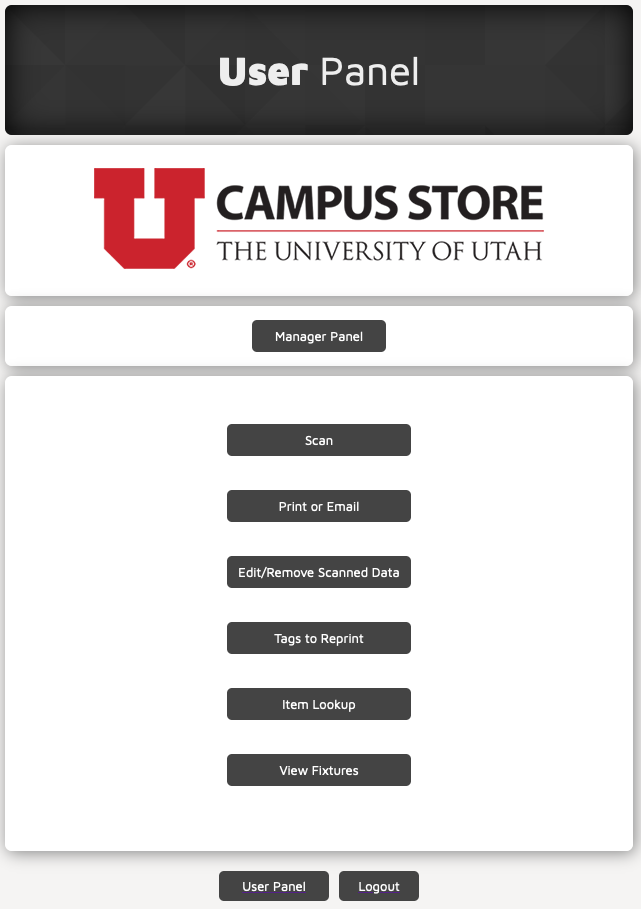
Note, the Manager Panel will only appear if you are a Manager or Administrator (not a regular User).
Refer to the following pages for details on each button:
Each page within the app has links at the bottom: one that brings you back to the User Panel, and one that will log you out of the application.