How to make your own Statbot!
Step 1. Host your bot by pressing the button below

Once you're on the page below, just add a name for your bot and press deploy.
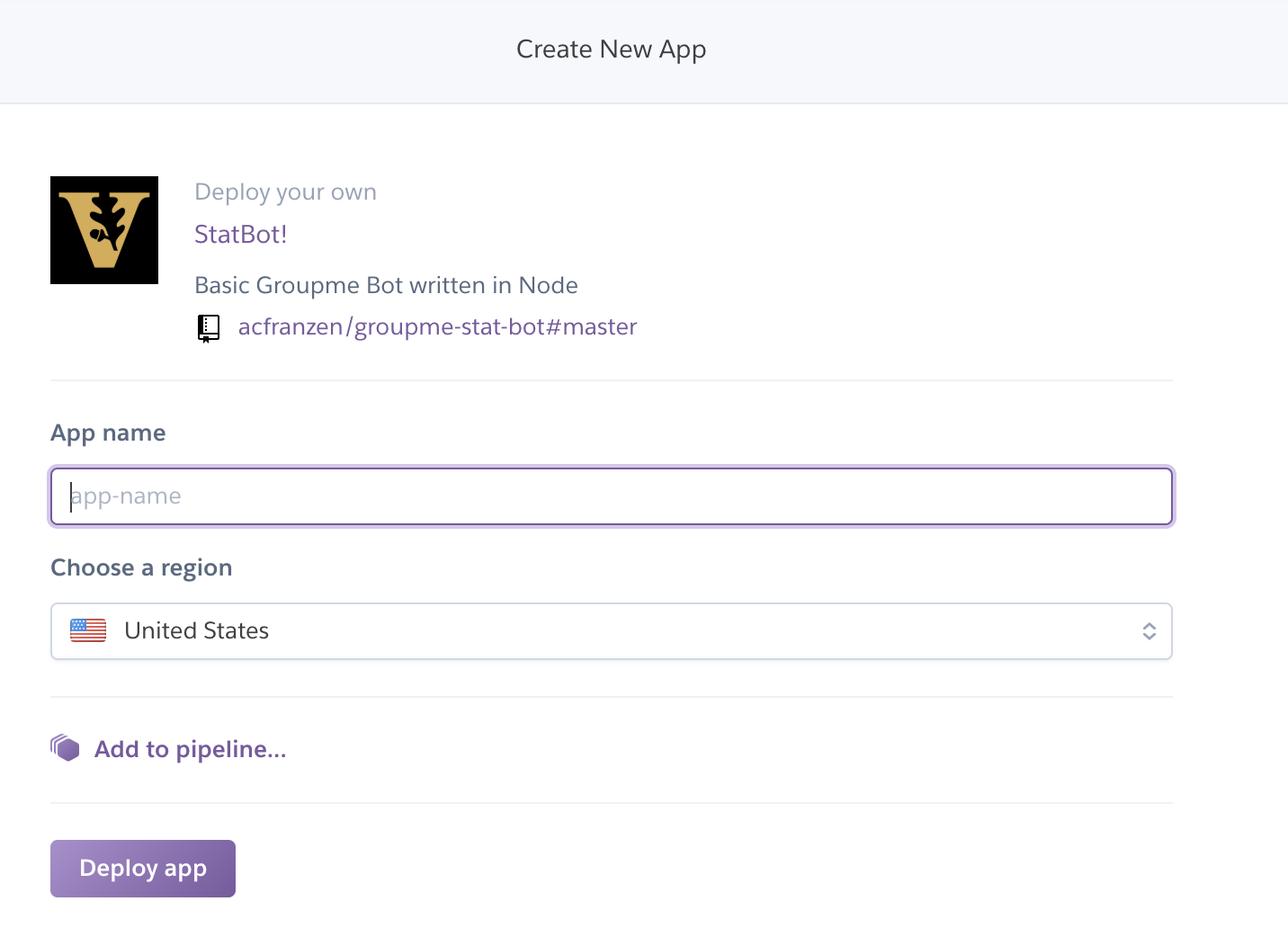
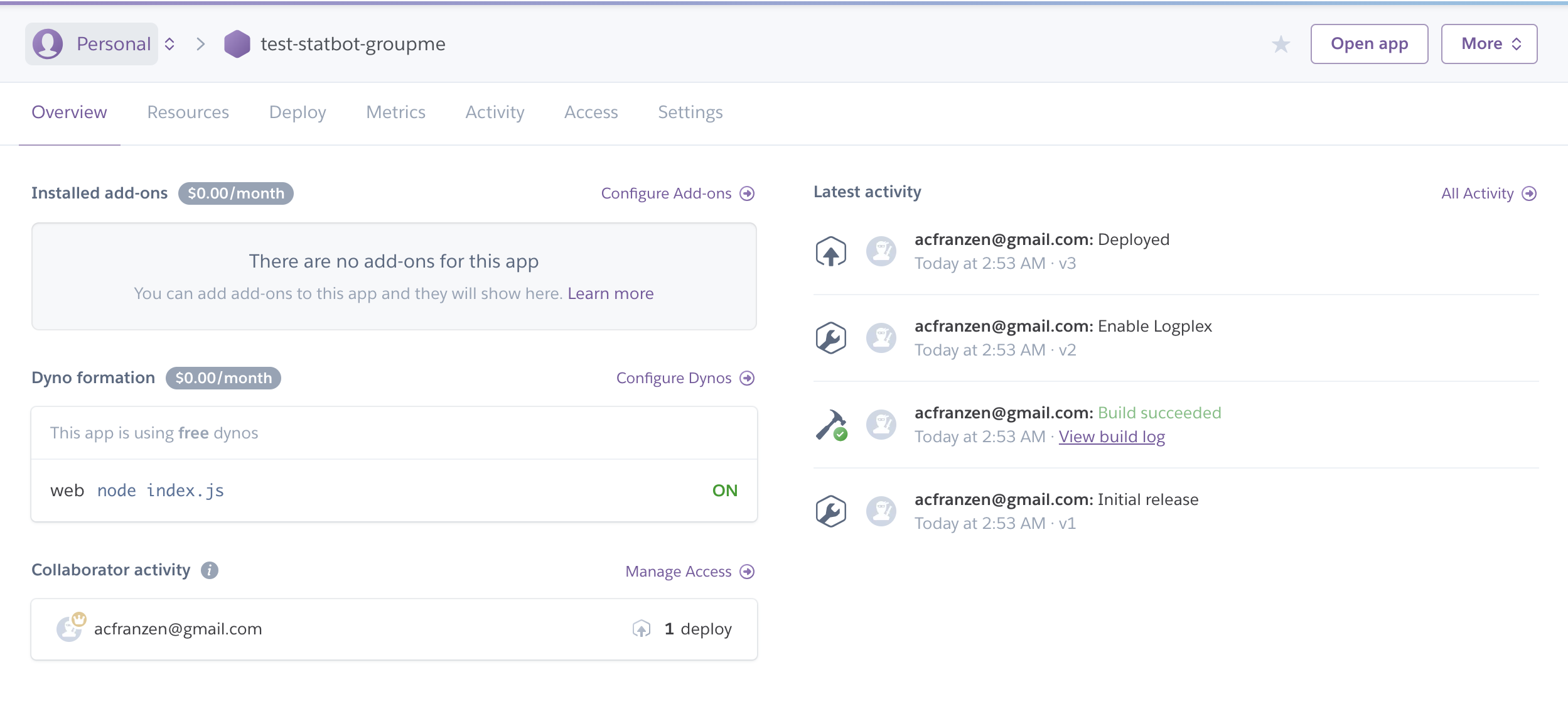
After you're app has deployed, you'll see the screen below
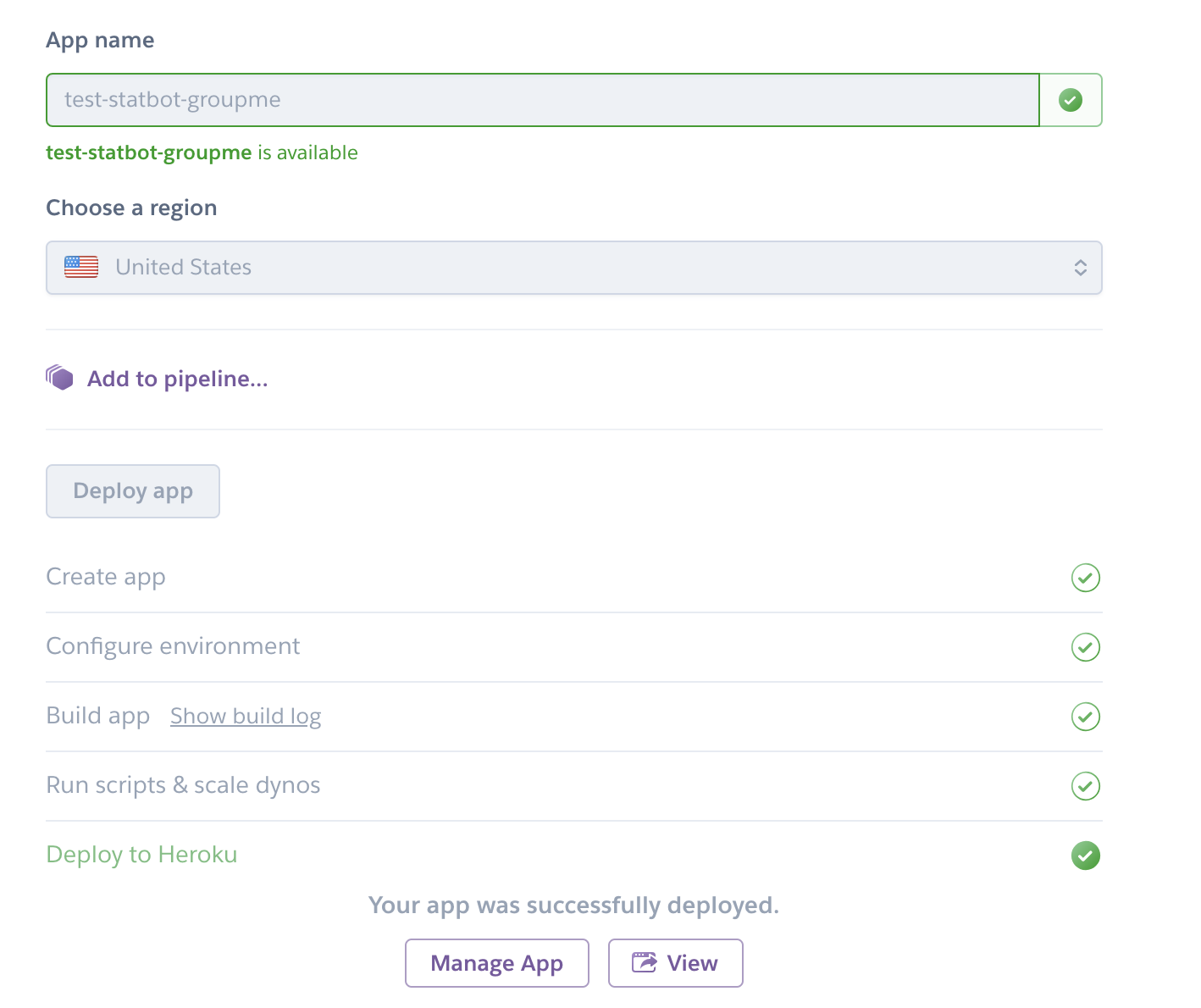
Click manage app, then open a new tab and navigate to: https://dev.groupme.com/session/new
Login with your groupme info.
Once logged in, go to: https://dev.groupme.com/bots/new
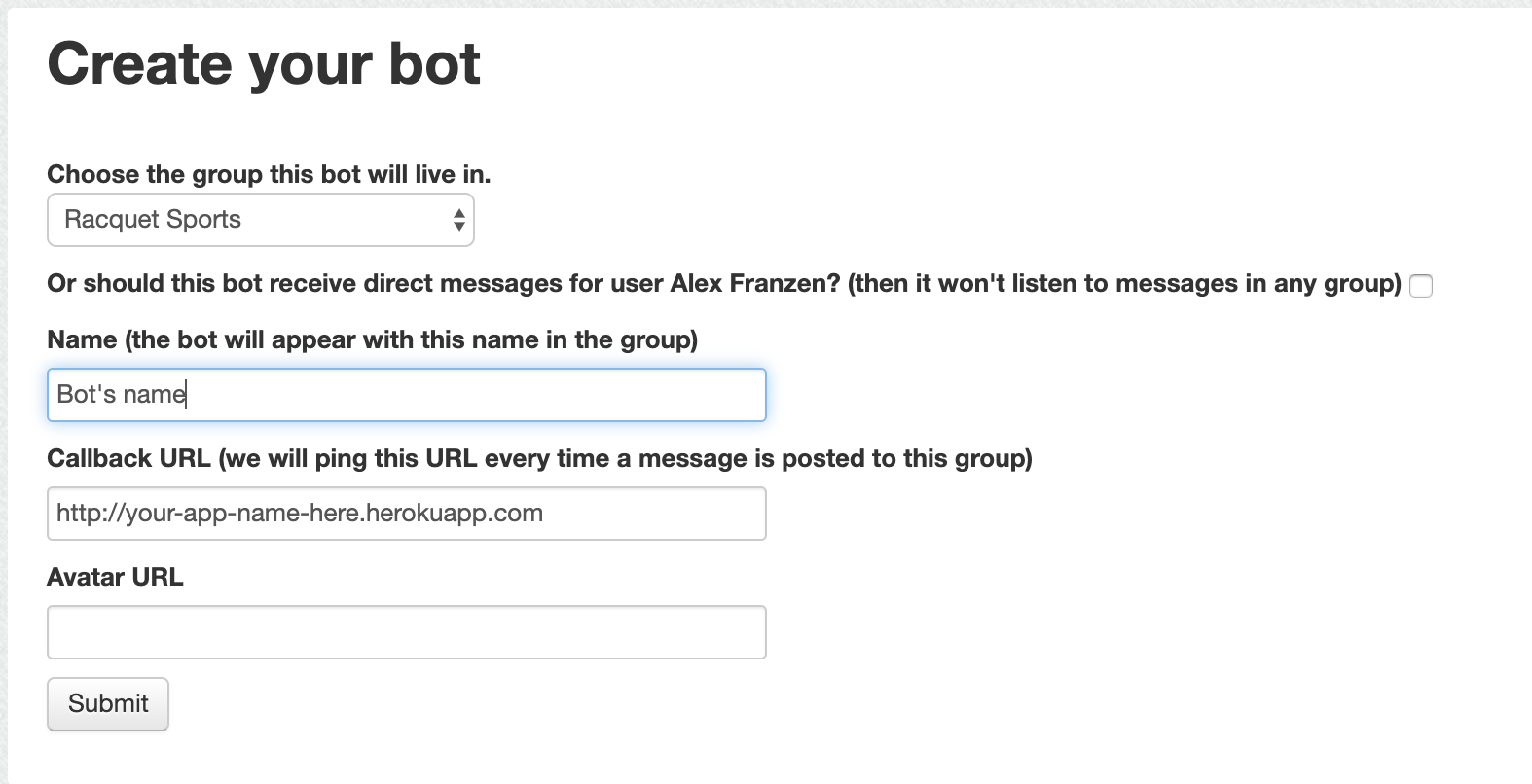
Enter the information just like in the picture above!
After creating the bot, go to: https://dev.groupme.com/bots to see it's status!
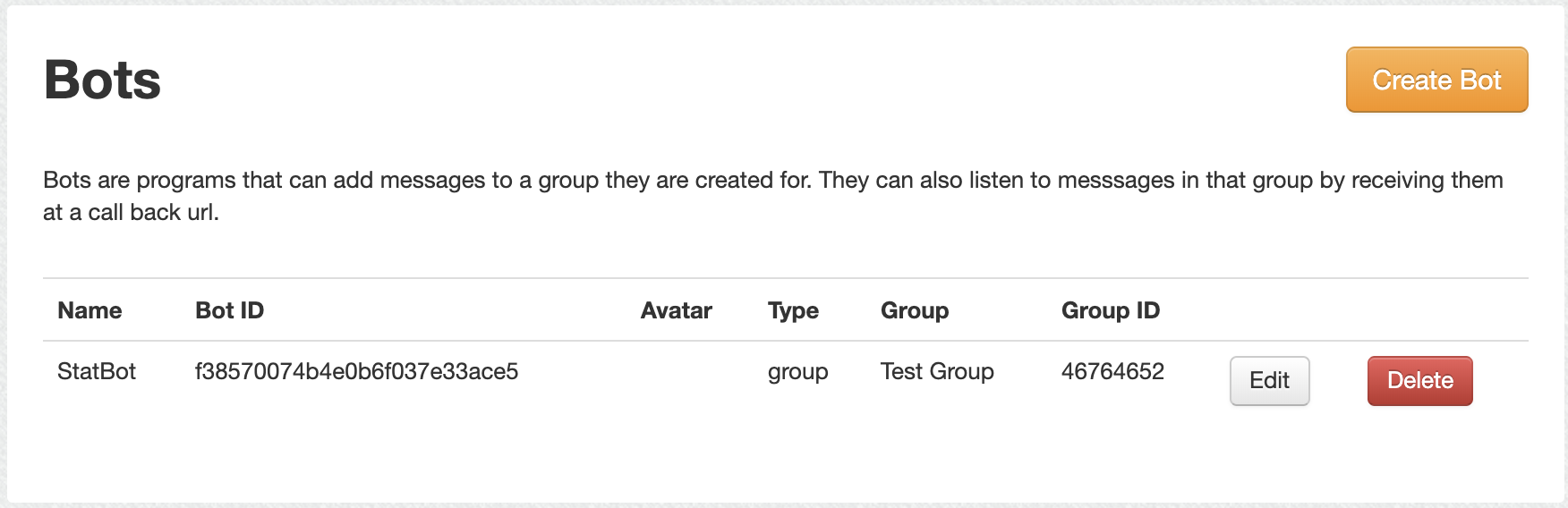
On this page, copy the bot ID (ctl-C)
After getting your bot ID, return to your Heroku app at: https://dashboard-next.heroku.com/apps
On your dashboard, go to the settings tab, visible in the picture below:
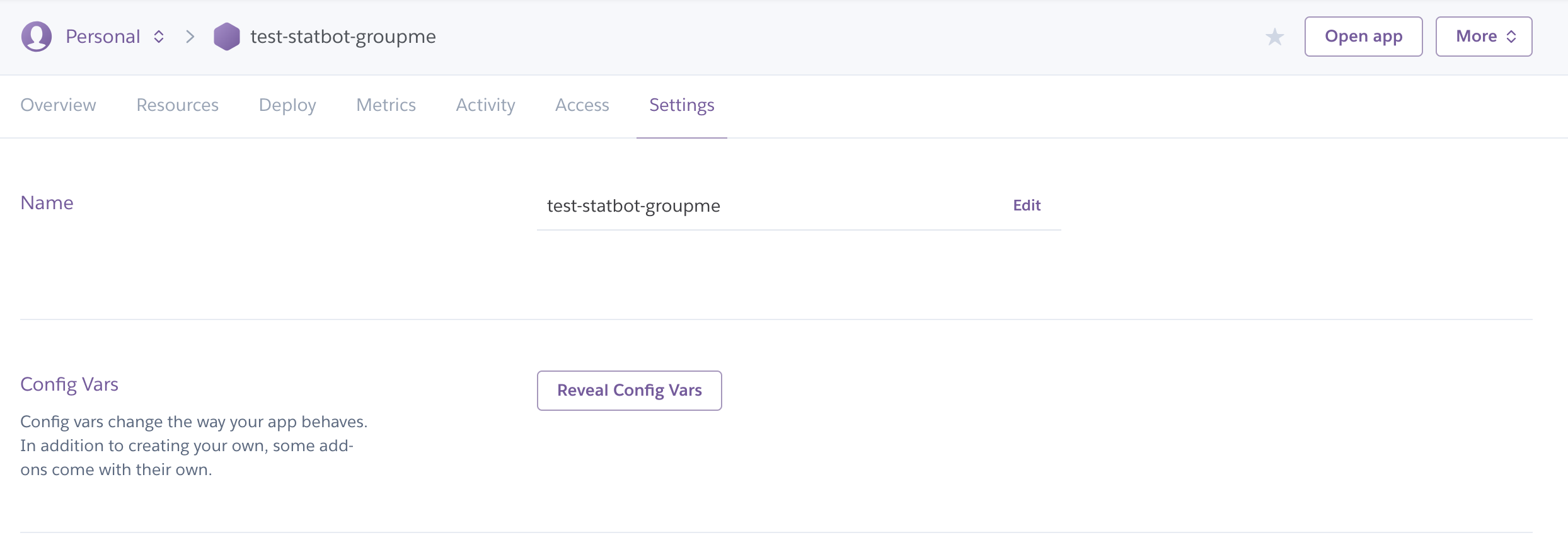
Once on the settings page, click on the "reveal config vars" button, shown in the picture below:
In the config variables section, add two variables as below: BOT_ID, and ACCESS_TOKEN:
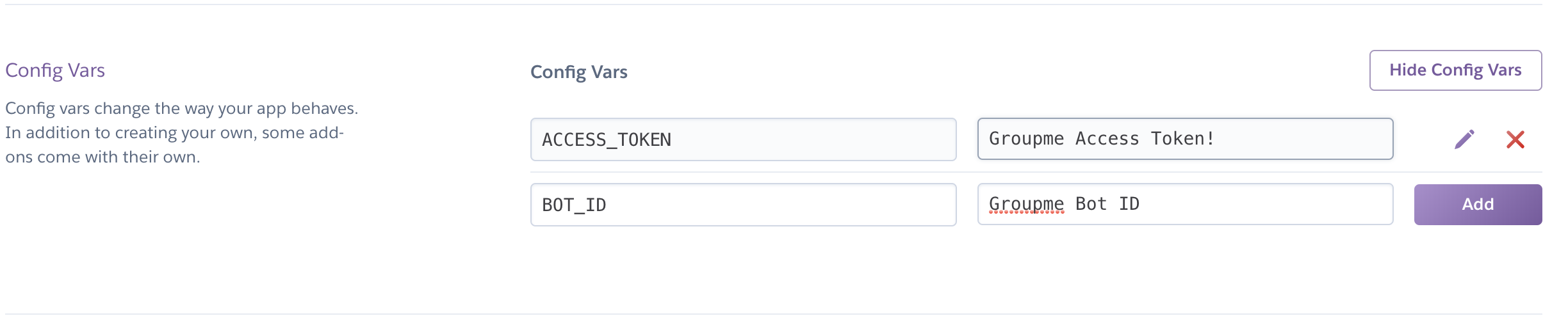
Your BOT_ID should still be copied from earlier, so just paste that in there.
To find your access token, go back to https://dev.groupme.com/bots and click "access token" in the top right hand corner
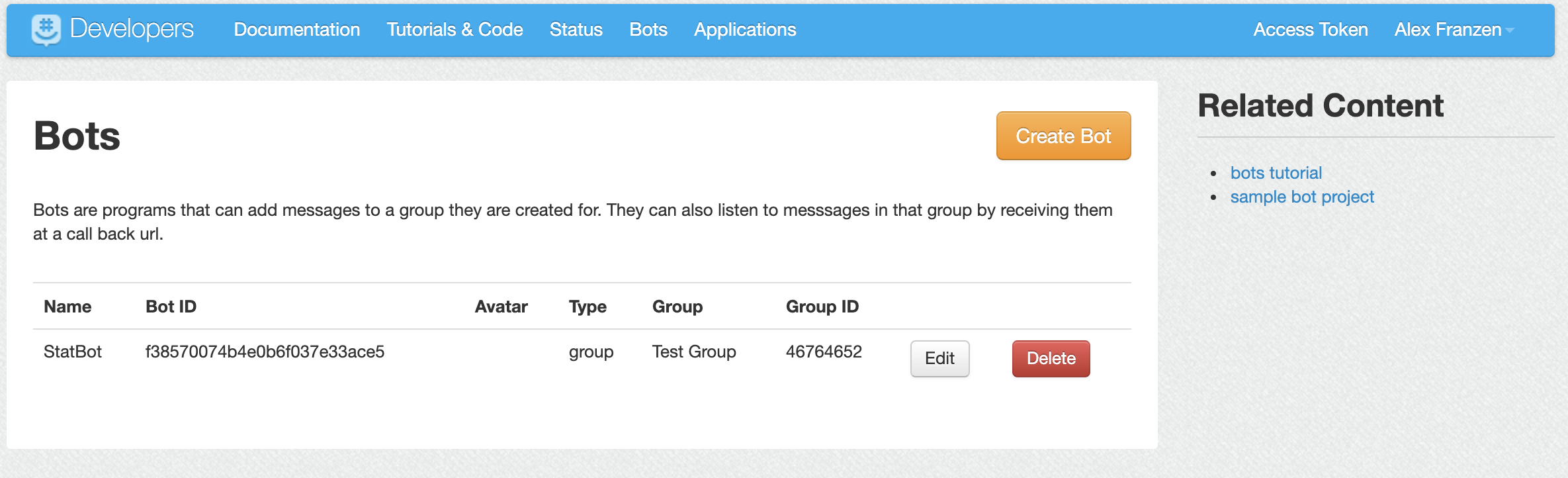
Then go back and add it to the environment variables on Heroku, then press save.
And you're good to go!
Go to the group that you added Statbot to, and simply type !menu to get started!