- Tools: Postman,newman
- Build tool: npm
- Language: Javascript
- Report: newman-reporter-htmlextra
- Dependency/Packages:{
"newman": "^5.3.2",
"newman-reporter-htmlextra": "^1.22.7"
}
- IDE: Visual Studio Code
- Automate API Status
- Automate List of books API
- Automate Get a single book API
- Automate API Authentication
- Automate Submit an order API
- Automate Get all orders API
- Automate Get an order API
- Automate Update an order API
- Automate Delete an order API
- Need to install Node. js version 12 or 14 and above
- Need to install Postman
- API Doc. Here is our API Doc :https://github.com/vdespa/introduction-to-postman-course/blob/main/simple-books-api.md
- Open cmd to the project folder using VS Code
- Type "npm install" to install all the dependency
- Type this command:"npm test"
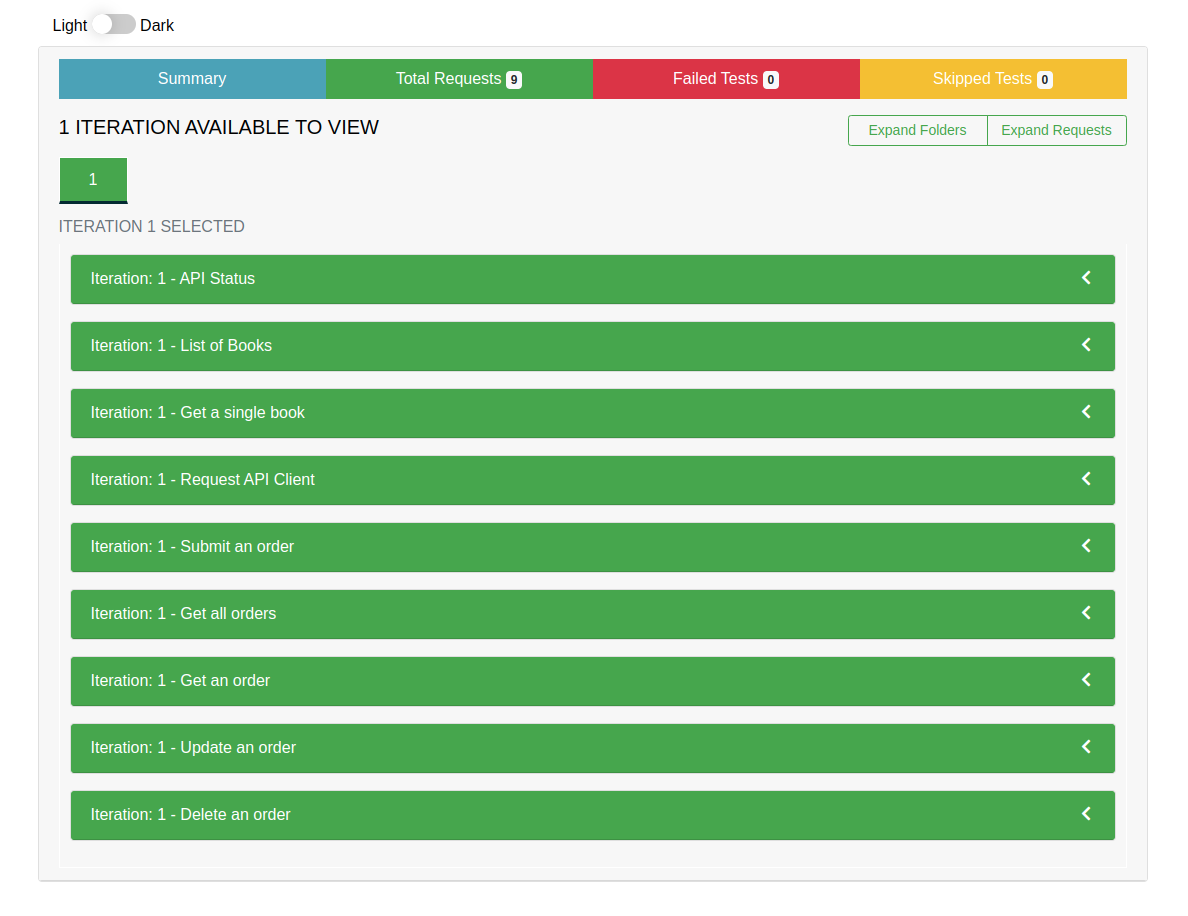
- After Complete the test execution Report will generate to Report Folder
- Run the report.html file using any live server extension(e.g. Live Server) to view the html report




To See the Demo Video click here
- I have added github actions in this project to test my script in CI way
- To See the Demo Video click here
- I have created a docker image to make the test script run easily. If the docker is installed on the user's Pc then the user can run this script very easy way without setup the node environment. Docker image will handle all the environment setup. This docker image will run the API script.This docker image was tested in Linux & Windows OS.
Docker image: https://hub.docker.com/r/auntoracharja/postman-book-api-automation
To See the Demo Video click here
I have intregrate this automation project with the jenkins through the github repository.
To See the Demo Video click here