


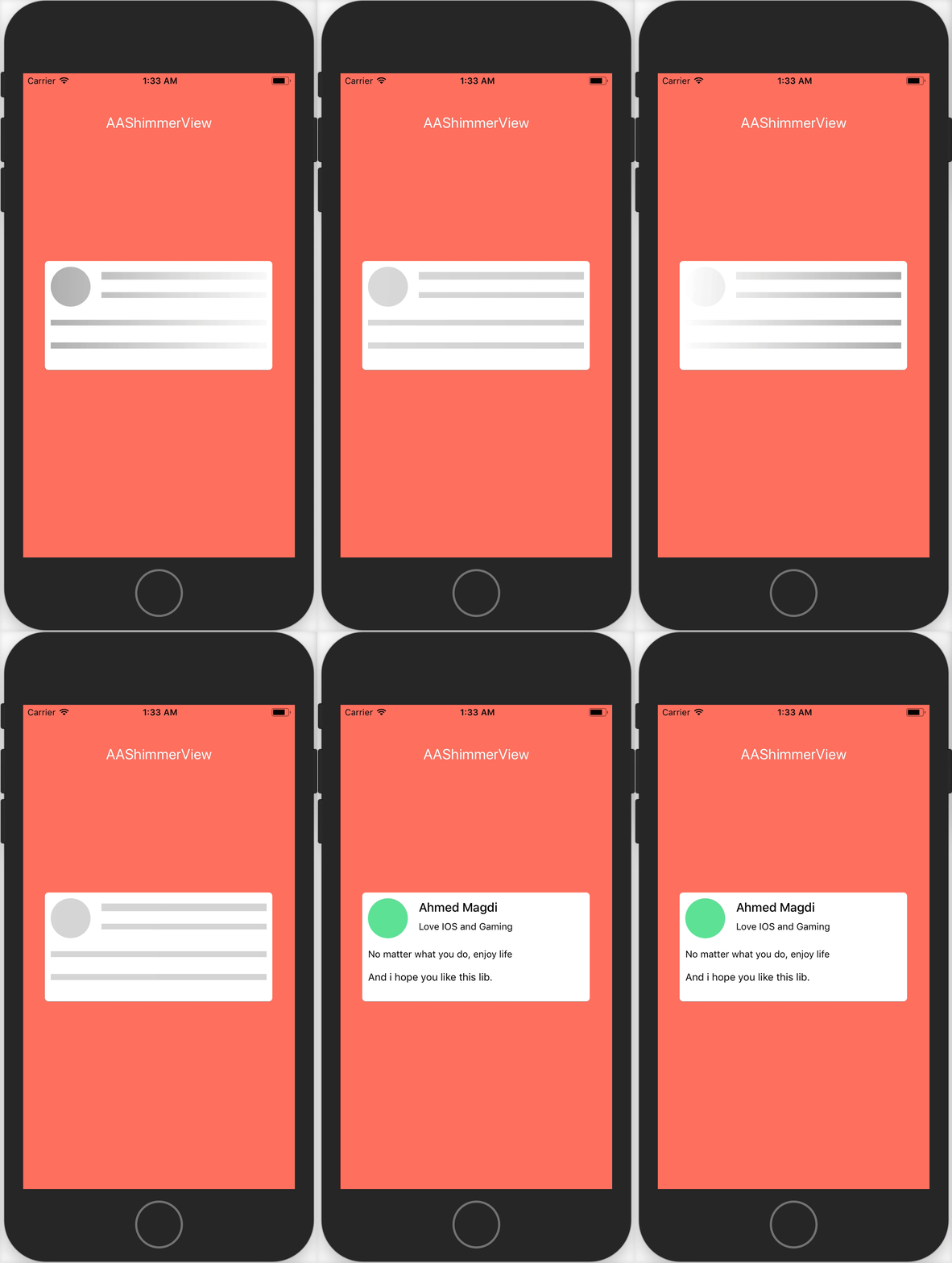
To run the example project, clone the repo, and run pod install from the Example directory first.
- Xcode 8.0+
- Swift 3.0
AAShimmerView is available through CocoaPods. To install it, simply add the following line to your Podfile:
pod "AAShimmerView"First thing to do is to import AAShimmerView
import AAShimmerViewThen just do what ever you want
containerView.aaShimmerSubViews = [label1, label2, label3, label4, imageView]
containerView.startShimmering()By default this value is set to the original view height
label1.aaShimmerHeight = label1.frame.height/2
label2.aaShimmerHeight = label2.frame.height/2
label3.aaShimmerHeight = label3.frame.height/2
label4.aaShimmerHeight = label4.frame.height/2ShimmerViewAlignment is either '.top', '.center' or '.bottom'. This is by default is set to '.center'
label3.aashimmerVerticalAlignment = .top
label4.aashimmerVerticalAlignment = .bottomaashimmerColors is a list of colors that is applied on the rootView. Default value is [.lightGray , .white]
containerView.aashimmerColors = [UIColor.red, UIColor.green]Issues and pull requests are welcome!
Ahmed Mohamed Magdi, ahmed.moh.magdi93@gmail.com
AAShimmerView is available under the MIT license. See the LICENSE file for more info.