A PoS (Point of Sale) system is what we see in grocery stores, where the sales manager scans our products and gives us a receipt.
PoSify is a PoS (Point of Sale) system where you can add brands & products, keep track of inventory and create orders and their reports.
- Upload brand/category details using TSV, from UI
- View + Create + Edit a brand detail using UI
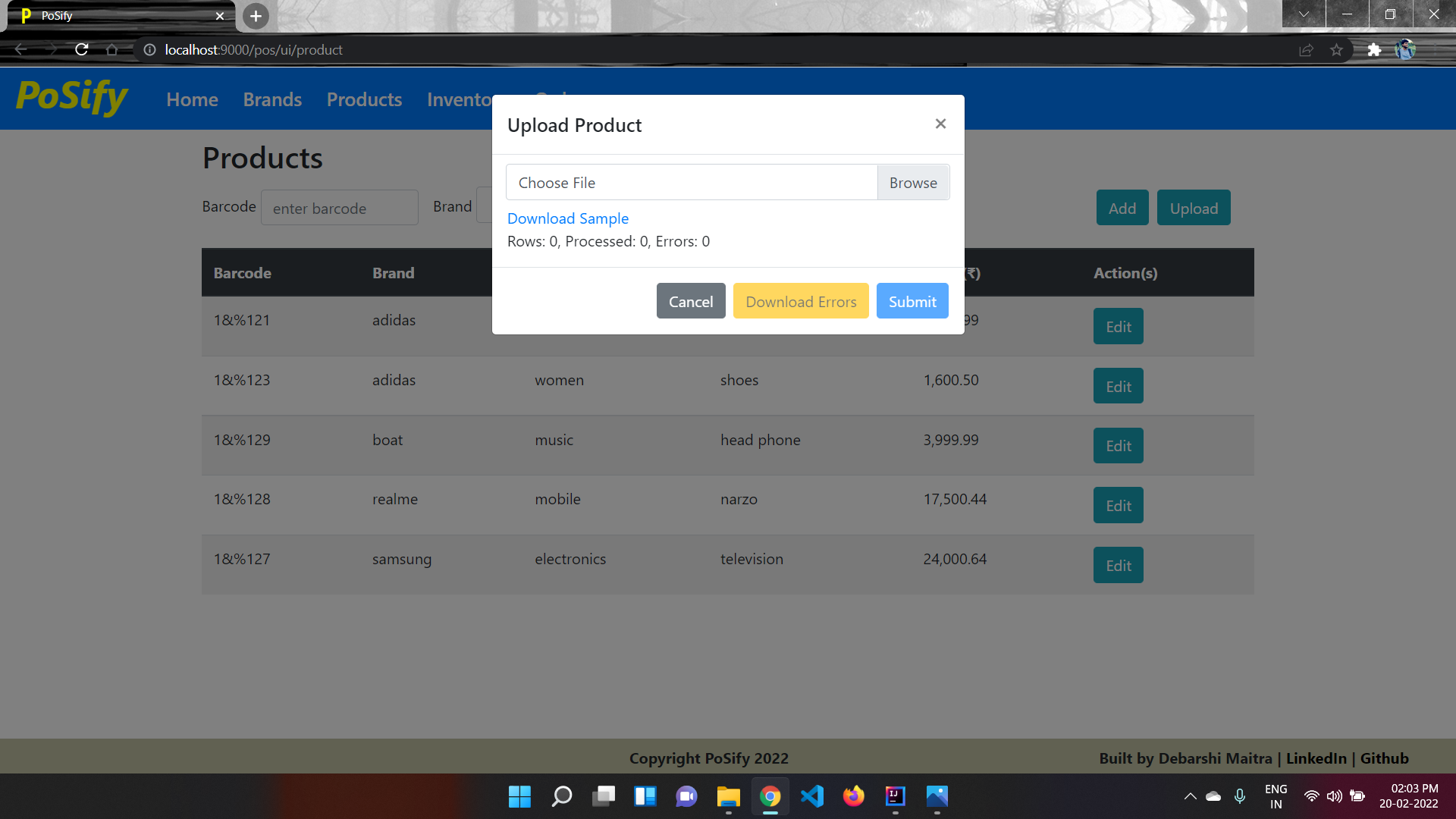
- Upload product details using TSV, from UI
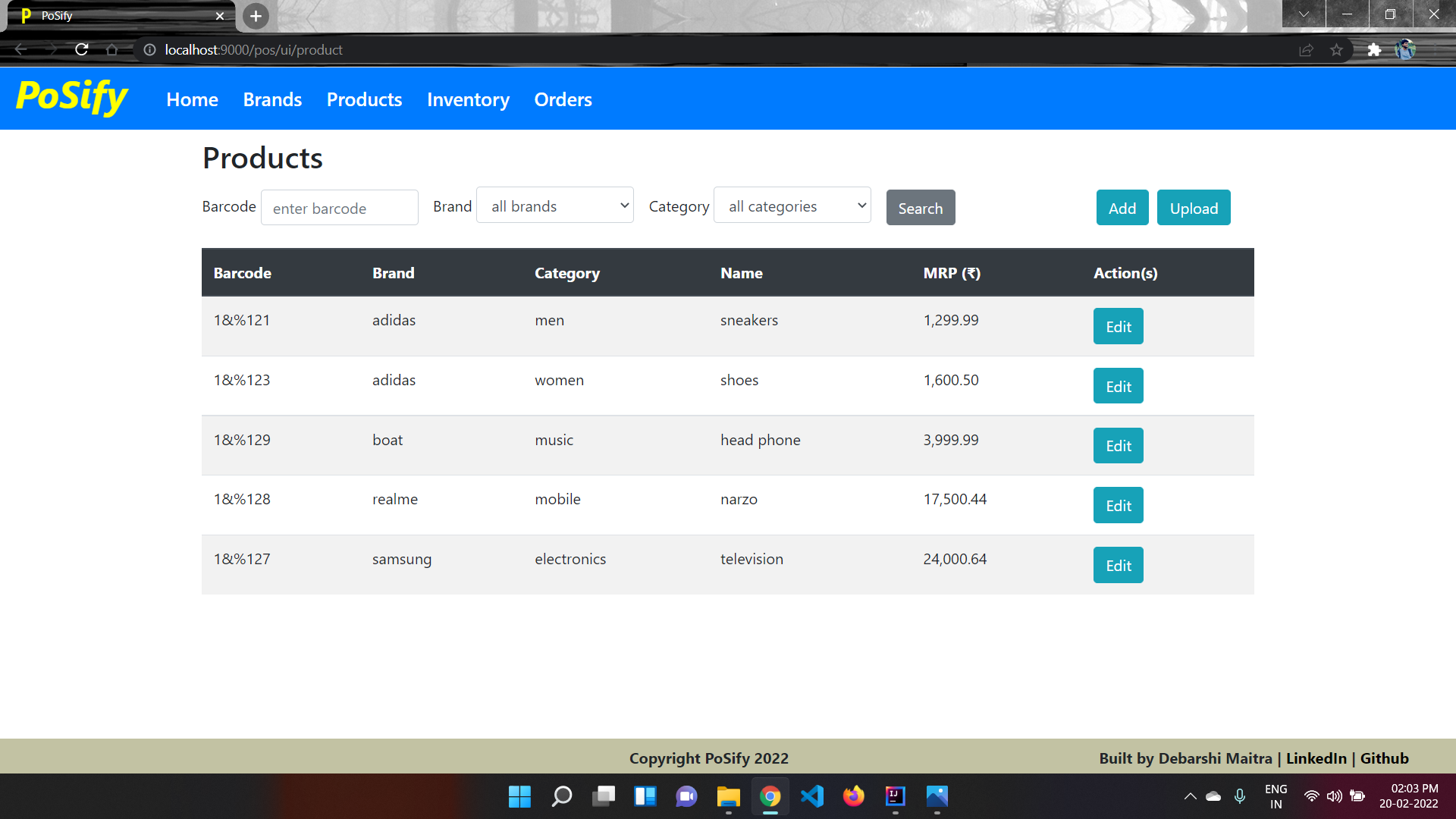
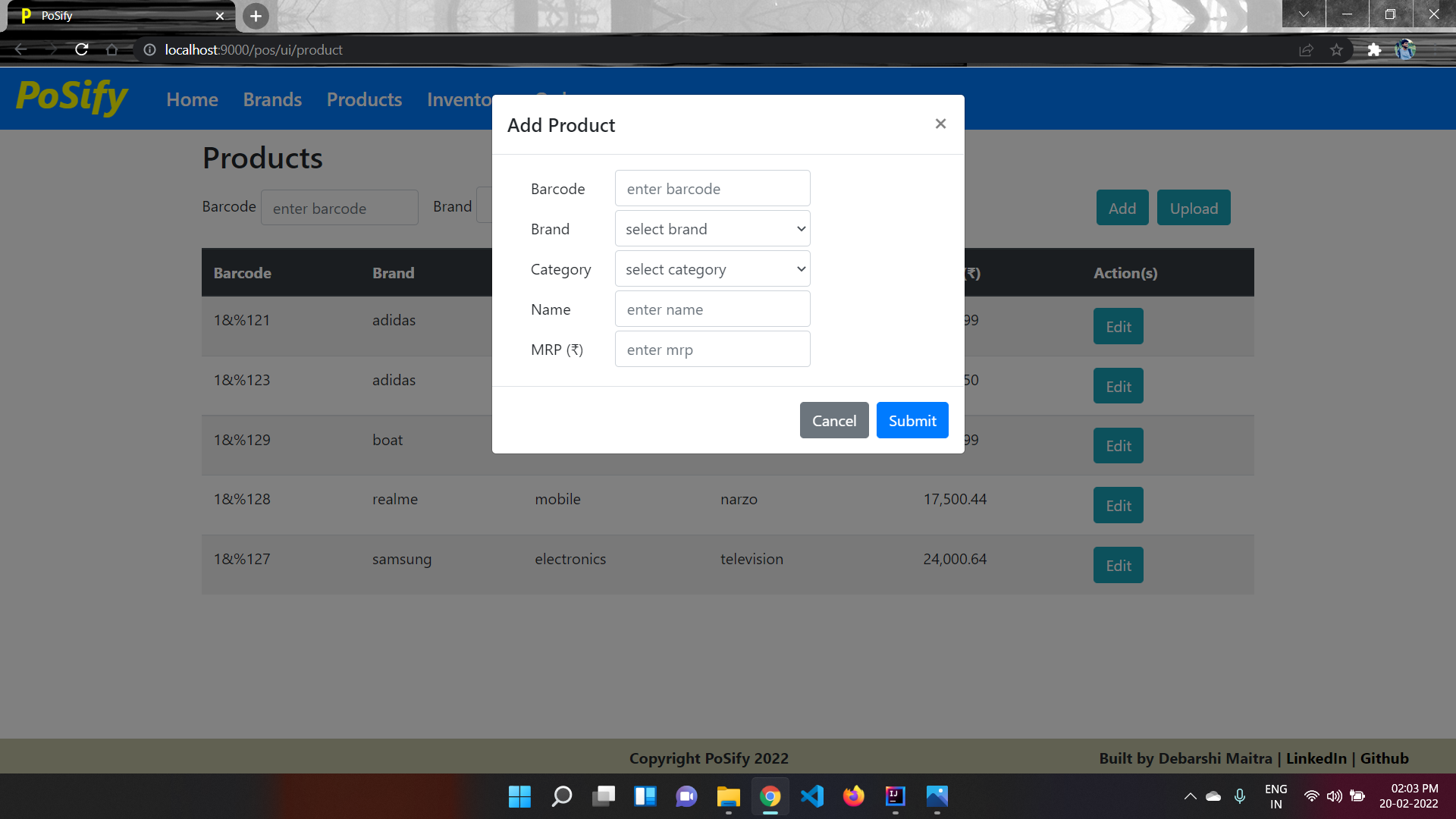
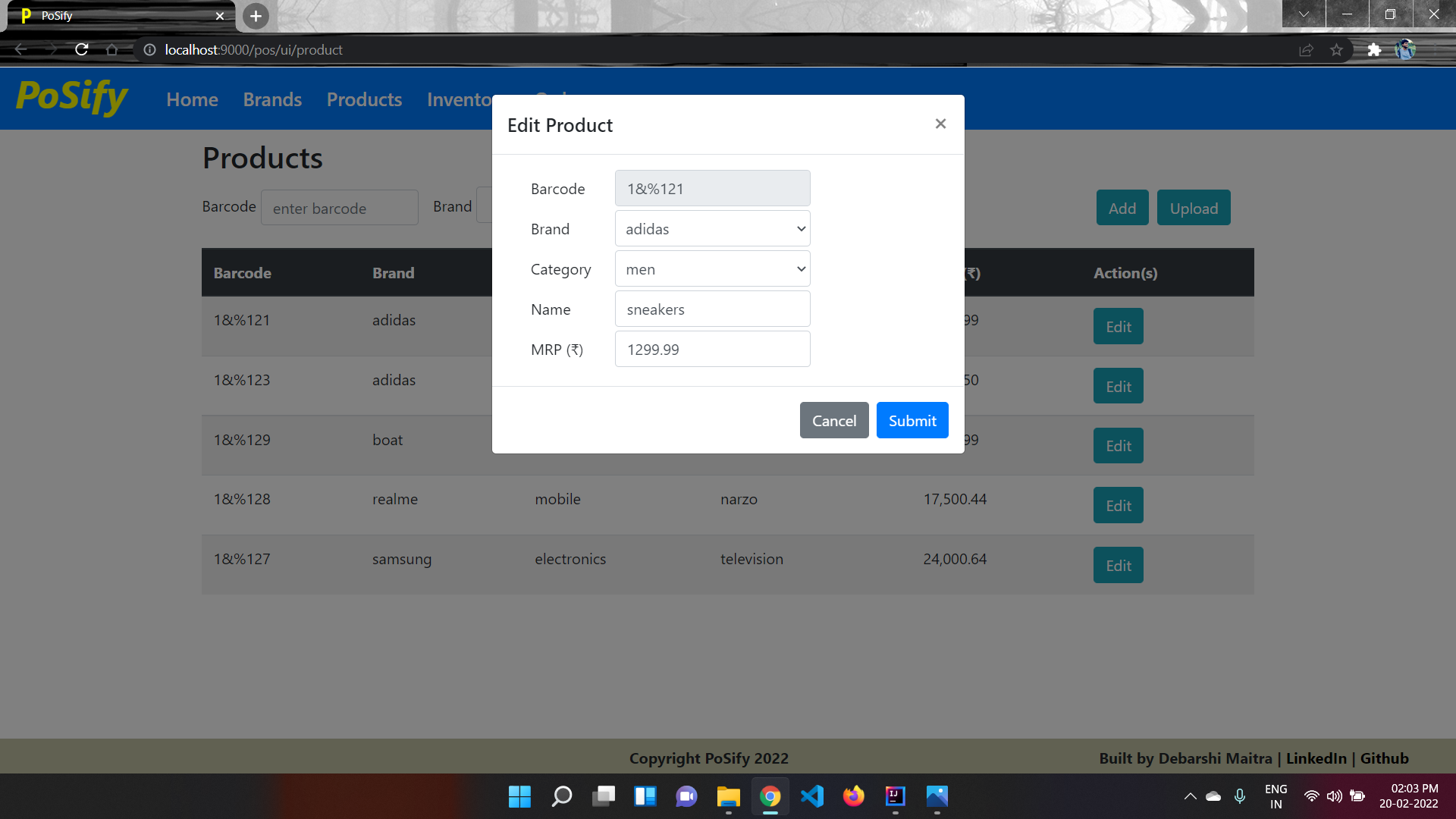
- View + Create + Edit a product detail using UI
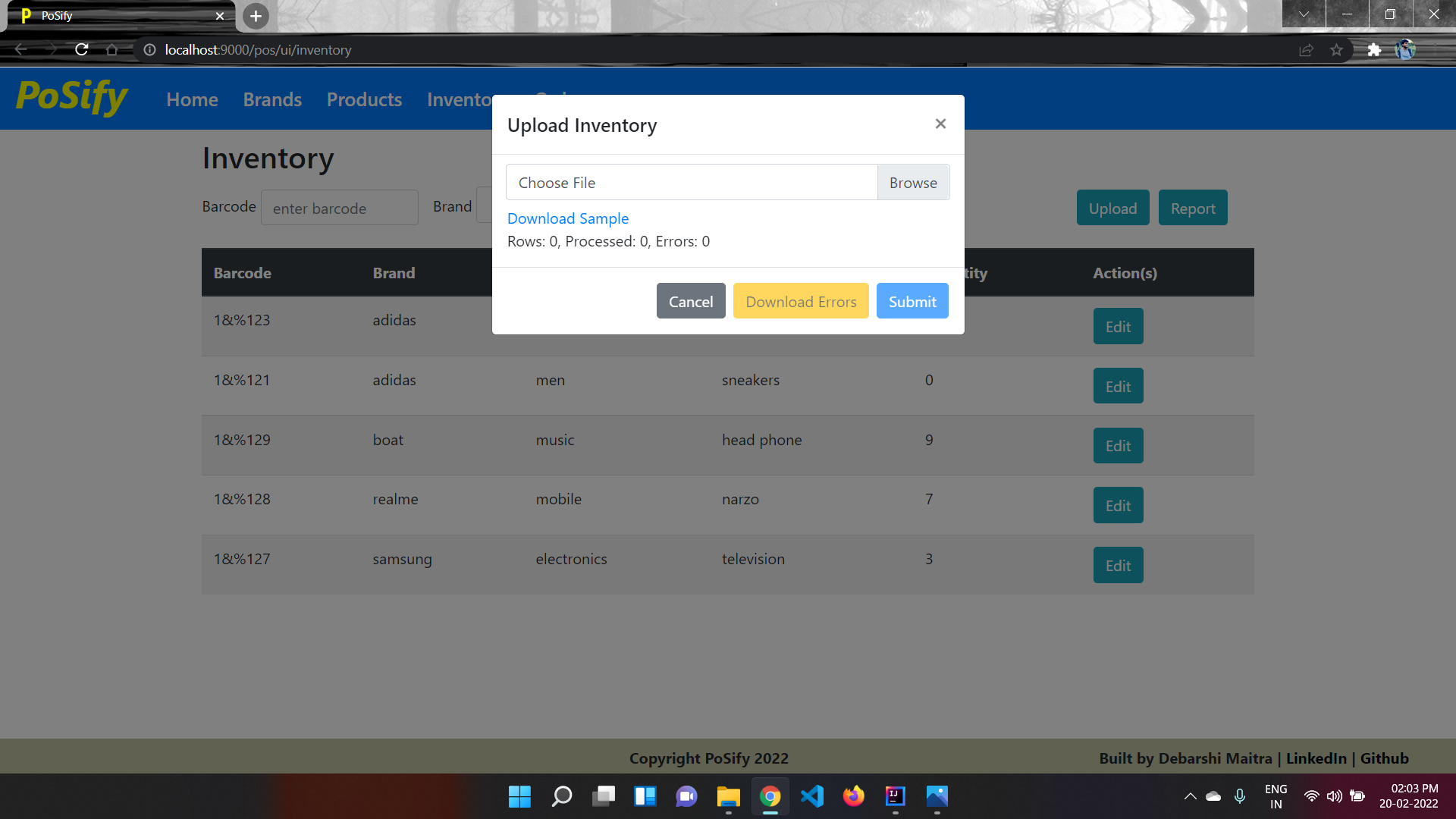
- Upload product wise inventory using TSV
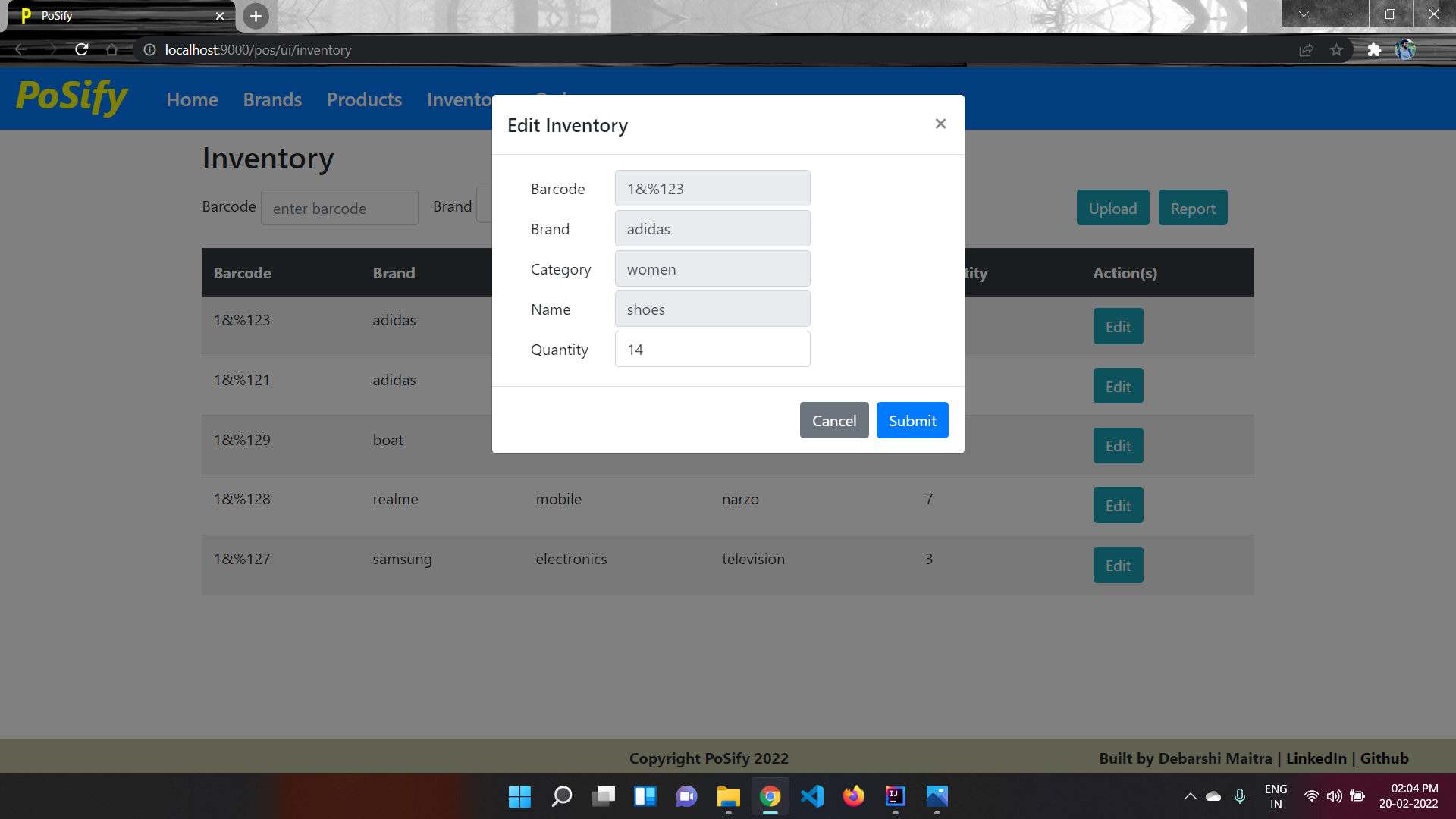
- Edit inventory for a product
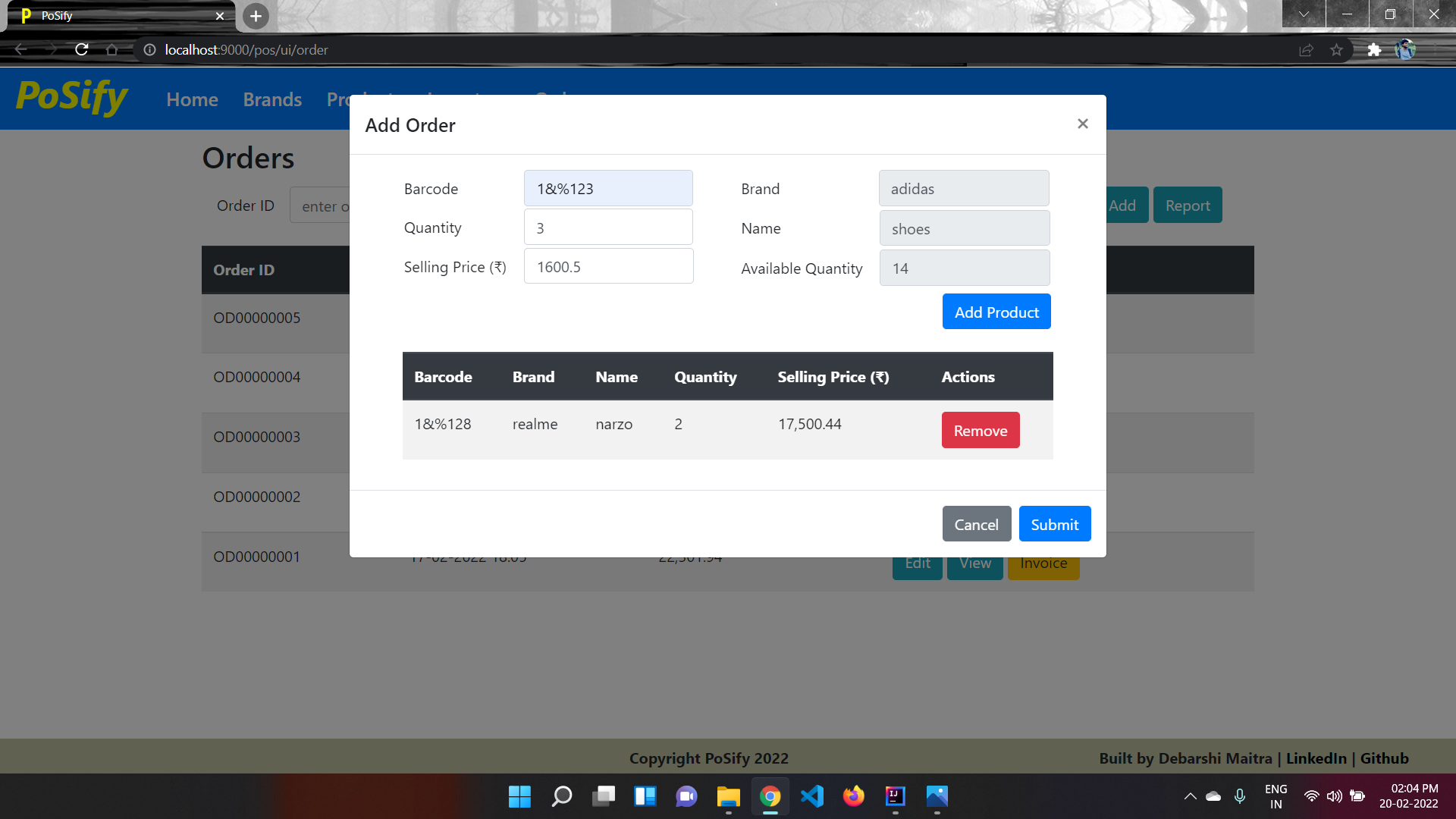
- Create a customer order -
- Enter barcode, Quantity, MRP
- On creating order, the inventory is reduced
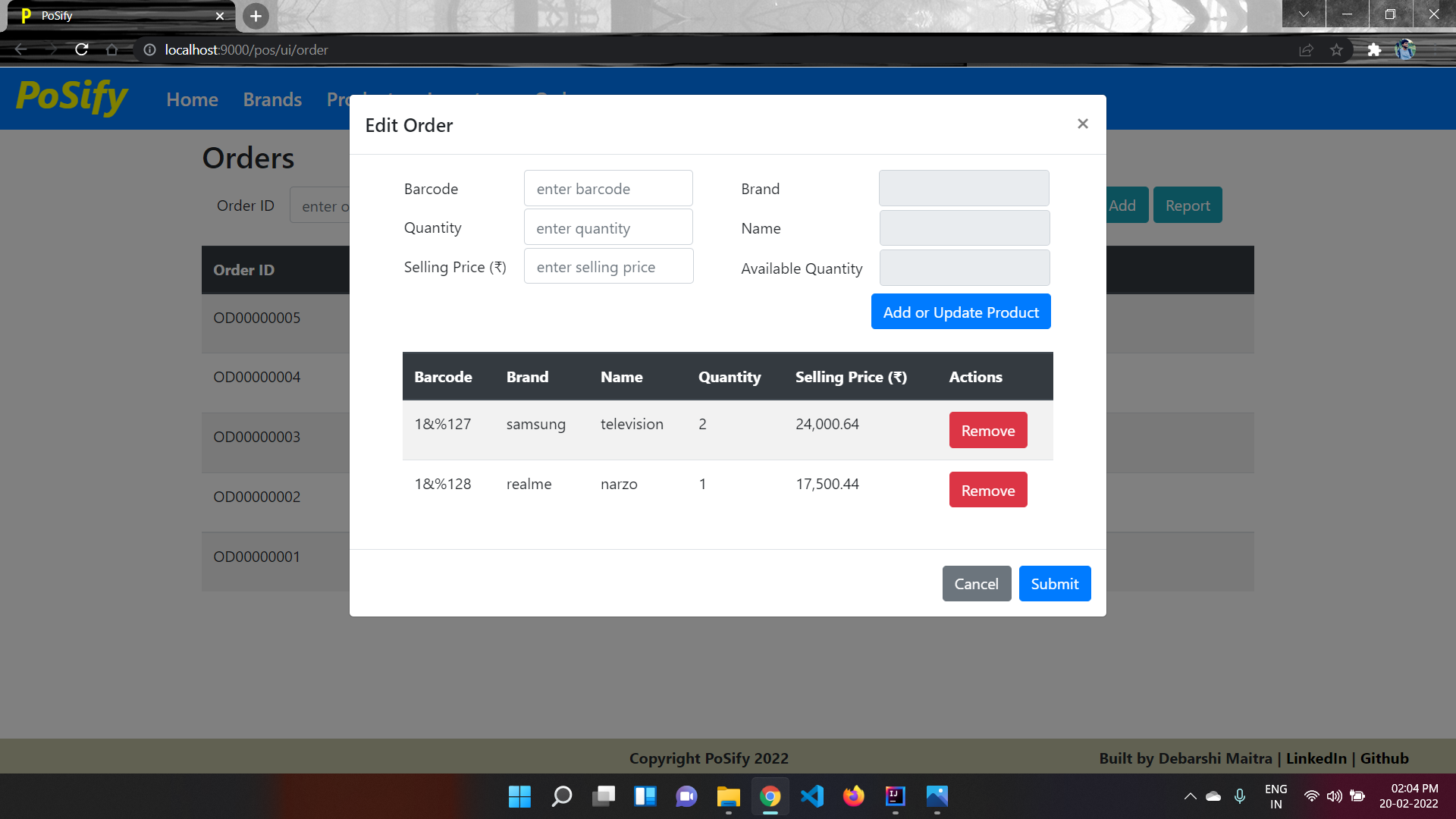
- Edit an existing customer order
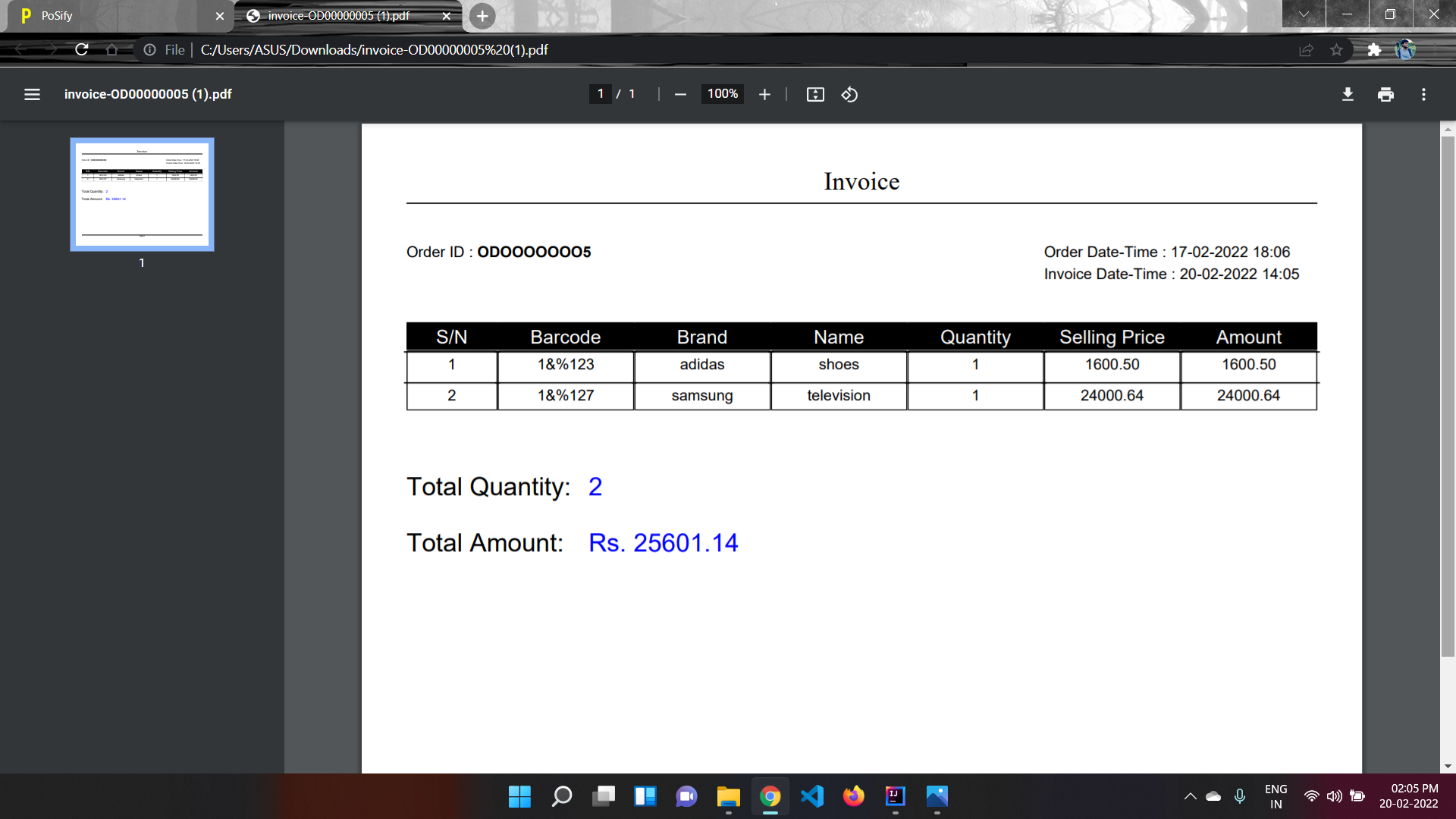
- Download a PDF for a customer invoice
- Reports -
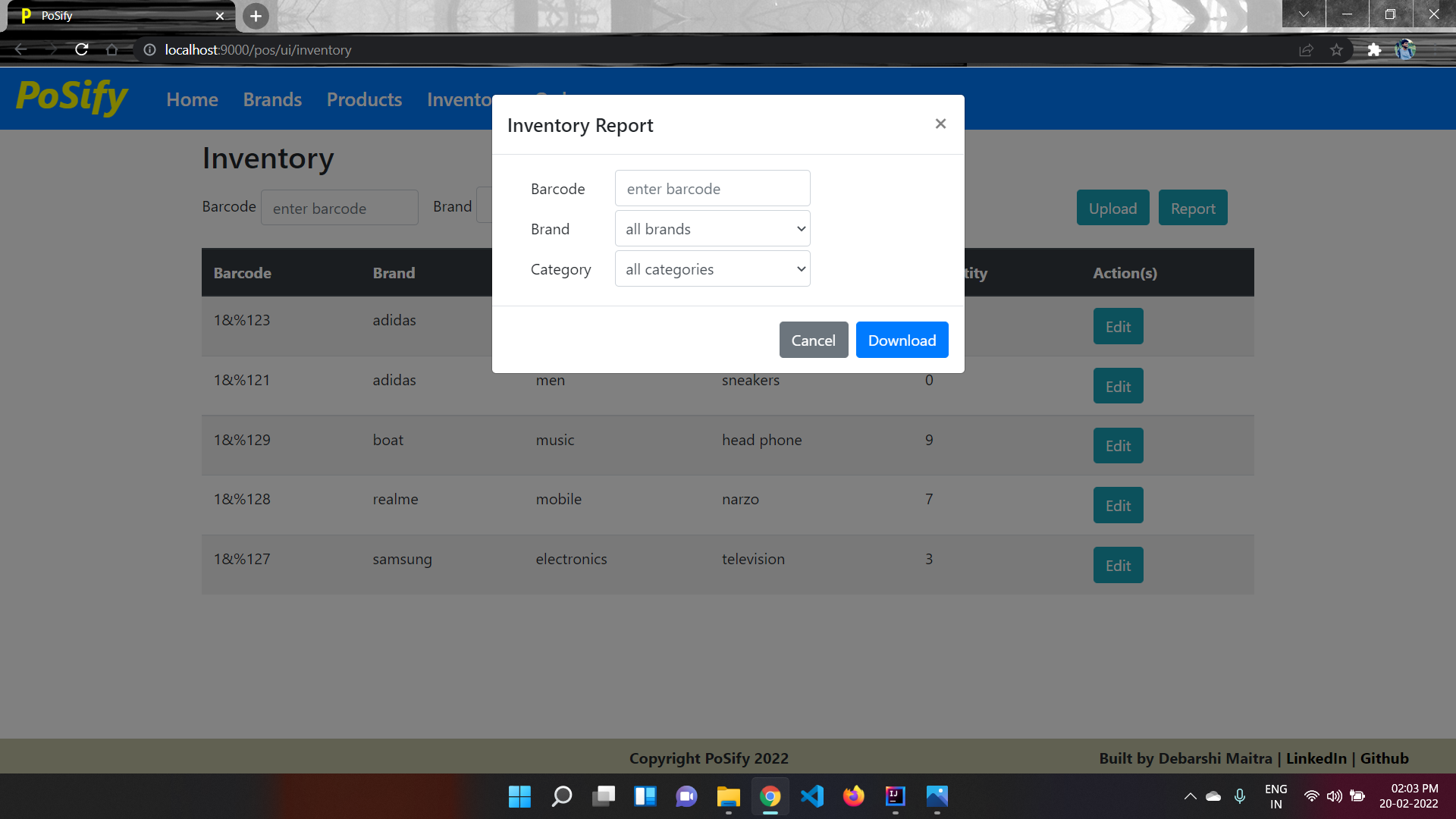
- Inventory report
- Brand
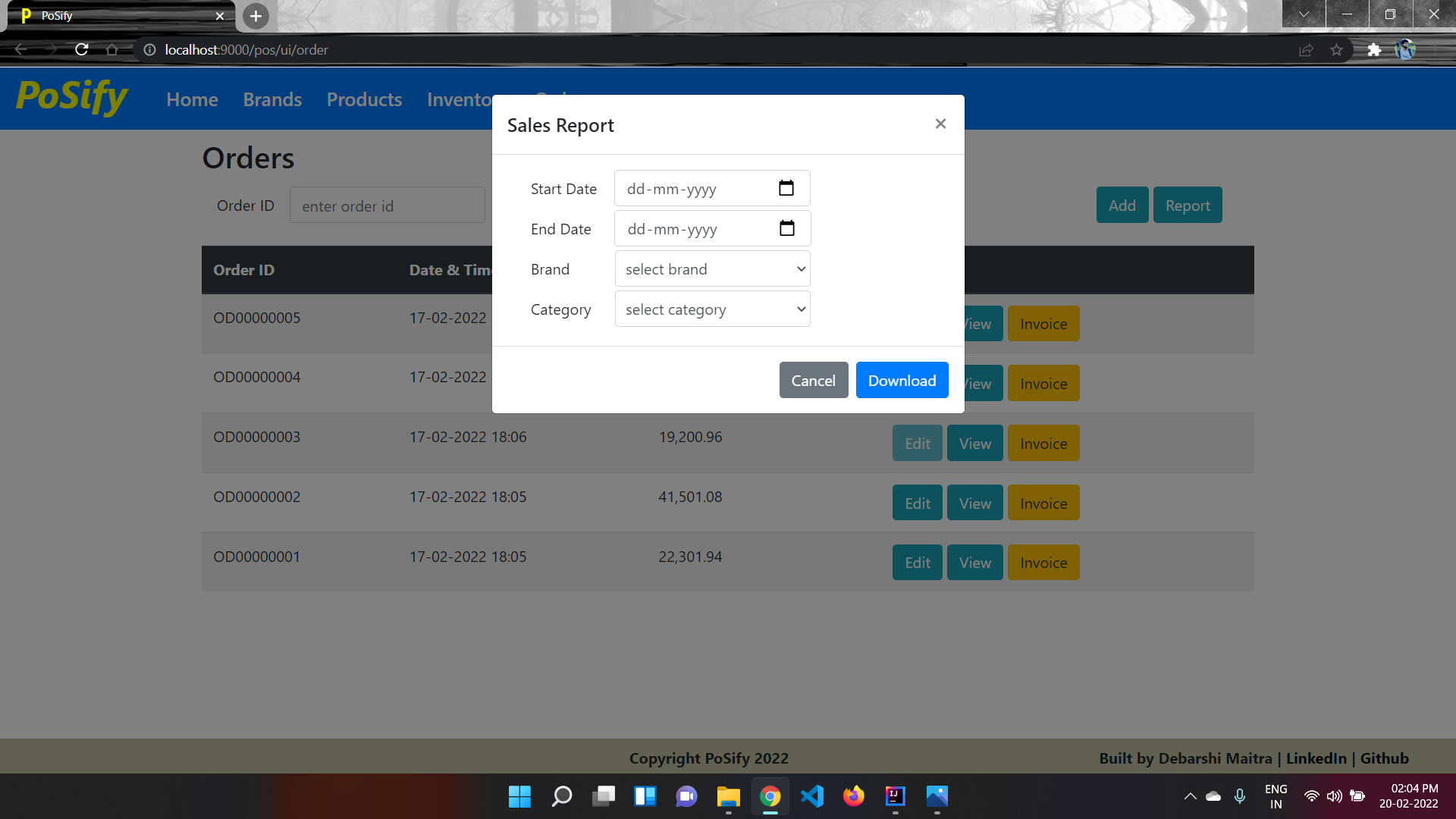
- reportSales report (for a duration)
Spring, Hibernate, MySQL, JQuery, Thymeleaf
Build: mvn clean install
Run: mvn jetty:run
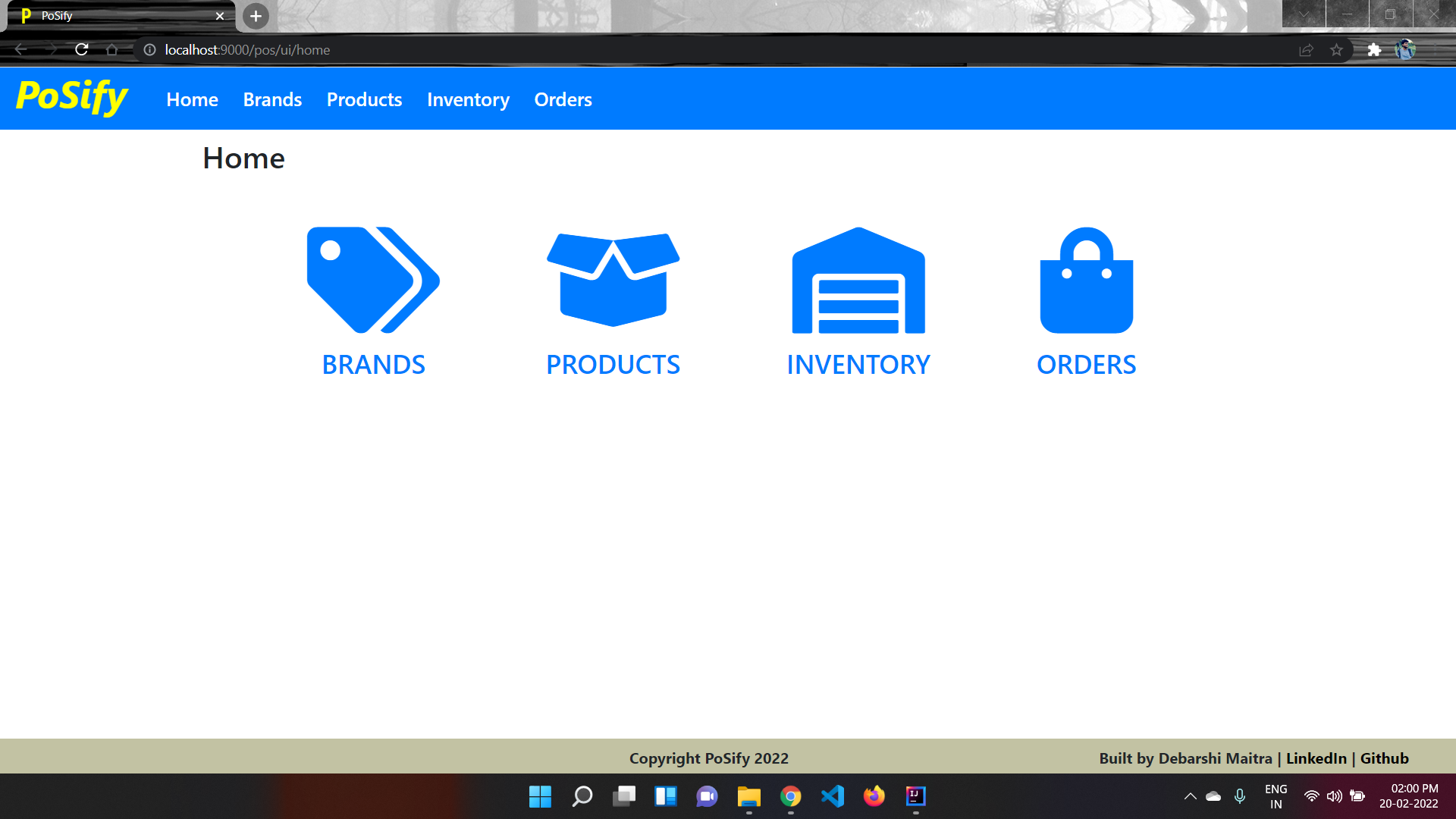
Home Page gives option for moving to any of the 4 major pages.
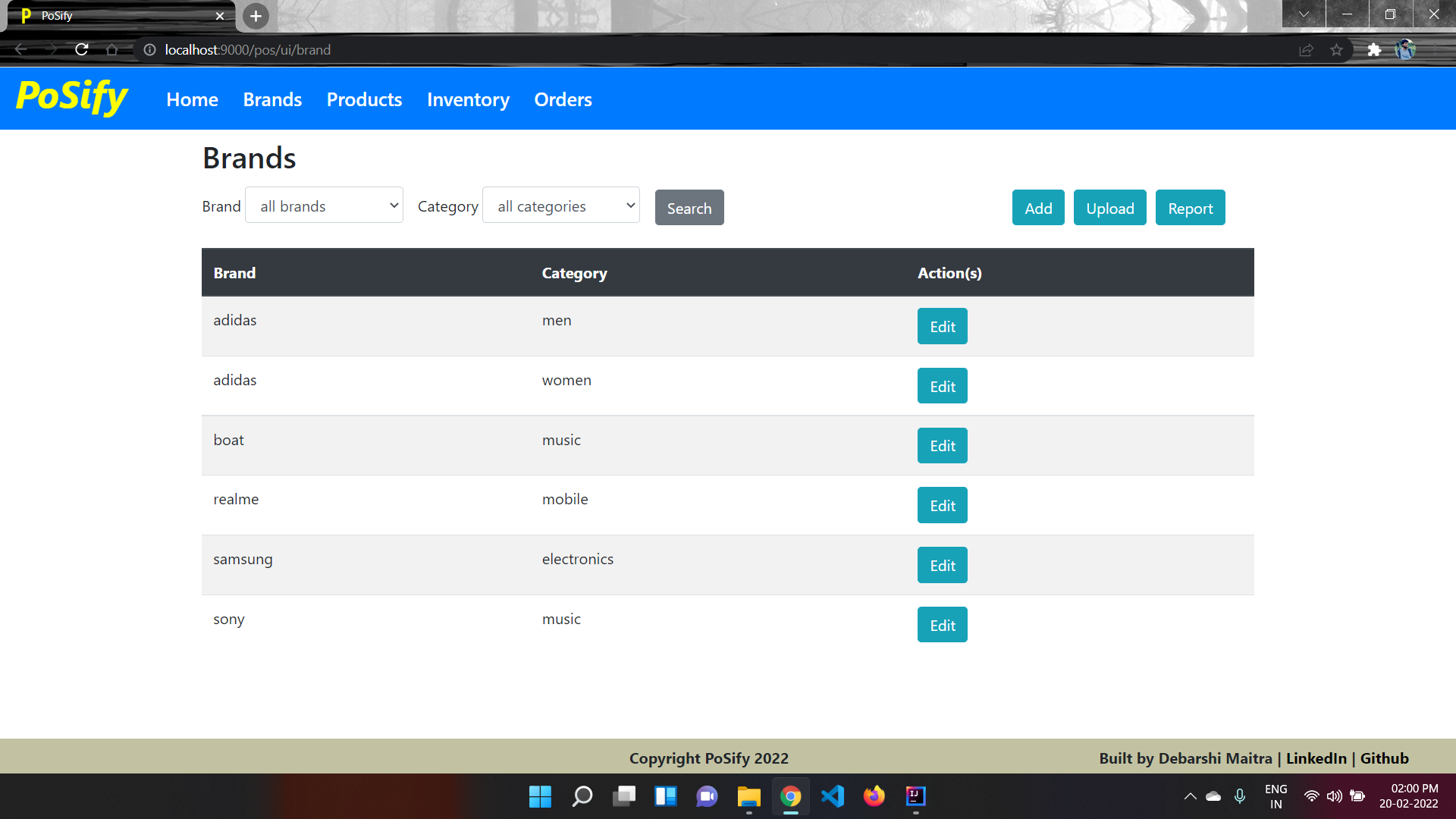
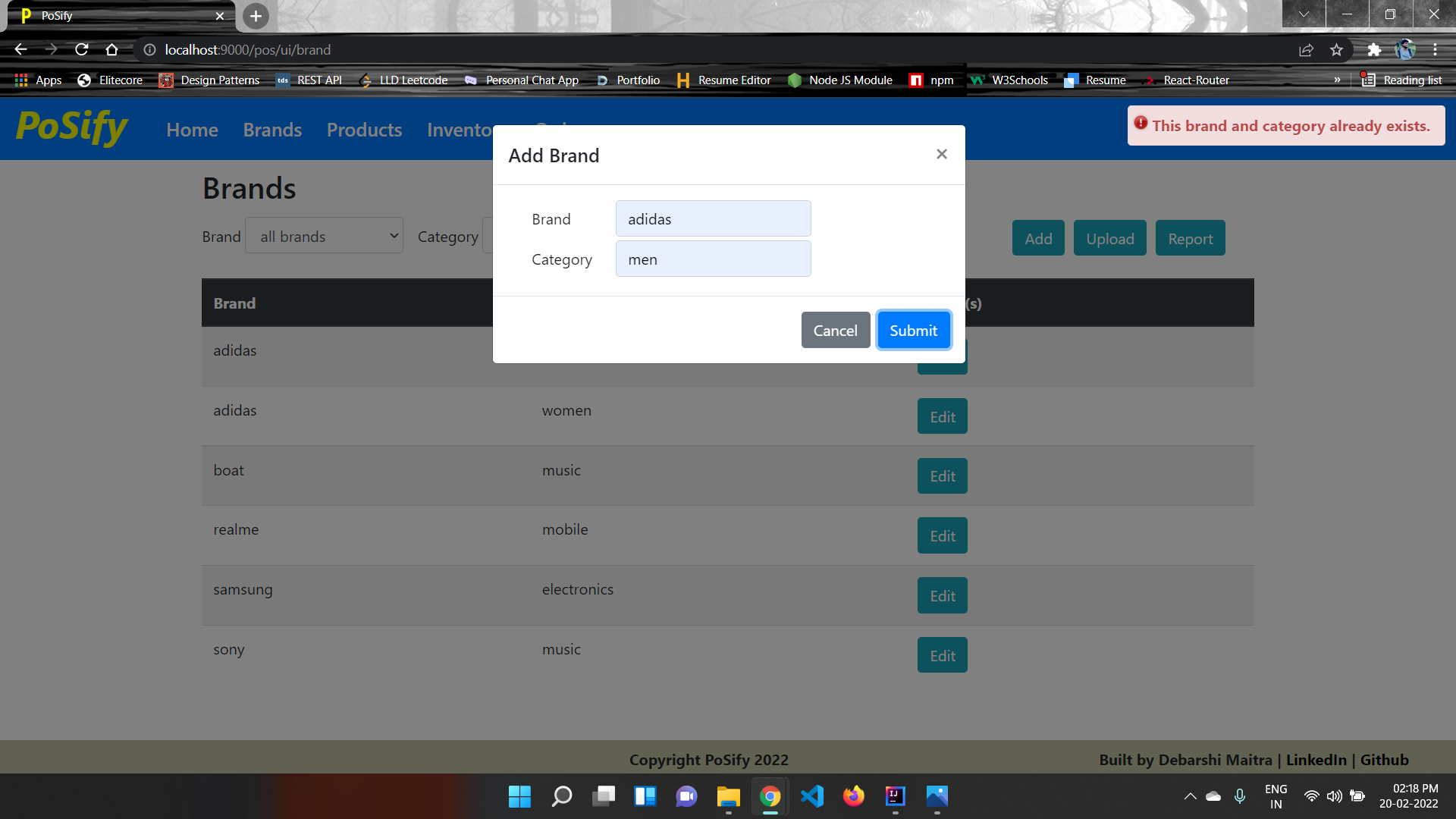
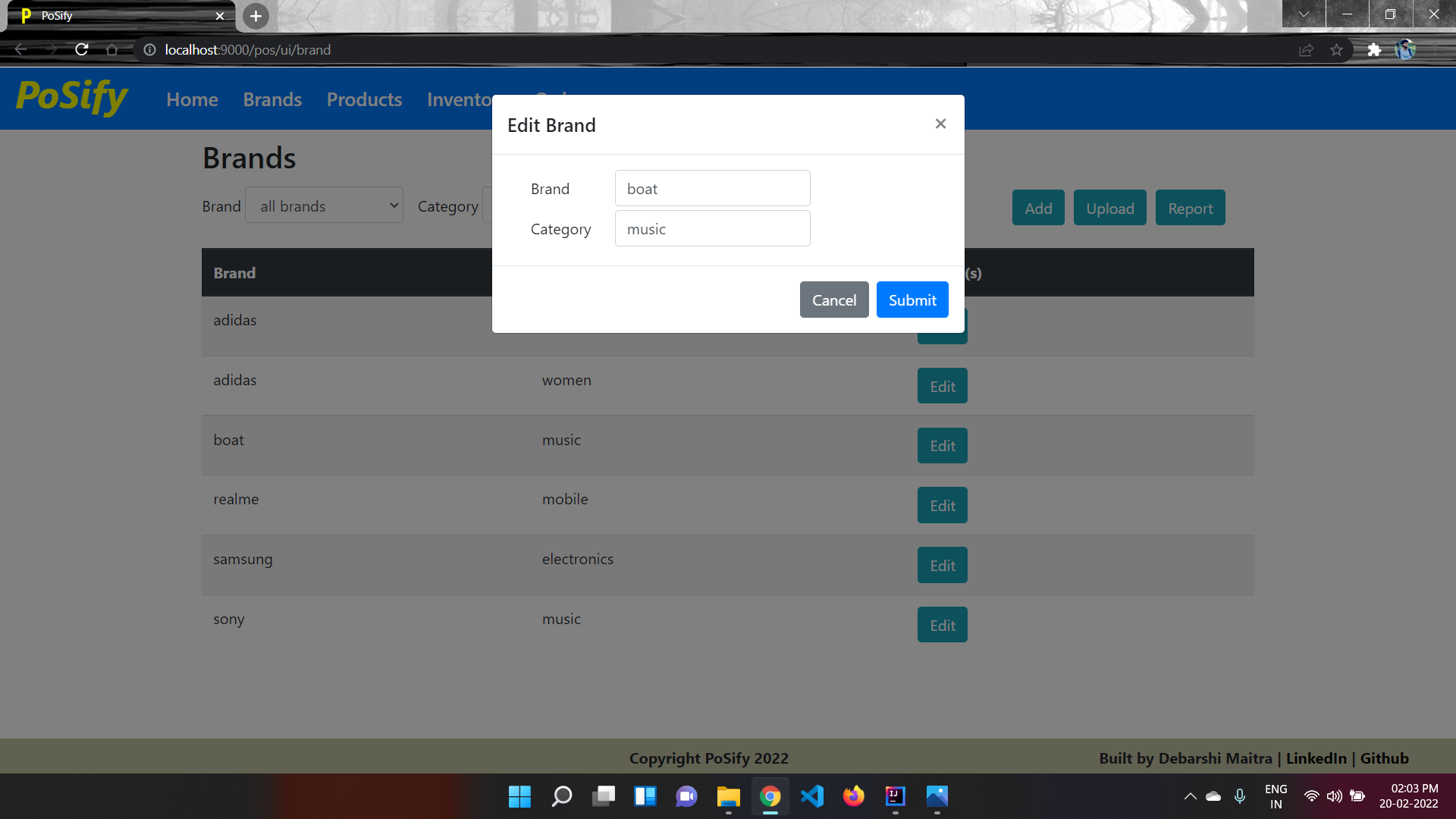
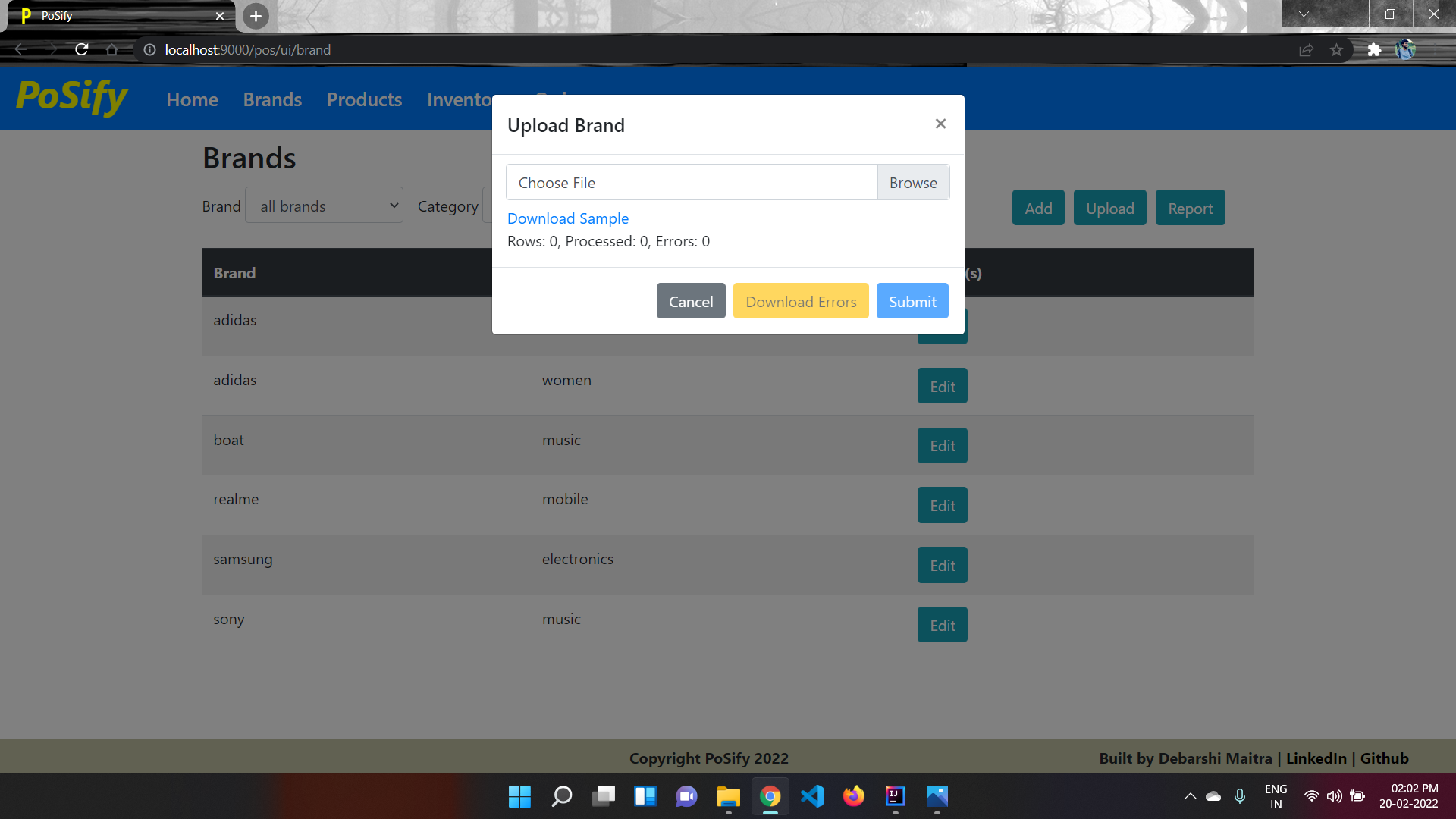
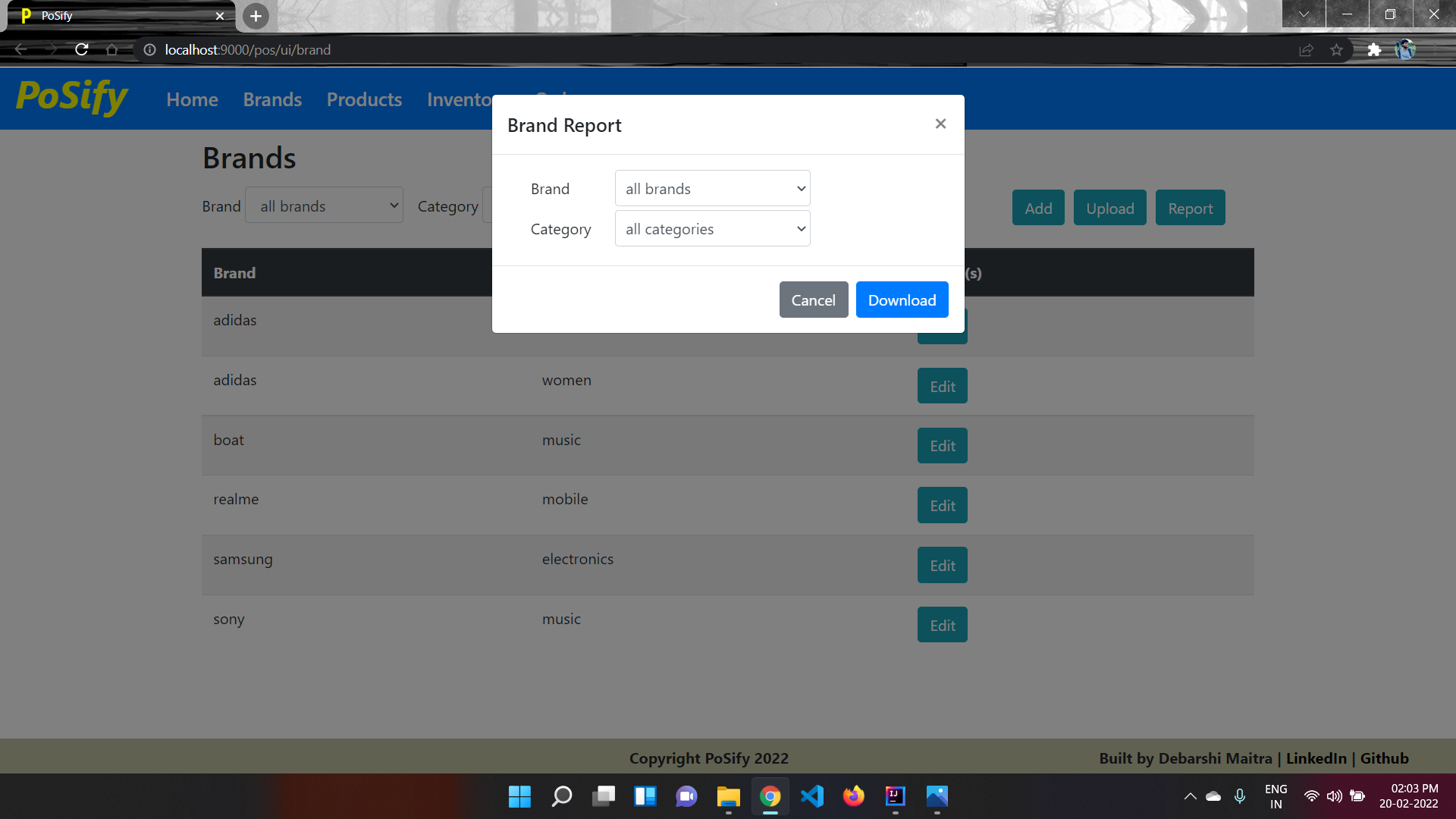
Brand Page gives option for creating and editing brands, searching brands by brand or category, uploading one or more brands together from TSV file and downloading Brand Report in TSV format.
Product Page gives option for creating and editing products, searching products by brand, category or barcode, uploading one or more prodducts together from TSV file.
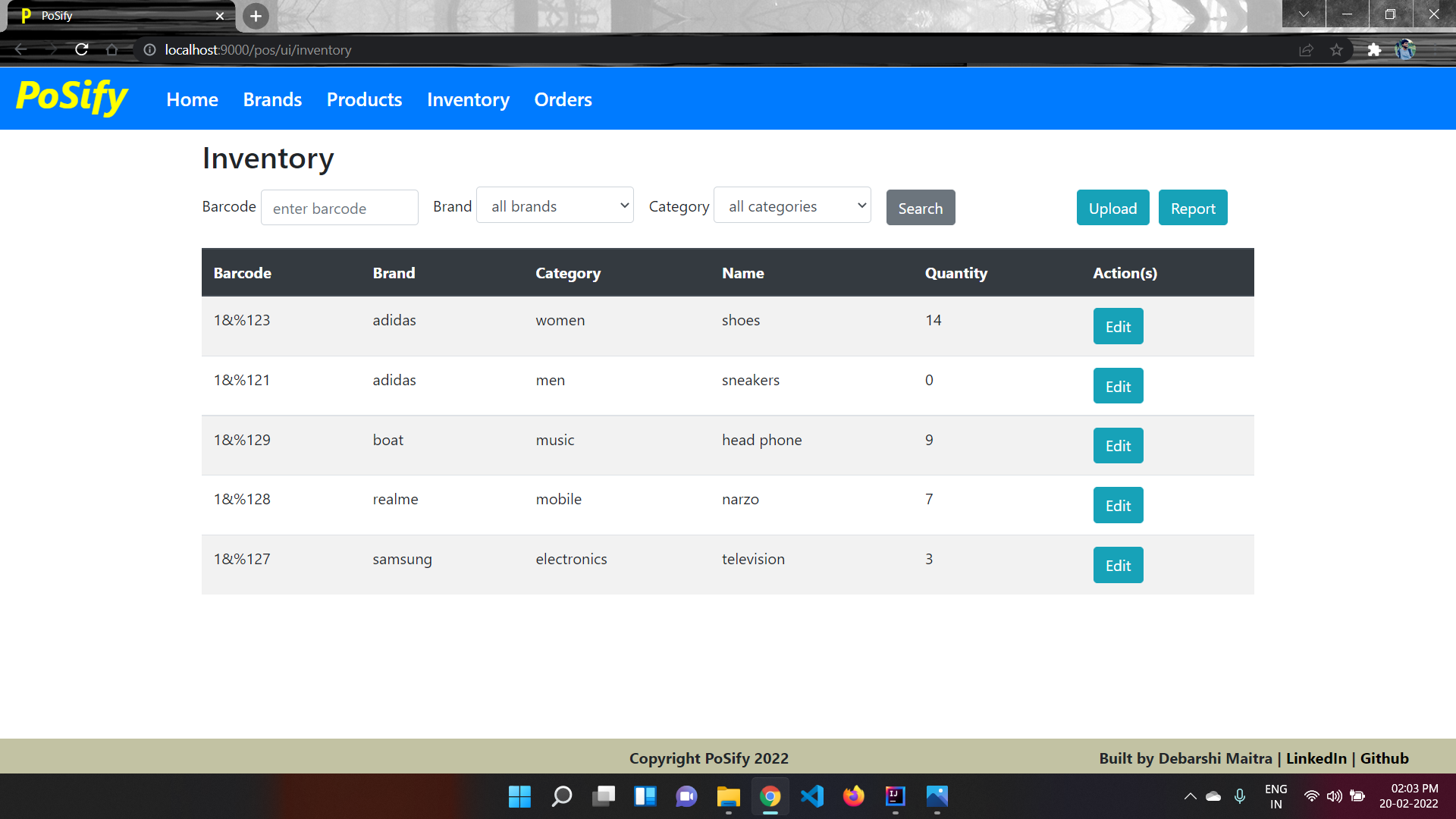
Inventory Page gives option for editing inventory of different products, searching product inventory by brand, category or barcode, editing ore or more product inventory together by uploading TSV file and downloading Inventory Report in TSV format.
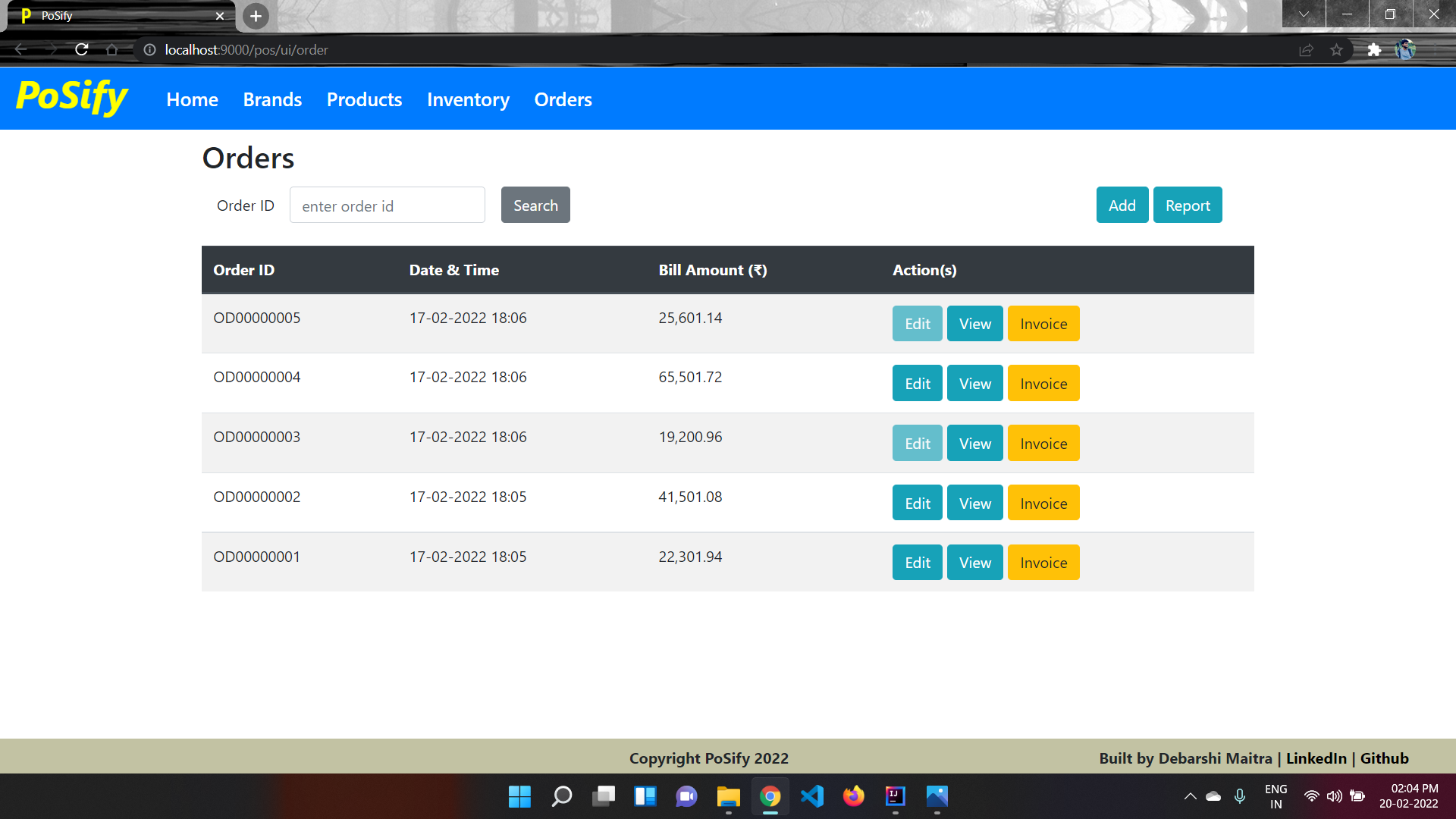
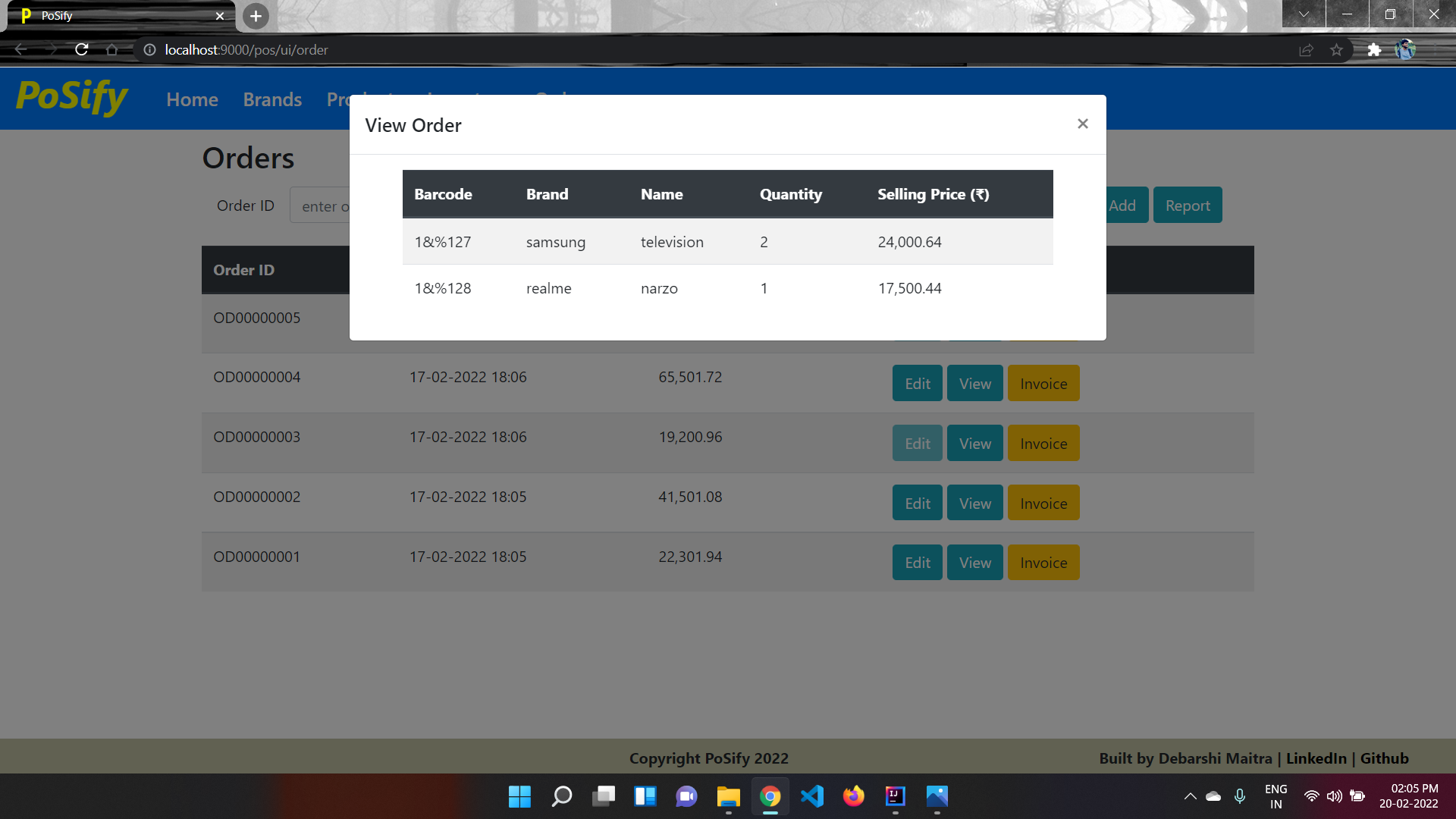
Order Page gives option for Adding orders for different order items, editing existing orders before generating invoice, viewing order item details for each order, generating Order Invoice for each order in PDF format and downloading Sales Report for different products.