




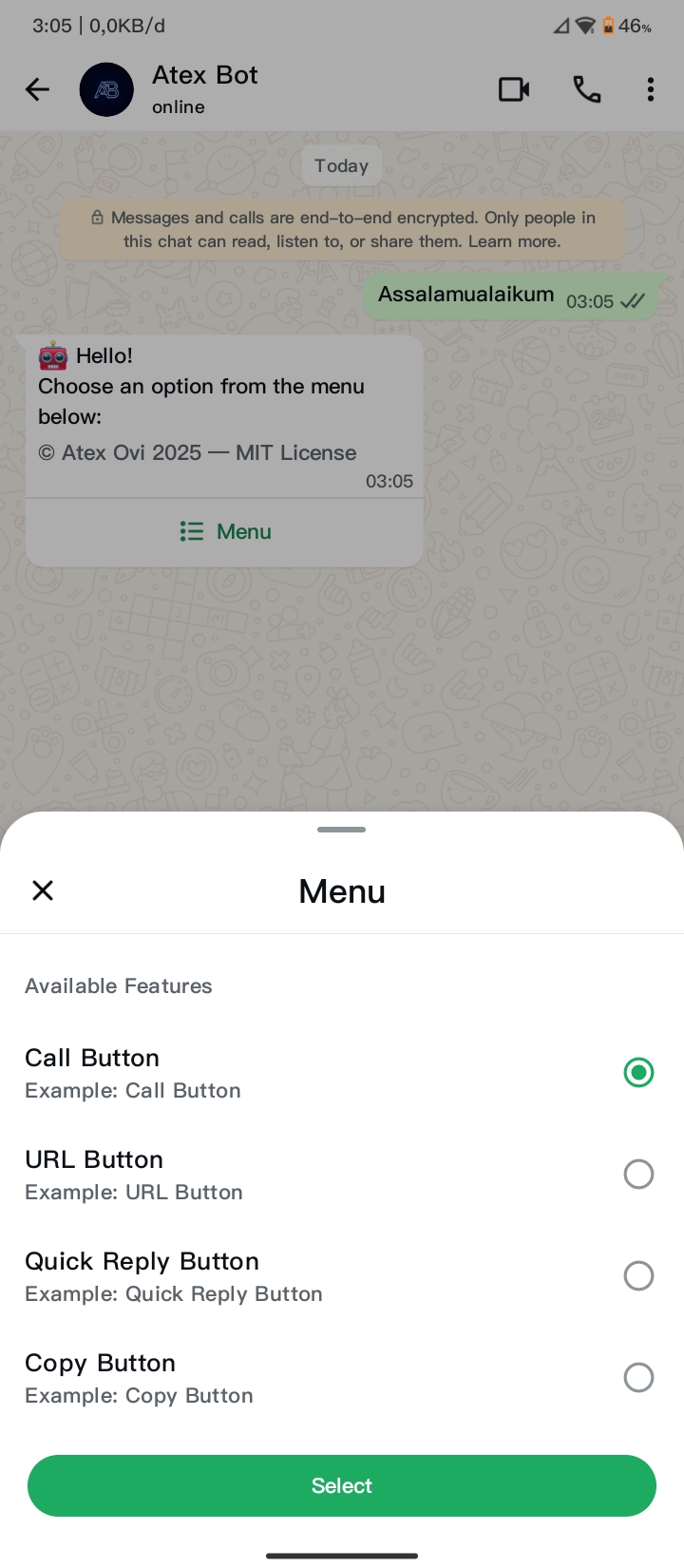
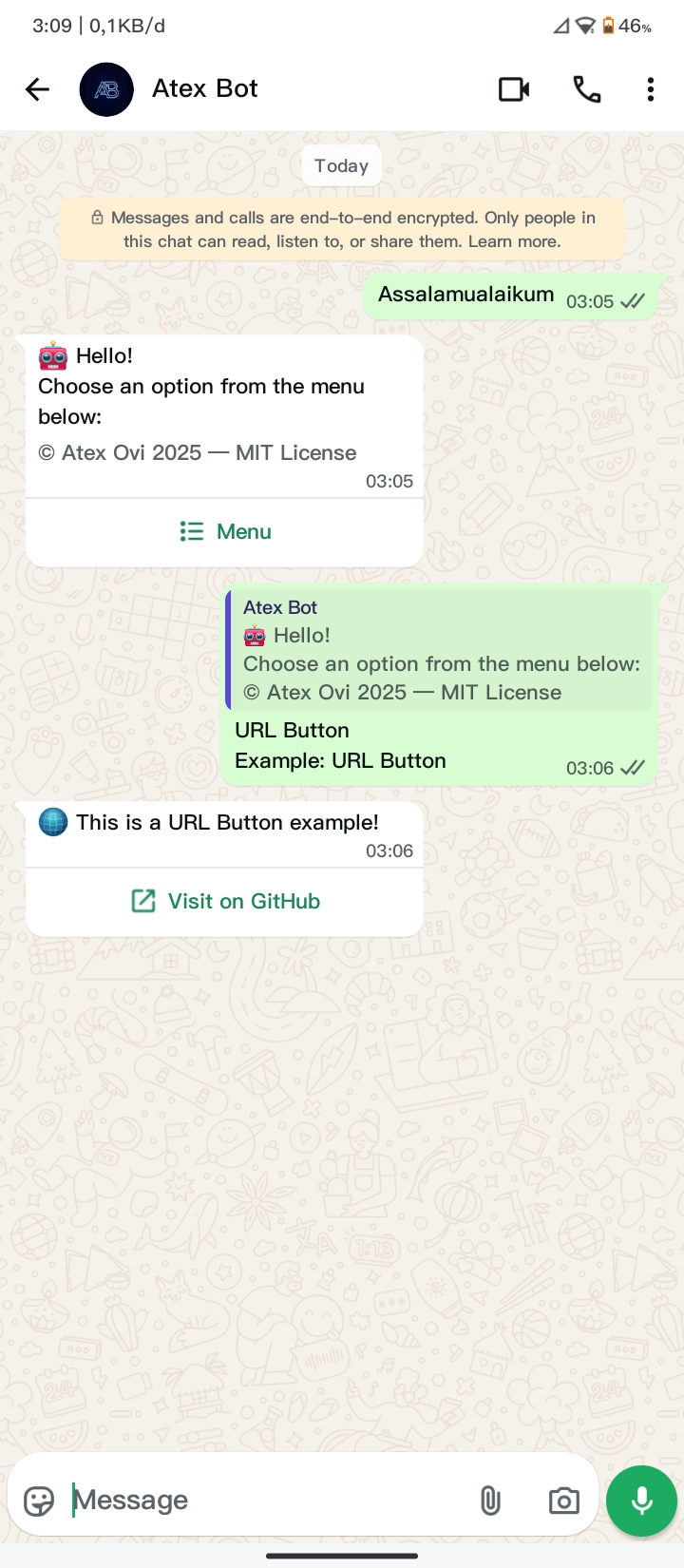
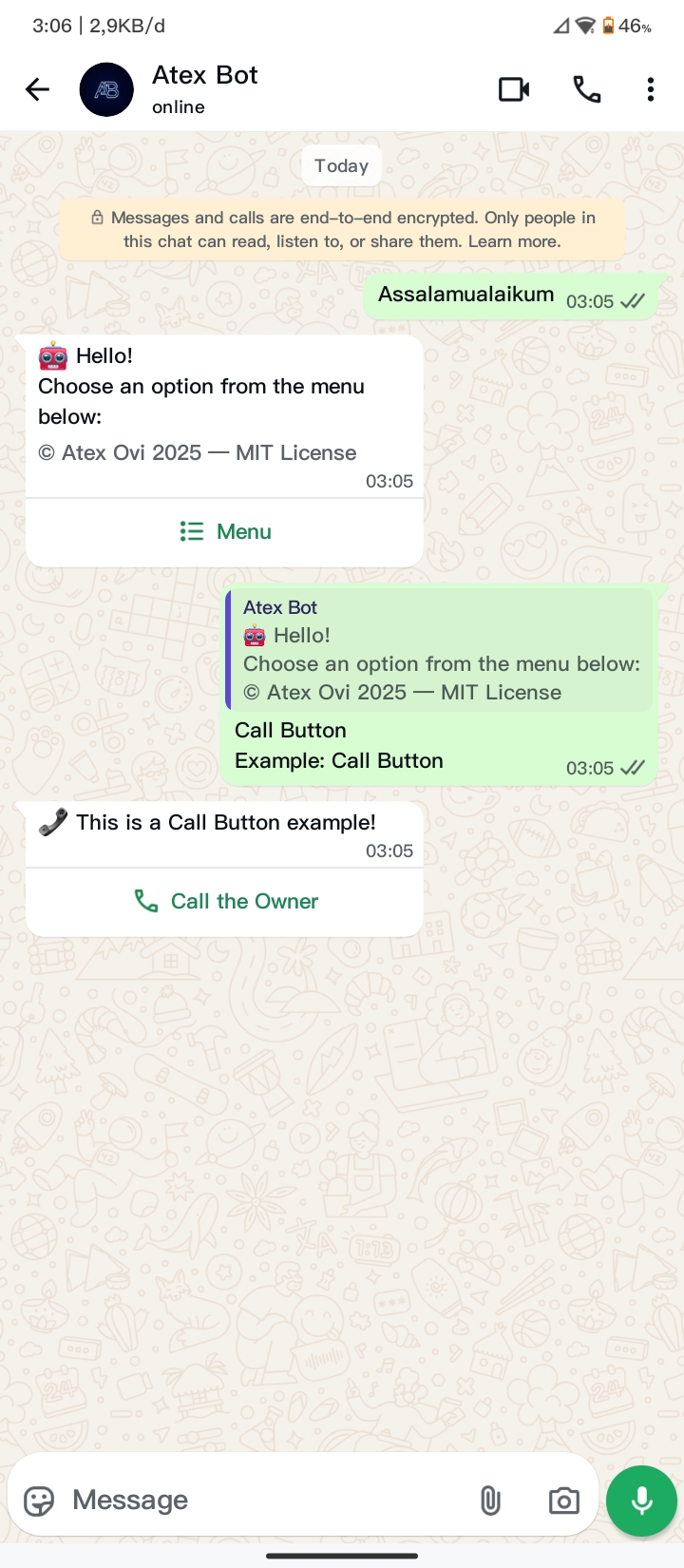
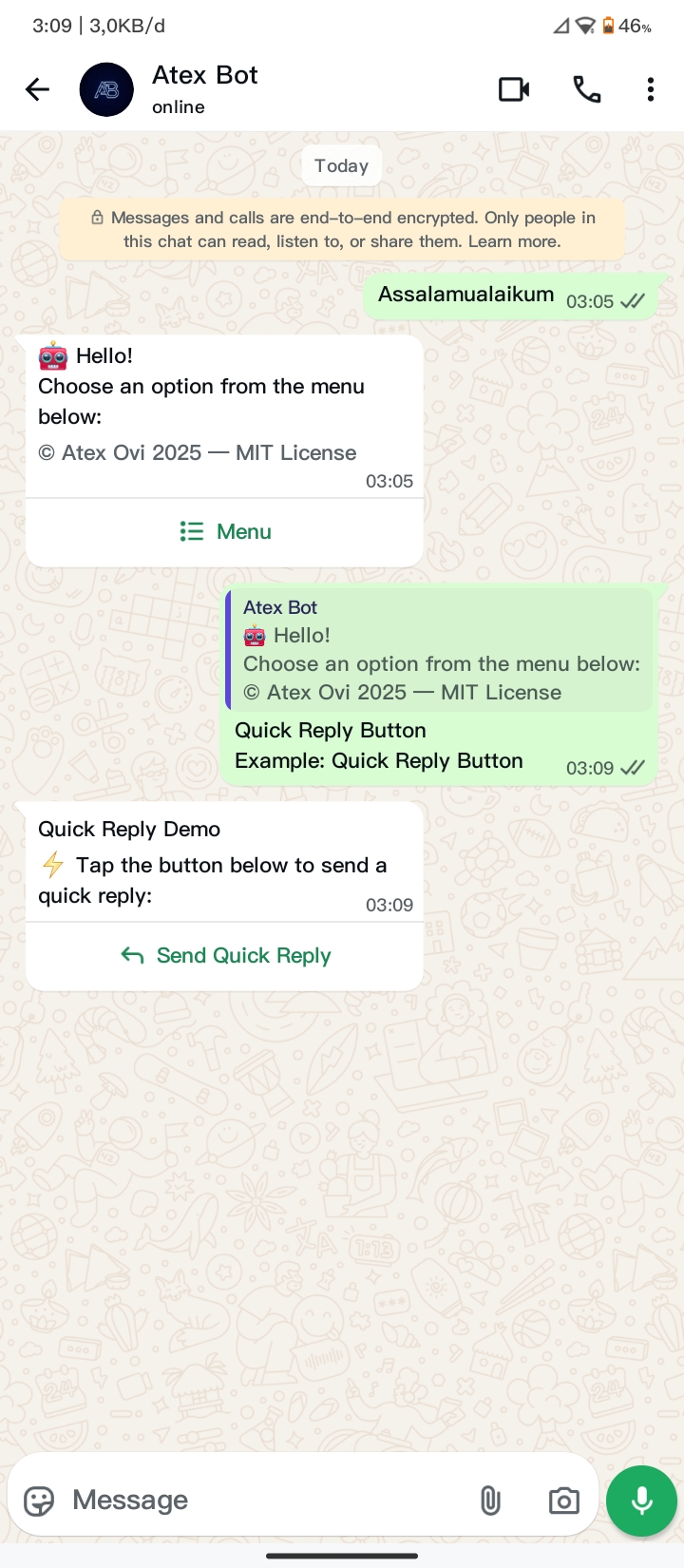
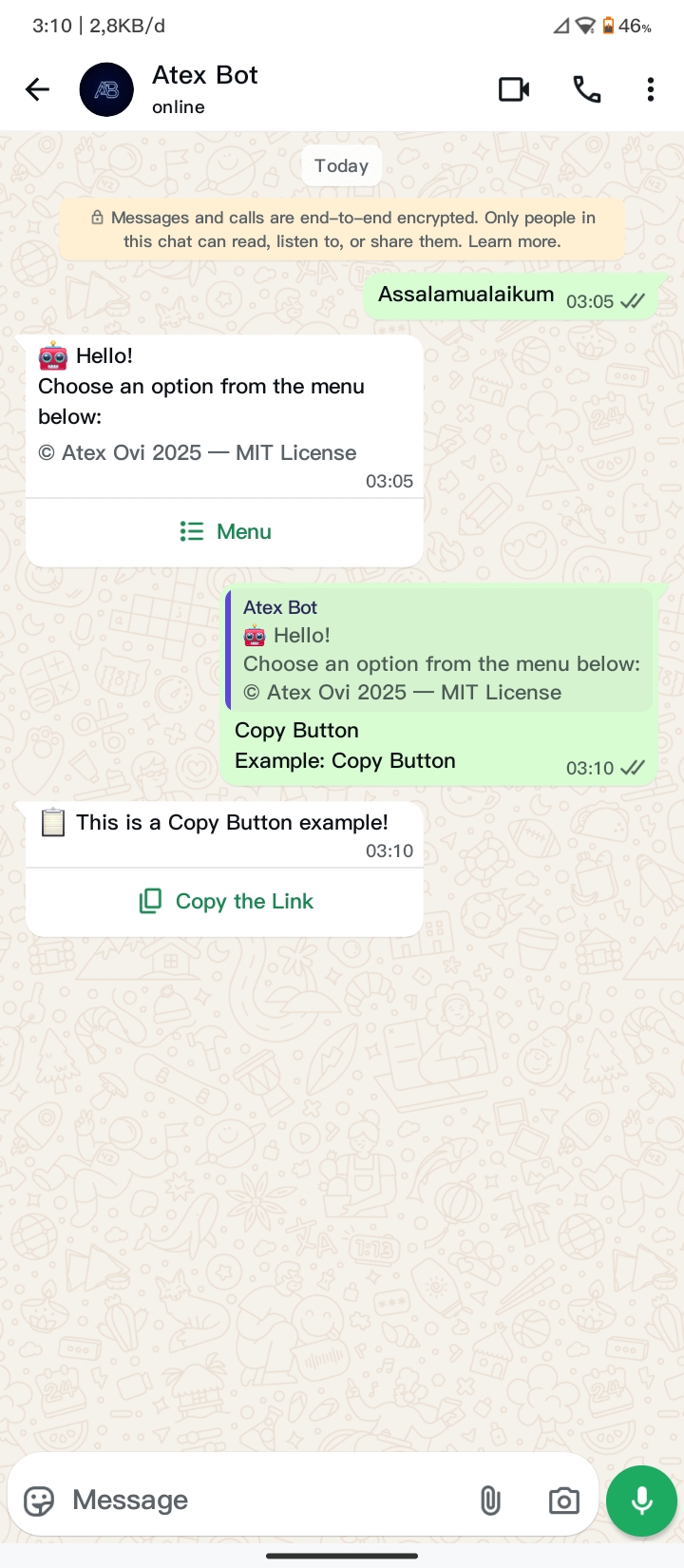
An interactive WhatsApp bot based on atexovi-baileys. This bot displays various types of interactive buttons:
- Interactive message templates with various button types
- Quick Reply Button
- URL Button
- Call Button
- Copy Button
- Buttons with multiple options
This bot uses Atex Ovi as the default identity and sender name. You can expand this template to your needs, customizing the name, message, and interactive buttons.
 |
 |
 |
 |
 |
- Termux Android
pkg update && pkg upgrade
pkg install nodejs git
git clone https://github.com/atex-ovi/wabase-button.git
cd wabase-button
npm install
cp .env.example .env
nano .env  # edit BOT_NUMBER, OWNER_NUMBER, dll.
npm start- Windows / Linux
git clone https://github.com/atex-ovi/wabase-button.git
cd wabase-button
npm install
cp .env.example .env   # Windows: copy .env.example .env
nano .env               # edit BOT_NUMBER, OWNER_NUMBER, dll.
npm start
After
npm start, follow the pairing code that appears in the terminal to connect WhatsApp.
Watch the following video tutorial for bot installation steps:
Click the image to watch the video.
wabase-button/
├── LICENSE
├── README.md
├── .env.example
├── .gitignore
├── index.js
├── package-lock.json
├── package.json
└── src
├── features
│ ├── callButton.js
│ ├── copyButton.js
│ ├── quickReplyButton.js
│ └── urlButton.js
├── handler.js
└── userState.js
This section covers how to install and run Wabase Button Bot on Termux (Android), Windows, and Linux PC.
Before installing the bot, make sure your system meets the following requirements:
- Node.js version 20 or higher
Check version:
node -v- npm (comes with Node.js) Check version:
npm -v- Git installed Check version:
git --versionStable internet connection to download dependencies and complete the pairing process. For Android / Termux: basic knowledge of Termux commands and storage permissions.
- Install Termux & Node.js
pkg update && pkg upgrade
pkg install nodejs git- Clone the repository
git clone https://github.com/atex-ovi/wabase-button.git
cd wabase-button- Install dependencies:
npm install- Configure environment variables
cp .env.example .env
nano .env
Update values like:
BOT_NUMBER=6281234567890
BOT_NAME=Atex Ovi
OWNER_NUMBER=6289876543210
PHONE_NUMBER=6281234567890- Run the Bot
npm startFollow the pairing code instructions in the terminal to connect your WhatsApp.
-
Install Node.js & Git
- Download and install Node.js LTS
- Download and install Git for Windows
-
Clone the repository
git clone https://github.com/atex-ovi/wabase-button.git
cd wabase-button- Install dependencies:
npm install-
Configure environment variables
- Create a
.envfile in the root folder and set values as shown in Termux above.
- Create a
-
Run the Bot
npm start- Install Node.js and Git
sudo apt update && sudo apt install -y nodejs npm git- Clone the repository
git clone https://github.com/atex-ovi/wabase-button.git
cd wabase-button- Install dependencies:
npm install-
Configure environment variables
- Create a
.envfile in the root folder and set values as shown above.
- Create a
-
Run the Bot
npm startTip
- A
session/folder will be created automatically to store authentication. - The
.envfile contains sensitive data; do not commit it to the public repository. - This template is flexible; you can customize the message, buttons, and branding as needed.
- Pairing code always appears in the terminal when the bot is running.
- To stop the bot, press
CTRL + C. - If you encounter permission errors (Linux/Termux), run:
chmod +x index.jsRun it on Termux, Windows, or Linux PC.
Caution
WhatsApp is a trademark of WhatsApp Inc. This bot uses the atexovi-baileys library, which is open-source and unofficial. Use this bot at your own risk and avoid spam or abuse.
- WhatsApp API - WhatsApp's official messaging technology.
- adiwajshing - Baileys library developer for WhatsApp API.
- WhiskeySockets Baileys - additional contributions to Baileys.
If you find this project useful, consider supporting the development:

This project is licensed under the MIT License.