This repository contains the official SDK and a template for the ELF-based applets supported by the latest Badge.Team badges, currently this supports the Konsool (also sold by Nicolai Electronics as the Tanmatsu).
| Command | Description |
|---|---|
make prepare |
Downloads the ESP-IDF SDK needed |
make build |
Compiles your applet |
make install |
Uploads your applet using BadgeLink |
This guide is adapted from the Tanmatsu documentation.
- Download
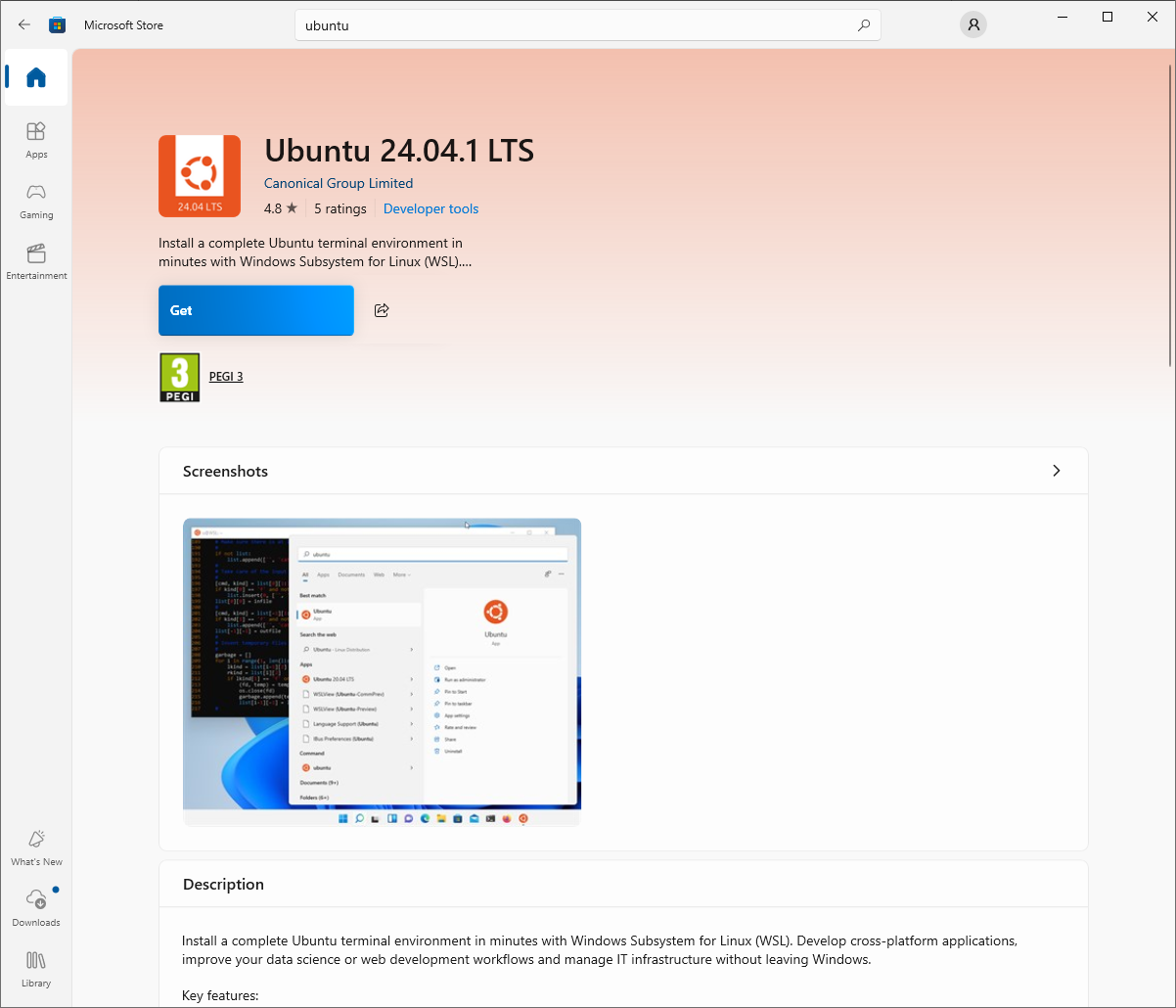
Ubuntu 24.04.1LTS from the Microsoft store.- Click the
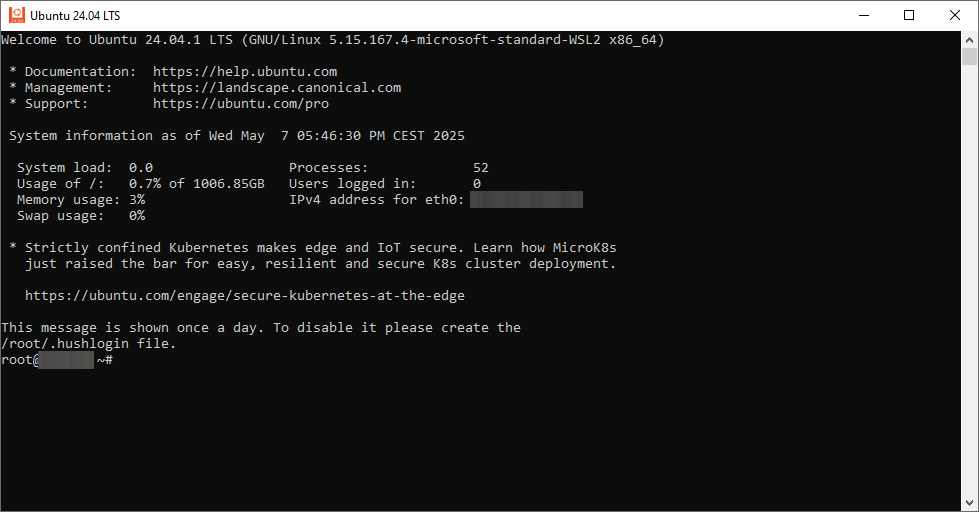
Getbutton. After the Linux environment is installed you can find it in the start menu. - After starting the Ubuntu environment you should be presented by the following prompt:
.
- Install the following packages in Ubuntu:
sudo apt-get install git wget flex bison gperf python3 python3-pip python3-venv cmake ninja-build ccache libffi-dev libssl-dev dfu-util libusb-1.0-0- Press
Yif when asked if you want to continue.
- Press
- Download this template in your Ubuntu environment:
git clone https://github.com/badgeteam/badge-elf-template - Install the SDK:
make prepare - You can now build the template:
make- And upload with
make install
- And upload with