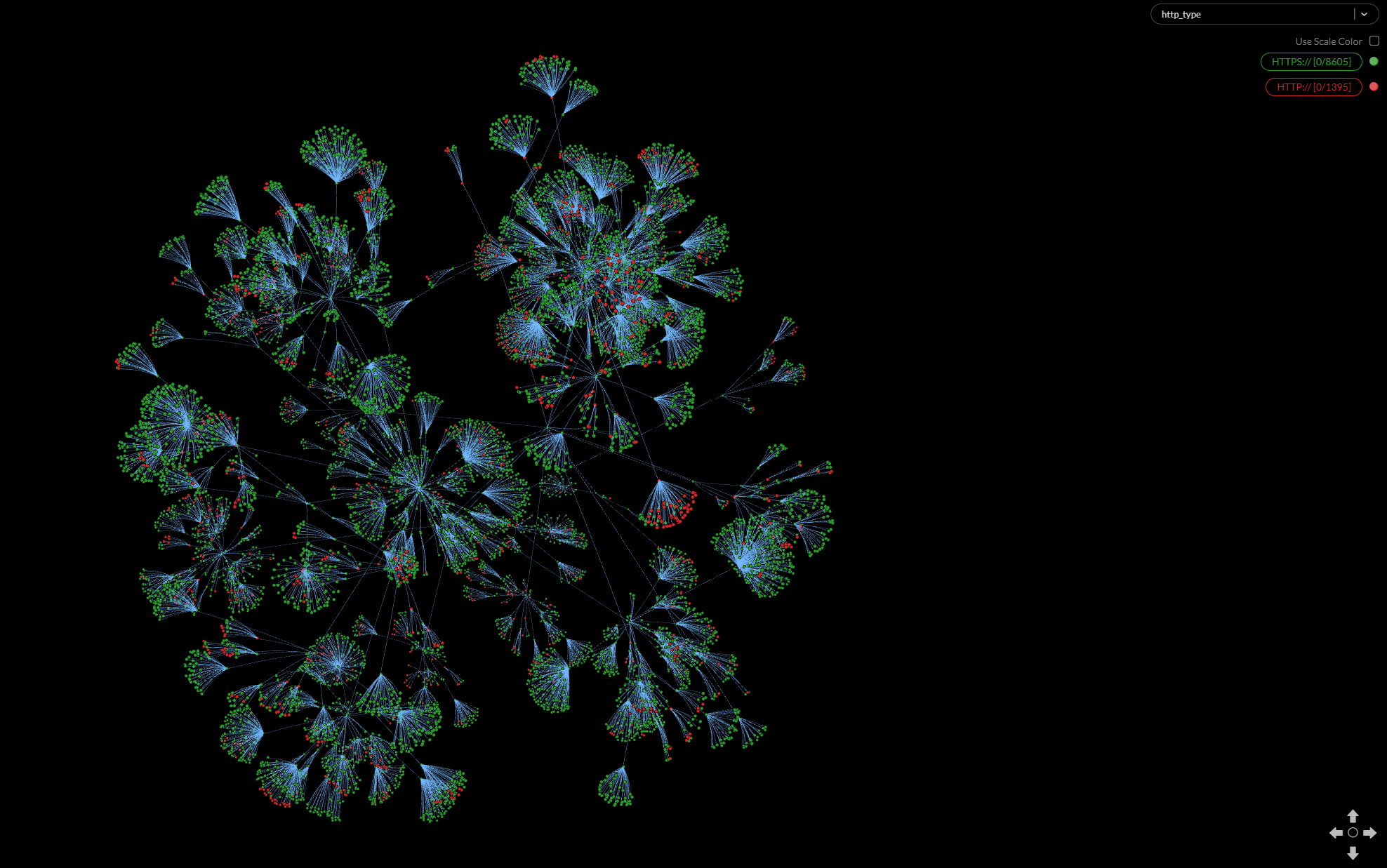
Recursive WebCrawler, Feed it one URL and the crawler will return all the websites that are related to that address at a chosen depth
K8s Flavor of web crawler is custom built to serve as a native k8s app, its provide scalability, stability and high performance.
- Apt packages: setfacl, git
- Kubectl cli
- Helm cli
- Single/multi node K8s cluster (tested on Kubeadm)
- Root access (Duh :))
- Clone this repo using
git clone https://github.com/bluedotiya/web_crawler.git
- Change to the new git directory
cd web_crawler
- Run bash install & wait for installation to complete
bash installer.sh -o install
- Installation complete you should be able to access your neo4j DB.
Example: Deployment Done you can connect Neo4j Browser on: http://<YOUR_K8S_NODE_IP_HERE>:30074
Example: Database Port is: 30087
- To init a search run the following query (you can replace url & depth values to your own)
curl -X POST http://<YOUR_K8S_NODE_IP_HERE>:30080 -H 'Content-Type: application/json' -d '{"url":"https://www.google.com","depth":2}'
- You can now see your data from the native neo4j browser or your favorite Neo4j DB Viewer app
Use Neo4j Desktop app along side GraphXR for the best graph viewing and search experience
GraphXR Visualization: