I have made the following changes to Nick's code/design.
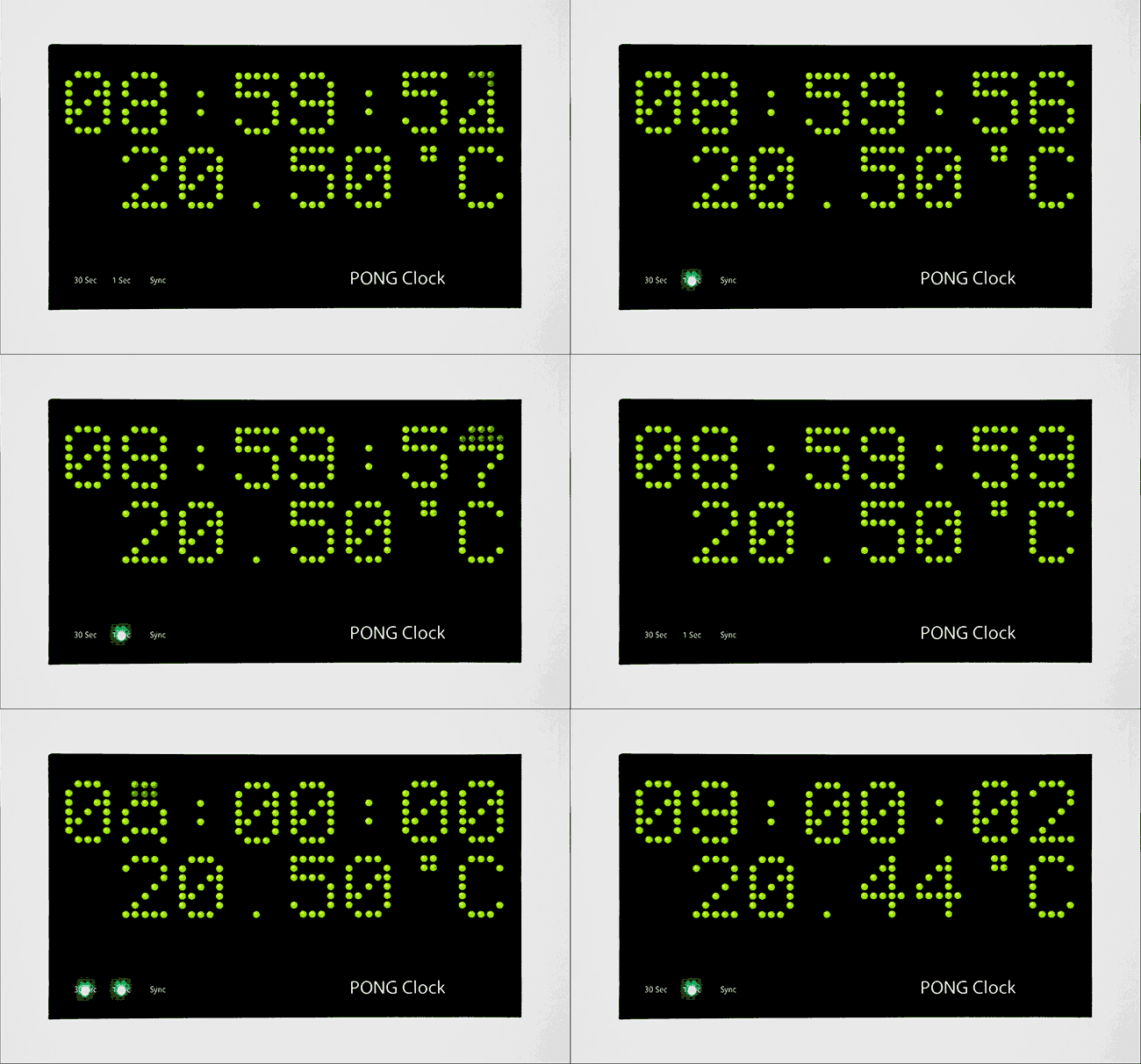
Temperature display added to slide mode via an Adafruit MCP9808 High Accuracy I2C Temperature Sensor
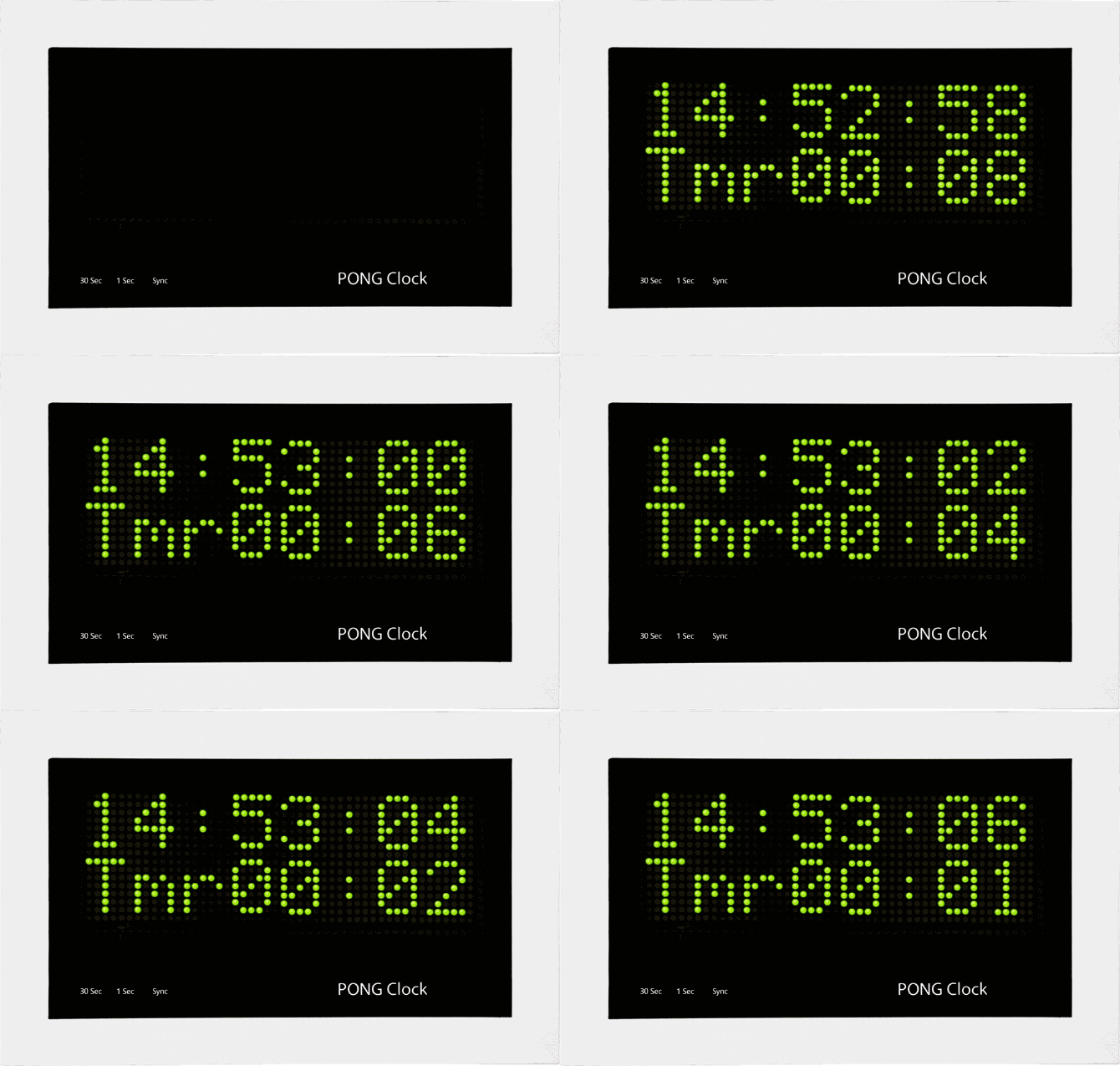
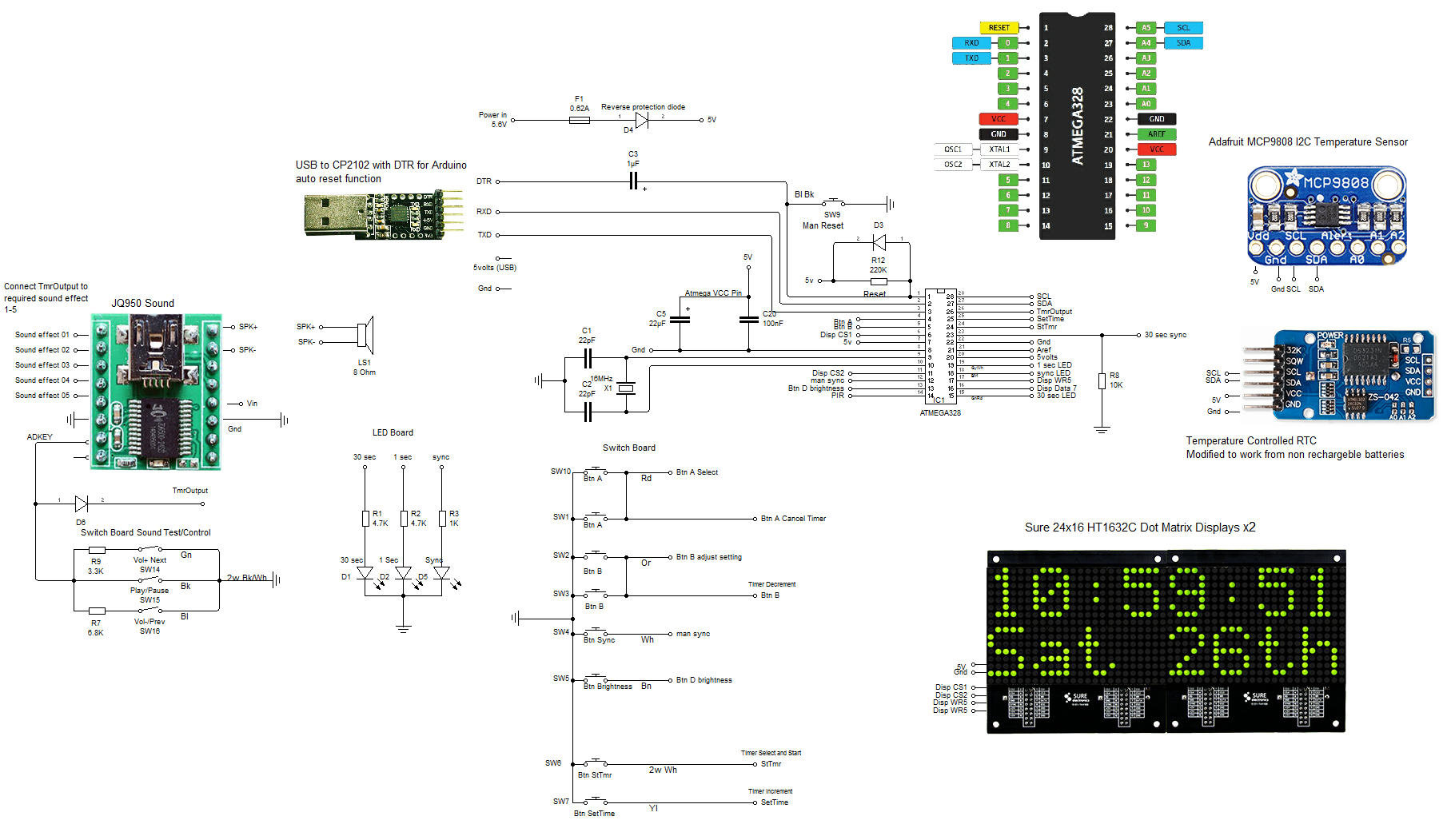
Countdown timer added to Normal mode. When countdown is completed an alarm is sounded by playing any 48KHz mp3 file through a JQ6500 sound module
Large numbers of different alerts can be set along with volume from the control panel
PIR control added so display is blanked when noone is around
Optional Master Clock synchronization to keep the clock in perfect time. This is in addition to the battry backed real time clock
Web site: http://home.btconnect.com/brettoliver1/Pong_Clock/Pong_Clock.htm
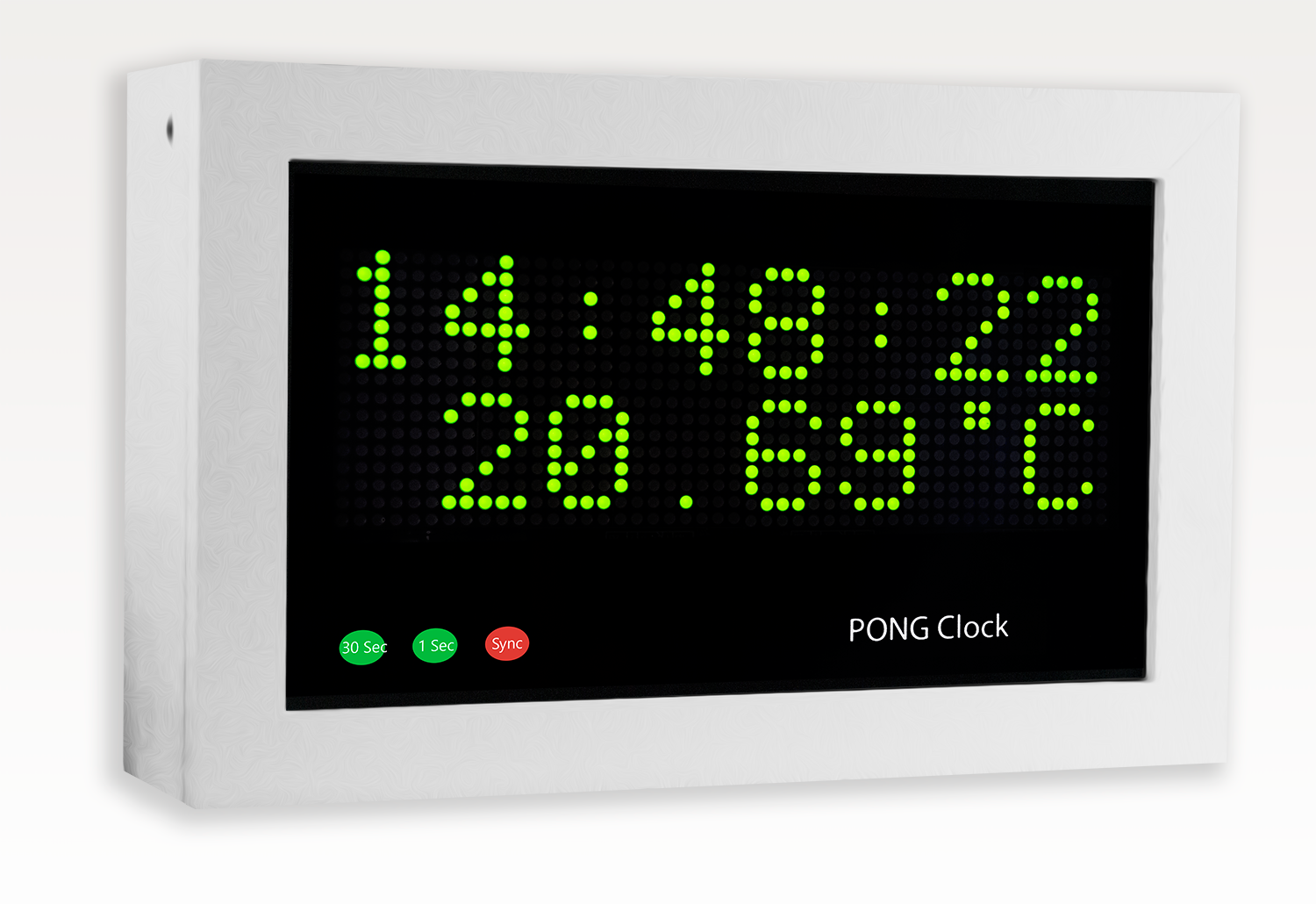
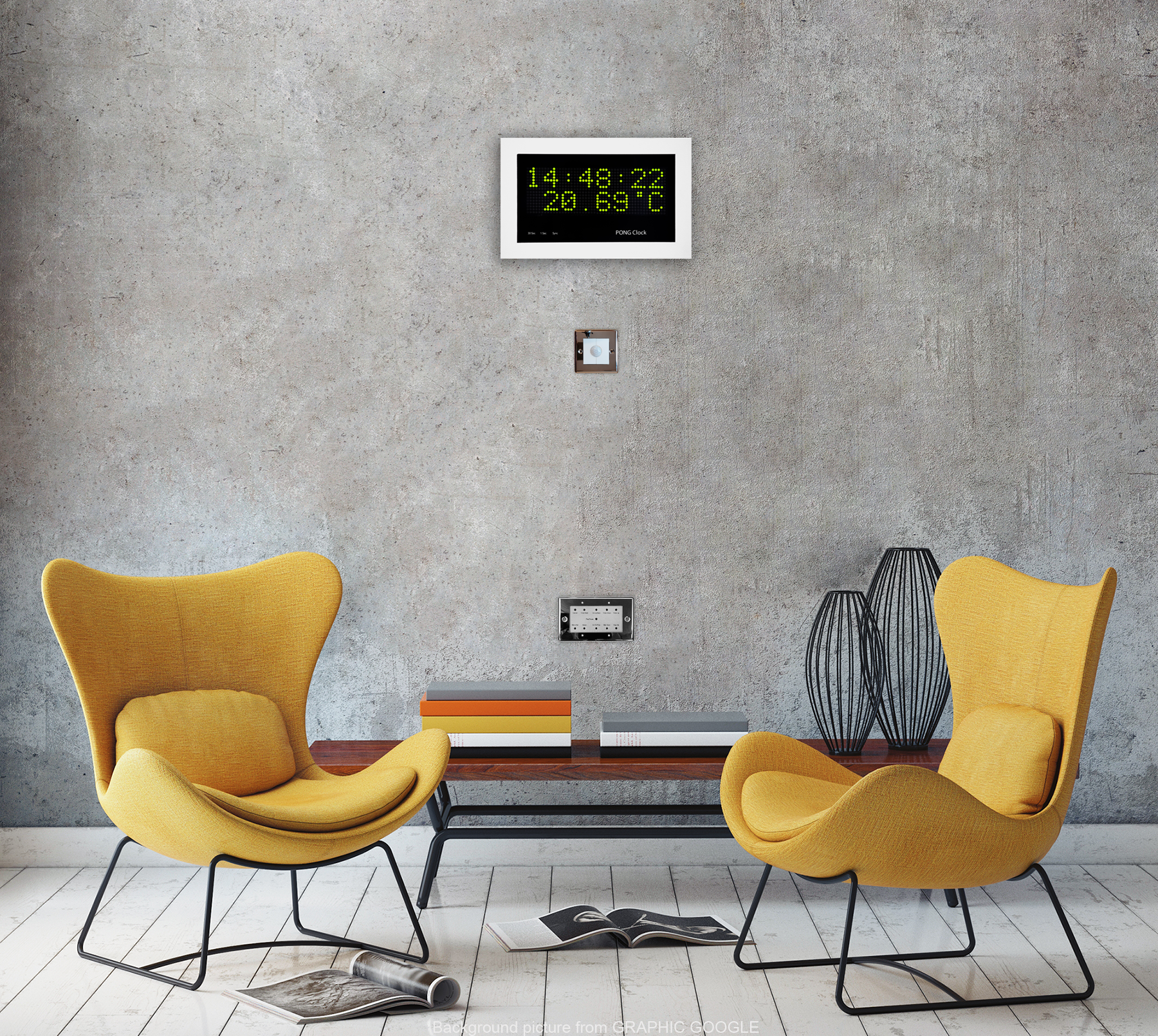
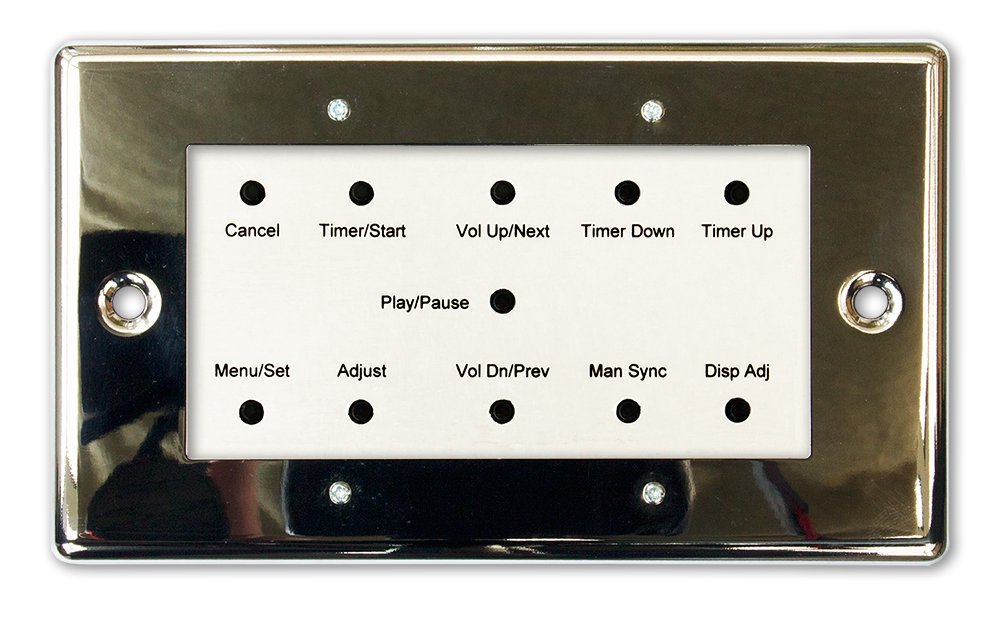
Image below shows PIR and control panel. These can be mounted inside the clock case if required.
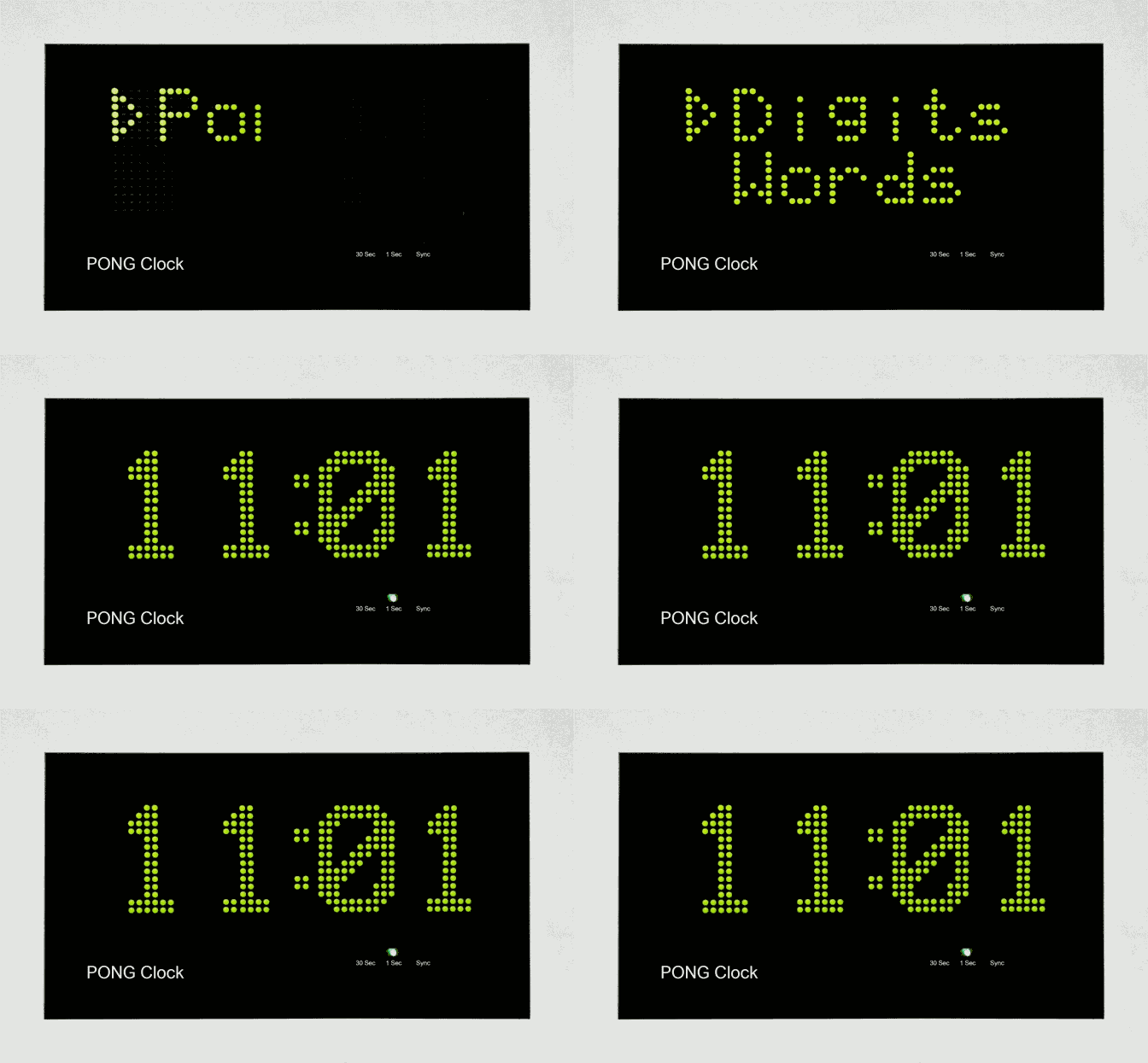
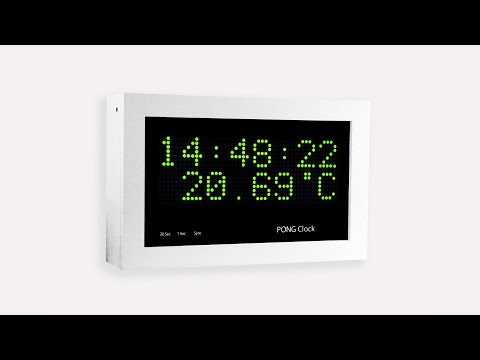
Animation below shows the new temperature display in slide mode
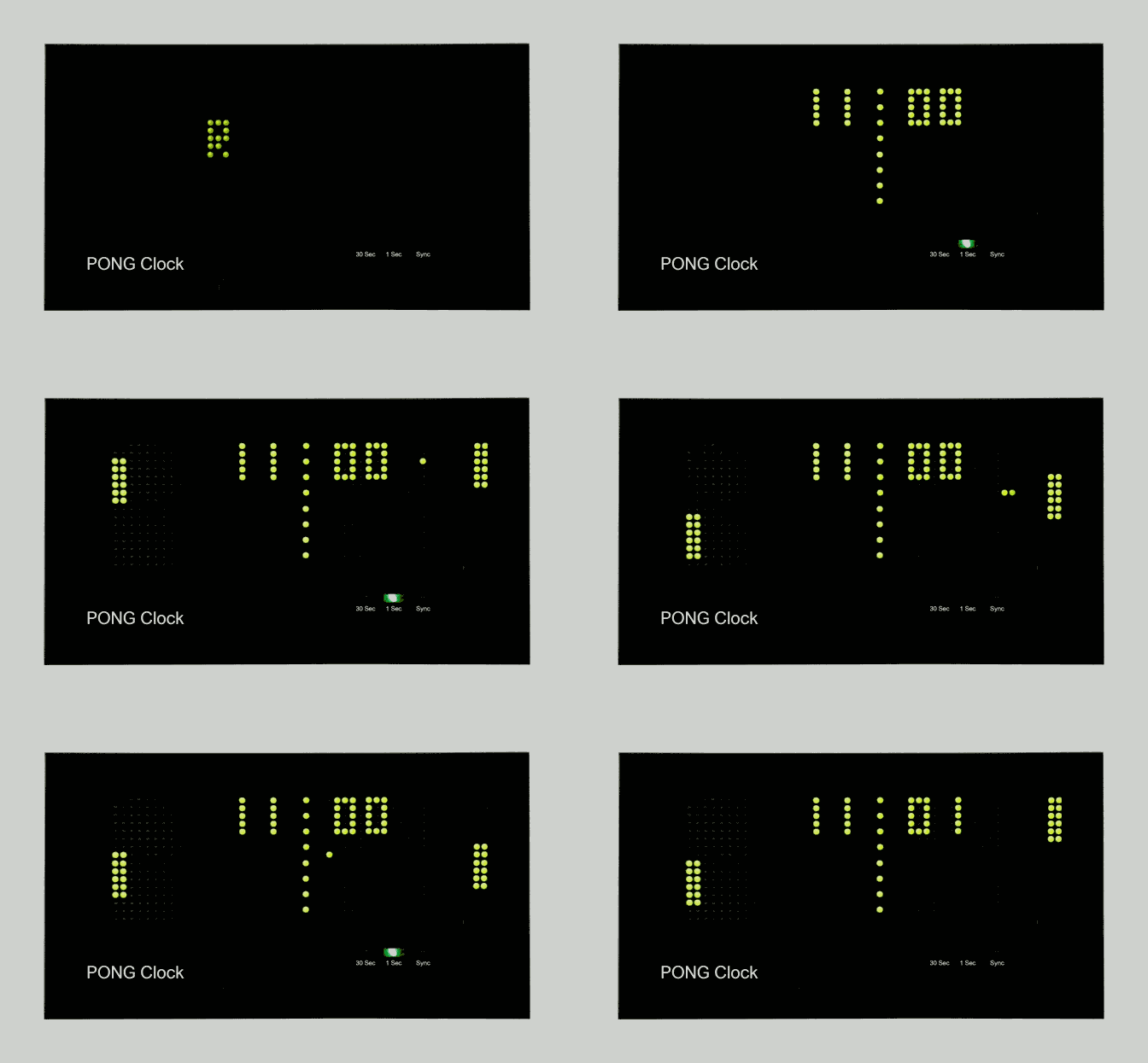
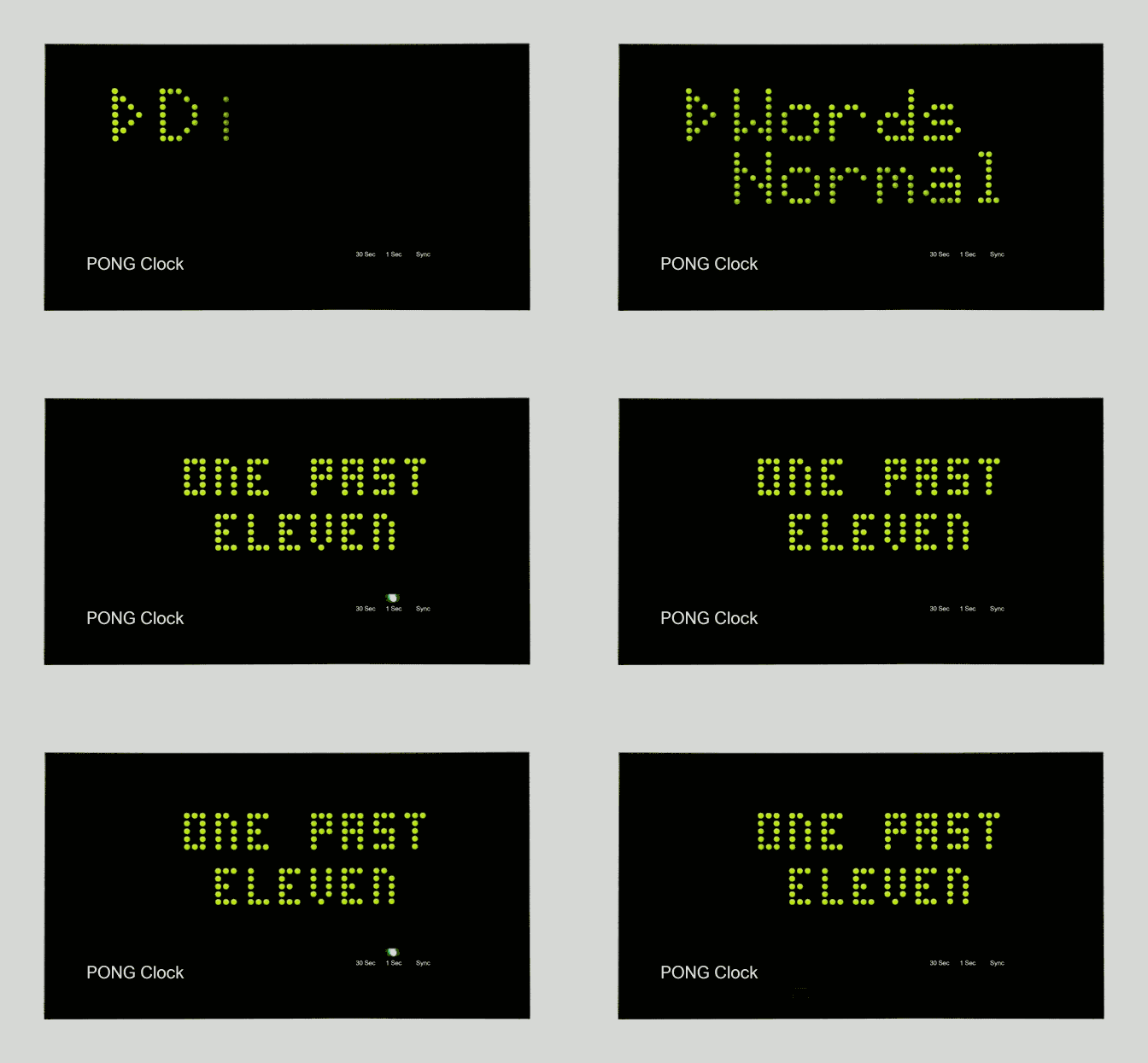
Aniamtion below shows the new timer display in place of standard mode. There is instant access to this mode on the control panel.
Default time is set in code. I use 4 minutes default (for making a cup of Tea). When the timer ends the mp3 file is played and the
display reverts to slide mode with temerature display.
Kitchen Timer
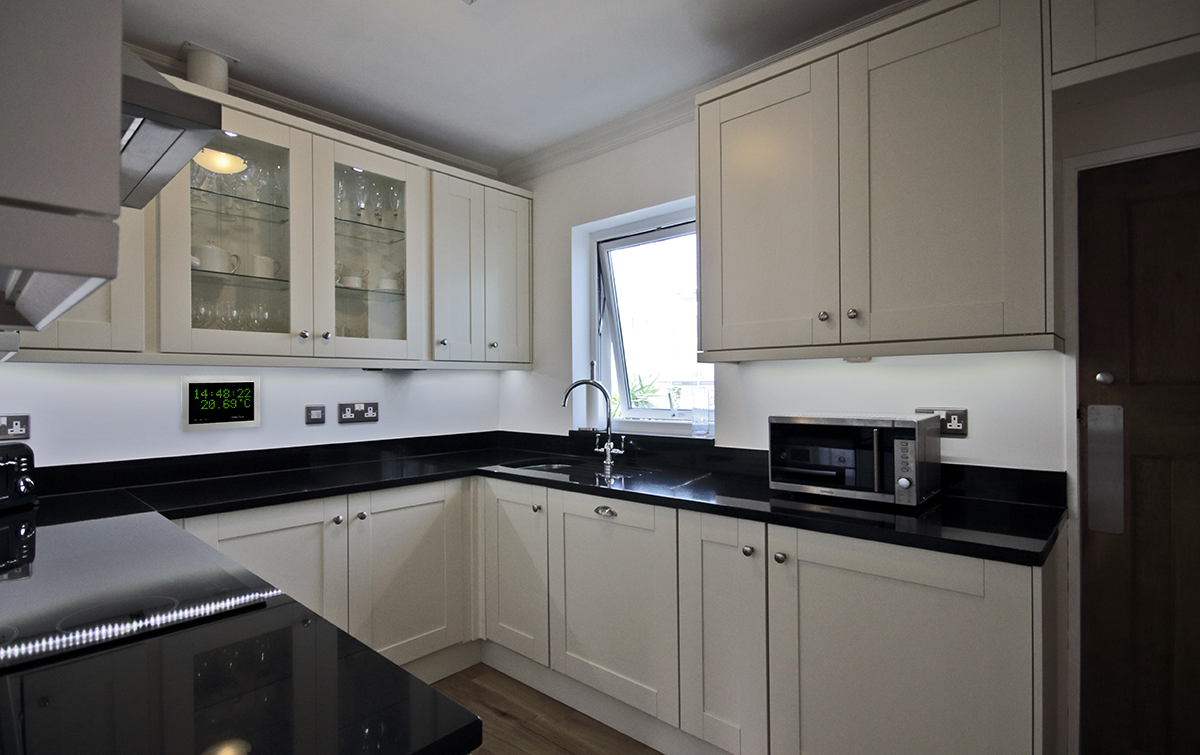
Image below shows the case set back in the plasterboard wall so the display is almost flush with the wall. The control panel is
located in one of the cabinets.
Below Switch Settings
 Setting the Timer
"Cancel" always returns to the default display mode
Press "Timer/Start" & default timer value is displayed
If you want to use the default value press "Timer/Start" again and the display will start to count down
If you want to set a new timer
Press "Timer Down" to move down in 30 second steps or "Timer Up" to step up in 30 second steps
To start timer at displayed setting press "Timer/Start" again
Display brightness
Press "Disp Adj"
Brightness is displayed. Pressing "Timer Down" cycles the brightness value in steps up to min then max again
To set the displayed brightness press "Menu/Set"
Main menu
Press "Menu/Set" steps through the menu
The following menu options are displayed in rotation
Slide Clock
Pong Clock
Digits Clock
Word Clock
Timer Clock
Setup Menu
When you get to the menu option you want to select just wait and it will auto select
If Setup Menu is selected a further menu is displayed again in rotation
Go Back
Random
12/24
Set Clock
Disp Adjust
Setting the Time
Once set the time will only need changing for winter/summer time
Using the "Menu/Set" button step through the main menu and select "Setup Menu"
In the setup menu select "Set Clock"
go through the menu using the "Timer Down" to adjust values then "Menu/Set"
When the final value is set the clock resets the seconds to 0.
Press the "Man Sync" button when the real seconds are nearing 30 seconds to set the clock seconds to 30.
If auto sync is in use the next time the sync pulse is received the clock seconds will be set exactly to 30 seconds.
Setting/Adjusting the timer alarm
The alarm sounds are stored as mp3 files on the sound module
Pressing "Play/Pause" will play or pause the current sound
While the sound is playing pressing and holding "Vol Up/Next" or Vol Dn/Prev" will turn the alarm volume up or down
Momentry pressing "Vol Up/Next" or Vol Dn/Prev" will play the next sound track on the sound module and set it as the alarm sound for the timer
This work is licensed under a Creative Commons Attribution-NonCommercial-ShareAlike 4.0 International License.
