This is a simple sample of how to bind a View to a ViewModel's Reactive Property.
public sealed class TestBehaviour : MonoBehaviour
{
    private readonly IReactiveProperty<float> _time = new ReactiveProperty<float>();

    private void Start()
    {
        // Bind the View to the Property
        GetComponent<TextView>().Bind(_time);
    }

    private void Update()
    {
        // Update the Property value
        _time.Value += Time.deltaTime;
    }
}
Run the Scene to see how the View is updating every frame when the Reactive Property value updates.
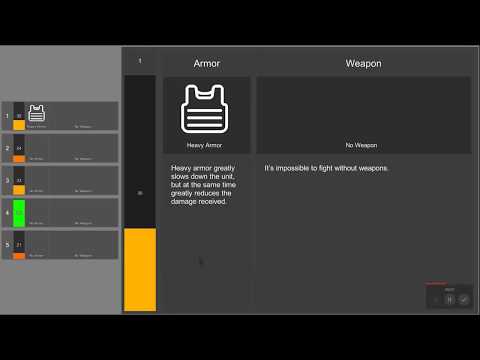
This is a more complex sample of how to create nested Views and set/bind values of ViewModels.
The video below shows the functionality of the sample.