This repository was archived by the owner on Sep 16, 2021. It is now read-only.
Workflow
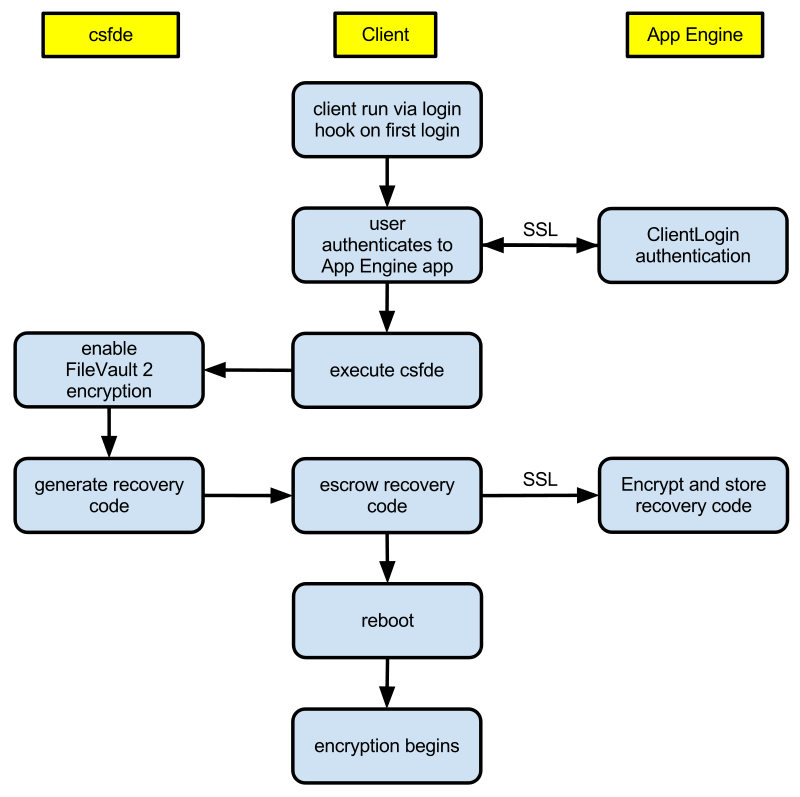
The following diagram explains the process flow for storing a recovery key and enabling encryption.
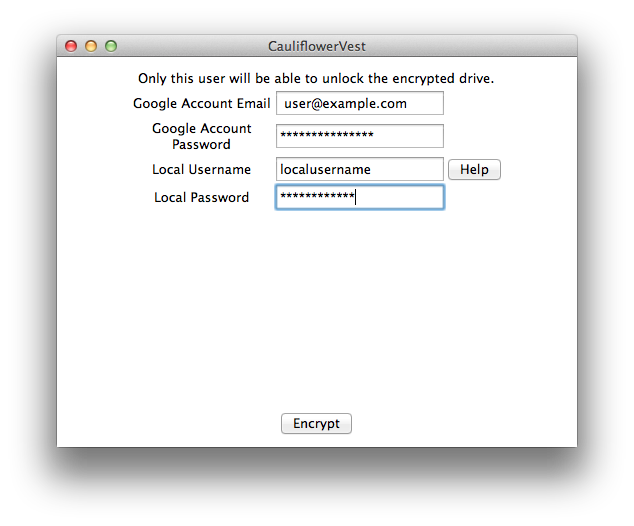
Users are prompted to enter a Google Account password, for authentication with Google App Engine, and a local account, used to enable FileVault 2.
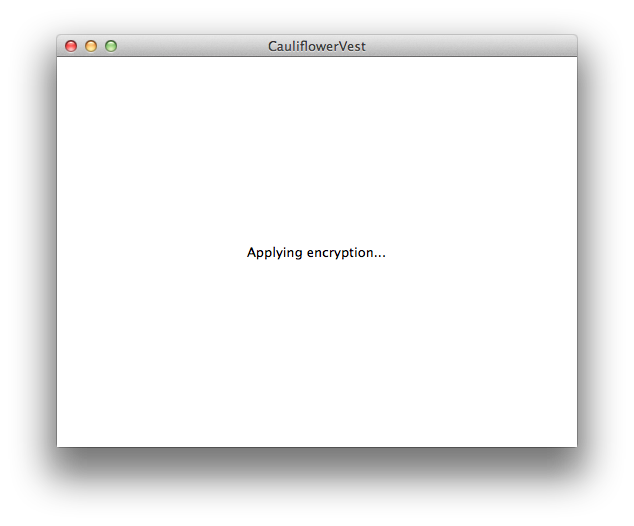
Once "Encrypt" is clicked, FileVault 2 will be enabled. And encryption will begin after a reboot.
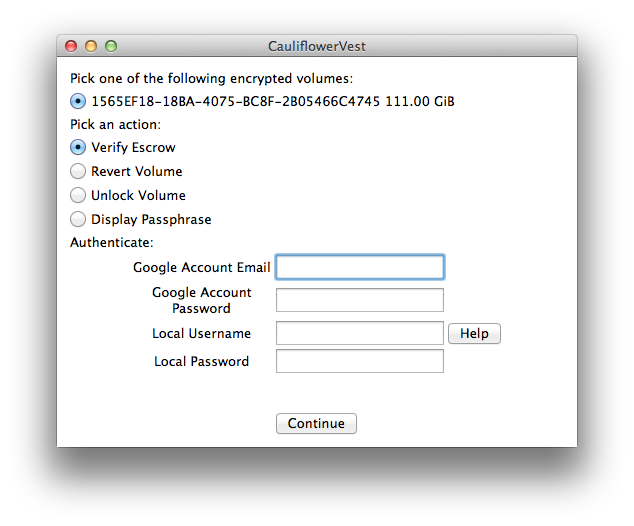
If executed after the reboot, encrypted volumes detected and the user is presented with options such as Verify Escrow, Revert Volume, etc.