App that is used to organize CTF contests with React/Spring/MySQL/Flask/Kubernetes/Docker/Helm. It allows people to generate one container per challenge per team.
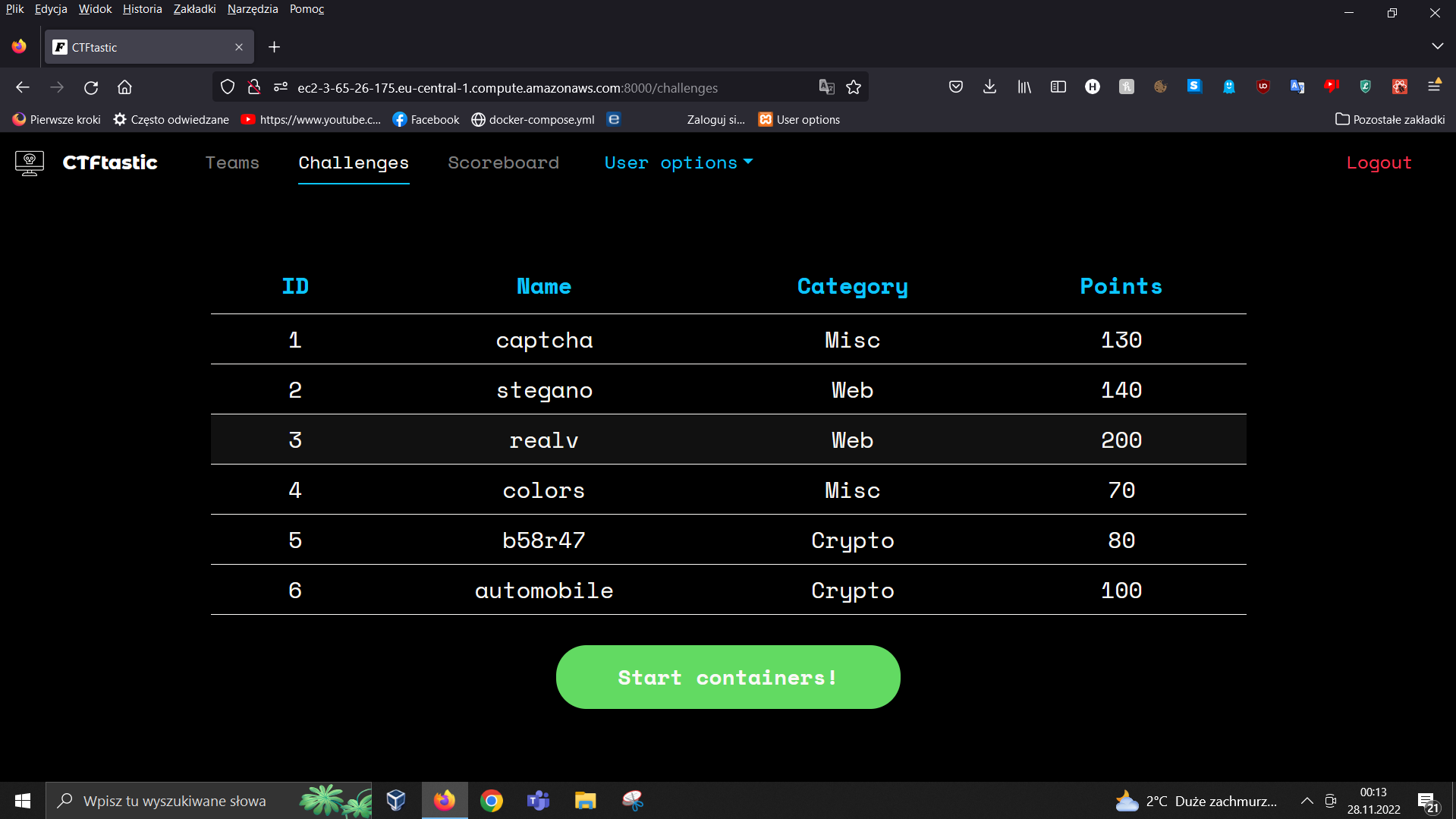
To start project without backend:
docker-compose upTo start with backend:
docker-compose -f docker-compose_with_backend.yml upTo develop backend you need to start compose without backend (docker-compose up) and then launch InteliJ. Make sure database is avaliable (docker ps) or you will not be able to build backend project.
If the project does not build
- Delete these files

-
Reopen project in InteliJ
-
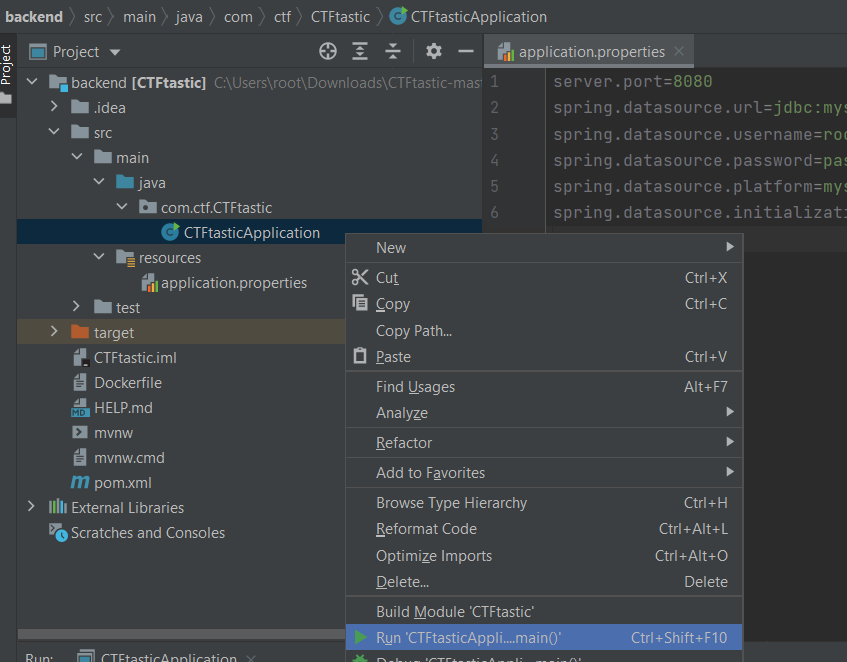
And build like that
It is stored in 2 files: pom.xml and aplication.properties
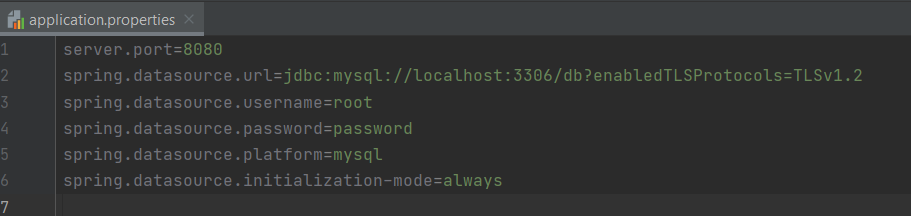
db is database name specified in both setup.sql and docker-compose.yml ports also specified in docker-compose.yml
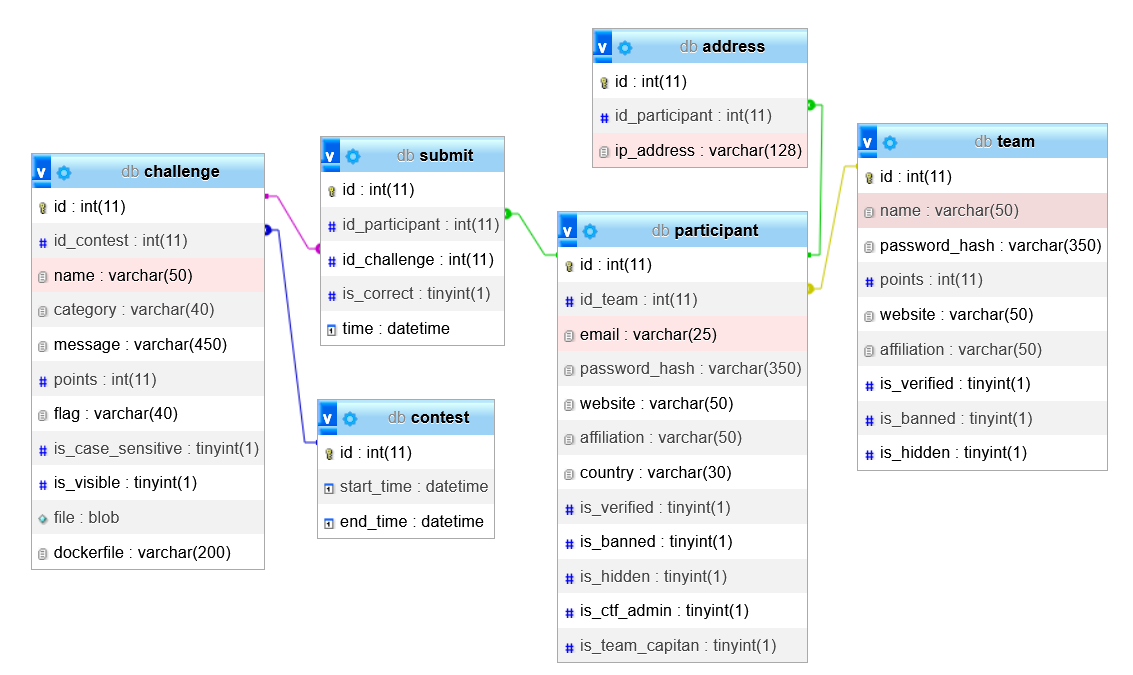
MySQL database schema is stored in setup.sql. To modify it you need to:
- shut containers down (docker stop )
- delete containers (docker containers prune OR docker rm )
- delete volumes (docker volume prune OR docker volume rm
🔴IMPORTANT Schema won't reload if you have previous database stored in named volume❗
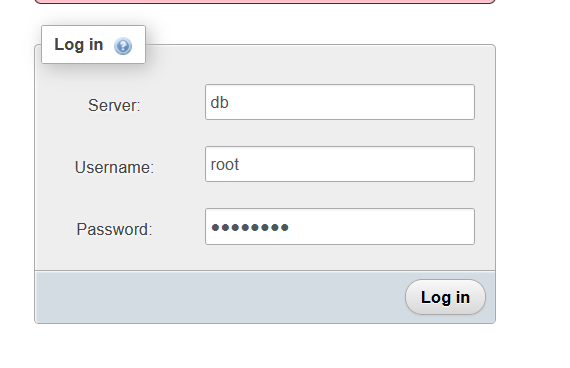
There is phpmyadmin client if you want to see database without connection to the container. To log in you need to go to localhost:8081 and then fill in the form
- Server: db
- User: root
- Password: password
docker exec -it <container-id> bashmysql -u root -p [ENTER] password [ENTER]SHOW databases;
USE db;
SHOW tables;🔴[ENTER] means clicking enter