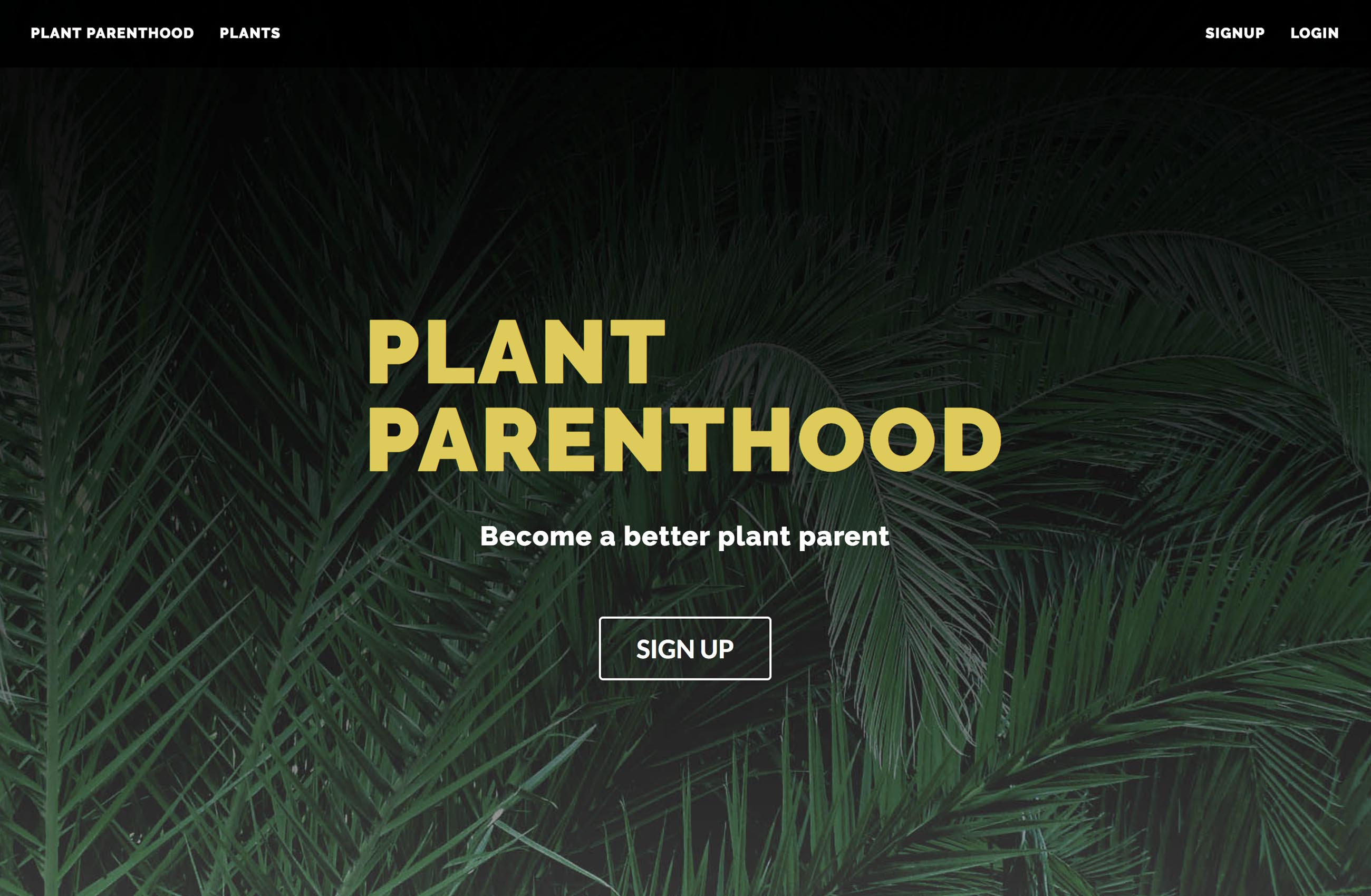
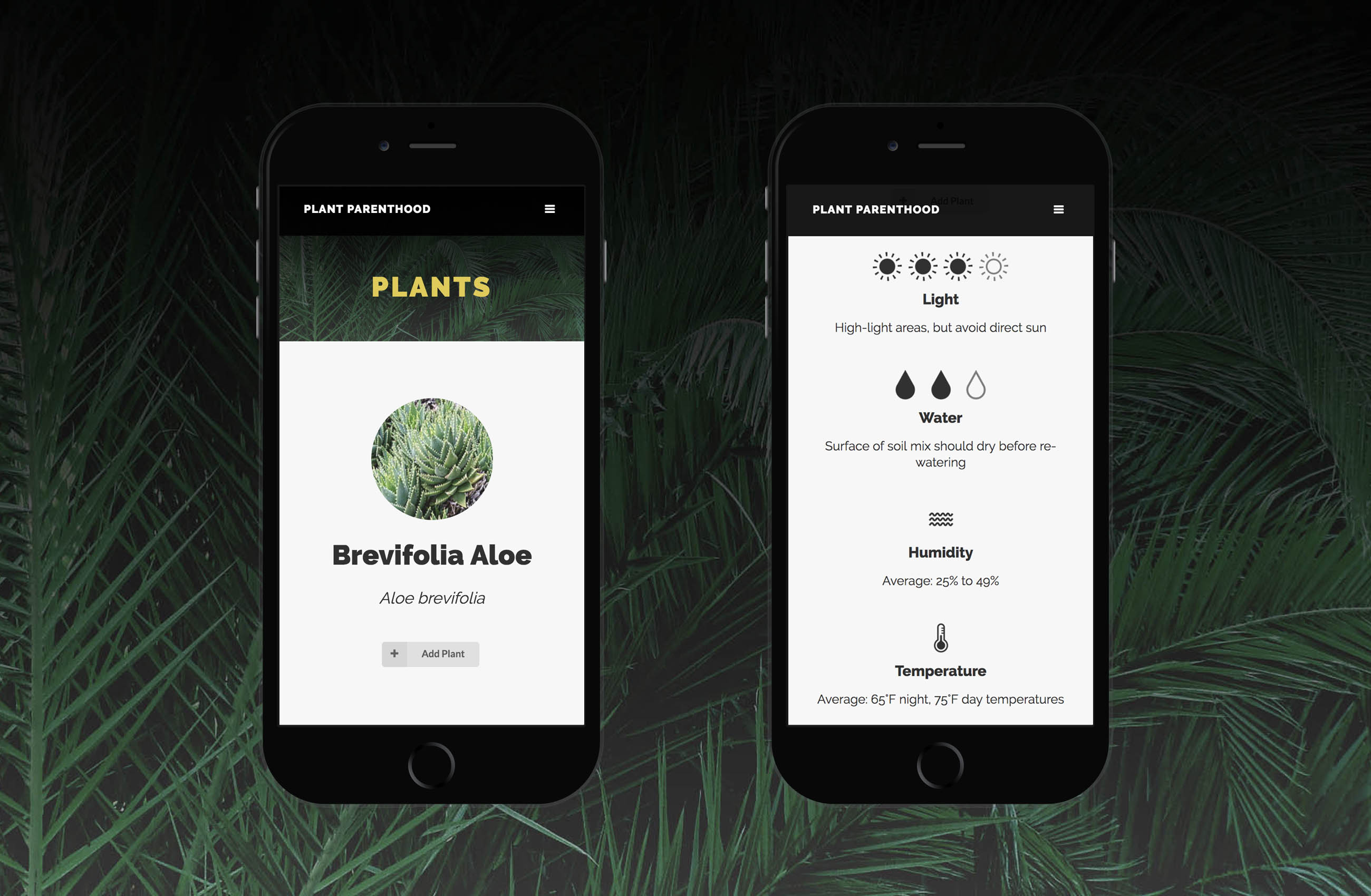
Become a better plant parent. Plant Parenthood is a database of over 200+ common indoor houseplants. Sign up to easily track plants you own and have quick access to their care information.

- Build a full stack Node app with at least 2 models.
- Include sign up/log in functionality, with hashed passwords and an authorization flow.
- Incorporate at least one API.
- Have complete RESTful routes with
GET,POST,PUT, andDELETE. - Utilize an ORM to create a database table structure and interact with your relationally-stored data.
- Include wireframes designed during the planning process.
- Have semantically clean HTML and CSS.
- Be deployed online and accessible to the public.
- Node/Express
- Key modules:
- Cheerio - Plant data scraping from 2 different sources
- Passport / Bcrypt - Authentication and password hashing
- Cloudinary / Multer - Profile photo uploading through Cloudinary API
- Key modules:
- PostgreSQL
- Sequelize
- jQuery
- SASS
- Semantic UI
The target user for this app is the growing number of indoor houseplant enthusiasts. These are not master gardeners, they are people who enjoy adding greenery to their space but may not know all the ins and outs of plant care.
- As a user, I want to...
- be able to easily save and keep track of my houseplants and see their care information displayed in a simple, easy to read format (without a ton of jargon). Similarly, I should be able to easily delete plants from my collection.
- be able to comment on plants and get feedback or suggestions from others on my issues or questions.
- be easily track when was the last day I checked on my plants (because they might need water!).
- be able to write a personal journal about adjustments I've made in my plant care routine, or tips I've learned along the way.
See "Routes and Models" section for final outline of website structure


First round wireframes show the initial vision for plant view and profile pages.

I researched plant imagery and colors and created a moodboard. This helped identify the colors and mood I would be aiming for in my design.

Trello board status as Sprint 3 wraps. Sprints were color coordinated to help see what might be lagging behind.
Got database running with models and associations.
Utilized auth, including hashed passwords and an authorization flow.
Used Cheerio to pull plant care rankings out of a research table, as well as images from Wikipedia, then inserted into database.
- Users can add/delete plants, add/delete comments, and add/delete/edit journal posts
3. Integrated Semantic UI, in particular for grids and to allow for a more user-friendly search tool
- More dynamic tag and water filtering on page (have a start in my code, but not there yet)
- Scrub database further, adjust plant names as needed so that they can be better located on Wikipedia
- Scrape lists of easy houseplants and add to "low maintenance" tag
- Scrape ASCPA website for cat/dog safety and add "cat-friendly"/"dog-friendly" tags
- Lazy load functionality for longer pages
Routes
| CRUD | Route | Function |
|---|---|---|
GET |
/ |
home page that welcomes user |
GET |
/auth/login |
renders login page |
POST |
/auth/login |
signs in existing user |
GET |
/auth/signup |
renders sign up page |
POST |
/auth/signup |
creates new user in database |
GET |
/auth/logout |
logs out user |
GET |
/plants |
loads full plant database |
GET |
/plants/:id |
loads individual plant |
POST |
/plants |
associates plant with user in the database |
DELETE |
/plants/:id |
removes association of user and plant in the database |
GET |
/plants/search |
runs a query for the plant based on the user's search input |
GET |
/plants/notfound |
loads 404 page when user searches for a plant that doesn't exist |
POST |
/comments |
adds comment to individual plant |
DELETE |
/comments/:id |
removes comment from individual plant |
GET |
/journal |
renders full page of all journal entries |
GET |
/journal/new |
renders page for user to post a new journal entry |
GET |
/journal/:id |
renders page for individual journal entry |
POST |
/journal |
adds entry to user's journal |
GET |
/journal/edit/:id |
renders page for user to edit an existing journal entry |
PUT |
/journal/:id |
edits journal entry in database |
DELETE |
/journal/:id |
deletes journal entry from database |
GET |
/tags/:id |
renders all plants for the selected tag |
GET |
/users/profile |
renders user's profile page when logged in |
GET |
/users/plants |
renders page with user's full collection of saved plants |
GET |
/users/profilepic |
renders page to update user's profile picture |
POST |
/users/profile |
uploads user's new profile picture through Cloudinary |
POST |
/users/lastwatered |
edits last watered date |
Models (Note: some fields not listed below as they are not currently utilized)
| Model | Schema | Assocations |
|---|---|---|
| Comment | content, userId, authorName, plantId, imageUrl | Belongs to plants and users |
| Journal | title, content, useId, imageUrl | Belongs to user |
| Plant | name, botanicalName, light, temperature, humidity, water, soil, imageUrl | Belongs to many users, belongs to many tags, has many comments |
| Tag | content | Belongs to many plants |
| User | name, email, password, zipcode, userImg, lastWatered | Belongs to many plants, has many journals, has many comments |
If you'd like to set this project up on your own local server:
- Fork and clone this repository
- Run
npm installto install dependencies- Use
nodemonto start your application
- Use
- Setup your database (this app already has one existing model)
- Run
createdb plantparenthoodto create the database - Run
sequelize db:migrateto run migrations
- Run
- Create .env file, which will need to include:
SESSION_SECRET(you determine this)BASE_URL(where you will deploy the site)CLOUDINARY_URL(from your Cloudinary account)
- Review database setup file
- Follow directions in
dbSetup.jsto scrape data and add tags
- Follow directions in
- Plant Data
- Plant Care Rankings - http://extension.uga.edu/publications/detail.html?number=B1318
- Individual Plant Images - https://www.wikipedia.org/
- Supporting Icons and Imagery
- Stock Photos - Pexels
- Icons - Noun