
- 💙 Made for Flutter. Easy to use.
- 🦄 Open source. Everything is open source and free!
- 🤓 Create Avatars. Easily create a personalized Peep.
- 🧪 Tiny size. Save a peep as just one
int. - 💃🏼 Looks great. Consistent avatars throughout your app.
- 🪐 (Un)limited options. Pick one of 211140 different avatars.
- ⚖️ Scalable SVG images. Never lose sharpness!
The Open Peeps Flutter package is based on the Open Peeps illustration library by @pablostanley.
A Peep is a combination of different PeepAtoms. Combine atoms for the head, face, facial hair and accessory and create your Peep!
- add the
open_peepslibrary to yourpubspec.yaml. - Start using the package 💪🏻
The Peep class
A Peep contains of different so called PeepAtoms containing of Head, Face, Facial Hair or Accessory atoms.
Atoms
The specific atoms can be accessed by atom classes. These classes are called Head, Face, FacialHair, Accessories, Body and Pose. While Body and Pose are defined, these classes currently have no Widget to display these atoms properly.
All the atoms of a atom category are accessible via the static atoms property:
final headAtoms = Head.atoms;The open_peeps package provides the following Widgets:
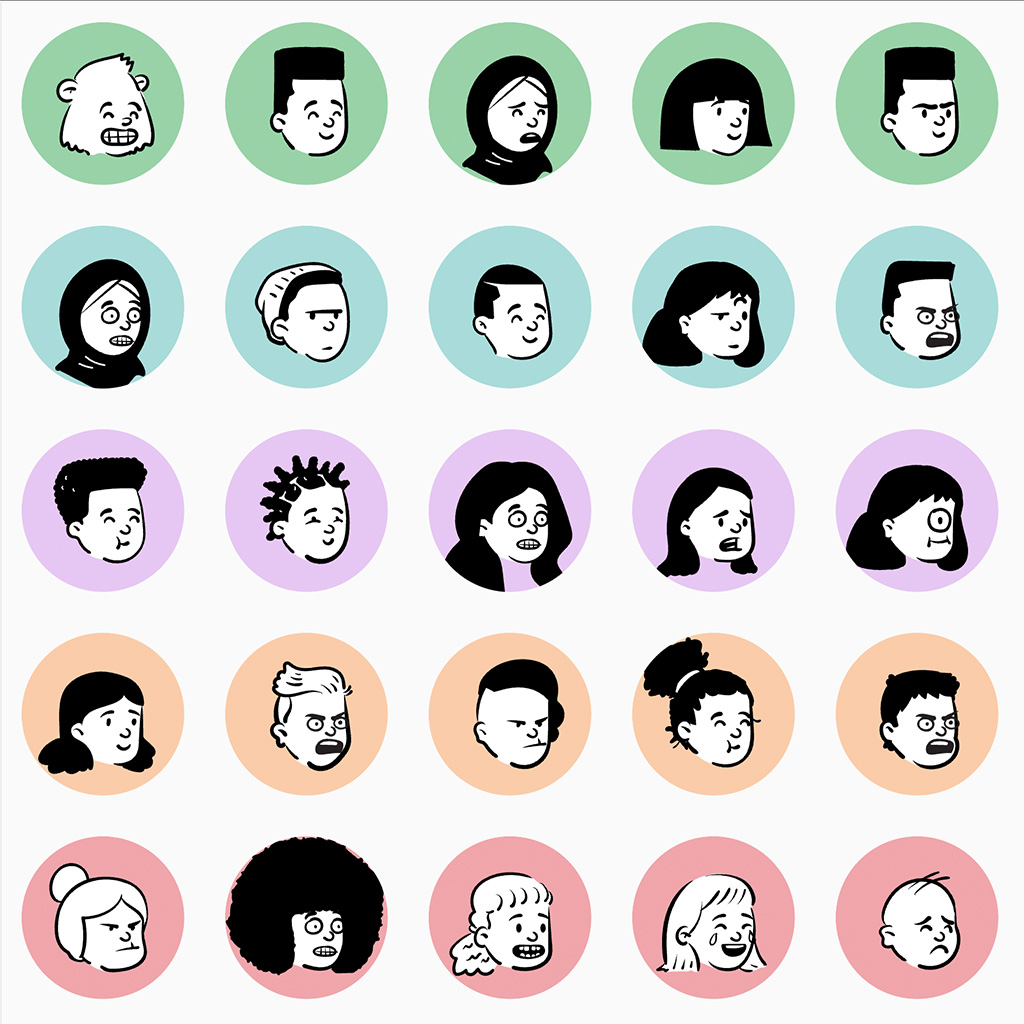
The PeepAvatar represents a Peep similar to what is known from a CircleAvatar.
A PeepAvatar can be used based on the Peep model or multiple PeepAtoms by using the following constructors:
PeepAvatar.fromPeep
| Parameter | Type | Required | Default | Description |
|---|---|---|---|---|
key |
Key? |
No | null |
A Key is an identifier for the Widget |
peep |
Peep |
Yes | The Peep to be rendered as a scalable image. |
|
backgroundColor |
Color? |
No | null |
The background color of the avatar. When set to null, Theme.of(context).colorScheme.surface is used as the backgroundColor. |
clipBehavior |
Clip? |
No | Clip.antiAlias |
Clips the PeepAtoms to the circular avatar, if set to anything other than Clip.none. |
size |
double? |
No | 64.0 |
The size of the avatar. Cannot be greater than 256.0 (this is a temporary limitation). |
PeepAvatar.fromAtoms
| Parameter | Type | Required | Default | Description |
|---|---|---|---|---|
key |
Key? |
No | null |
A Key is an identifier for the Widget |
face |
PeepAtom |
Yes | The atom representing the Face. | |
head |
PeepAtom |
Yes | The atom representing the Head. | |
facialHair |
PeepAtom |
Yes | The atom representing the Facial Hair. | |
accessory |
PeepAtom |
Yes | The atom representing the Accessory. | |
backgroundColor |
Color? |
No | null |
The background color of the avatar. When set to null, Theme.of(context).colorScheme.surface is used as the backgroundColor. |
clipBehavior |
Clip? |
No | Clip.antiAlias |
Clips the PeepAtoms to the circular avatar, if set to anything other than Clip.none. |
size |
double? |
No | 64.0 |
The size of the avatar. Cannot be greater than 256.0 (this is a temporary limitation). |
Example
final peep = Peep(...);
final avatarWidget = PeepAvatar.fromPeep(
  size: 128,
  peep: peep,
);By using PeepStudio you allow the users of your app to select their unique Peep. PeepStudio displays all available atom categories and makes selection of the desired Peep easy.
Constructor
| Parameter | Type | Required | Default | Description |
|---|---|---|---|---|
key |
Key? |
No | null |
A Key is an identifier for the Widget |
onChanged |
void Function(Peep peep) |
Yes | A callback which is triggered whenever, the user selects an atom. | |
backgroundColor |
Color? |
No | null |
The background color of the studio. When set to null, Theme.of(context).colorScheme.surface is used as the backgroundColor. |
activeColor |
Color? |
No | null |
The active color of a selected atom. When set to null, Theme.of(context).toggleableActiveColor is used as the activeColor. |
Example
final studioWidget = PeepStudio(
  onChanged: (Peep peep) {
    provider.selectedPeepChanged(peep);
  }
);
Generation of a random or partially random Peep is great to quickly showcase users what's possible with open_peeps.
Call PeepGenerator.generate to randomly generate a new Peep:
Example
final randomPeep = PeepGenerator().generate();With PeepGenerator it is also possible to pre-select specific PeepAtoms and just generate the missing ones to create a partially random Peep:
Example
final randomPeep = PeepGenerator().generate(
  head: PeepAtom(...),
  facialHair: PeepAtom(...),
);
Serialization of a Peep into a storable data type is great to allow users to pick their unique user-avatar.
For serialization use PeepSerializer.serializeVersion1:
Example
final peep = Peep(...);
final storedValue = PeepSerializer.serializeVersion1(
  peep: peep
);
For deserialization of a stored value use PeepSerializer.deserializeVersion1:
Example
final storedValue = ...;
final peep = PeepSerializer.deserializeVersion1(
  value: storedValue
);