Keeps your personalization preferences persistent, just in case Windows (or anything else) tries to change them on you.
I like dark mode. Maybe you like light mode (no judgement). But Windows just cannot seem to remember that I selected Dark Mode, so occasionally it will change to Light Mode. (It seems to be related to Windwos Update, but happens other times randomly too.) That is where Persistent Personalization Preferences comes in. Just run it an select your personalization preferences and it makes them persistent.
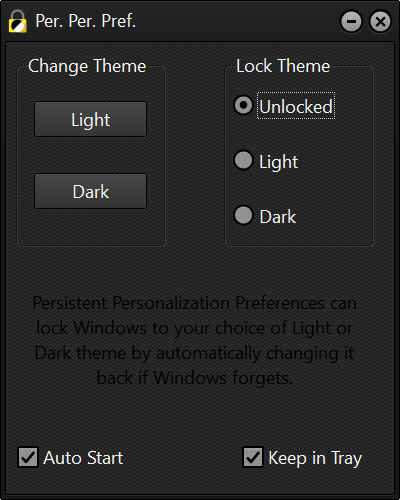
Then select your preferred theme
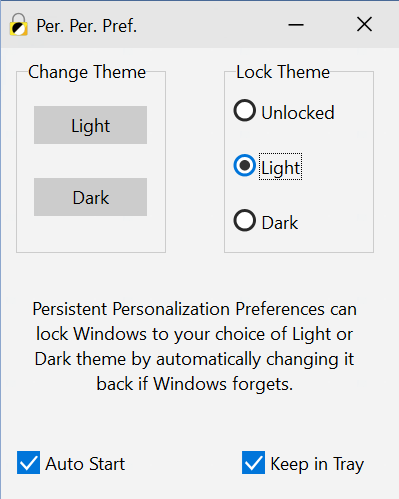
And lock it in
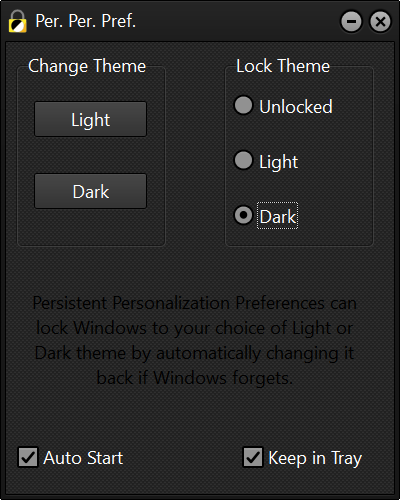
Select Auto Start and Keep in Tray and it will take care of things for you. Whenever Windows forgets and tries to blind you, it switches back immediately, sometimes even before you notice.
Persistent.Personalization.Preferences.-.demo.mp4
You can even change your settings right from the system tray.

There isn't an install, yet. Just put the EXE where you want it and run it. When you select Auto Start it will remember it's location and run everytime you log into Windows.
It should compile with most any version of Delphi, including the free Delphi Community Edition.