Learning about Cloud Messaging, Cloud Functions and Crashlytics on Pluralsight
Every mobile application has (or should have) the three core pillars.
- Authentication System
- Database and storage system
- Cloud messaging system
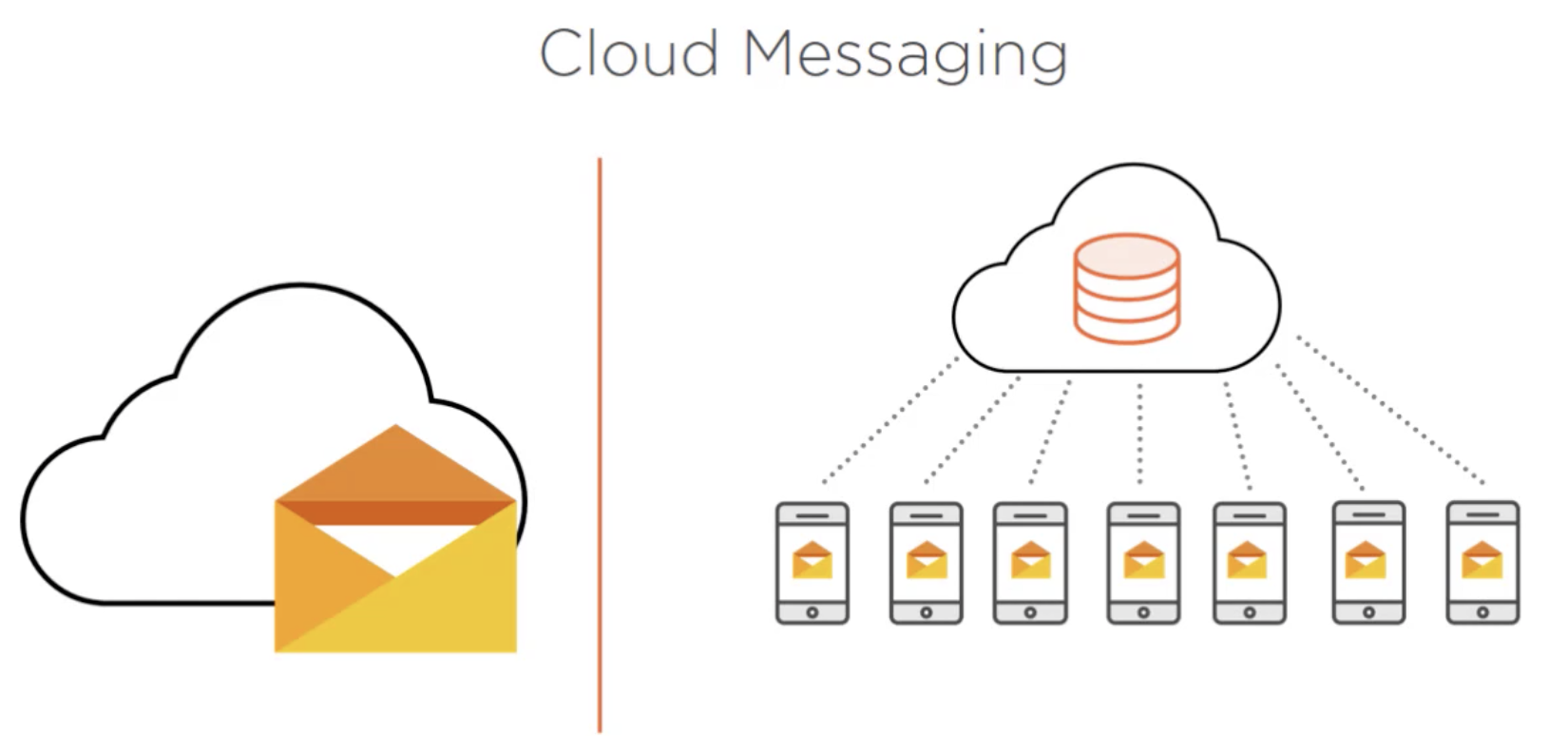
So what exactly is a cloud messaging system? Sending cloud messages refers to the ability an application has to communicate with users or groups of users in bulk. Typically cloud messages are sent out and received by client apps in the form of push notifications.
It's something unique to Firebase, since Firebase tools are completely serverless that is you don't need to purchase a domain and set up a server to start using the tools that they offer. Everything is hosted from yor personalized Firebase console. Now, that type of system has many advantages, but there's also a few disadvantages.
- Not everything can be done from the Android Client (what happens if you need to execute some special server-side code?)
Cloud Functions cover all these scenarios for you, using cloud functions you can write functions or small segments of standalone code that execute on their own on the Firebase servers. They're extremely flexible. To execute the functions you can set up triggers on pretty much any of the Firebase tools:
- Authentication Triggers
- Database Triggers
- Storage Triggers
- Analytics Triggers
- Firebase Triggers
- HTTP Triggers
- Cloud Pub/Sub Triggers