Skip to content

The micro:bit Talking LED Blink And Breath is a micro:bit Electronic Educational Engagement Tool designed to help students create a talking sound application.

License

Notifications You must be signed in to change notification settings

mytechnotalent/MicroPython-micro-bit-Talking-Sound

Repository files navigation

image

MicroPython-micro-bit

Talking Sound

The micro:bit Talking LED Blink And Breath is a micro:bit Electronic Educational Engagement Tool designed to help students create a talking sound application.


Schematic

image
*** NOTE *** USE PIN1 INSTEAD OF PIN7 (GREEN WIRE)


Parts

micro:bit
Ks0360 Keyestudio Sensor Shield V2 for BBC micro:bit

  • Keyestudio Micro bit Sensor V2 Shield * 1
  • keyestudio Digital Buzzer Module * 1
  • Dupont jumper wire * 3

STEP 1: Navigate To The FREE micro:bit Python Web Editor

micro:bit Python Web Editor

image

STEP 2: Plug micro:bit V2 Into Computer

*PLUG IN USB CABLE TO COMPUTER AND DEVICE

STEP 3: Click CONNECT

image

STEP 4: Click "BBC micro:bit CMSIS-DAP" & CONNECT

image

STEP 5: Highlight Sample Code - Select All

image

STEP 6: Click Backspace On Keyboard To Delete Sample Code

image

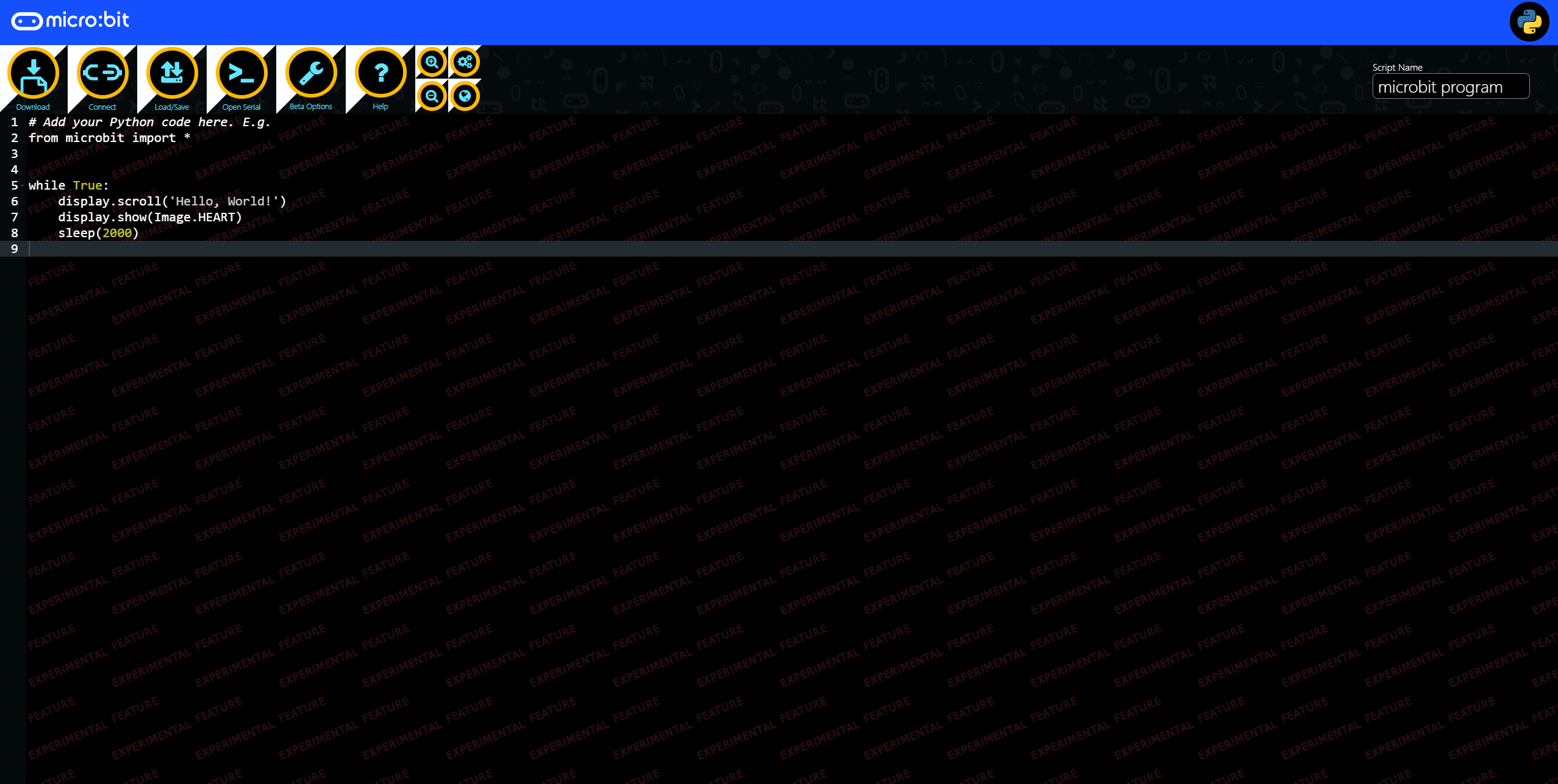
STEP 7: Copy Study Buddy Python Code Template Into Python Web Editor

CODE

from time import sleep_ms

from microbit import pin1, display, Image
from speech import say

SPEED = 95

while True:
    display.show(Image.SURPRISED)
    say('Sound On', speed=SPEED)
    pin1.write_digital(1)
    display.show(Image.HAPPY)
    sleep_ms(1000)
    
    display.show(Image.SURPRISED)
    say('Sound Off', speed=SPEED)
    display.show(Image.HAPPY)
    pin1.write_digital(0)
    sleep_ms(1000)
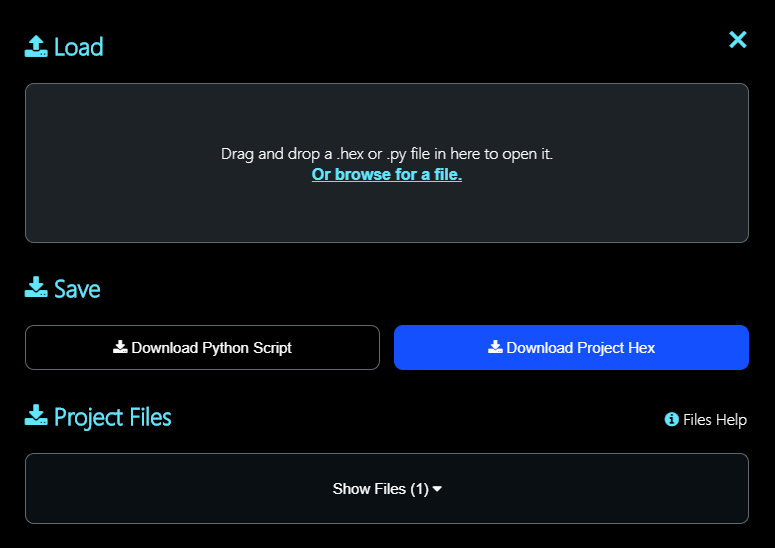
STEP 8: Rename Script Name To talking_blink_and_breath

STEP 9: Click Save

image

STEP 10: Click Download Python Script

image

STEP 11: Click Flash

image


License

Apache License, Version 2.0

Releases

No releases published

Packages

No packages published

Languages