A self-contained, local-first demonstration platform showcasing modern, production-grade distributed systems designed to enable professional-level agentic development at the most efficient rate possible.
This repository is a research and demonstration project. It is not production software and not intended for enterprise deployment.
Test Coverage:


Behavioral Tests:


🎥 Click here to watch the dashboard demo on YouTube
💾 Click here to download the dasbhoard demo (MP4)



Authoritative Resources
Diagrams

Legend
- 🟩 Green: Primary task execution flow
- 🟧 Orange: Test framework pressure
- 🟦 Blue: Observability / monitoring
The TUI detects and helps you install all of these automatically.
- Docker Desktop – container runtime
- PowerShell Core – cross-platform scripting
- kubectl – Kubernetes CLI
- kind – local Kubernetes clusters
- Rust – required only for building the TUI from source
Note: currently releases are unsigned bootstrap builds. See Verifying Releases for checksums.
odd-dashboard --version
odd-dashboard doctor| OS | Architecture | Artifact |
|---|---|---|
| Windows | x64 | odd-dashboard-windows-x64.exe |
| macOS | Intel | odd-dashboard-macos-x64 |
| macOS | Apple Silicon | odd-dashboard-macos-arm64 |
| Linux | x64 | odd-dashboard-linux-x64 |
| Linux | ARM64 | odd-dashboard-linux-arm64 |
System Requirements: 8GB RAM minimum (16GB recommended), 4+ CPU cores, 15GB disk. See Support Matrix for full hardware requirements and Docker Desktop configuration.
Get the Distributed Task Observatory running locally with the fewest possible steps.
git clone https://github.com/oddessentials/odd-demonstration.git
cd odd-demonstrationChoose one option:
Binary (recommended):
# macOS / Linux
curl -fsSL https://raw.githubusercontent.com/oddessentials/odd-demonstration/main/install.sh | sh

# Windows (PowerShell)
iwr -useb https://raw.githubusercontent.com/oddessentials/odd-demonstration/main/install.ps1 | iex
npm:
npm install -g @oddessentials/odd-dashboardodd-dashboard doctorThis checks for Docker Desktop, PowerShell, kubectl, and kind, and tells you exactly what’s missing if anything isn’t installed.
Ensure Docker Desktop is running before continuing.
odd-dashboardThat’s it. The TUI will guide you the rest of the way.
➡️ Next: Press L in the TUI to launch the local cluster.
What the TUI does:
- ✅ Checks Docker, PowerShell, kubectl, and kind
- 📋 Shows missing tools with install commands
- 📎 Press C to copy a command to your clipboard
- 🚀 Press L to launch the cluster
💡 Rust is only required when building the TUI from source.
This section is for contributors or anyone running the system directly from source.
cd src/interfaces/tui
cargo run --releaseUse this if all prerequisites are already installed.
# Windows
.\scripts\start-all.ps1

# macOS / Linux
pwsh ./scripts/start-all.ps1After startup, access services via port-forwards:
| Service | URL | Credentials |
|---|---|---|
| Web Terminal | http://localhost:8081 | - |
| Gateway API | http://localhost:3000 | - |
| ↳ API Docs | http://localhost:3000/docs | - |
| Read Model API | http://localhost:8080/stats | - |
| ↳ API Docs | http://localhost:8080/docs | - |
| RabbitMQ | http://localhost:15672 | guest / guest |
| Grafana | http://localhost:3002 | admin / admin |
| Prometheus | http://localhost:9090 | - |
| pgAdmin | http://localhost:5050 | admin@example.com / admin |
| Mongo Express | http://localhost:8082 | admin / password123 |
| RedisInsight | http://localhost:8001 | - |
- Guided setup & diagnostics
- One-key cluster launch
- Real-time job and system stats
- Alerts from Prometheus
- Built-in UI launcher
Keyboard shortcuts:
| Key | Action |
|---|---|
L |
Launch cluster |
N |
New task |
U |
UI launcher |
R |
Refresh |
Q |
Quit |
- Browser-based terminal powered by xterm.js
- Pixel-accurate TUI mirroring via PTY streaming
- Session reconnect on refresh
- Fallback dashboard when terminal is unavailable
# Windows
.\scripts\run-all-tests.ps1

# macOS/Linux
pwsh ./scripts/run-all-tests.ps1# Windows
.\scripts\integration-gate.ps1
# macOS/Linux
pwsh ./scripts/integration-gate.ps1| Service | Command |
|---|---|
| Gateway | cd src/services/gateway && npx vitest run |
| Processor | cd src/services/processor && pytest tests/ -v |
| Metrics-Engine | cd src/services/metrics-engine && go test -v |
| Read-Model | cd src/services/read-model && go test -v |
| TUI | cd src/interfaces/tui && cargo test |
Pre-built container images are published to Docker Hub for faster integration testing and CI reproducibility.
| Image | Base | Size | Purpose |
|---|---|---|---|
oddessentials/odto-gateway:latest |
node:20-slim | ~320 MB | API Gateway (Node.js/TypeScript) |
oddessentials/odto-processor:latest |
python:3.11-slim | ~490 MB | Job Processor (Python) |
oddessentials/odto-metrics-engine:latest |
distroless | ~23 MB | Metrics Aggregator (Go) |
oddessentials/odto-read-model:latest |
distroless | ~20 MB | Query API (Go) |
oddessentials/odto-web-pty-server:latest |
debian:bookworm | ~80 MB | PTY WebSocket Server (Rust) |
oddessentials/odto-web-ui:latest |
nginx:alpine | ~25 MB | Web Terminal Frontend (nginx) |
# Pull latest images
docker pull oddessentials/odto-gateway:latest
docker pull oddessentials/odto-processor:latest
docker pull oddessentials/odto-metrics-engine:latest
docker pull oddessentials/odto-read-model:latest
docker pull oddessentials/odto-web-pty-server:latest
docker pull oddessentials/odto-web-ui:latest

# Run integration tests with pre-built images
docker compose -f docker-compose.integration.yml up -d:latest— Currentmainbranch build:sha-<commit>— Exact commit traceability
Images are automatically built and pushed on every merge to main:
- Security: Build/push only runs on
main, never on PRs or forks - Contracts are baked into Gateway and Processor images for self-contained tests
- Core services use these pre-built images for <90s runtime (I4 invariant)
Note: Visual regression tests (
tests/visual/) buildweb-pty-serverlocally withtarget: realto embed the actual TUI binary. This ensures PR changes to the TUI are tested before merge.
odd-demonstration/
├── .github/             # CI workflows (GitHub Actions)
├── contracts/           # Event-driven contract layer
│   ├── schemas/         # JSON schemas (event-envelope, job, etc.)
│   ├── fixtures/        # Test fixtures for validation
│   └── VERSIONS.md      # Schema version registry
├── docs/                # Additional documentation
├── infra/
│   ├── k8s/             # Kubernetes manifests (services, mongo, redis, etc.)
│   └── grafana/         # Grafana dashboard JSON
├── scripts/             # Automation & CI scripts
│   ├── start-all.ps1    # One-click cluster startup
│   ├── run-all-tests.ps1
│   ├── integration-gate.ps1
│   ├── check-service-versions.py
│   └── check-schema-compat.py
├── src/
│   ├── interfaces/
│   │   ├── tui/         # Rust TUI (ratatui) with cluster launcher
│   │   └── web/         # xterm.js Web Terminal (Nginx + PTY)
│   └── services/
│       ├── gateway/         # Node.js - API ingress, schema validation
│       ├── processor/       # Python - Job execution worker
│       ├── metrics-engine/  # Go - Event aggregation, MongoDB writer
│       ├── read-model/      # Go - Query API (Postgres, MongoDB, Redis)
│       └── web-pty-server/  # Rust - PTY WebSocket streaming
├── tests/
│   ├── visual/          # Playwright visual regression tests
│   └── fixtures/        # Integration test fixtures
├── audit/               # Session artifacts & implementation walkthroughs
└── MODULE.bazel         # Bazel workspace (polyglot build)
Via TUI (recommended): Press Ctrl+Q in the dashboard to cleanly stop port-forwards and delete the cluster.
Manual cleanup:
# Stop port-forwards (Windows PowerShell)
Get-Job | Stop-Job | Remove-Job

# Stop port-forwards (macOS/Linux - if running in background)
pkill -f "kubectl port-forward"

# Delete cluster (all platforms)
kind delete cluster --name task-observatoryHere are the results of the experiment associated with this repository.

This project includes comprehensive audit documentation capturing the implementation journey across 31+ phases:
| Document | Description |
|---|---|
| 📋 session-summary.md | High-level project overview with technology stack, key features, and quick access points |
| ✅ task.md | Phase-by-phase implementation checklist tracking all completed work from foundation to hardening |
| 📖 walkthrough.md | Detailed implementation walkthrough covering core services, observability, automation, and verification |
| 📑 complete-session-audit.md | Comprehensive technical audit with executive summary, phase details, and architecture decisions |
| 📦 conversations.zip | *Archived conversation logs from the development sessions. *.pb files require some priorietery unlock. |
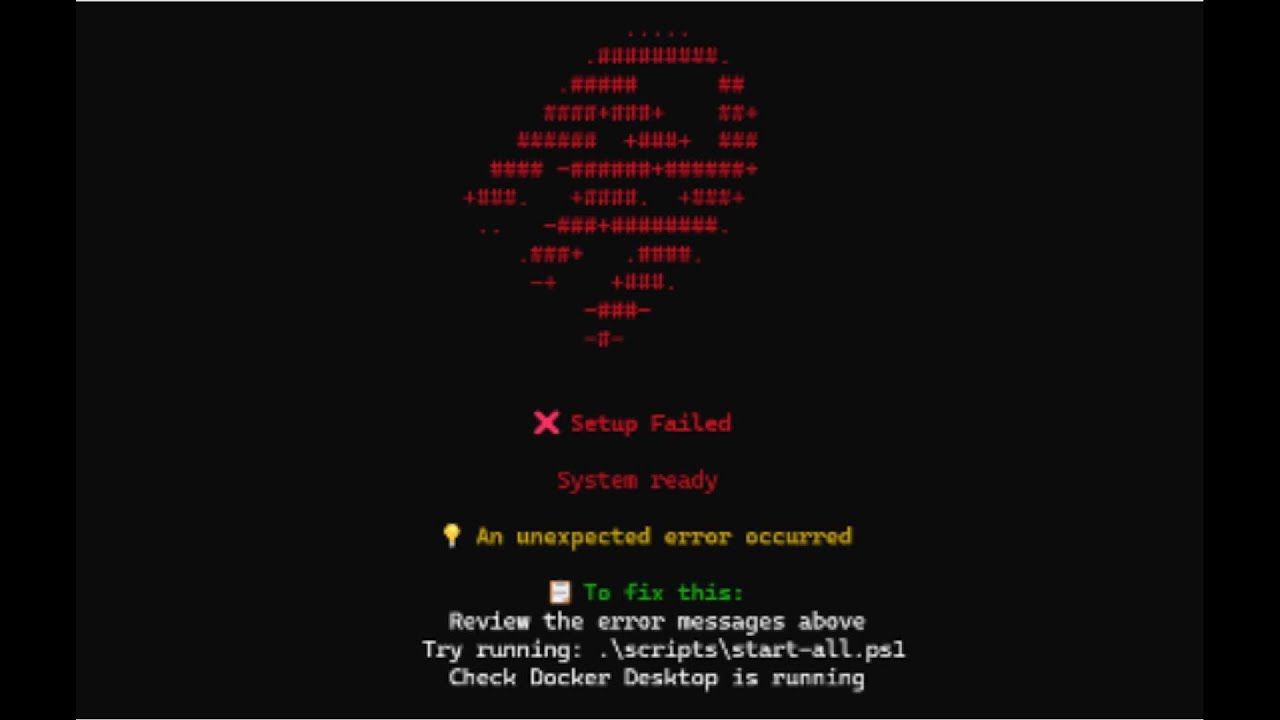
* Because the converations.zip doesn't seem accessible, I've recorded the Google Anti-Gravity conversations that made up the vast majority of this development effort (from start to finish) in this video.
- Beginner Setup Guide - Step-by-step with prerequisites
- Contributing - Development guidelines
Authoritative reference documentation for builders and autonomous agents:
| Document | Description |
|---|---|
| 📐 INVARIANTS.md | System invariants and CI enforcement map |
| ✅ FEATURES.md | Feature coverage and implementation status |
| 🧪 TESTING.md | Testing strategy, harnesses, and determinism contracts |
| 📦 RELEASE_CHECKLIST.md | Release preparation and verification steps |
| 🔐 SECRET_MANAGEMENT.md | Secrets handling and rotation procedures |
| 📋 SUPPORT_MATRIX.md | Platform support and hardware requirements |
| ✔️ VERIFYING_RELEASES.md | Release verification and checksum validation |
The following articles document the motivation and evolution of this repository.
They are not required reading, but provide additional context for interested readers.
-
From Puppeteer to Conductor (Part 3 of 3)
Designing Autonomous Systems Without Sacrificing Safety or Determinism -
The Renaissance Engineers (Part 2 of 3)
Dark Magic, Dog Food, Determinism, and the Humans in the Loop -
The Future of Software Engineering (Part 1 of 3)
Supercolonies: Where the Most Skilled Engineers Command Hives and Swarms

Pete Palles
🔗 LinkedIn: https://www.linkedin.com/in/petepalles
Peter is a Software Engineering Manager at a large enterprise healthcare organization, where he leads a team of highly skilled software engineers. He is also the Founder and CEO of Odd Essentials, LLC. With more than 20 years of experience spanning full-stack development, systems engineering, and applied AI, Peter has architected, designed, and delivered large-scale software systems end-to-end. At the ripe age of 41, Pete is currently completing his MBA at the University of Pittsburgh’s Katz Graduate School of Business.
MIT


![@dependabot[bot]](https://avatars.githubusercontent.com/in/29110?s=64&v=4)