Zed Radio is a feature-rich Python application that combines modern GUI design with a powerful audio playback system. It allows you to enjoy online radio, manage your favorite stations, record streams, and customize audio settings with an integrated equalizer.
Using PySimpleGui
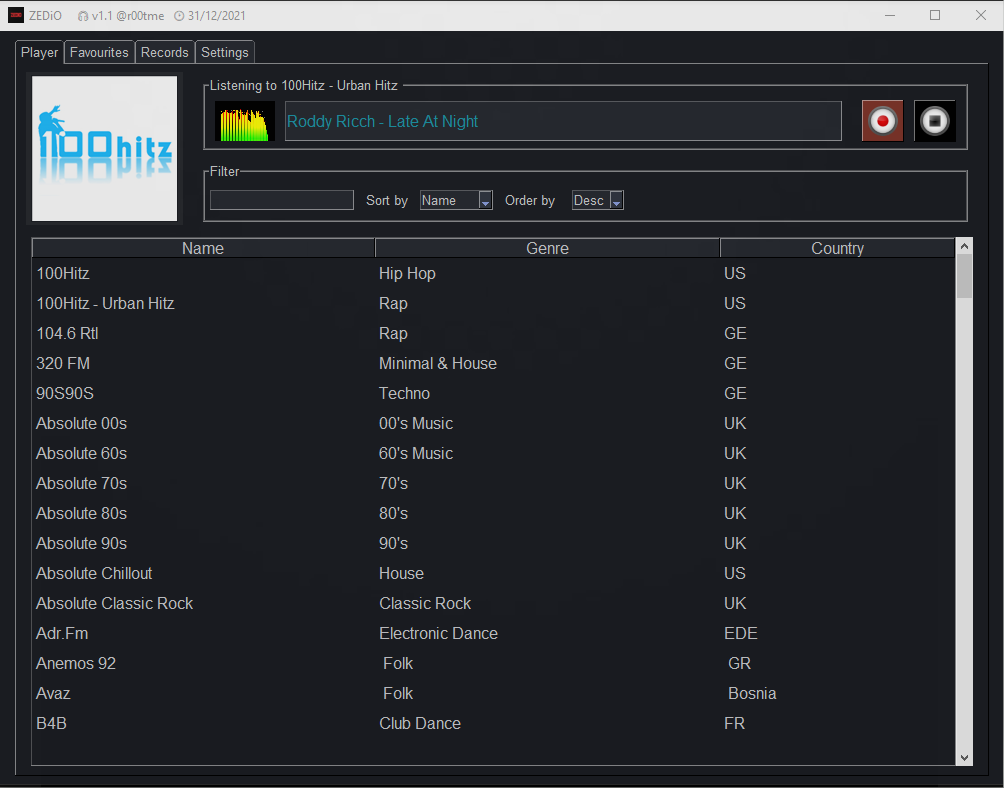 |
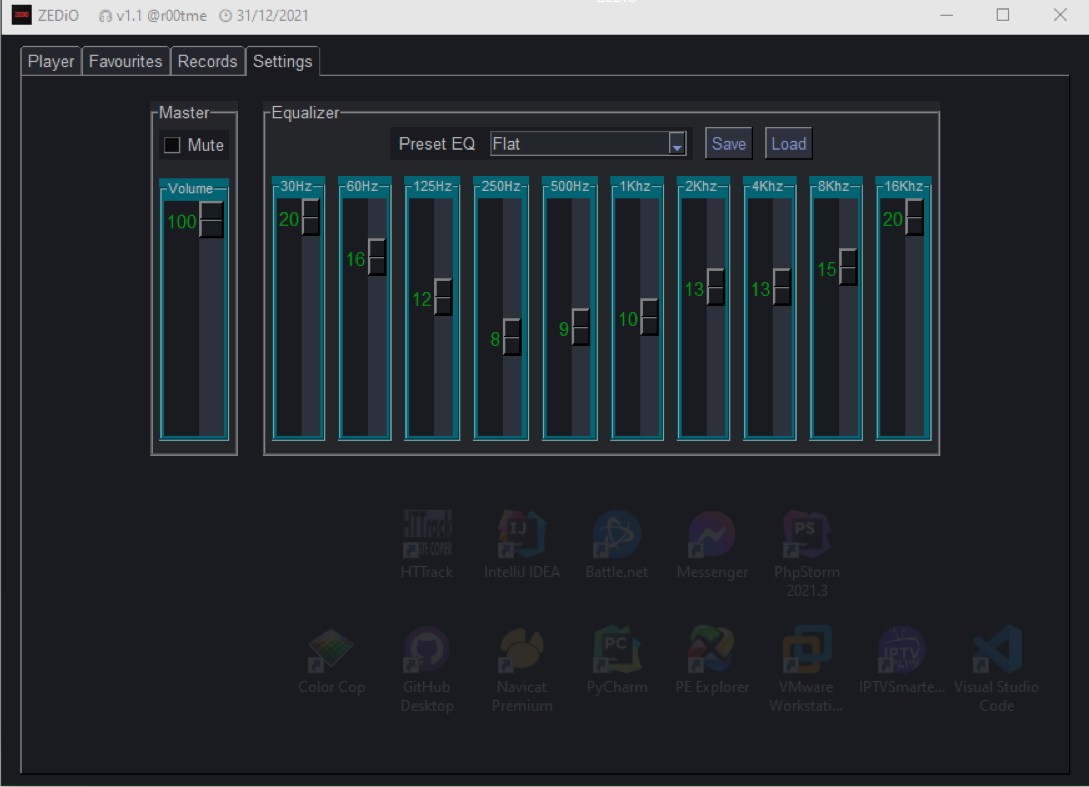 |
Using Kivy - Fixed Layout 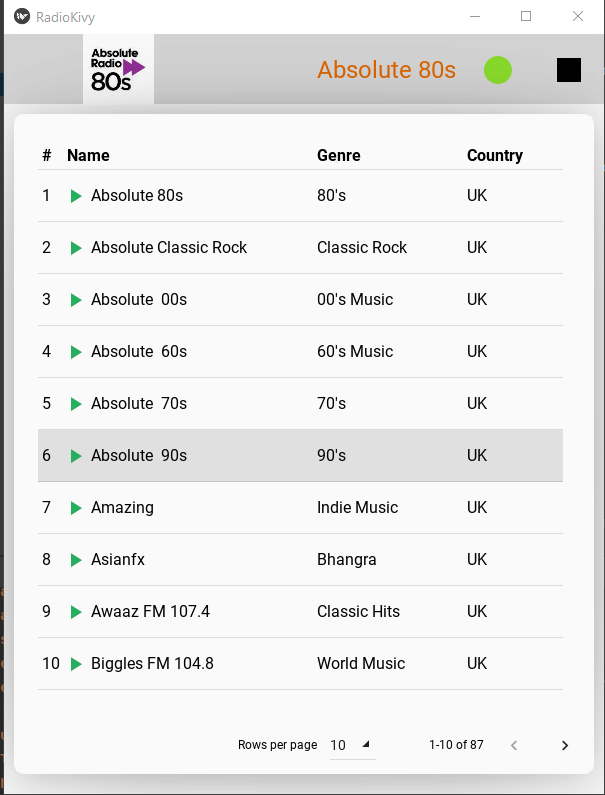
|
Using Kivy - Static Layout
|
- 🌐 Stream Online Radios: Enjoy a curated list of online radio stations.
- 🎙️ Record Streams: Save your favorite radio streams locally for later playback.
- 🌈 Visualizer: Experience a real-time audio spectrum visualizer.
- 🎛️ Equalizer: Fine-tune the audio with a 10-band equalizer and preset options.
- 📁 Manage Favorites: Add, organize, and filter your favorite stations.
- 📖 Records Viewer: Browse and manage your saved recordings.
- 🖥️ Simple GUI: Built with PySimpleGUI for an intuitive and sleek interface.
- Python 3.8 or above
- Pip (Python package manager)
git clone https://github.com/yourusername/zed-radio.git
cd zed-radiopip install -r requirements.txtRun the application with the following command:
python main.py- Settings File: Located in the
Settingsdirectory,settings.inicontains configuration options such as themes and radio lists. - Default Directories:
Download: Stores your recordings.Settings: Contains configuration files and favorites.
The app includes several equalizer presets to enhance your listening experience:
- Flat
- Acoustic
- Electronic
- Latino
- Piano
- Pop
- Rock
- Bass Booster
- Zedio
You can run code quality checks with tools like black and isort:
black .
isort .Contributions are welcome! To contribute:
- Fork the repository.
- Create a new branch:
git checkout -b feature-name. - Commit your changes:
git commit -m 'Add some feature'. - Push to the branch:
git push origin feature-name. - Create a pull request.
This project is licensed under the MIT License. See the LICENSE file for details.
Enjoy Zed Radio, and let the music play! 🎧