BookList is a desktop application developed in Java, a component of the Application Programming module, of the Software Engineering bachelor, at the University of Taquari Valley.
Throughout the module, some basic requirements for the development of the application were made available, however, the definition of the project scope, as well as other development definitions, were in charge of each student.
- Must use a database;
- Must have a graphic interface - (Java Swing);
- It must have a menu with the system's features;
- There must be 2 complete CRUDs;
- There must be field validation. Ex.: CPF, Email, name, CNPJ, etc.;
- It must be divided into layers model, view, and controller - MVC;
- Design patterns should be used in development (DAOFactory, Singleton).
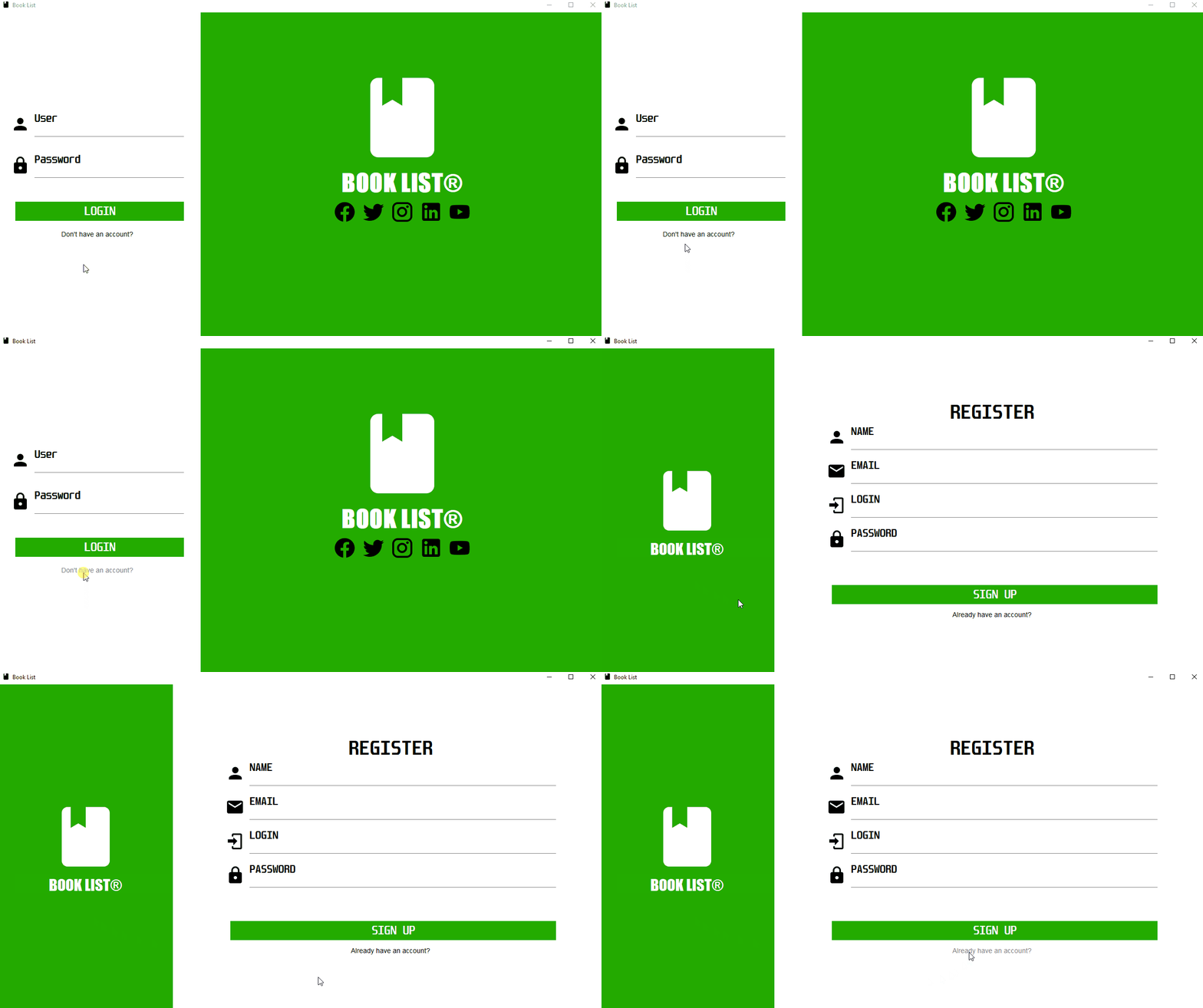
- Login screen, with user registration, saving the encrypted password;
- Screen with the central function of the system;
- Four reports - JasperReports:
- Two static: just one listing;
- Two dynamics: with the possibility of filtering the data;
- A screen query with the possibility of filtering.
- Create the database tables at system startup;
- Loading bar when starting the system - Splash animation
Based on the requirements made available, and given the proposal of the discipline, a reading list management application was developed. The application works with the use of account management, where each user accesses the system's features through their account. The main functionality of the system consists of managing reading lists, where the user can create lists, and later add books to these lists. To provide a relevant repository of books to the user, the Google Books API was used, where it's possible to search for thousands of titles.
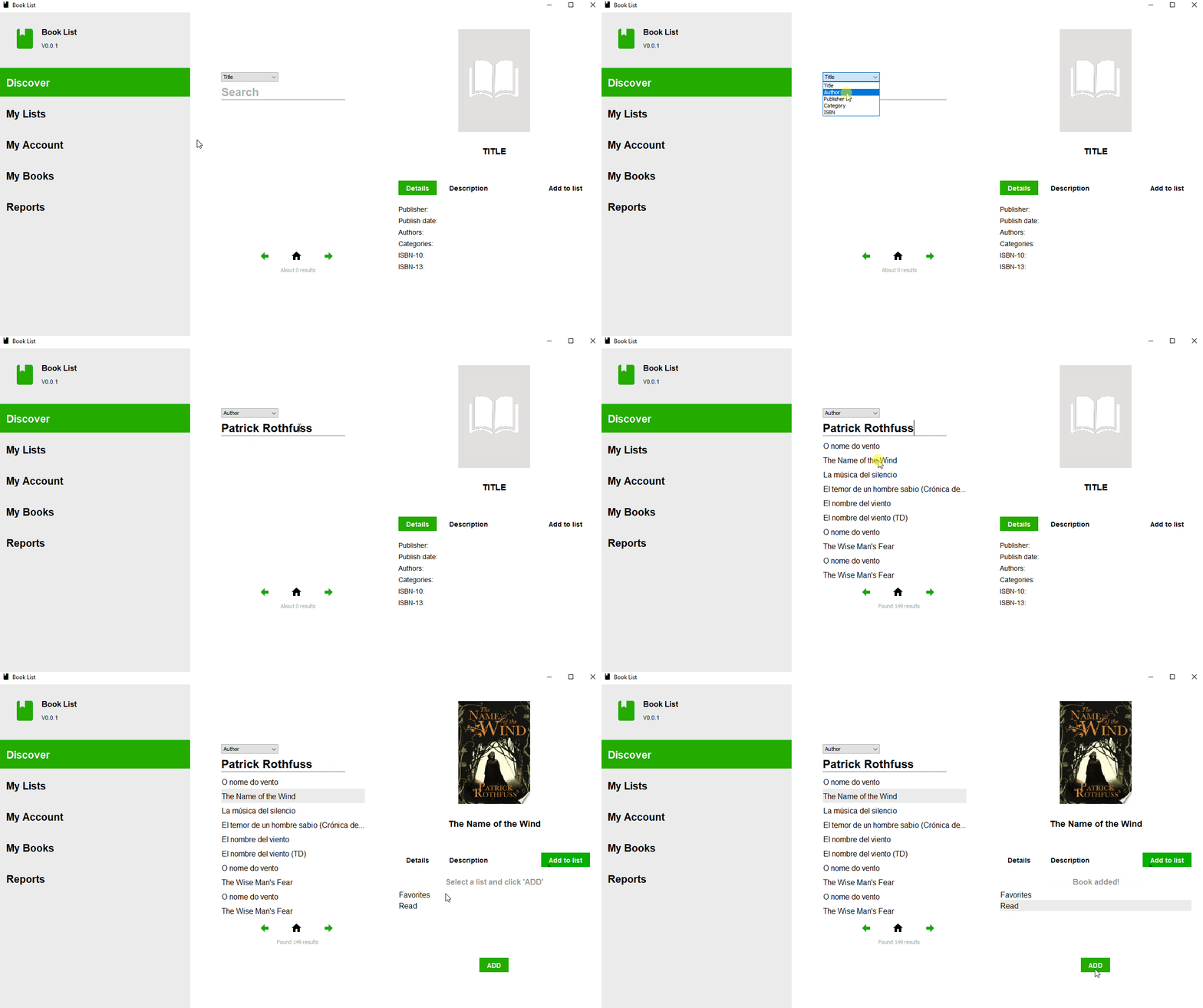
On this screen, it's possible to search through the thousands of books available in the Google Books API, and there are some search filtering options. For each book found, some basic information is provided, as well as its description and the cover of the edition, if any. On this screen, it's also possible to add a searched book to any of the user's lists.
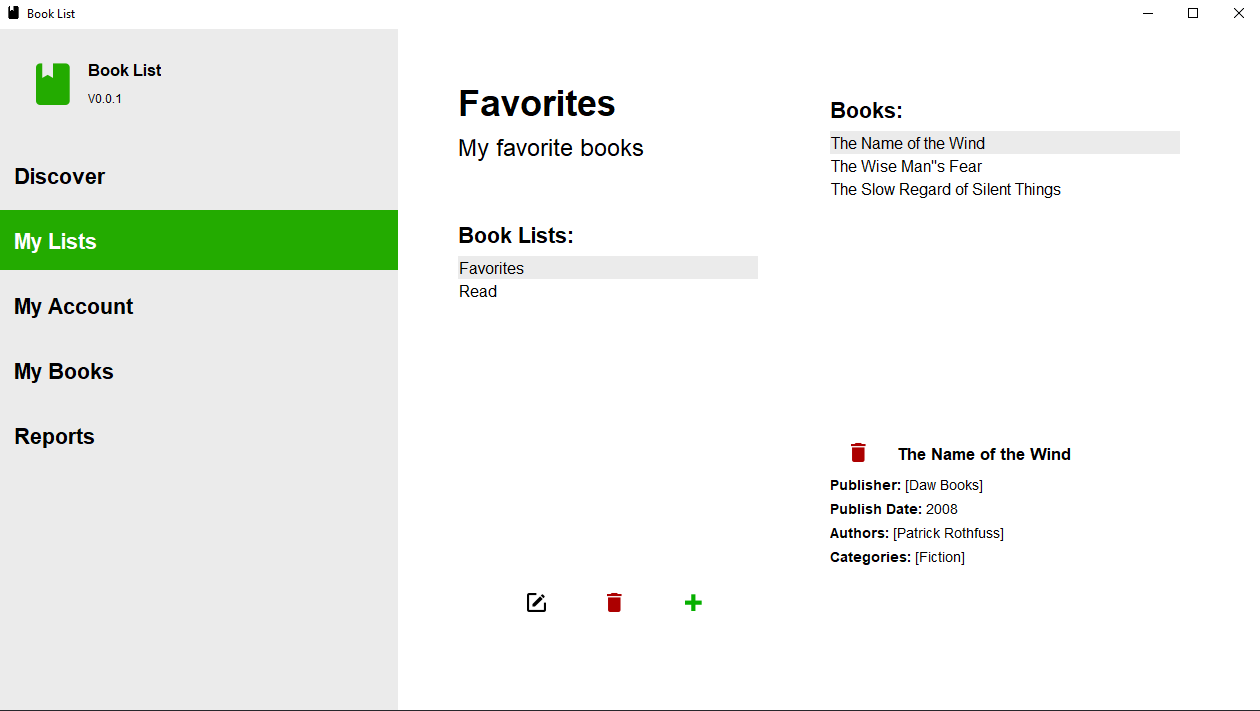
This is where user lists are managed, on this screen, it's possible to create edit or delete lists. It's also possible to view the books added to a given list along with basic information, it's also possible to exclude this book from the list.
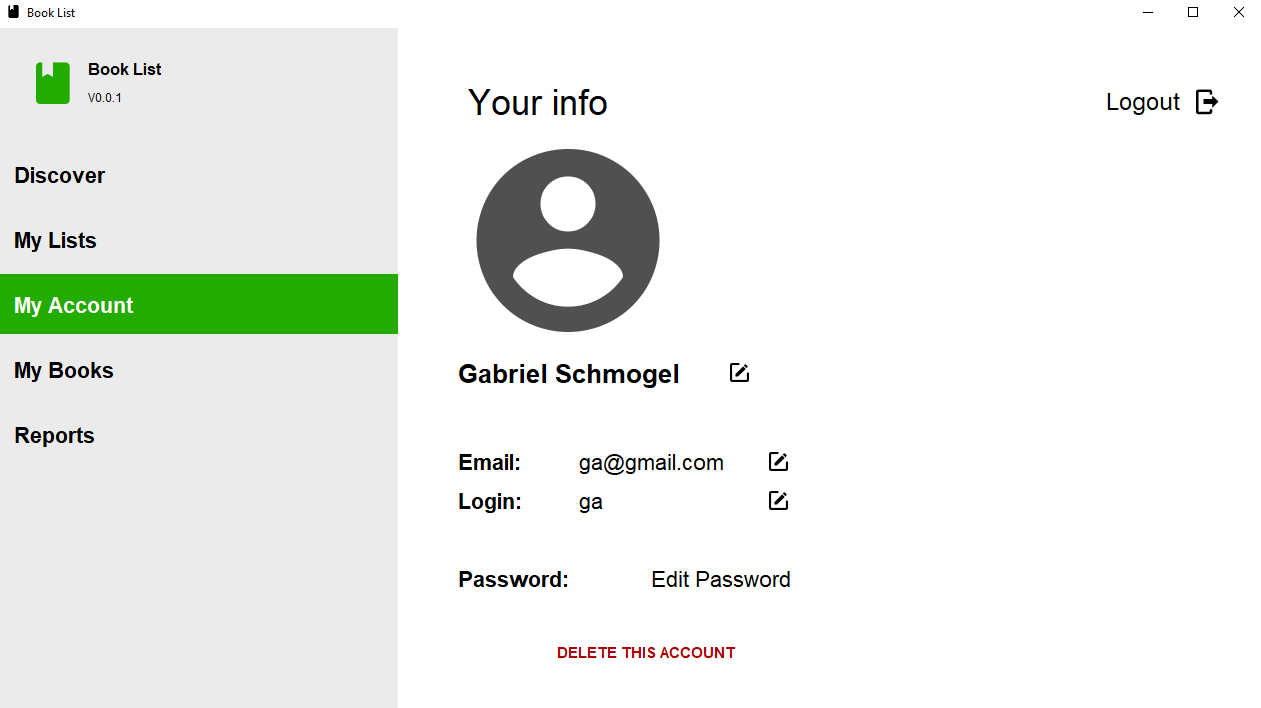
This screen is intended for managing the user account, here it's possible to edit all the information regarding the user, as well as change the access password.
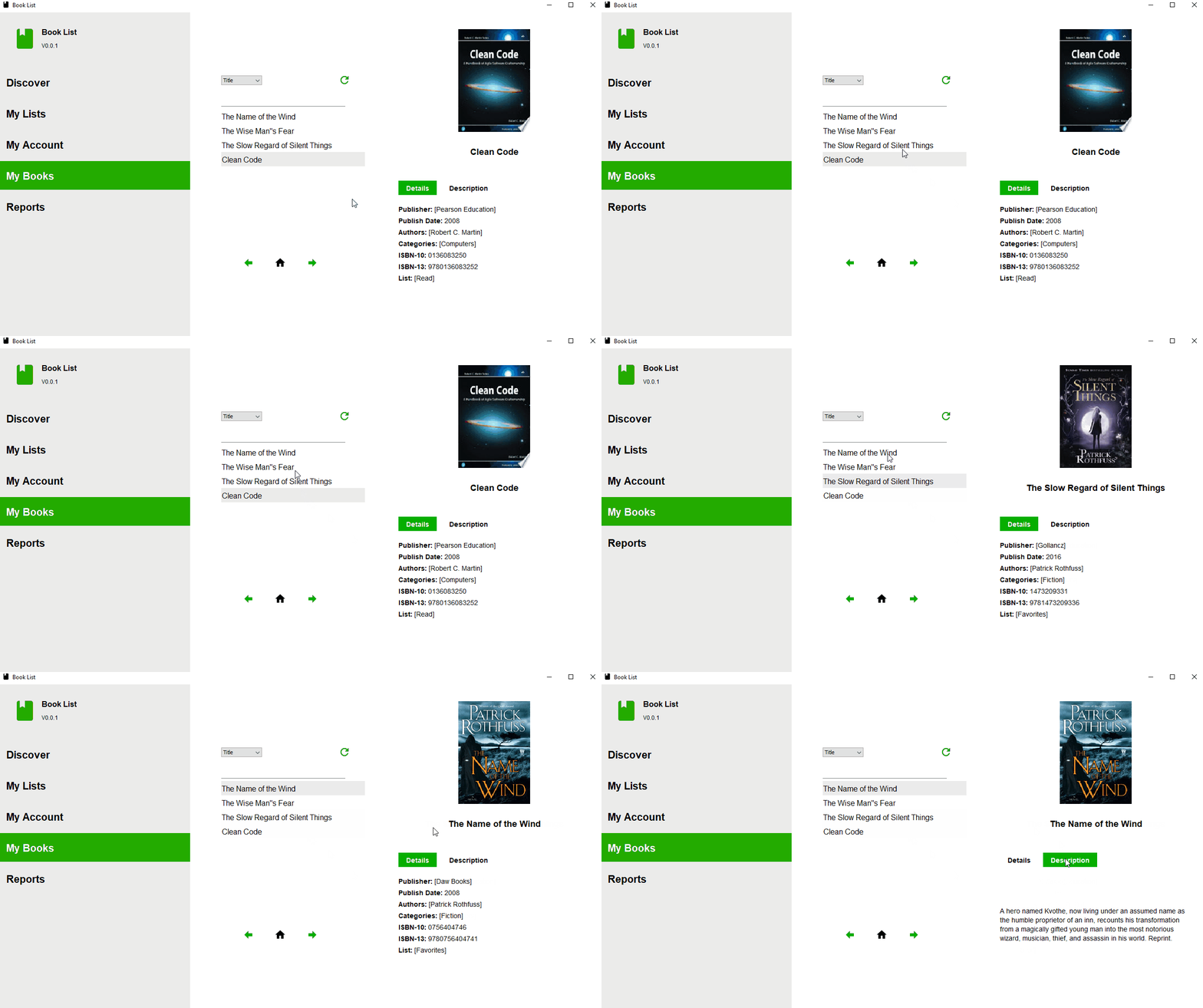
Here the user can search with some filters looking for all the books that he has added to any of his lists.
Here it's possible to extract some reports from the system, some of which are just static reports, and others can be filtered based on some parameters. It's important to note that here the Combobox with the value options for the parameter is fed by queries to the database that verify the existence of the data.
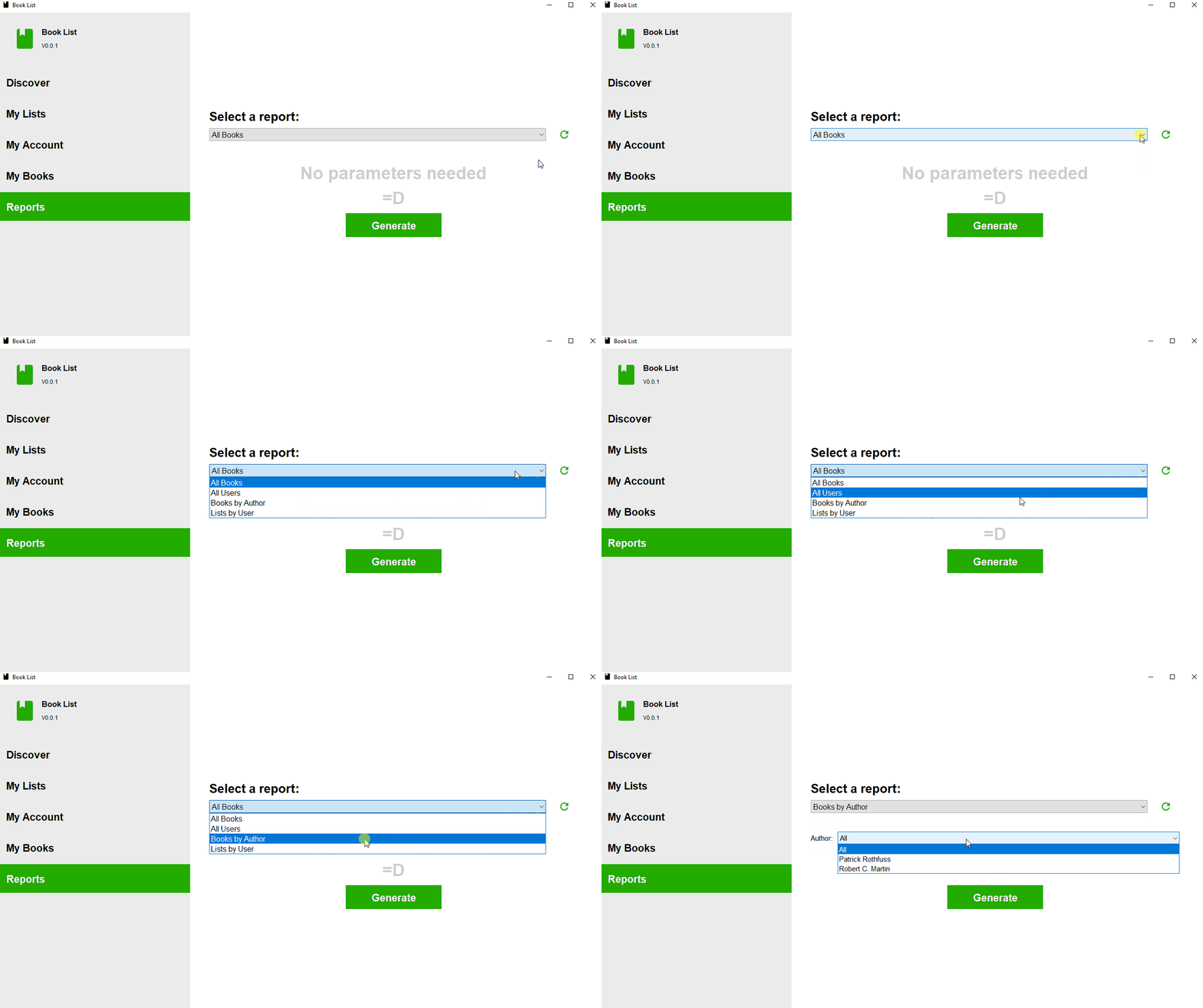
It's possible to add new reports with relatively low complexity