Configure your mediaMTX server with this dependency free (so far) web ui.
- It is running in a dockerized setup.
- The UI has it's own webserver, running in a separate container.
- Tested on a Raspberry pi 4.
- At the moment: don't use it reachable from the web. Use it only in a lan scenario.
This example setup works perfectly in a local scenario. Don't make it reachable from the web.
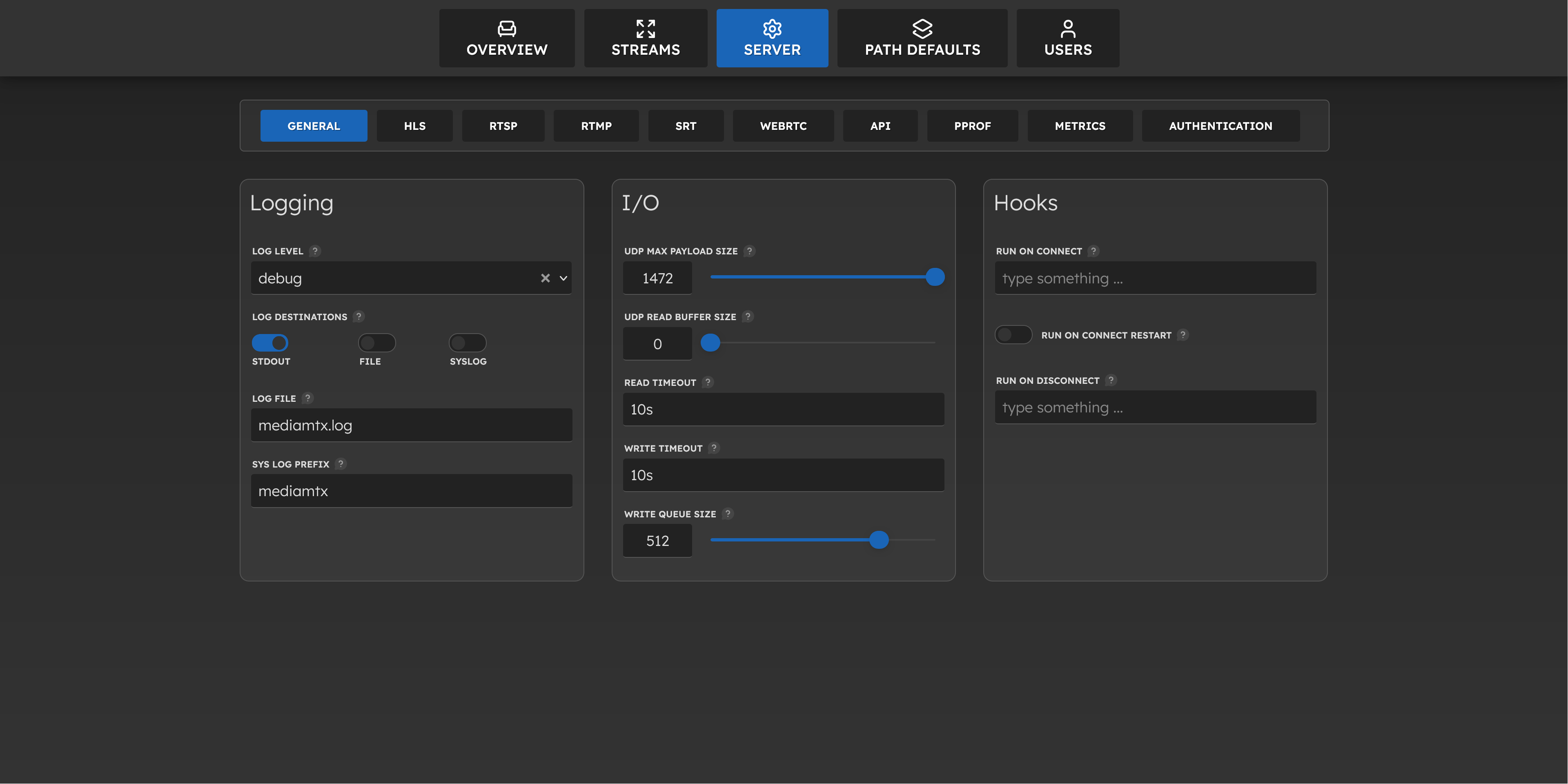
- change ALL(!) server properties at runtime
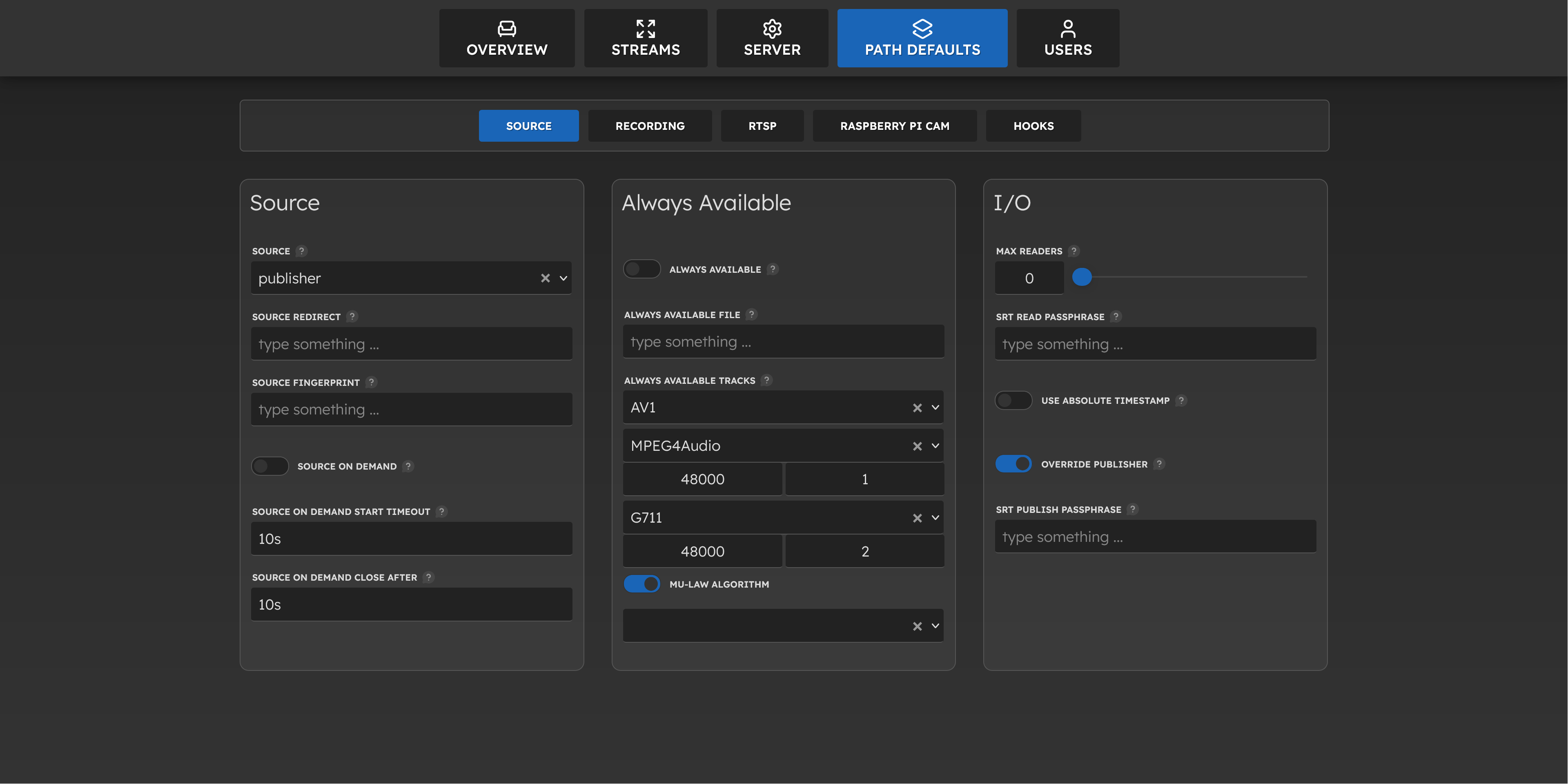
- change all path defaults at runtime
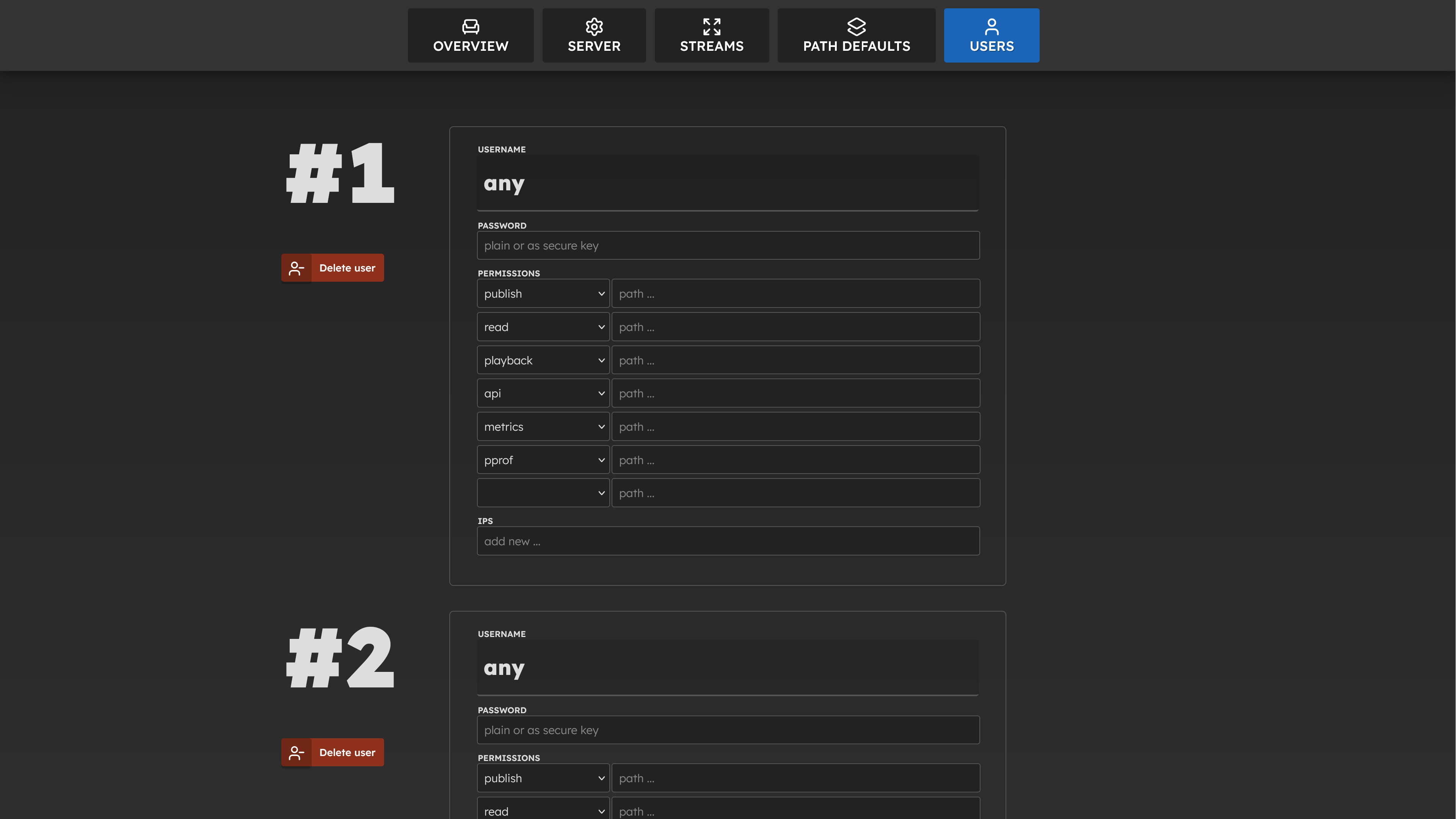
- add, edit, delete users at runtime
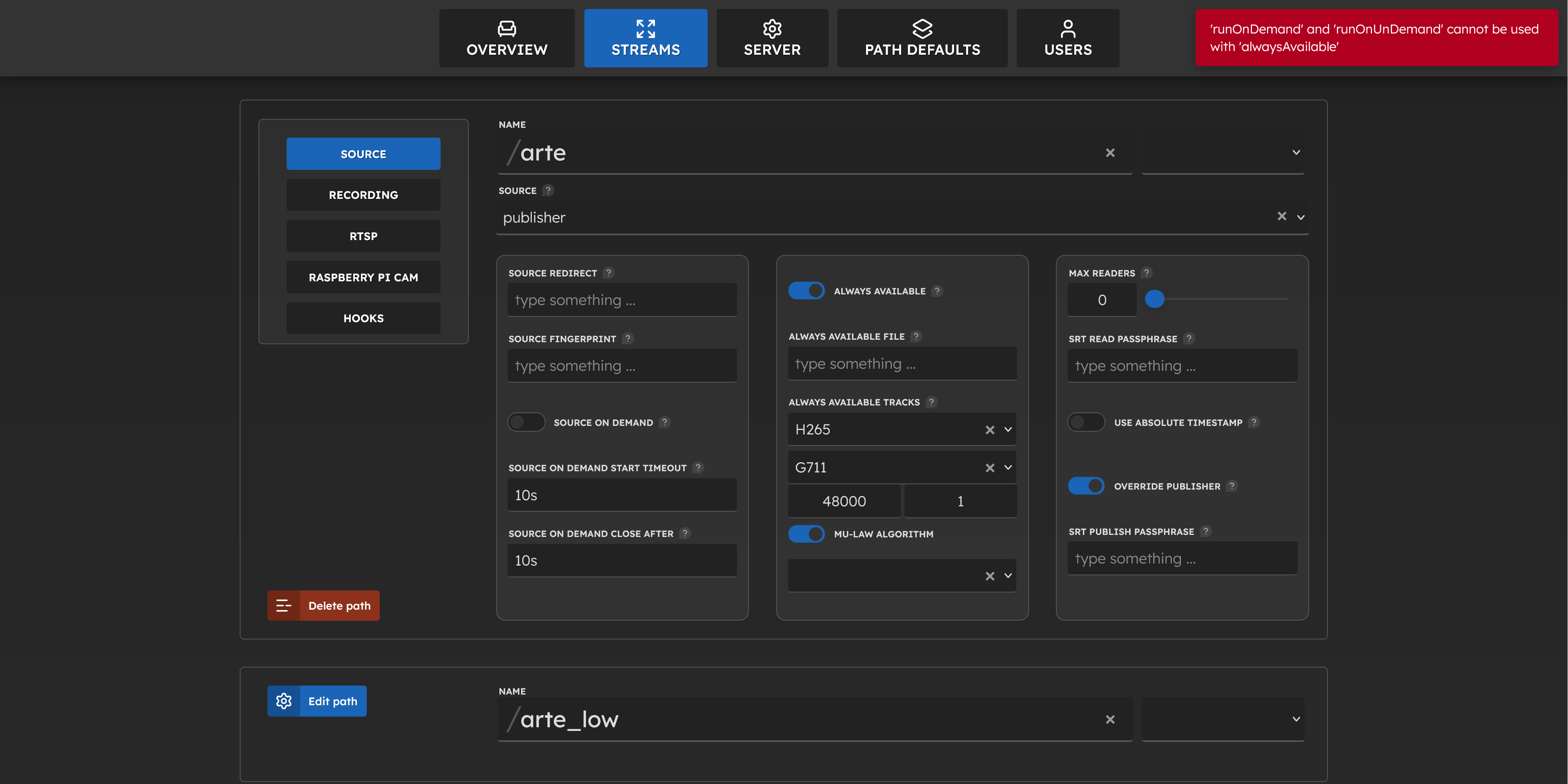
- add, edit, delete paths (streams) with all of their properties at runtime
- persist changes by writing a new yaml
- view the streams in the browser (chrome, firefox - yes, firefox)
- authentication for the frontend
- dockerized setup for a local scenario
- orchestrate mediaMTX server by node.js (to reload the config or load other configurations)
- config switcher (chose between different configurations)
- source management
- add, edit, delete (manage) local usb devices with ffmpeg
- change usb camera properties (brightness, auto exposure, ...)
- ... what else?
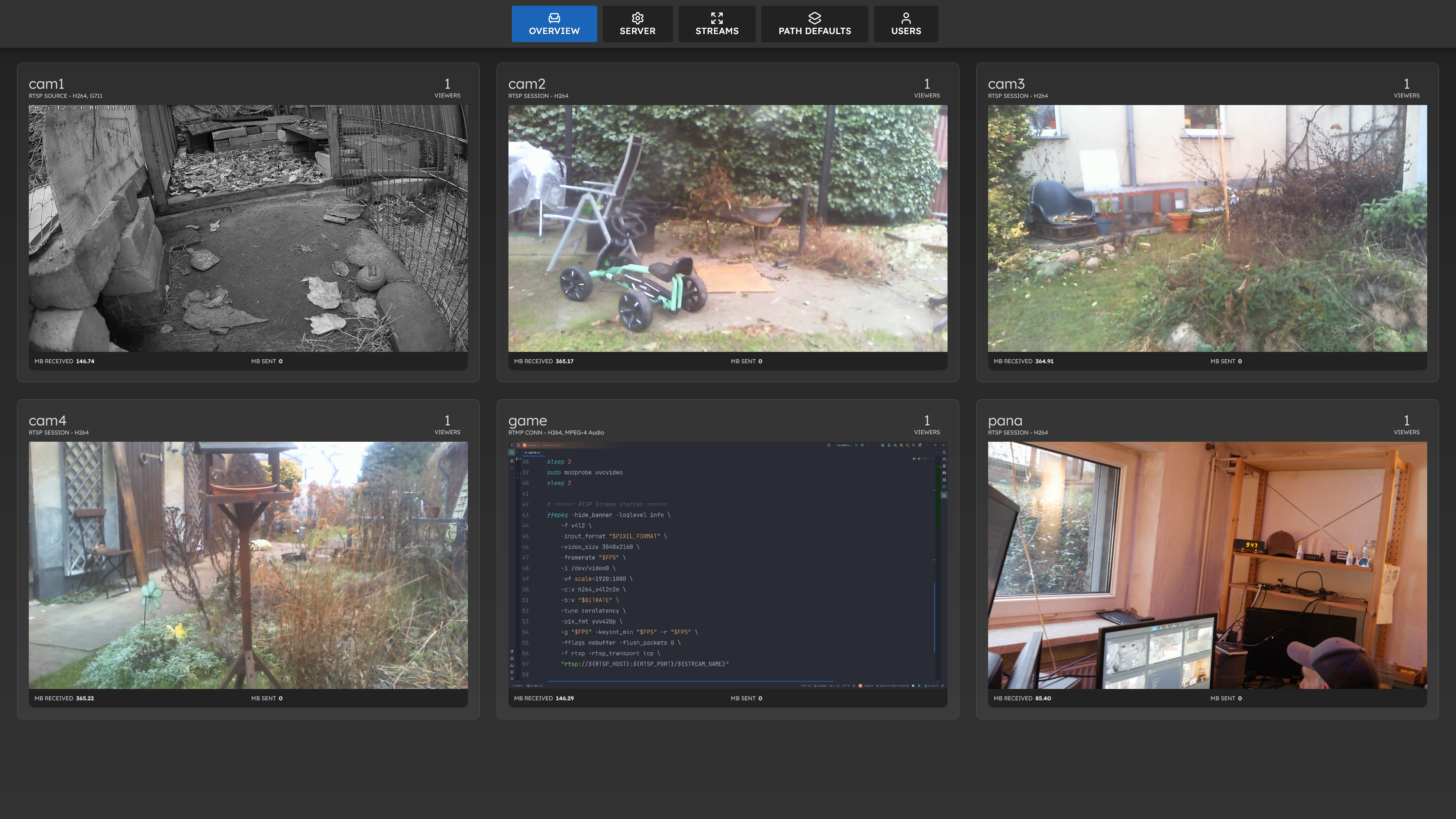
- Top Left: RTSP IP Cam Stream
- Top Middle: Raspi (A) USB Webcam 1
- Top Right: Raspi (A) USB Webcam 2
- Bottom Left: Raspi (A) USB Webcam 3
- Bottom Middle: RTMP Stream from OBS Studio
- Bottom Right: Raspi (B) Elgato Cam Link 4K Stream from DSLR-Camera (second local mediaMTX server)
install Docker
cd ~
curl -fsSL https://get.docker.com -o get-docker.sh
sudo sh ./get-docker.shgit clone https://github.com/seekwhencer/mediamtx-ui.git
cd mediamtx-ui
# build the image
docker compose build --no-cache- duplicate mediamtx configuration
cp config/mediamtx.default.yml config/mediamtx.yml- edit
mediamtx.ymlif needed (default ports are fine)
- duplicate
.envconfiguration
cp .env.default .env- edit
.envif needed (default ports are fine)
Create an argon2 hashed password.
To do this, run the container once:
docker compose run -it mediamtxui node generate_auth.js- copy / paste the resulting hash into the
config/auth.jsonfile, like:
cp config/auth.default.json config/auth.json{
"username": "$argon2id$v=19$m=65536,t=3,p=4$TWxdvA/ofnjj6NzisE8P5Q$jzkY3Y01Trie9sJMuGwdGxRJSi9+YjN2UxJlafztT18",
"password": "$argon2id$v=19$m=65536,t=3,p=4$TWxdvA/ofnjj6NzisE8P5Q$jzkY3Y01Trie9sJMuGwdGxRJSi9+YjN2UxJlafztT18"
}
- mediamtx server
# mediamtx server
docker compose -f docker-compose-mediamtx.yml up -d- the ffmpeg streaming
# with shell
docker compose up

# or detached
docker compose up -d


This setup is running on a Raspberry Pi 4 with 4GB ram. No Joke.
My testing and development setup is still outside at 0°C with some rain.
I have been plugged three cheap webcams on the Rpi. The Rpi is transcoding all three cams - hardware accelerated with ffmpeg.
The mediaMTX server is getting one RTSP stream from an IP cam and these three streams. And it worked.
The first need to do that was coming with the three hedgehogs in our garden. Every year we nurse several young hedgehogs over the winter, which we receive from the wildlife rescue service and then release into the wild in the spring.
- set up you raspberry pi 4 or 5 (expand filesystem, locale)
- plug you webcams (don't forget the external powered usb-hub)
- install ffmpeg bare metal (this is at the moment the only way to use hardware encoding inside the docker container on a raspberry pi 4+)
sudo apt-get update -y
sudo apt-get install git curl ffmpeg -y- create a folder
data/ - place
jsonfiles in there. name it like you want.json. - one file for one camera:
cam1.jsonfor example
{
  "name": "webcam one",
  "device": "/dev/video0",
  "input_format": "mjpeg",
  "rtsp_host": "YOUR_MEDIAMTX_IP",
  "rtsp_port": "8554",
  "rtsp_path": "cam1",
  "size": "1280x720",
  "framerate": 25,
  "bitrate": "3M"
}- the Raspberry Pi 4 can handle 3 webcams in 2MP with 3Mbit bitrate each (or more?)
- for more than 3 webcams you need to lower the resolution or framerate
- the webcams needs a external powered usb-hub
- make sure the webcams are using hardware encoding (mjpeg or h264)
- access the web interface on port 3000 of your raspberry pi
- access the rtsp streams with your favorite player (vlc, ffplay, etc) or use the web interface
- example rtsp url:
rtsp://YOUR_MEDIAMTX_IP:8554/cam1 - example WebRTC url:
http://YOUR_MEDIAMTX_IP:8554/cam1 - example HLS url:
http://YOUR_MEDIAMTX_IP:8554/cam1/index.m3u8
Now the Webserver is up on Port: 3000 🡆 http://raspicam:3000
Every time a css file is changed, the watch_css.js will inject the new css into the running application.
docker exec -it mediamtxui sh -c "node watch_css.js"Create a frontend bundle in server/build
docker exec -it mediamtxui sh -c "node build_frontend.js"Create a server bundle in server/build/server.js
docker exec -it mediamtxui sh -c "node build_server.js"Saves the current runtime config into config/mediamtx.yml and rotates the old one to config/mediamtx_time.yml
- api proxy
- state structure
- state flow
- server structure
- routes
- settings as proxy object, emitting events
- events + ejecters
- fail safe inputs by resetting the fields to their previous working values
- login
- source management
- recording
- playback
- storage management for the recordings
- override config props from env vars (coming from compose file)
- locking props from env vars
- as metrics bridge to the influxdb
- responsive
- locked props
- influxdb 2
- grafana