Table of Contents
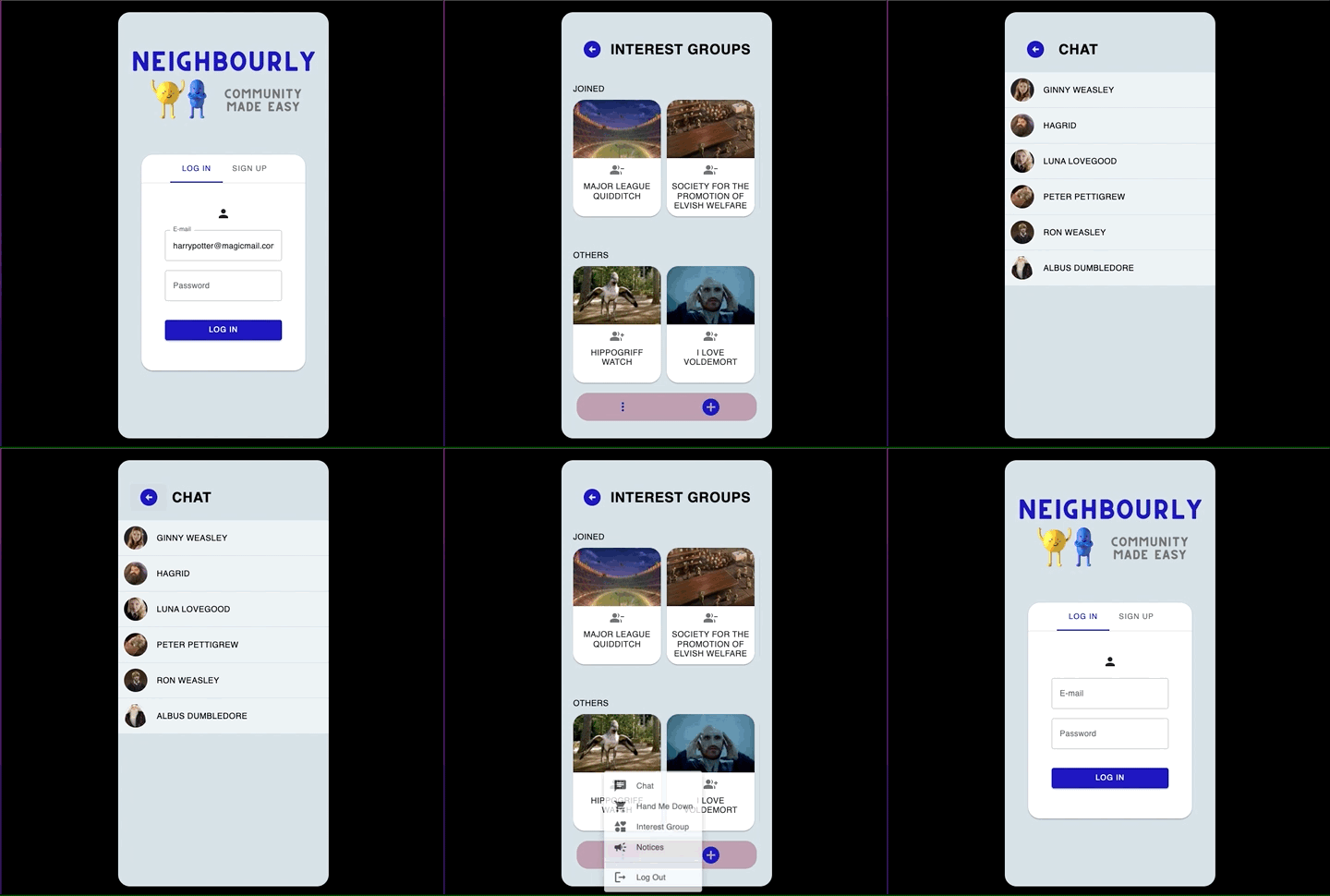
NEIGHBOURLY is a community app that builds a greater sense of belonging amongst neighbours.
It provides an avenue for users to give away pre-loved items to neighbours, discover and develop shared interests and chat with one another, all of which collectively fosters a sense of community.
It provides an avenue for users to give away pre-loved items to neighbours, discover and develop shared interests and chat with one another, all of which collectively fosters a sense of community.
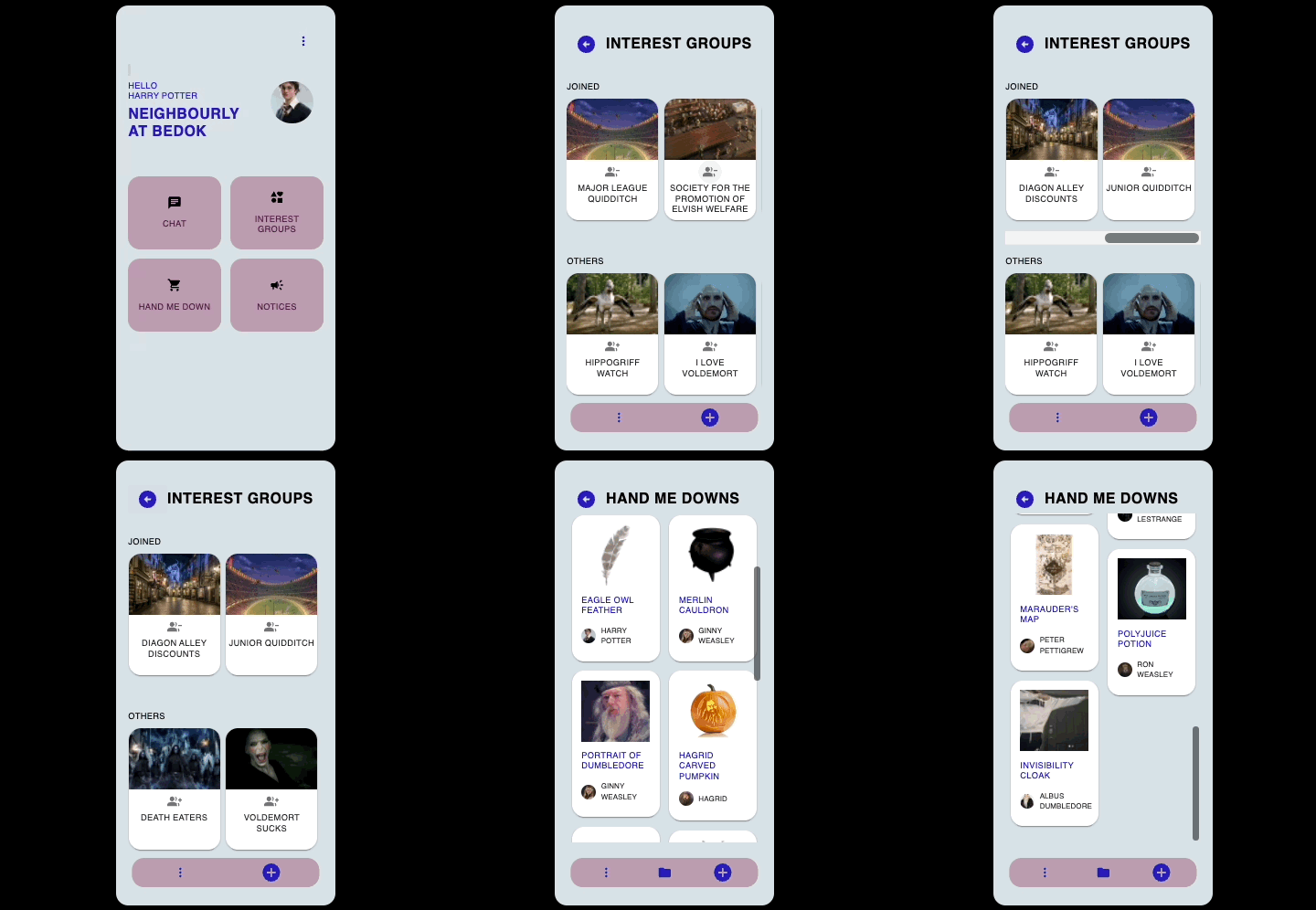
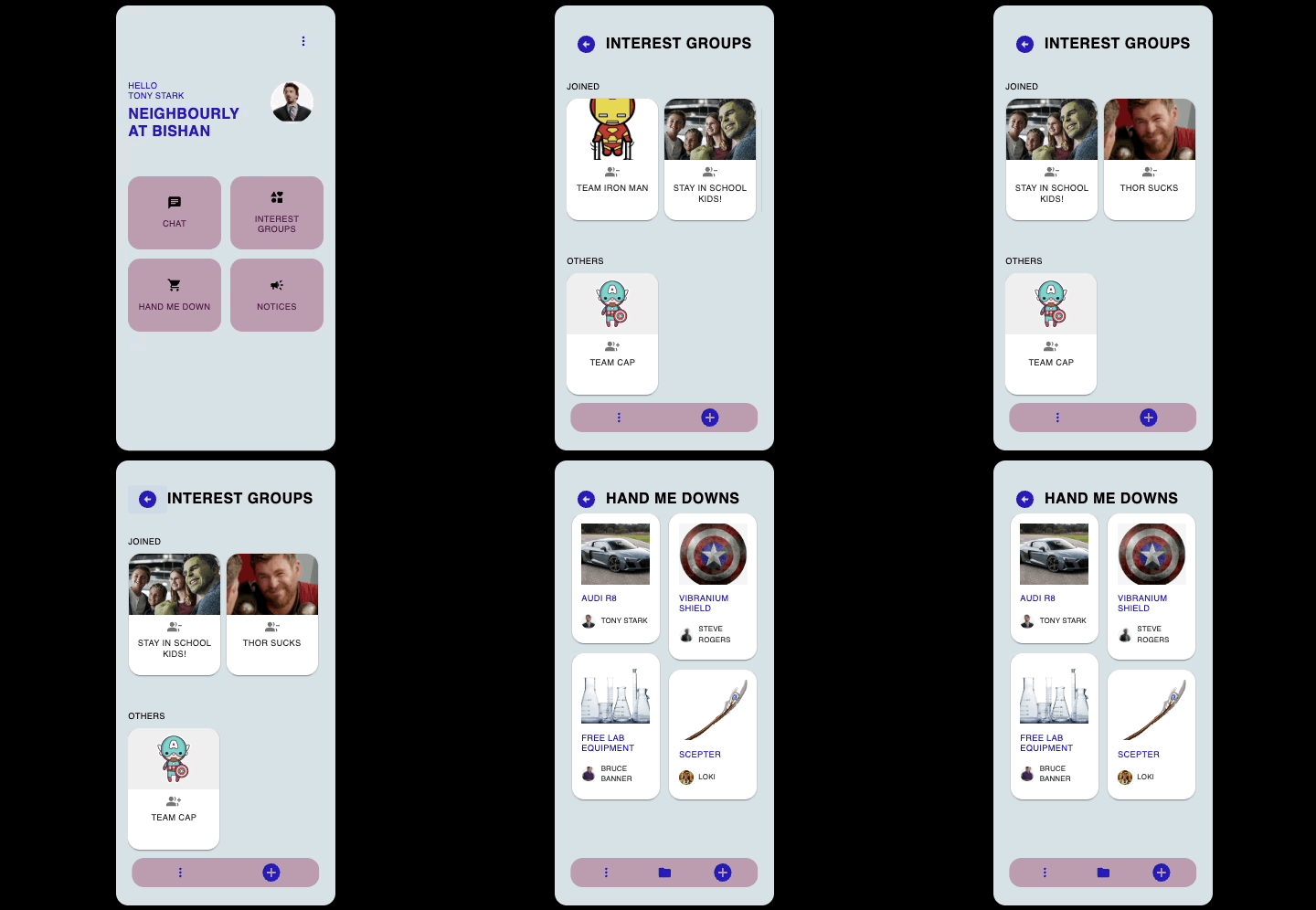
- On signup, users are placed into a NEIGHBOURLY district based on the postal code entered.
- The hand-me-down items, interest groups and neighbours they encounter will be unique to their district, thus providing a tight-knit community experience.
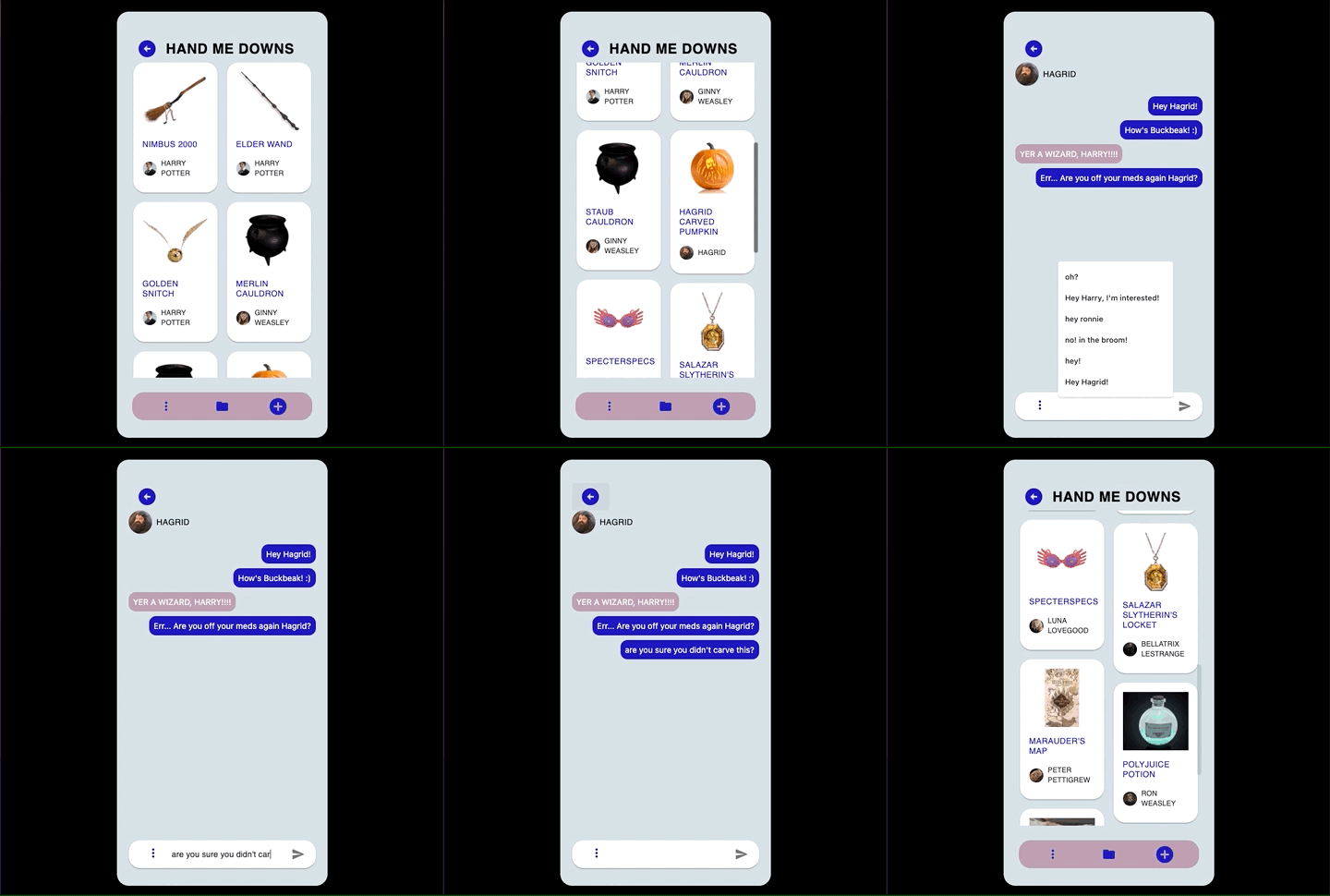
- Browse through the marketplace containing items that other users want to give away.
- Chat with owners to find out more and arrange a pick-up.
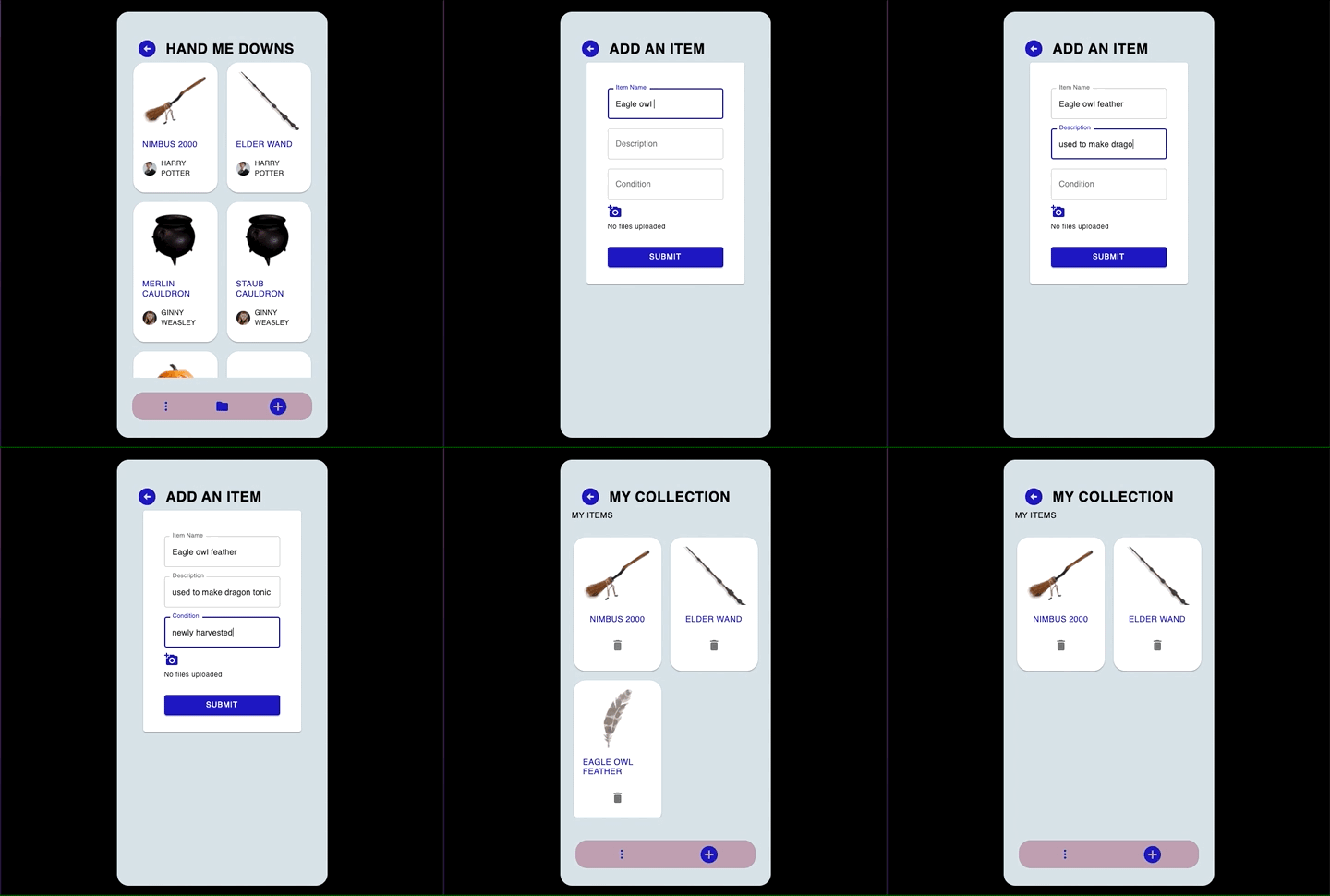
- List items that you want to give away.
- Delete listing once the item has been given away.
- View all your listed items.
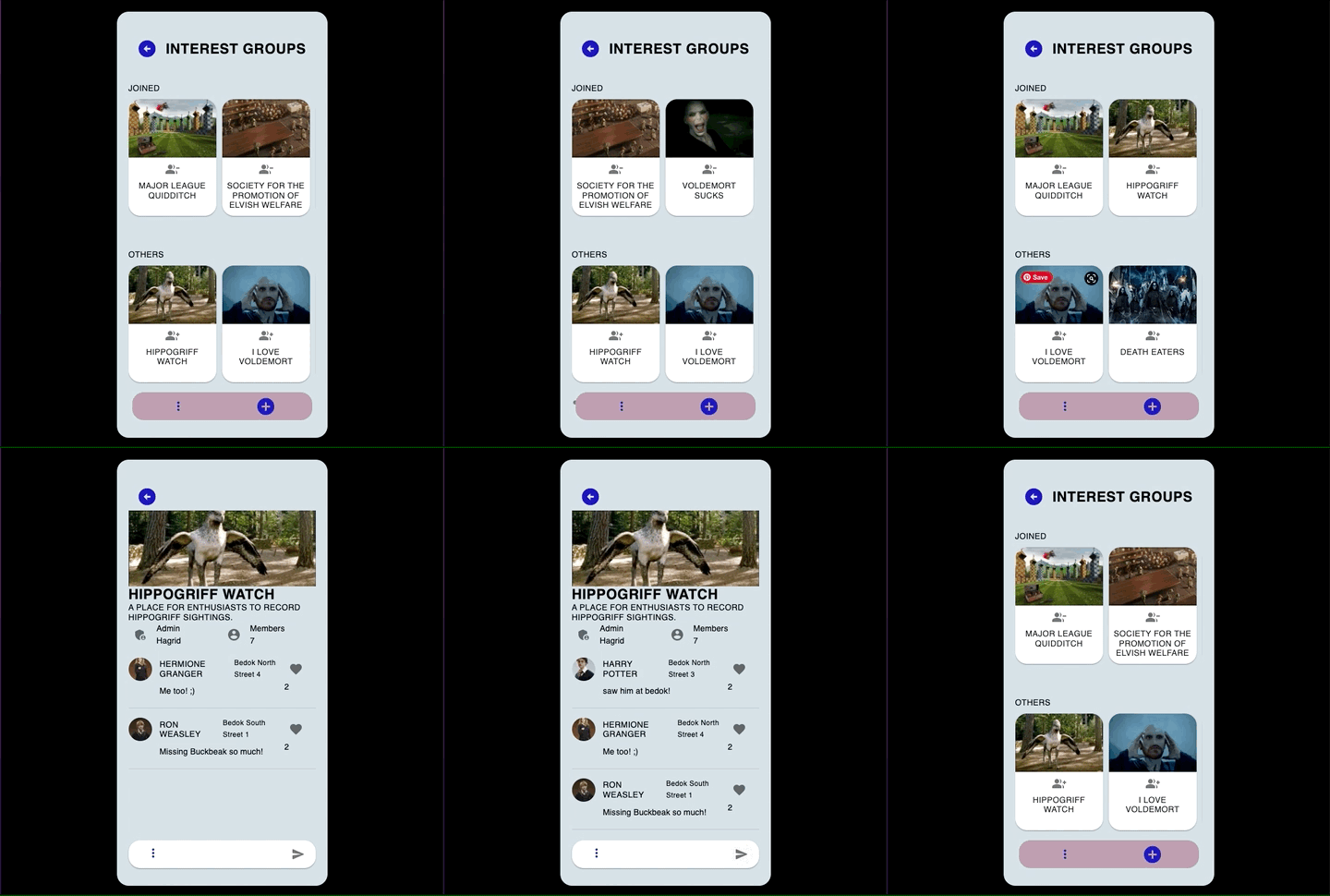
- Browse through interest groups in your neighbourhood.
- Join interest groups to be to able like posts or see the full list of members.
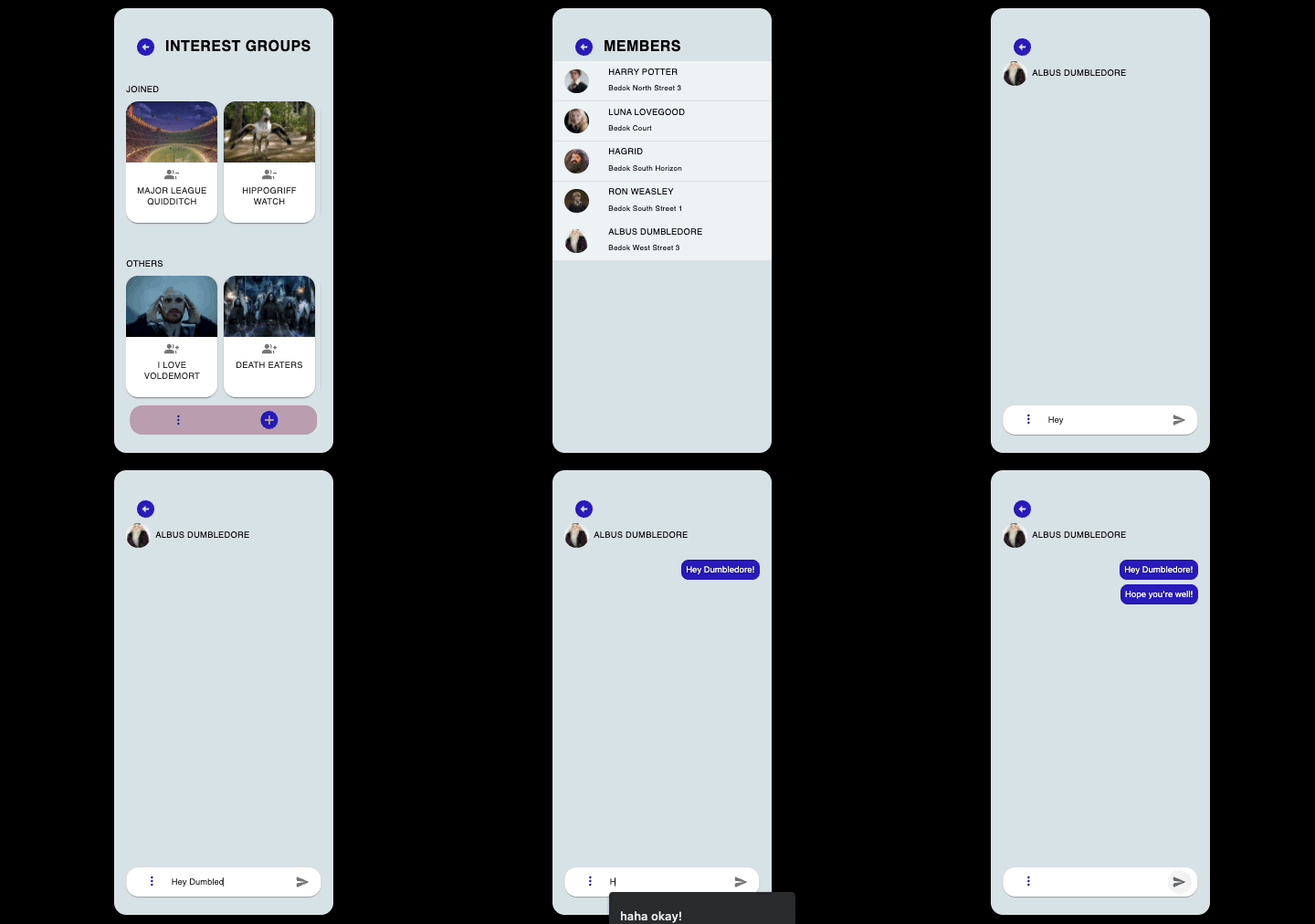
- Start a conversation with interest group members.
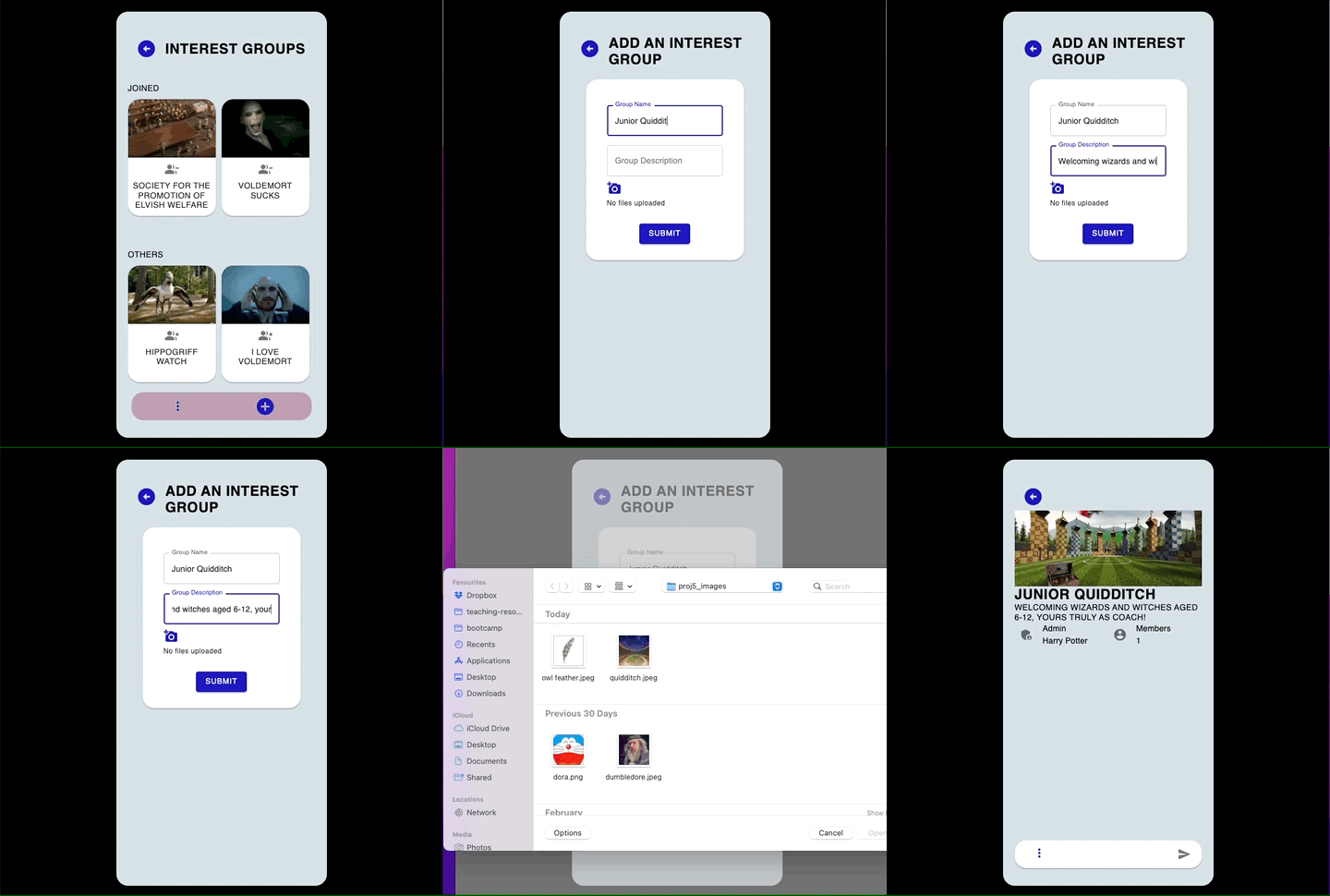
- Start a new interest group.
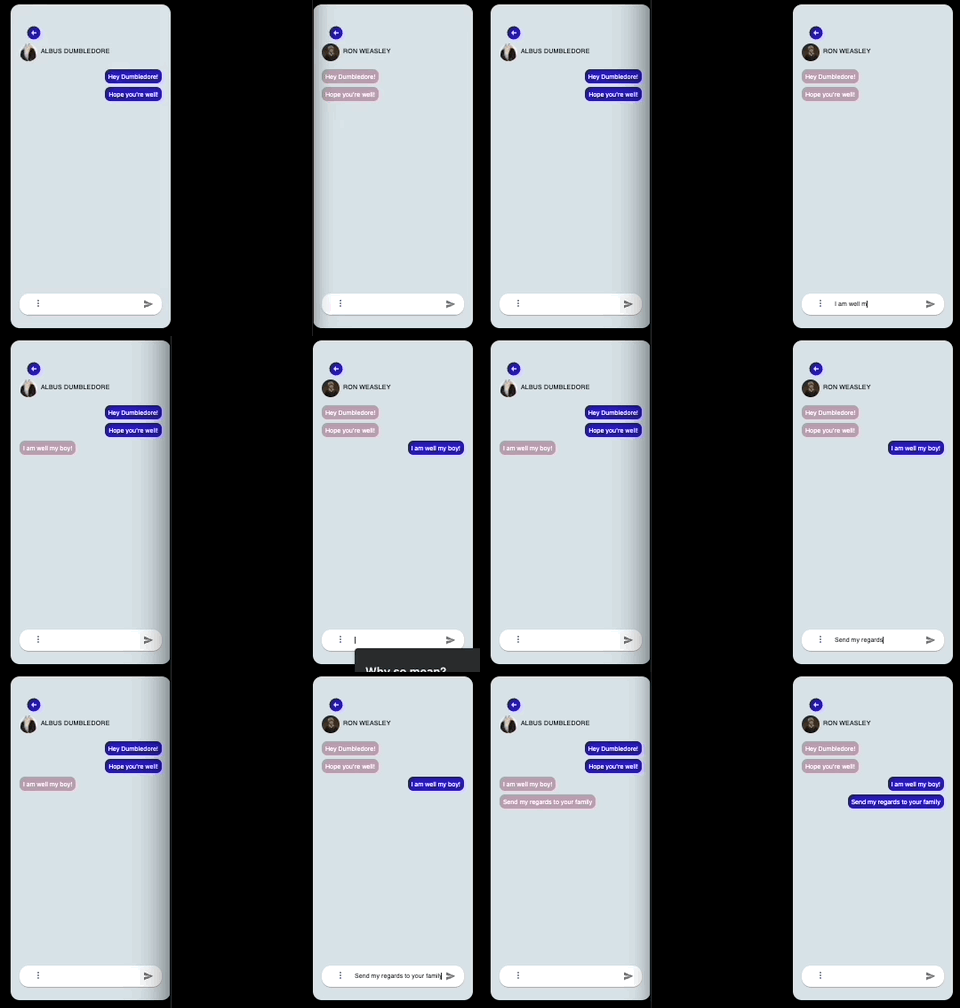
- Continue your conversation with neighbours.
How We Built This:
- Establish Socket Connection:
When a user enters a chatroom, a socket connection is established in the Express server.
The users socket ID, user ID and the user ID of the person they are texting is stored as a document in an OnlineChatModel collection in the database.
The user is then placed in a socket room (channel) named after their user ID. - Sending Real-Time Messages:
When a user sends a message, the Express server will check the OnlineChatModel collection in the database to determine if the textee is also in the same chatroom.
If they are, the user joins the textees socket room and the message is emitted to both rooms and hence the user and the textee.
If not, the message is only sent to the user. - Leaving Chatroom:
When a user leaves the chatroom, their document is removed from the OnlineChatModel collection in the database, so as to allow for accurate checking of online users.
- Easily navigate from one page to another with menu buttons throughout the app.
User Interface:
Component Routing:
CSS Framework:
Live Chatroom:
Server:
Database:
Authentication:
Live Chatroom:
Reason for Choosing a NoSQL Database:
- Due to a short development time, we required a flexible schema that would allow us to make changes quickly and easily as requirements changed.
- The size and complexity of the app meant that a lot of information was being accessed by the various components.
This would have required multiple join tables if a SQL database was used.
MongoDB allowed us to embed information, allowing for ease of storage and access of data.
Since we had sets of data which needed to be queried alongside one another, a NoSQL database was better suited as it removed the need for multiple queries and joins.
- Our desire to implement a live chatroom necessitated a Javascript library with such capabilities.
- Socket.IO's ability to enable real-time, bi-directional communication between the clients and our servers suited this need.
- We chose JSON Web Tokens as our method of authentication due to its increased security through its digital signature capabilities.
Hsiu Ping Gay | LinkedIn
Shannon Suresh | LinkedIn