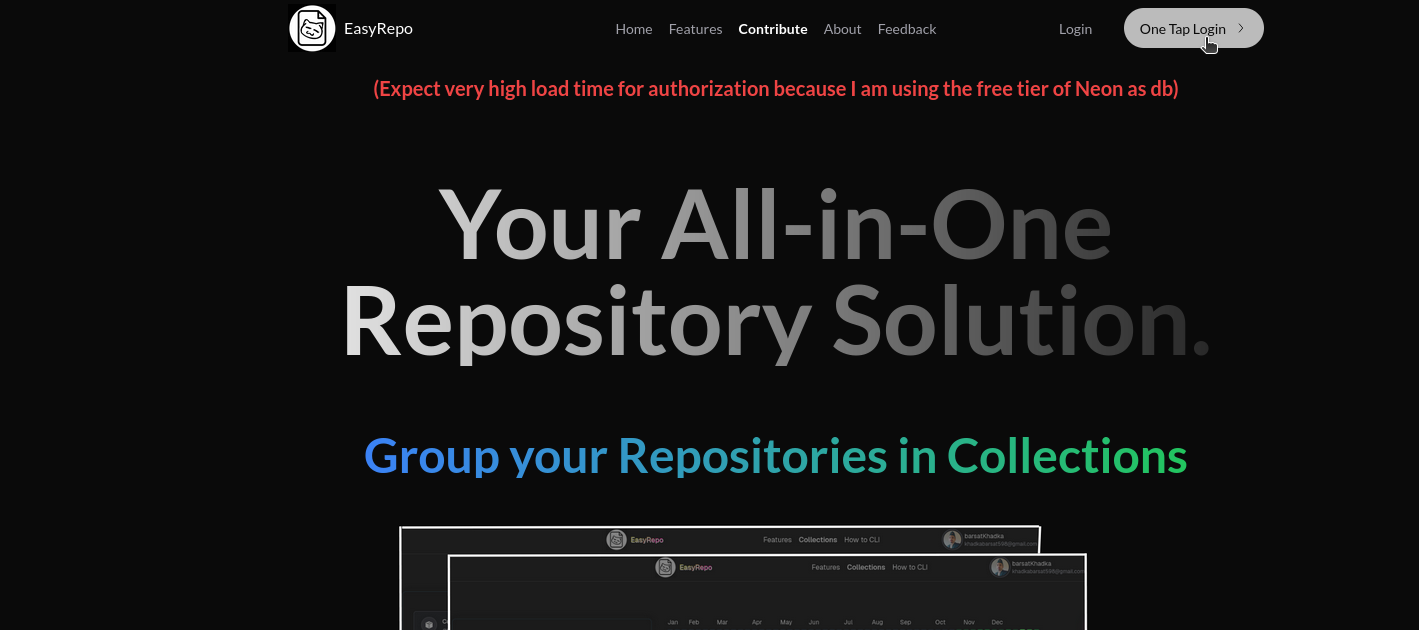
Easy Repo is a powerful full-stack web application designed to simplify your GitHub repository management experience.
1) A modern Web Browser
2) Github Account
To start using Easy Repo, visit the live application here: 👉 https://easy-repo-six.vercel.app/
Important Note on Authentication:
The backend server and database are hosted on free-tier platforms (Render for the backend and Neon DB for the database). These services may go into an inactive state due to inactivity, which can temporarily affect authentication. If you encounter issues logging in, please try again after a short delay.
If you successfully authenticate, feel free to explore all the features Easy Repo has to offer!
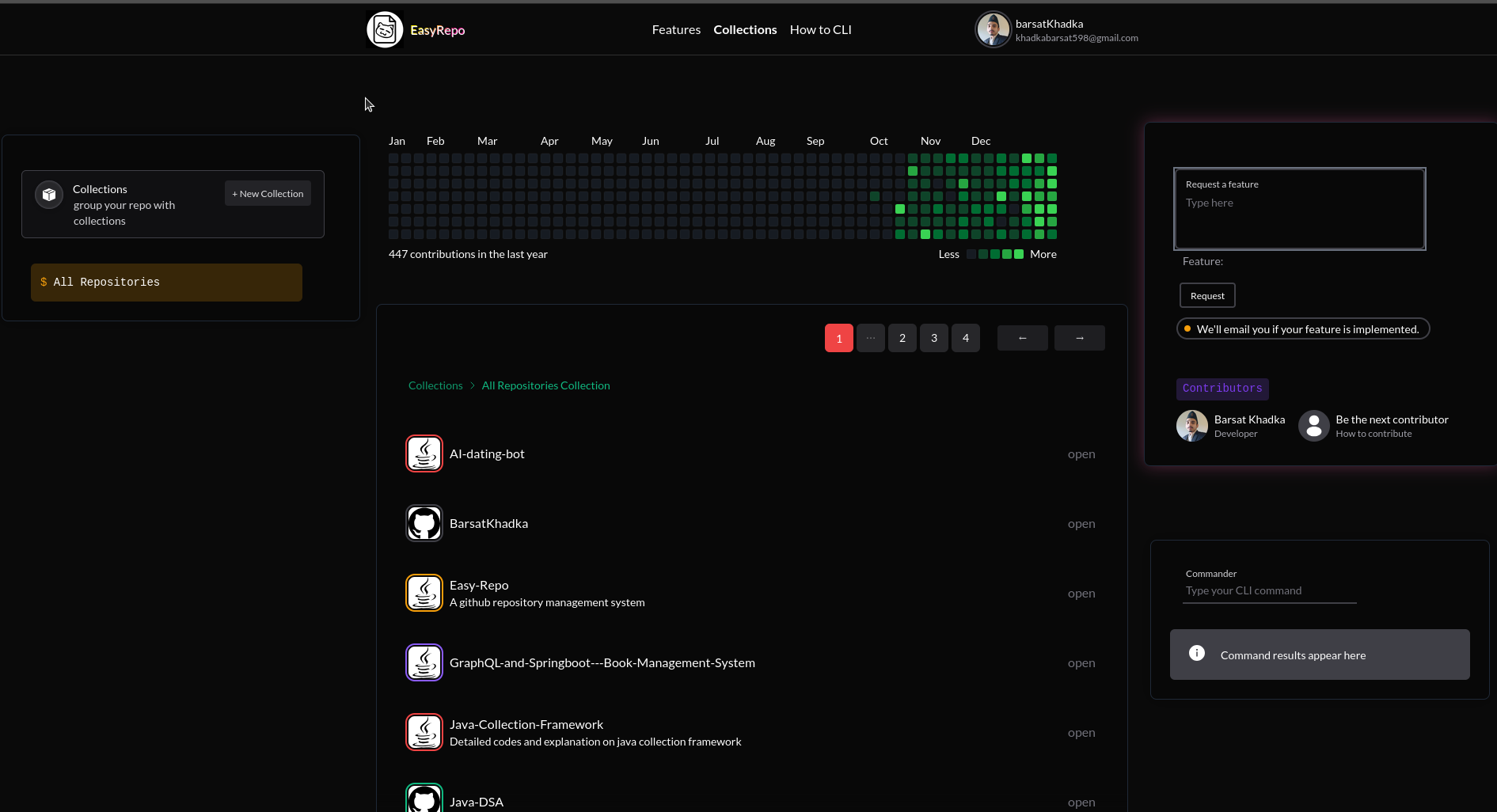
Once authenticated, you'll be directed to the home page where you can start managing your repositories and collections.
- Group Your Repositories: Create new collections to organize your repositories into meaningful groups. For example, you can create a collection named "Backend" to house all your backend project repositories.
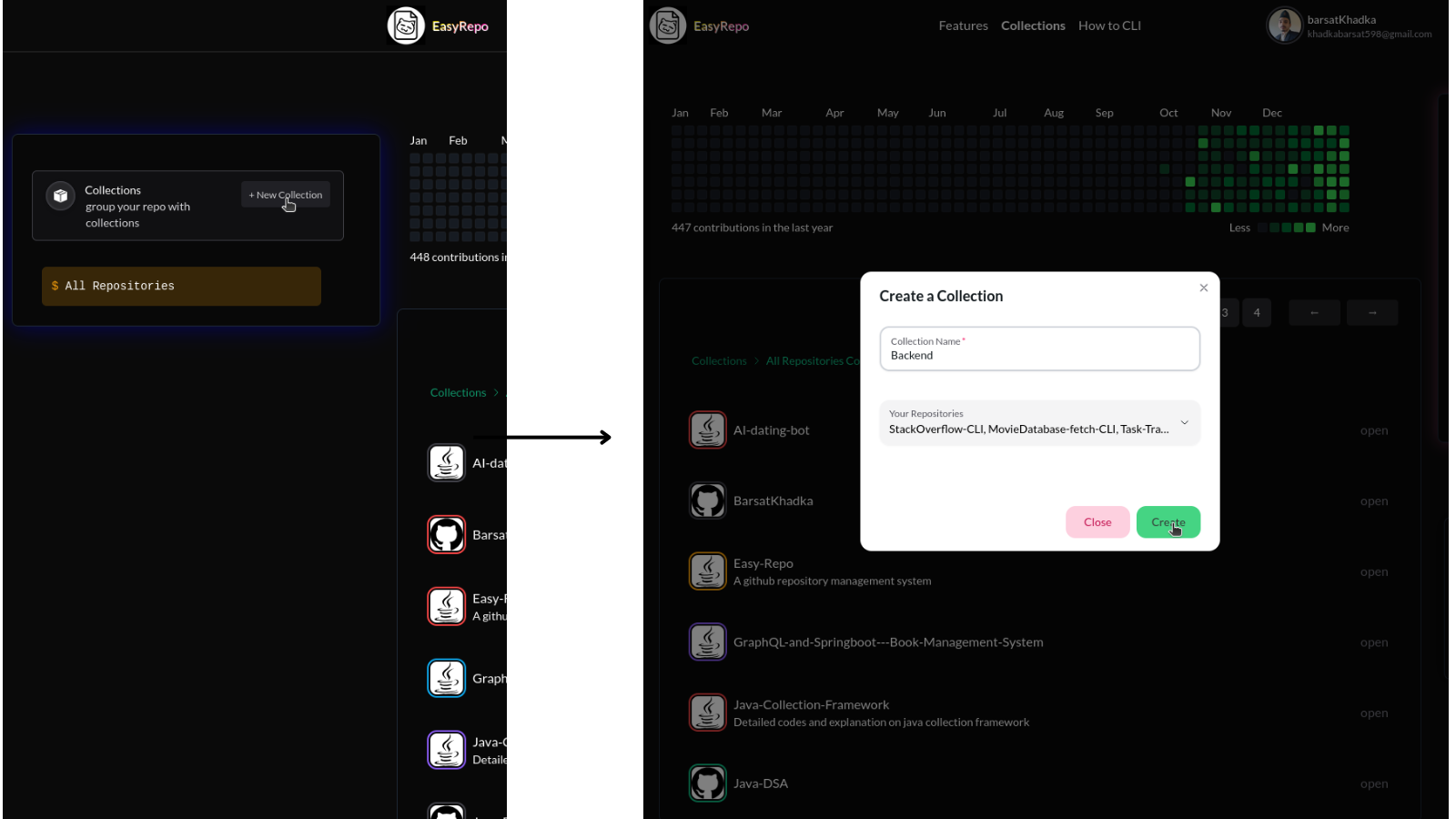
Collection Created:
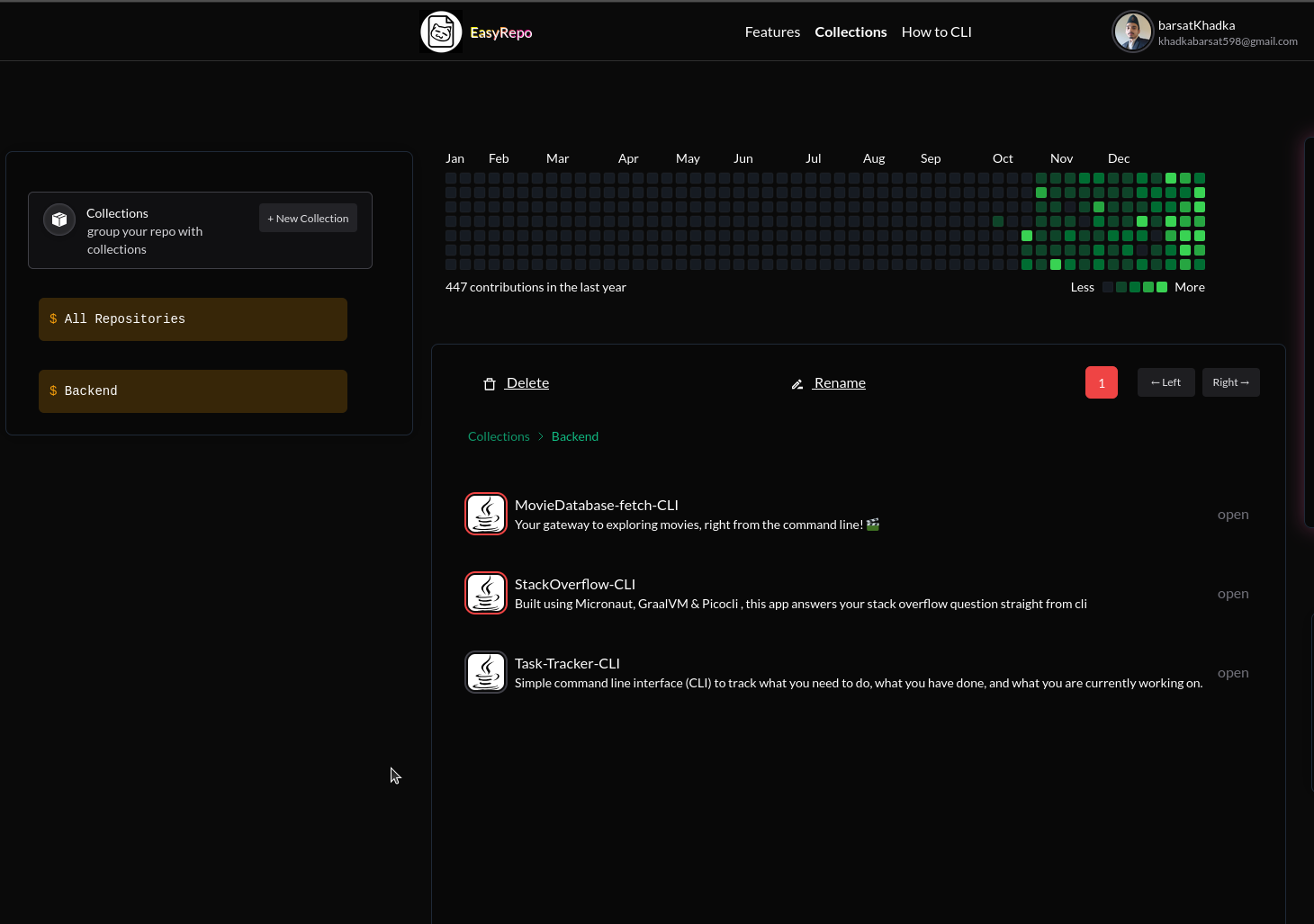
Within each collection, you can perform a variety of actions on your repositories:
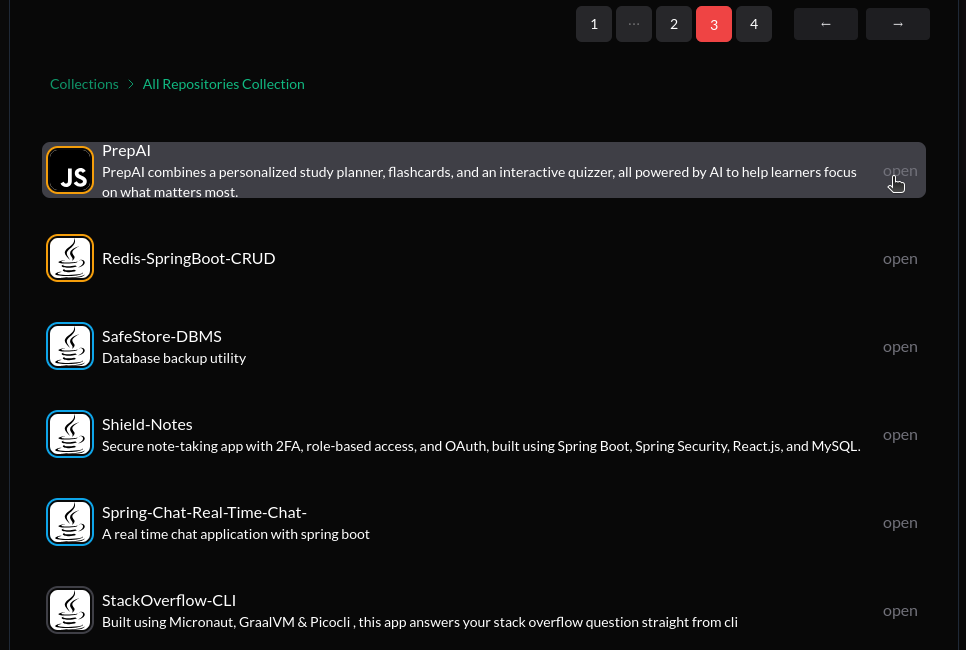
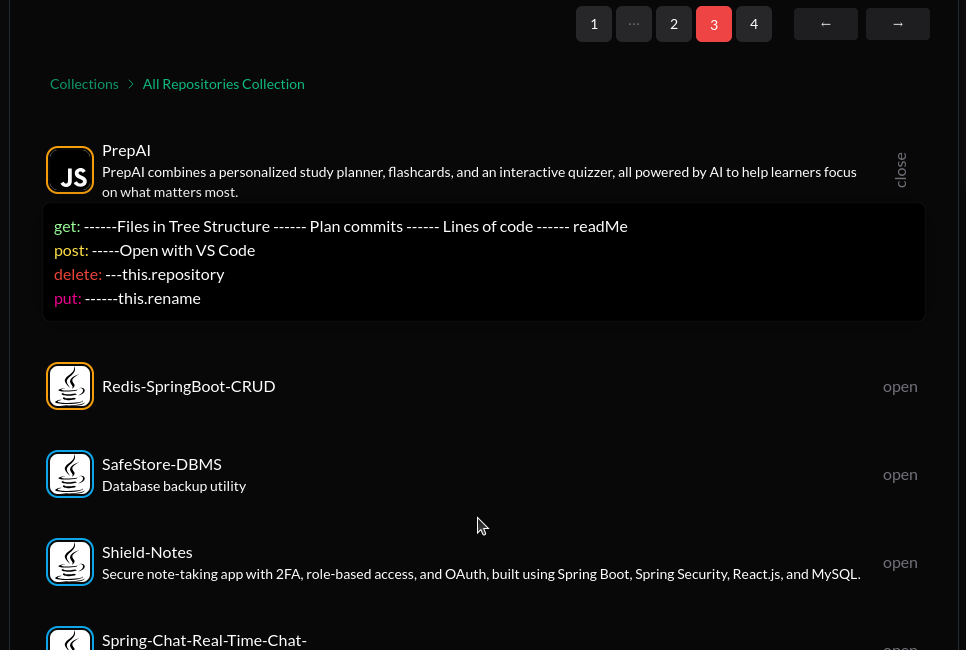
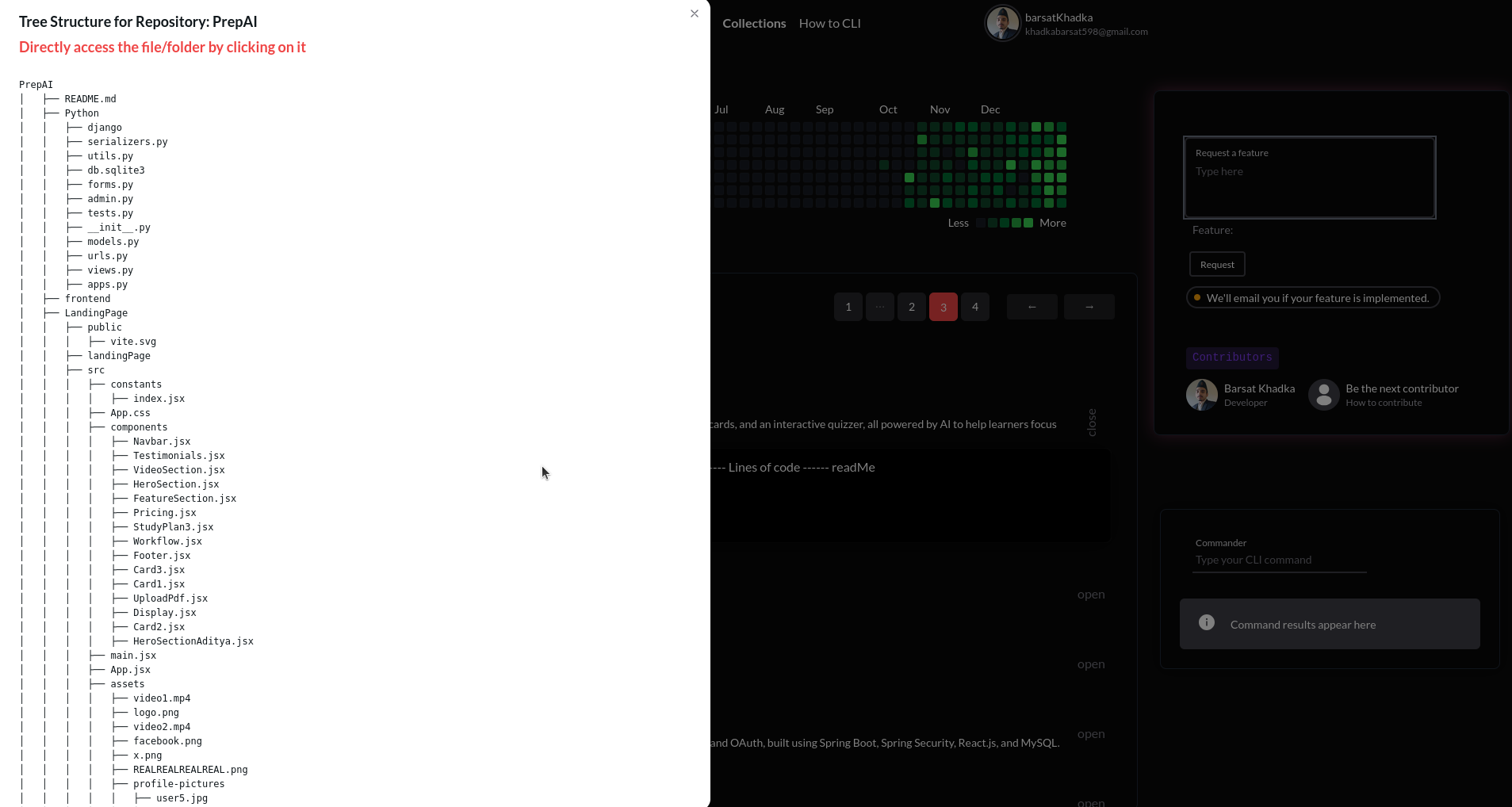
Easily navigate through your repository's file structure.
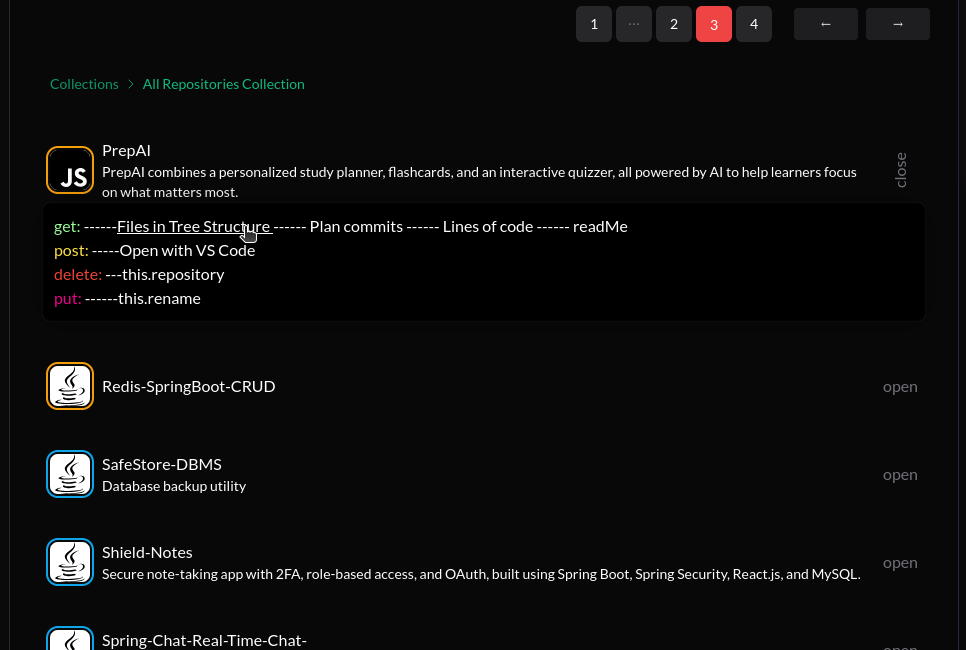
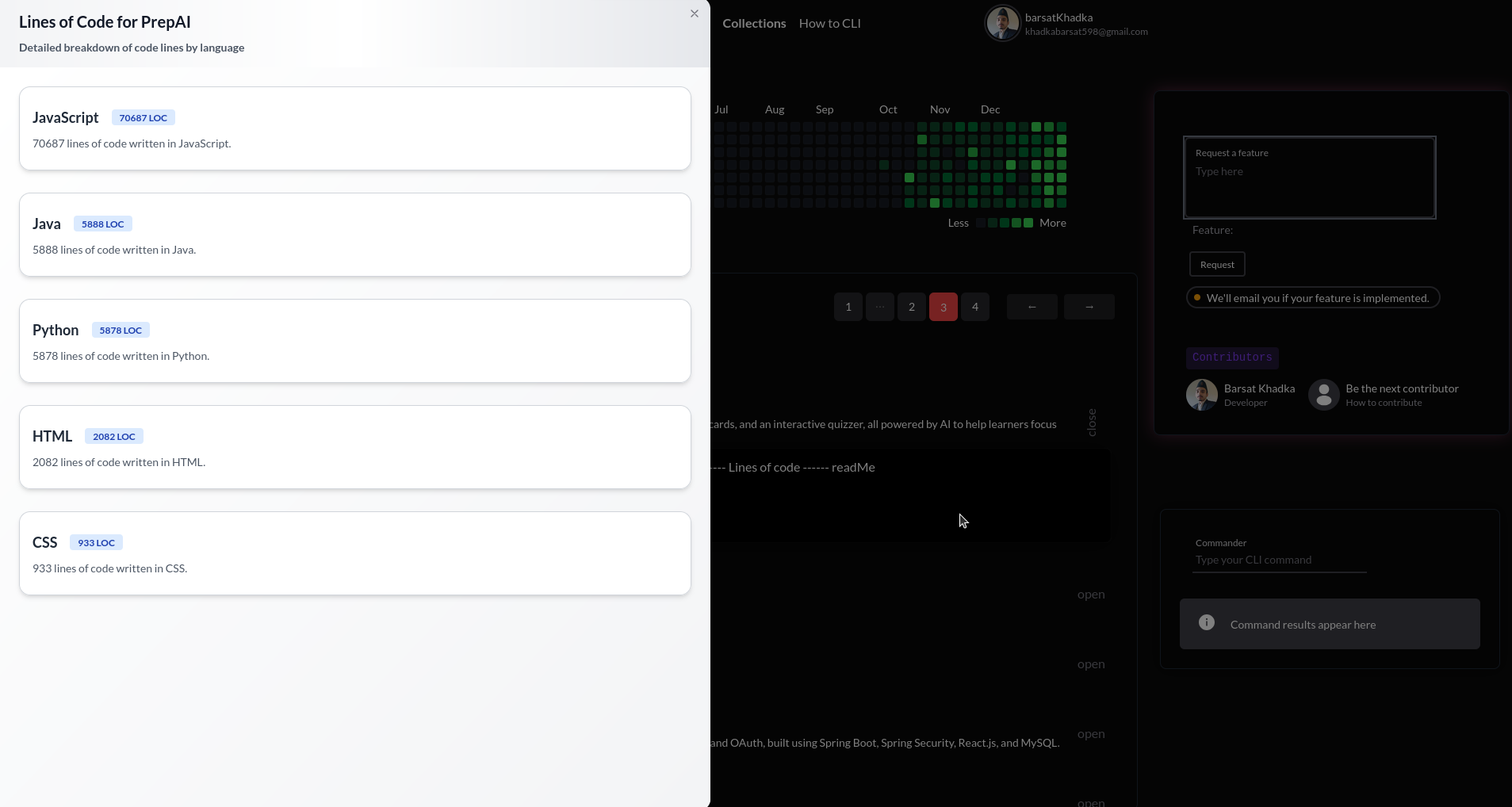
Get insights into the amount of code by language in your repository.
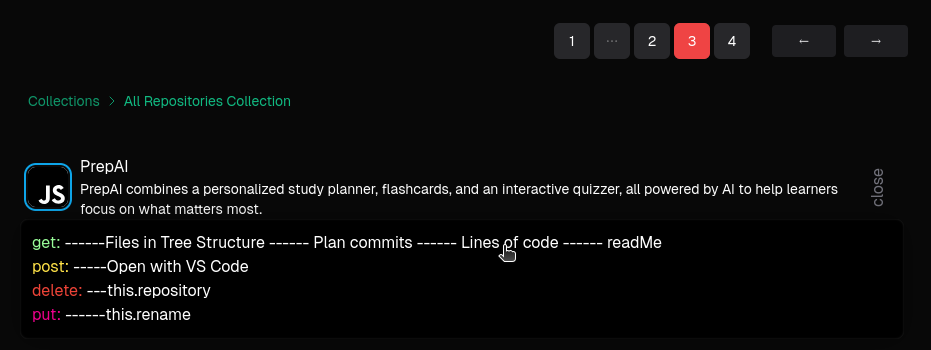
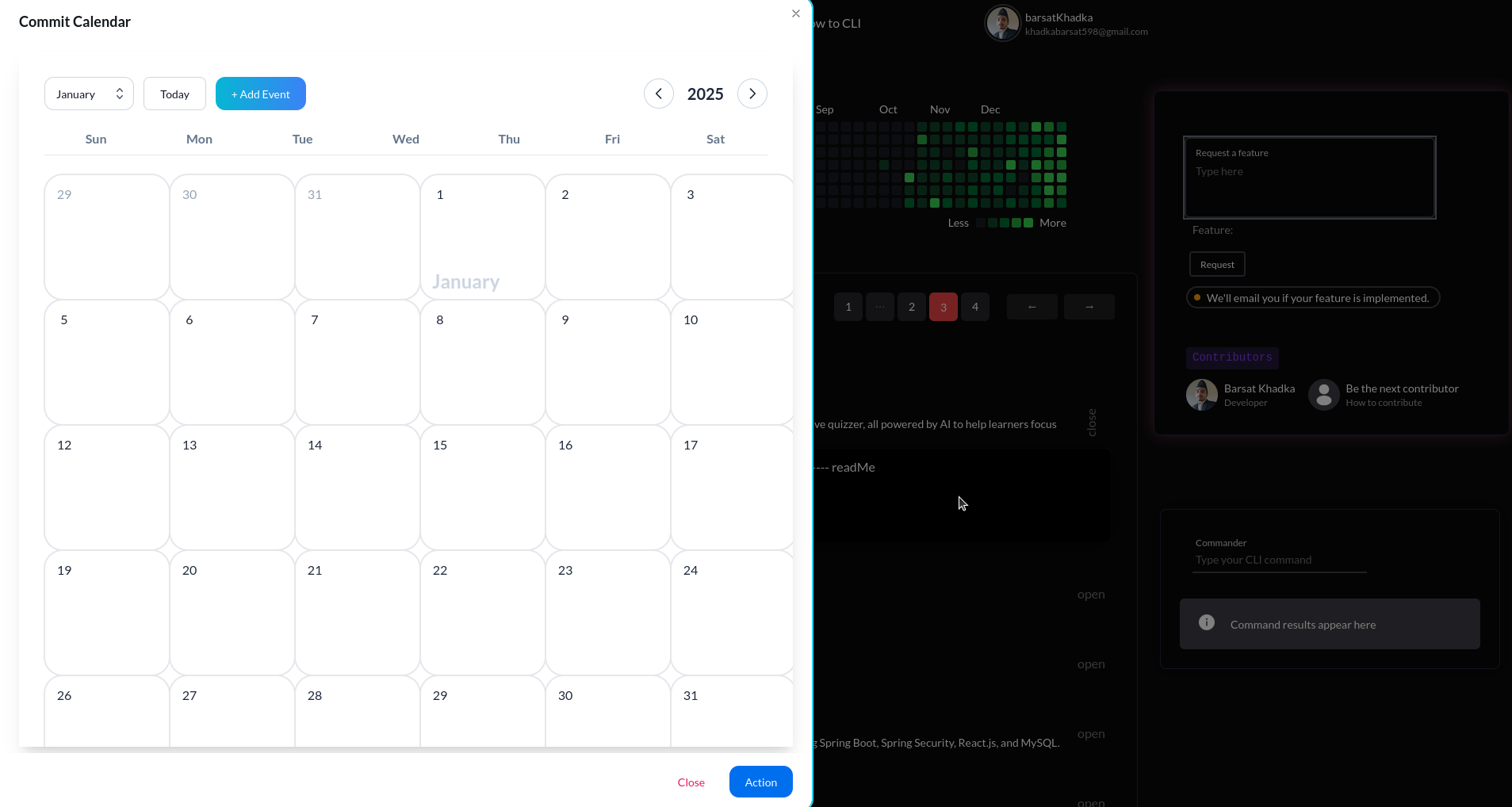
Visualize your commit history with a calendar view.
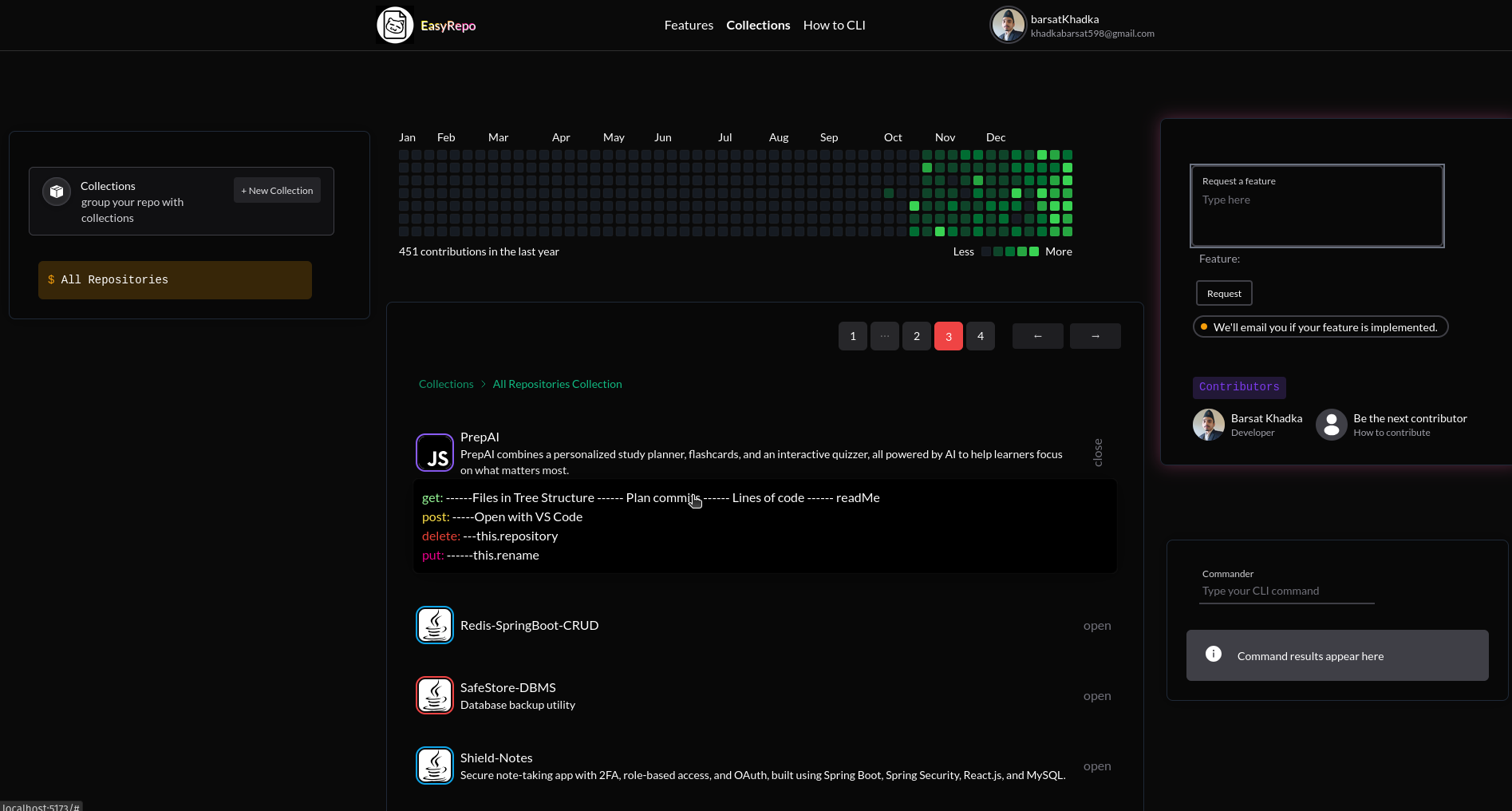
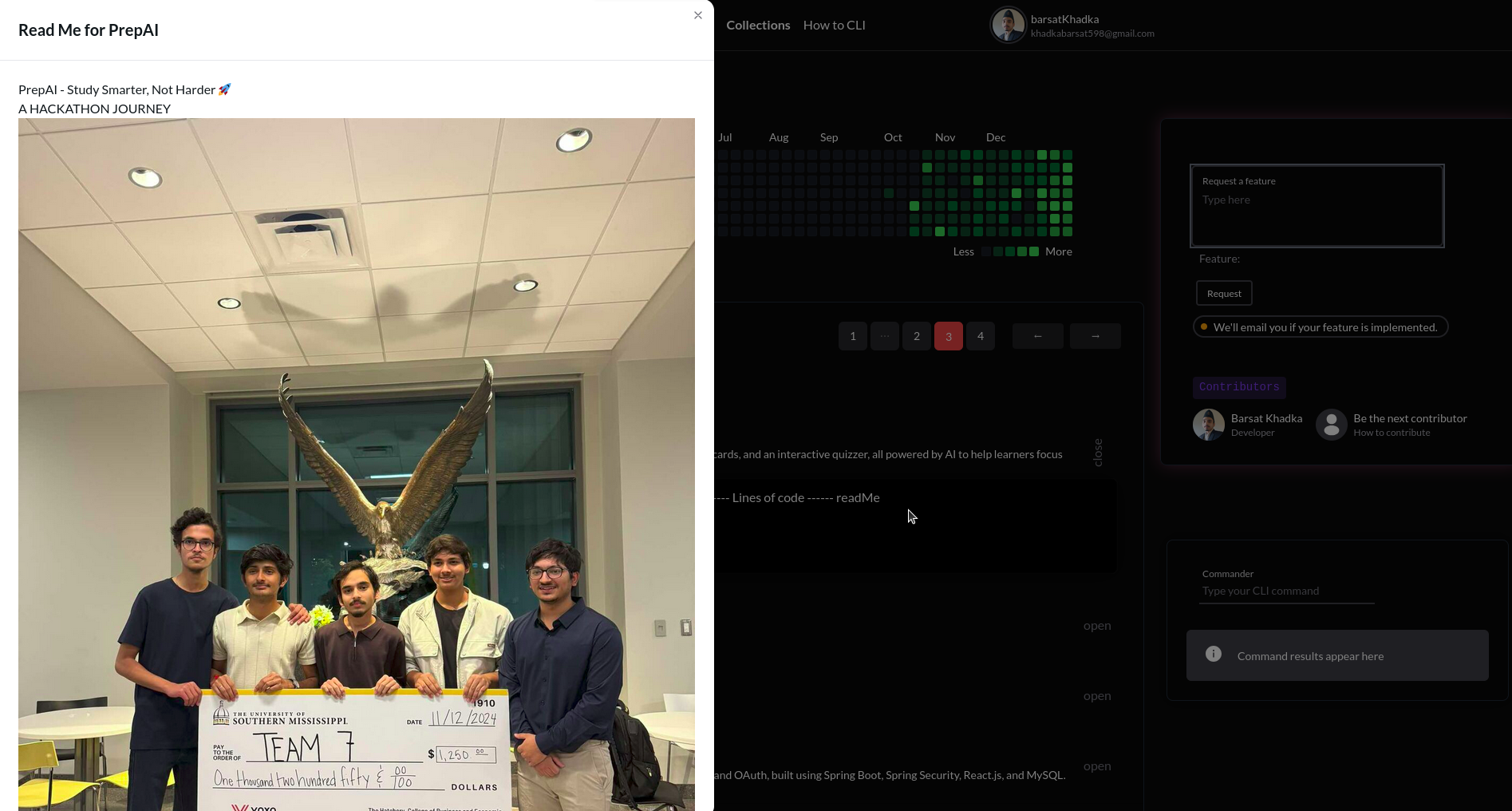
Quickly access the ReadMe file of any repository.

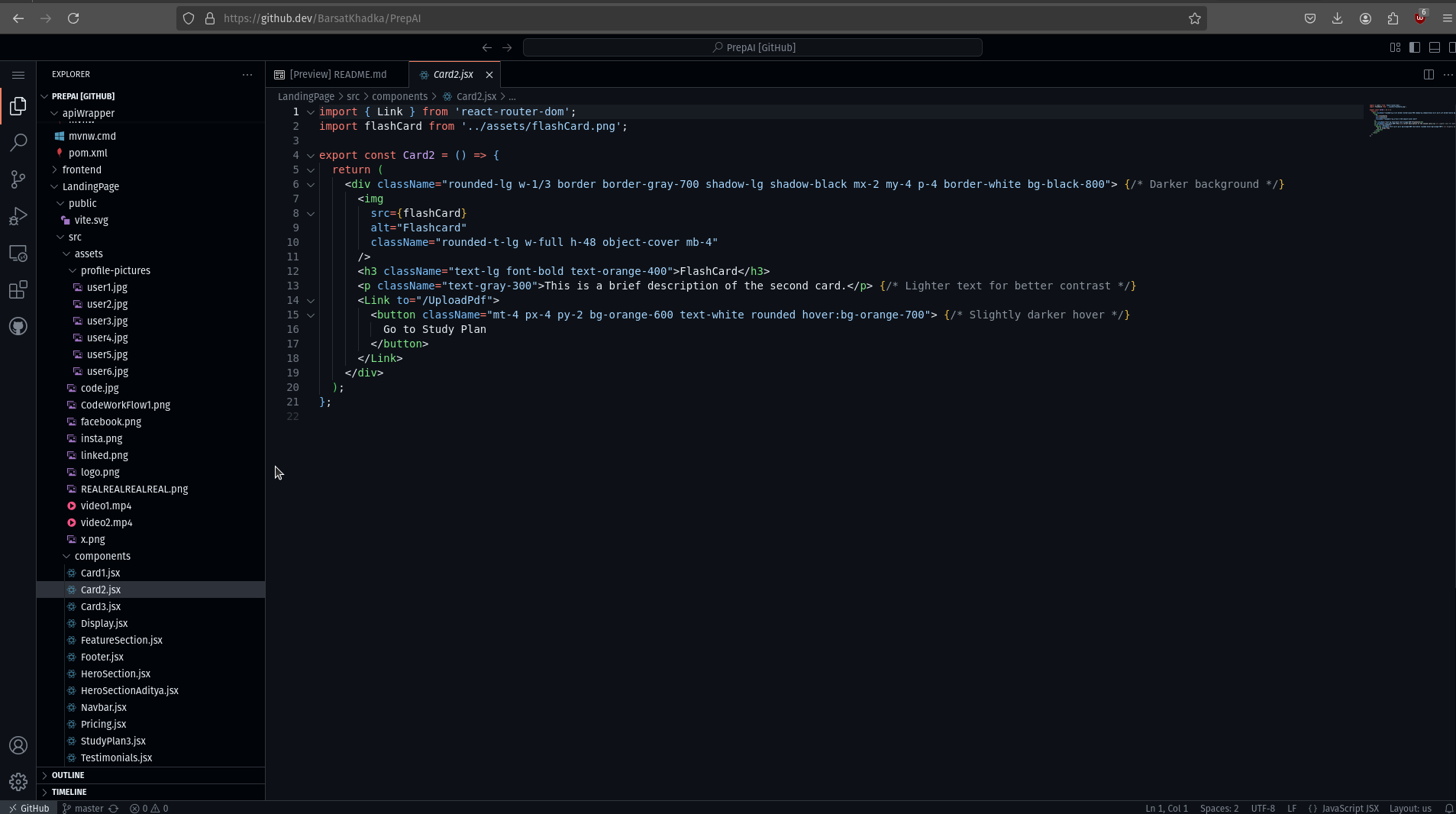
Open your repository directly in VS Code with a single click.
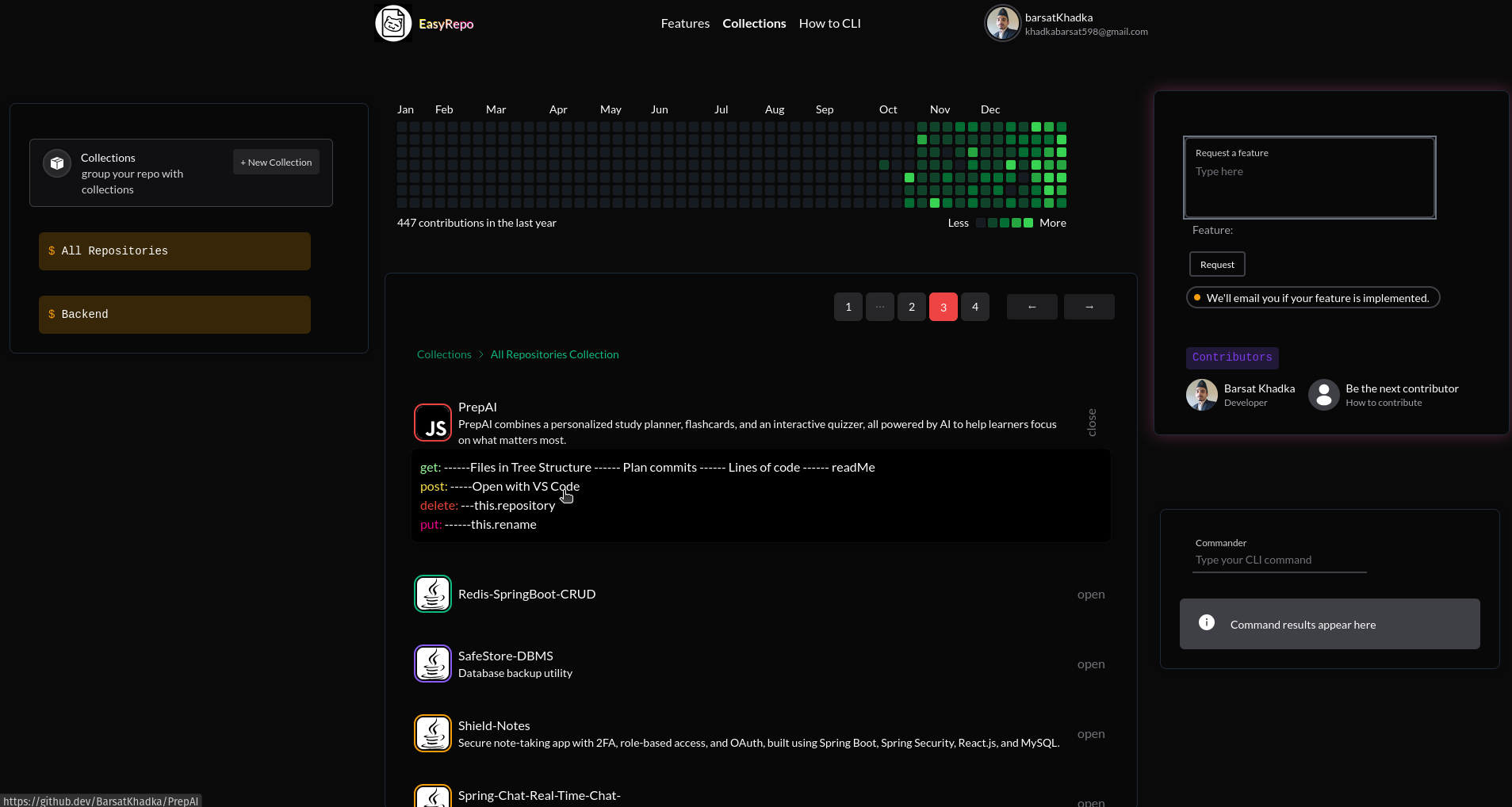
Manage your repositories by deleting or renaming them as needed.
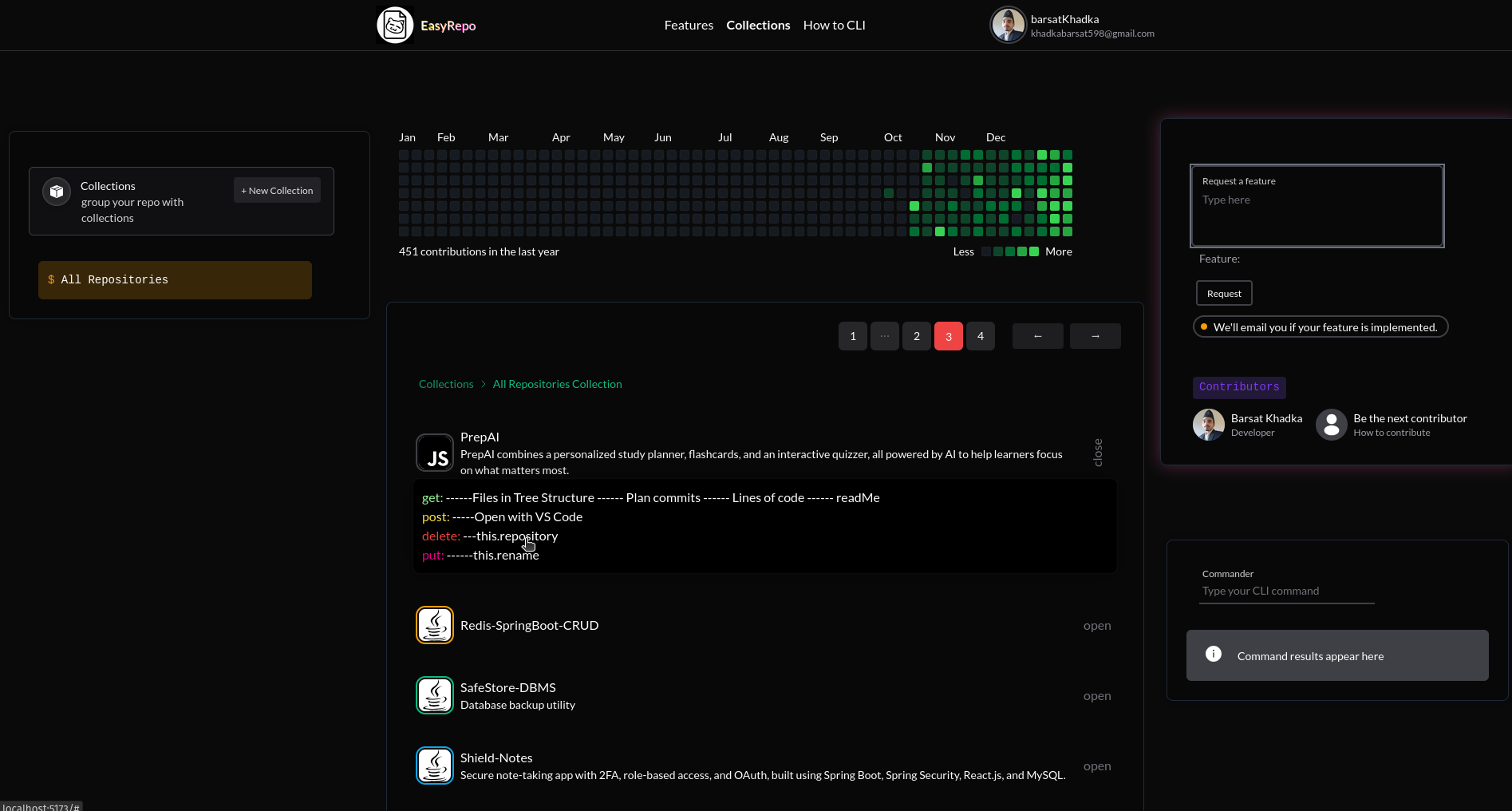
The site features a Commander box, allowing you to perform all actions directly from your keyboard.
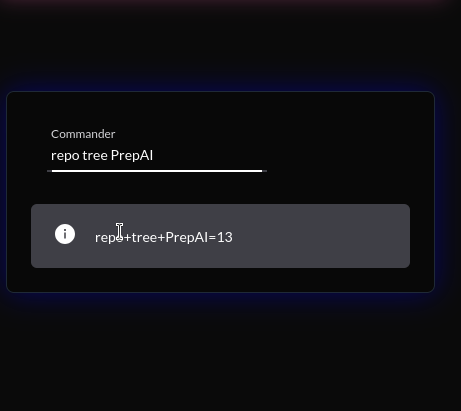
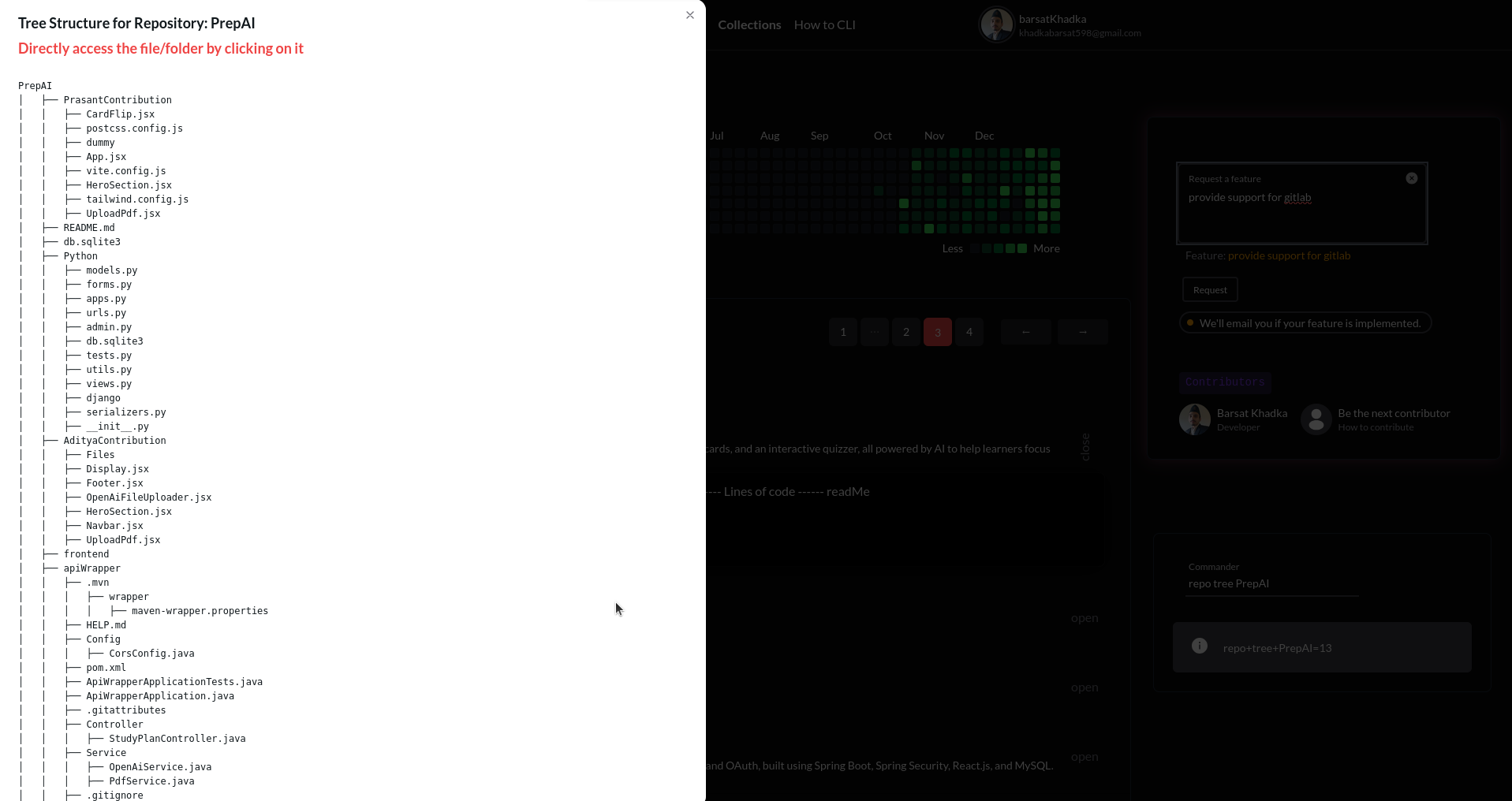
For a detailed guide on using the command line, visit: Command Line Guide
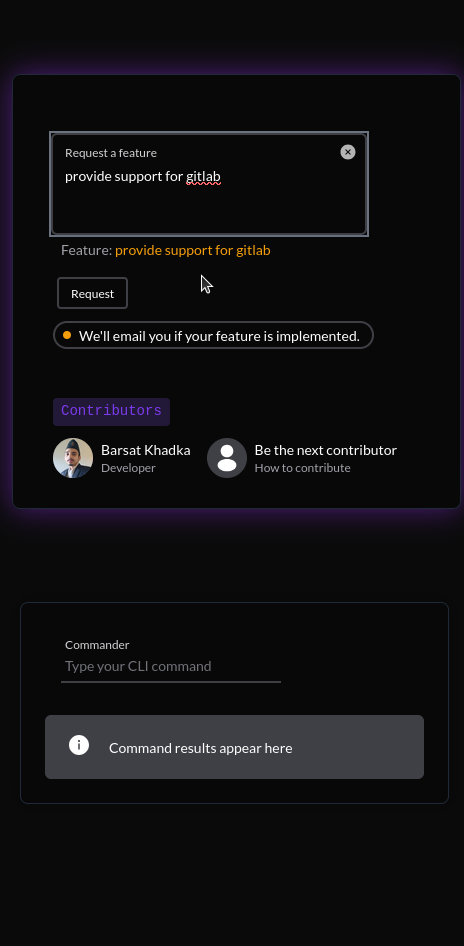
After logging in, you can access the Request Feature box on the home page. Use this to suggest new features or improvements you'd like to see in the app.
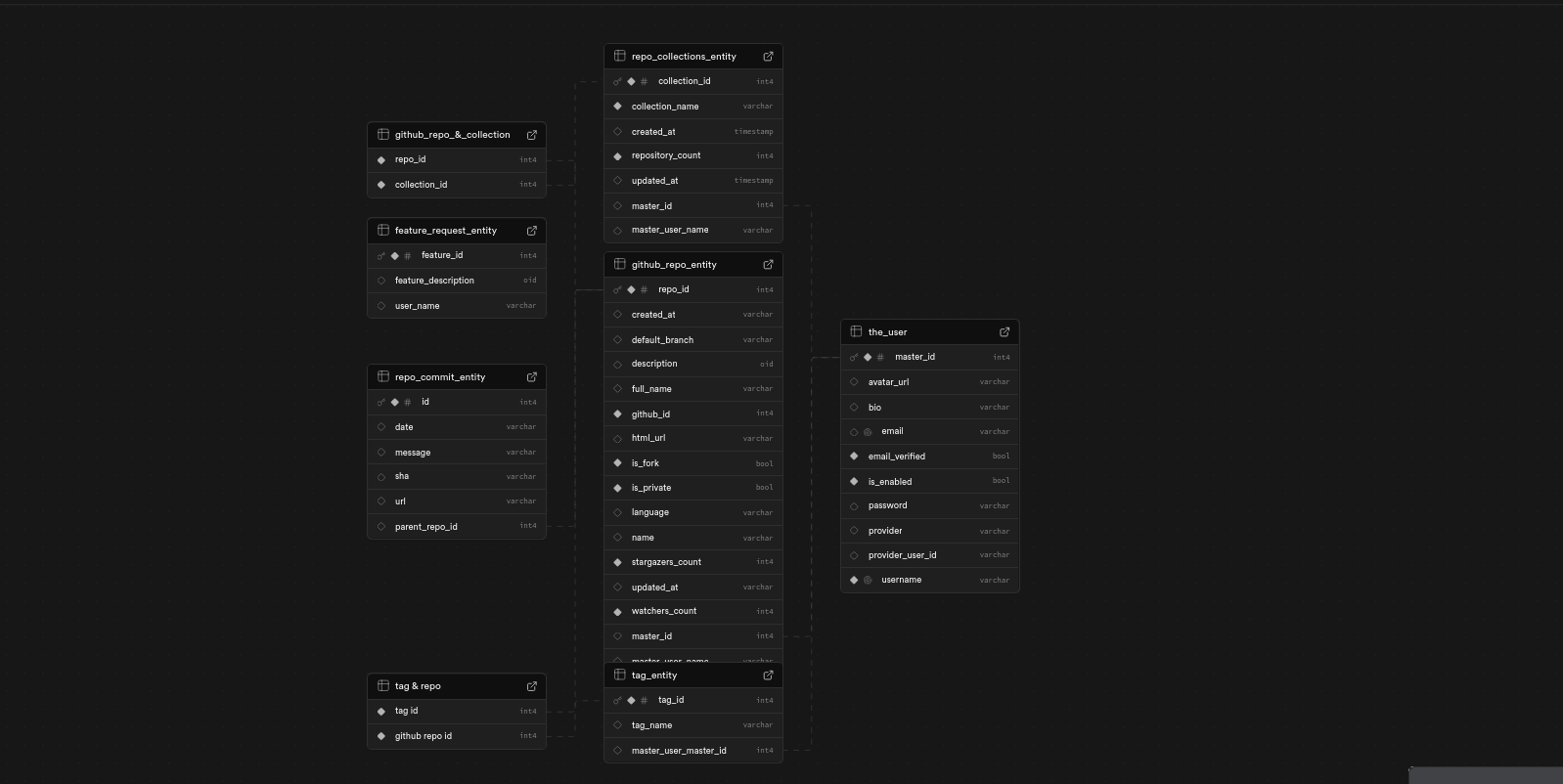
Backend Database schema