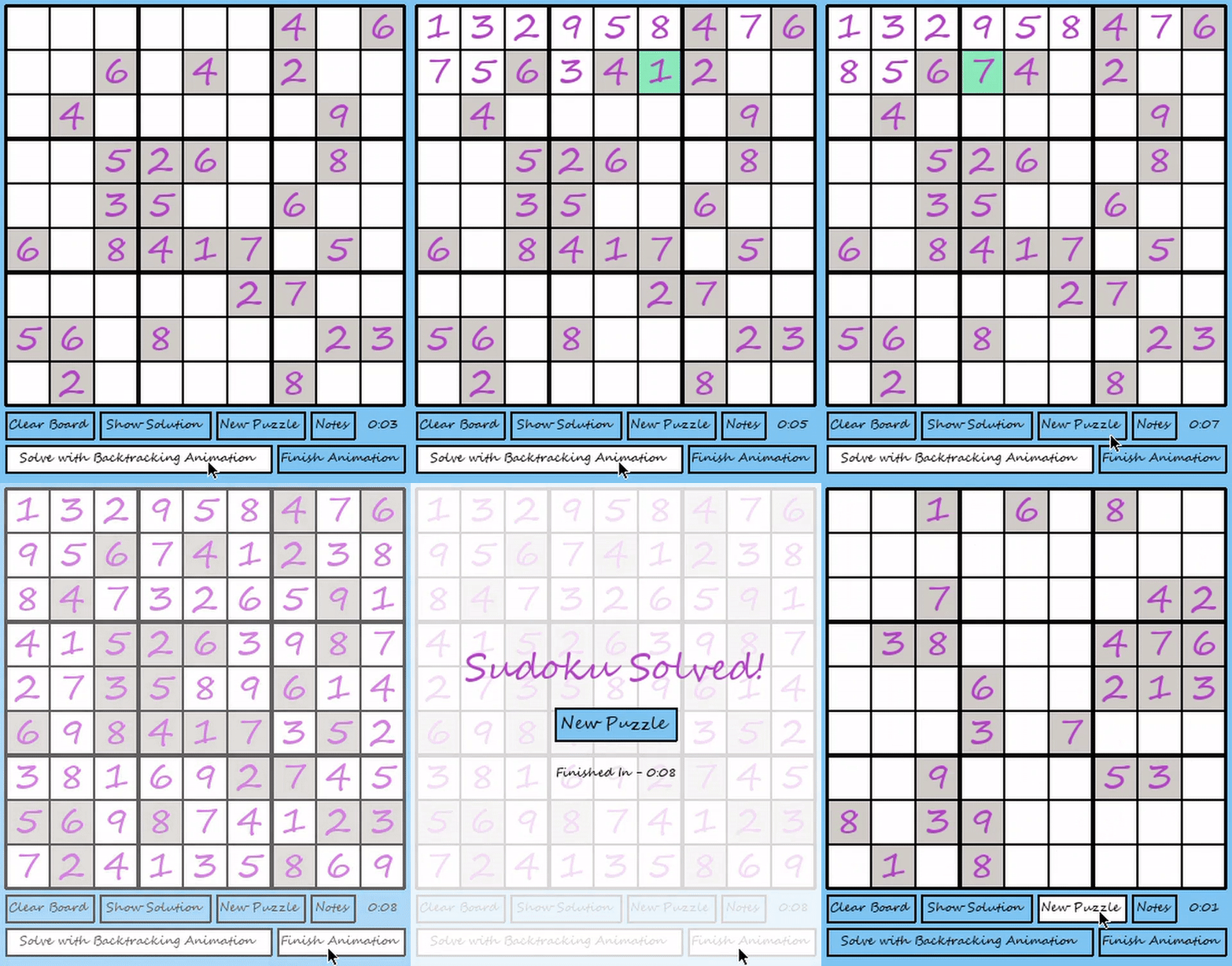
This is a graphical user interface where users can play Sudoku. Additionally, users have to ability to make the program automatically solve the board using a Sudoku solving backtracking algorithm; this algorithm is shown step-by-step so that users can understand and picture how it works. This was built with Python and the Pygame module. To run it, run python3 Controller.py.
-
When the user clicks on a cell, it becomes a teal color and is now the focused cell where numbers can be placed.
-
The cells with a light gray background are the clues given in the original board that cannot be altered.
-
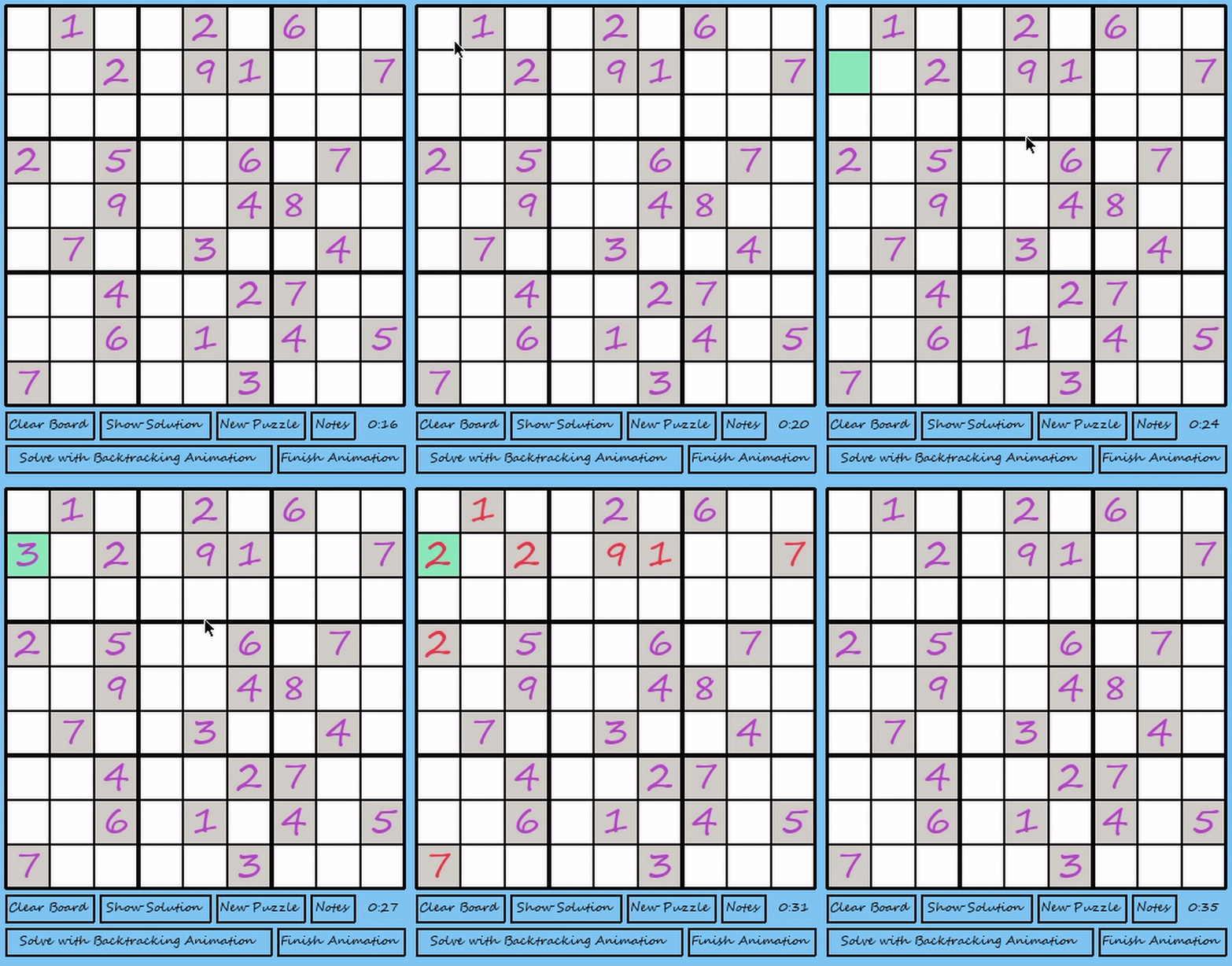
Numbers are added to the focused cell using the keyboard. If the added number is a duplicate in a row, column, or matrix, the numbers in the row, column, or matrix, respectively, will turn red. Otherwise, the numbers will remain purple.
-
In this example, adding 2 in the 2nd row and 1st column breaks the row, column, and matrix, so the numbers in the row, column, and matrix all turn red.
-
The Clear Board button clears user markings from the board.
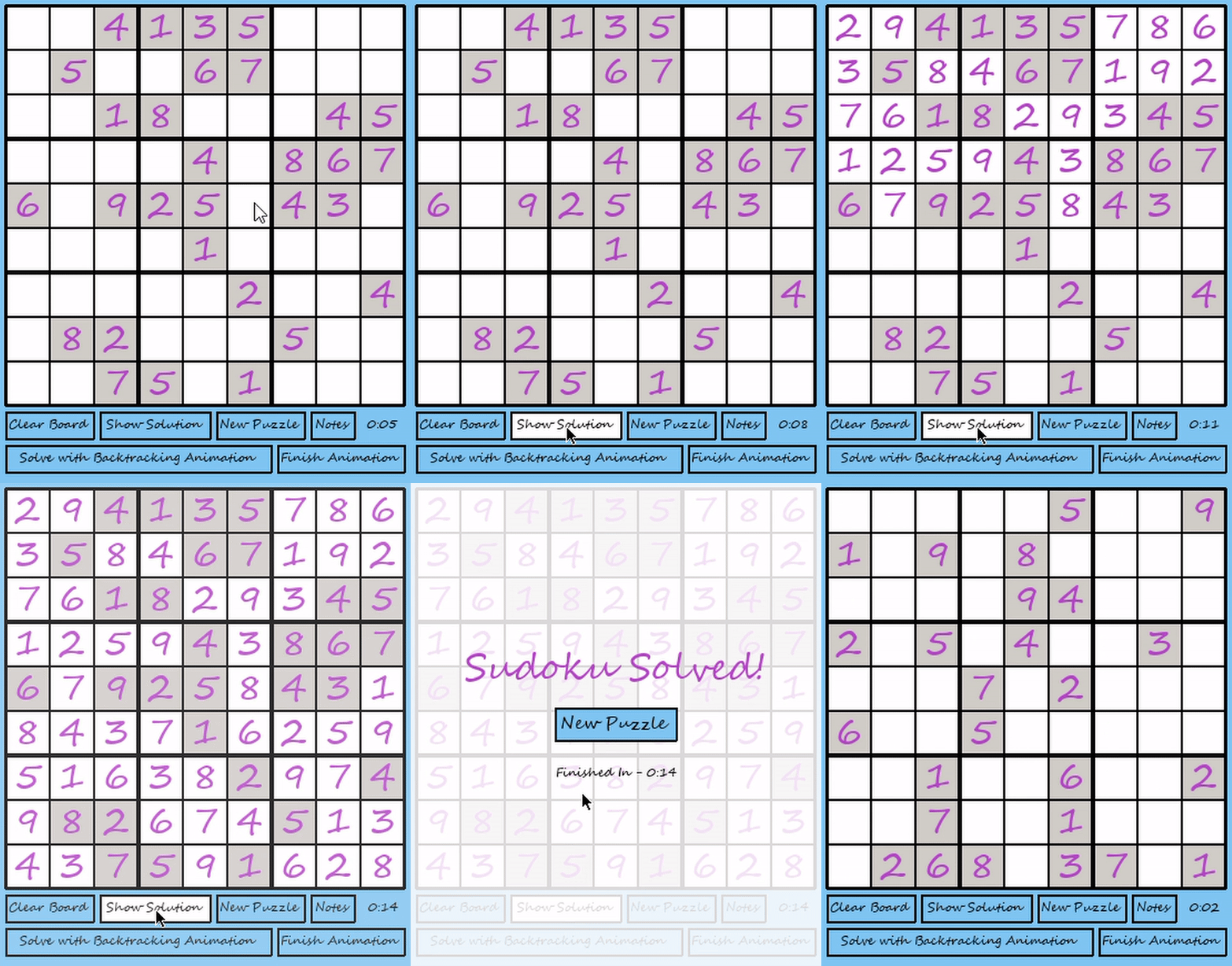
- The Show Solution button shows the solution to the sudoku puzzle without the backtracking animation being included.
-
The New Puzzle button generates a new Sudoku puzzle.
-
The Notes button can be pressed so that when the user clicks a cell and adds a number, they can add multiple numbers to the same cell as possible cell candidates. When the Notes button is not pressed, only one number can be placed in a cell.

- The Solve with Backtracking Animation button can be selected so that the program will automatically solve the board for the user using a Sudoku solving backtracking algorithm. Users are able to see how the algorithm works and backtracks as it is being animated.
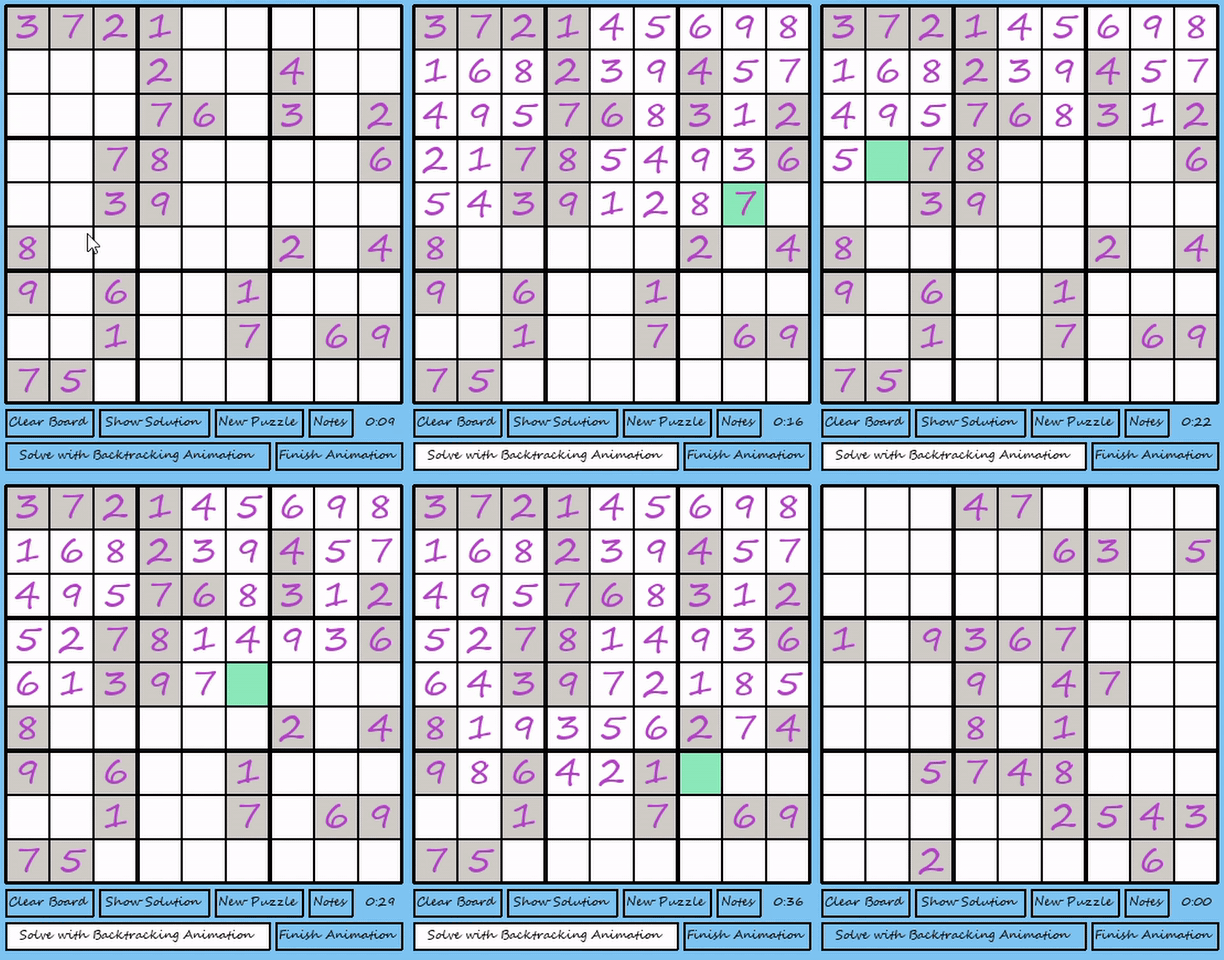
- The Finish Animation button can be selected so that the backtracking animation from the Solve with Backtracking Animation button ends instantly and the board is immediately solved. This button is intended to be used when the backtracking animation takes a long amount of time because a Sudoku puzzle is particularly difficult for the backtracking algorithm to solve.