Hyper plugin for minimalists — fast open Hyper from system tray, hidden dock icon and setting auto-launch from tray.

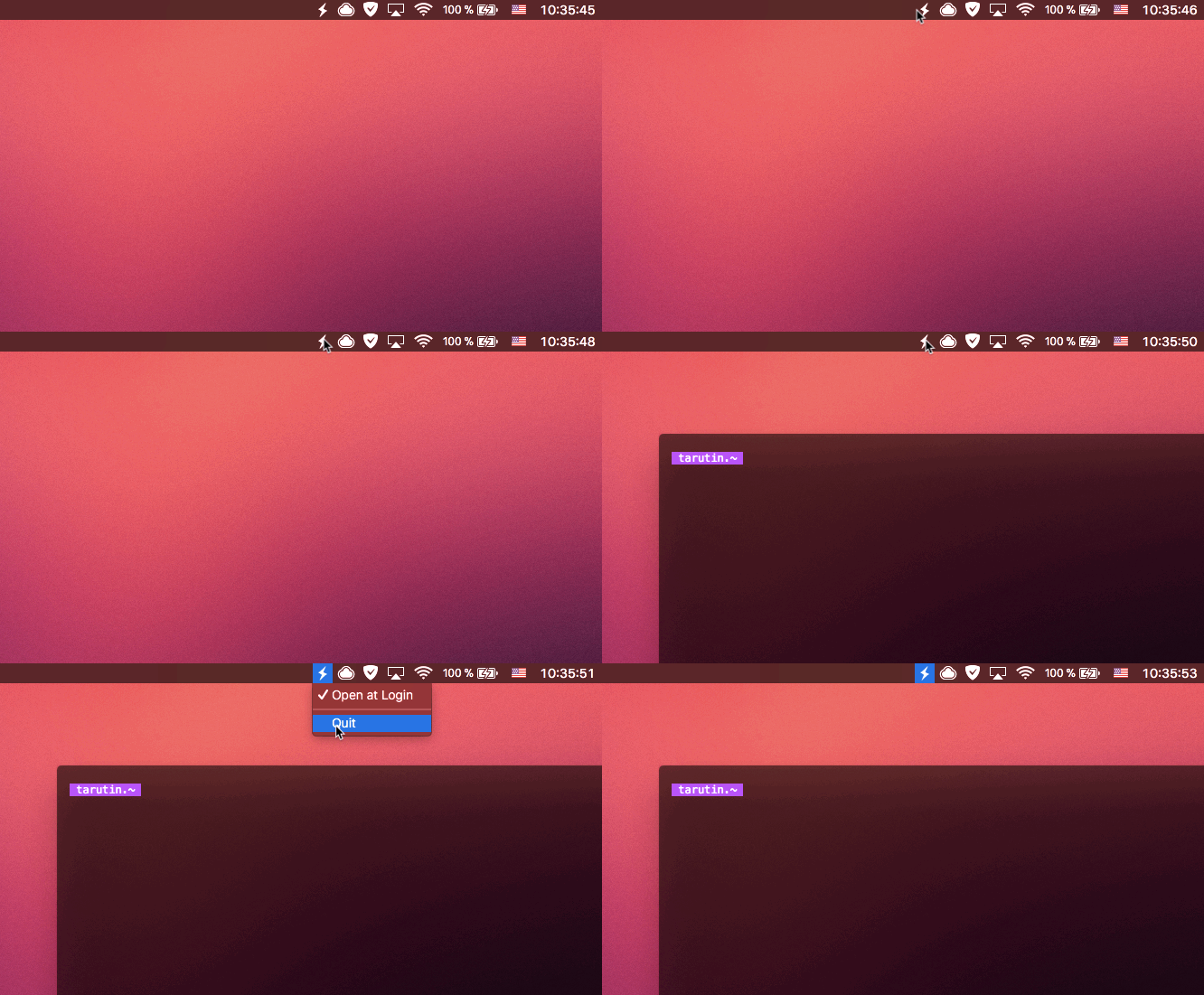
- Just click on tray icon and open Hyper window
- Right click on tray icon — Opening menu with
Open at LoginandQuit
$ npm install hyper-tray$ cd ~/.hyper_plugins/local/
$ git clone https://github.com/tarutin/hyper-tray.git
$ cd hyper-tray
$ npm installAdd the name of the directory to localPlugins in ~/.hyper.js and Reload terminal window.
MIT