Eye Control is a software-based accessibility tool that allows users to control their system's mouse cursor using eye and head movements. It utilizes advanced computer vision to track iris positioning and facial orientation in real-time.
Follow these steps to set up and run Eye Control on your machine.
If you do not have Python installed, download the latest version from python.org. During the installation process, ensure that the "Add Python to PATH" checkbox is selected.
Download this repository by clicking the "Code" button at the top of this page and selecting "Download ZIP". Extract the contents of the ZIP file to a local folder on your computer.
Open the Command Prompt, PowerShell, or your preferred terminal and navigate to the extracted folder:
cd path/to/EyeTrackingMouseExecute the following command to install the necessary Python packages:
pip install -r requirements.txtIf you encounter any issues with MediaPipe during execution, perform a forced reinstallation of the verified version:
pip install --force-reinstall mediapipe==0.10.11Start the tool by running the following command:
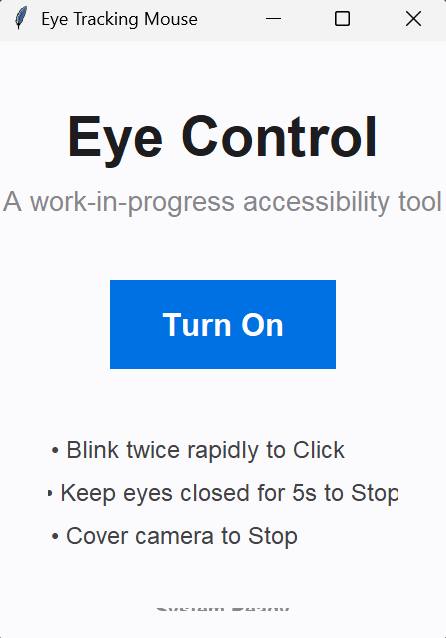
python main.py- Activation: Click the "Turn On" button in the application window.
- Calibration: Look directly at the center of your screen for one second to establish the baseline center-point.
- Navigation: Look toward different areas of the screen or move your head slightly to translate the cursor.
- Interaction: Blink twice rapidly to perform a left-click.
- Deactivation: Keep your eyes closed for five seconds or cover the camera lens to stop the tracking service.
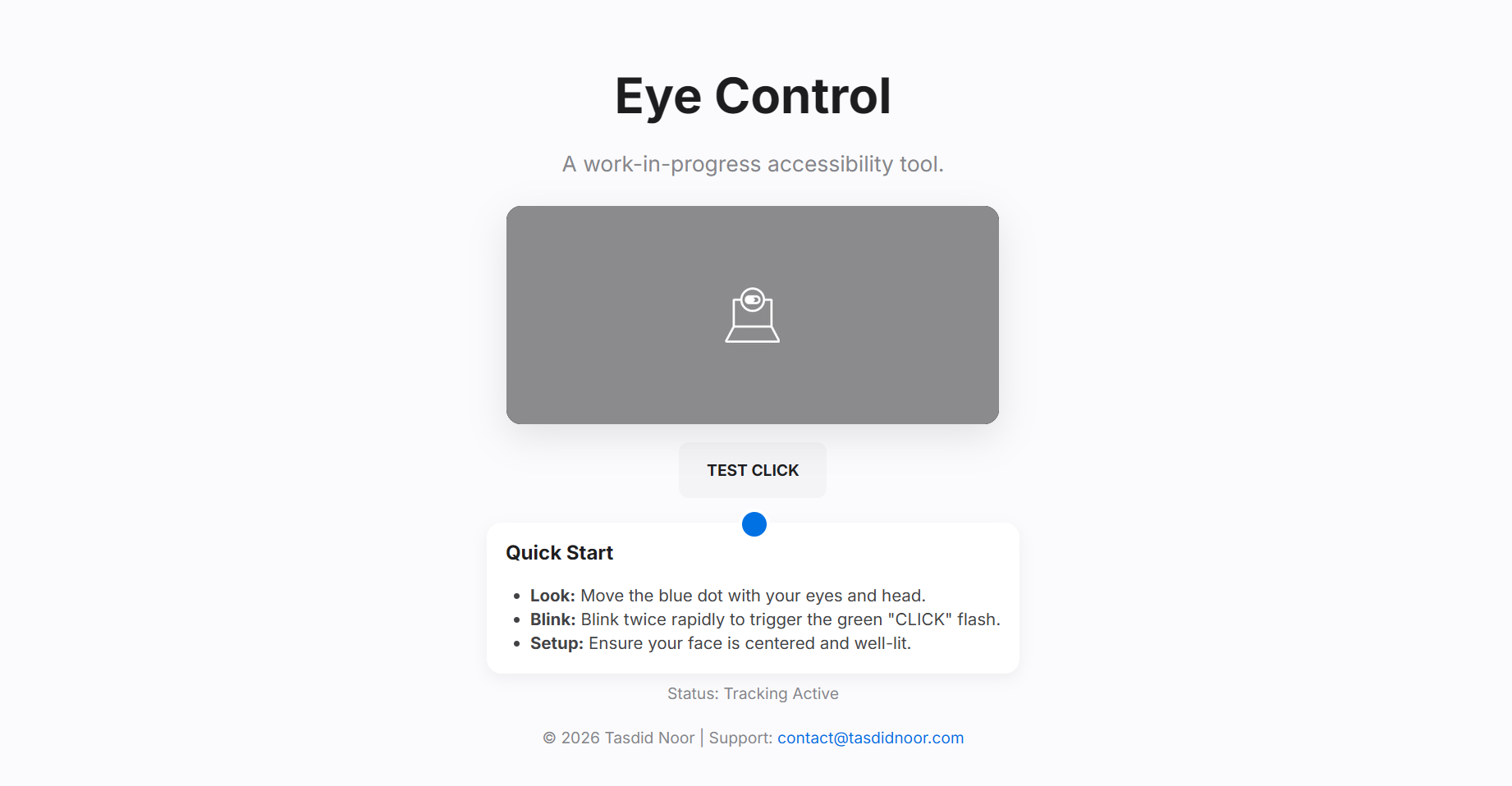
A web-based demonstration is available for testing tracking accuracy without installing any software. Open the index.html file in this repository using a modern web browser and grant camera permissions to begin.
This project is built upon the following industry-standard libraries and frameworks:
- MediaPipe: High-fidelity face mesh and iris landmark detection.
- OpenCV: Real-time video stream capture and processing.
- PyAutoGUI: Programmatic mouse control and event execution.
- Screeninfo: Cross-platform screen resolution detection.
This project is a work-in-progress. For support or feedback, please contact contact@tasdidnoor.com.
This project is licensed under the MIT License. See the LICENSE file for more information.