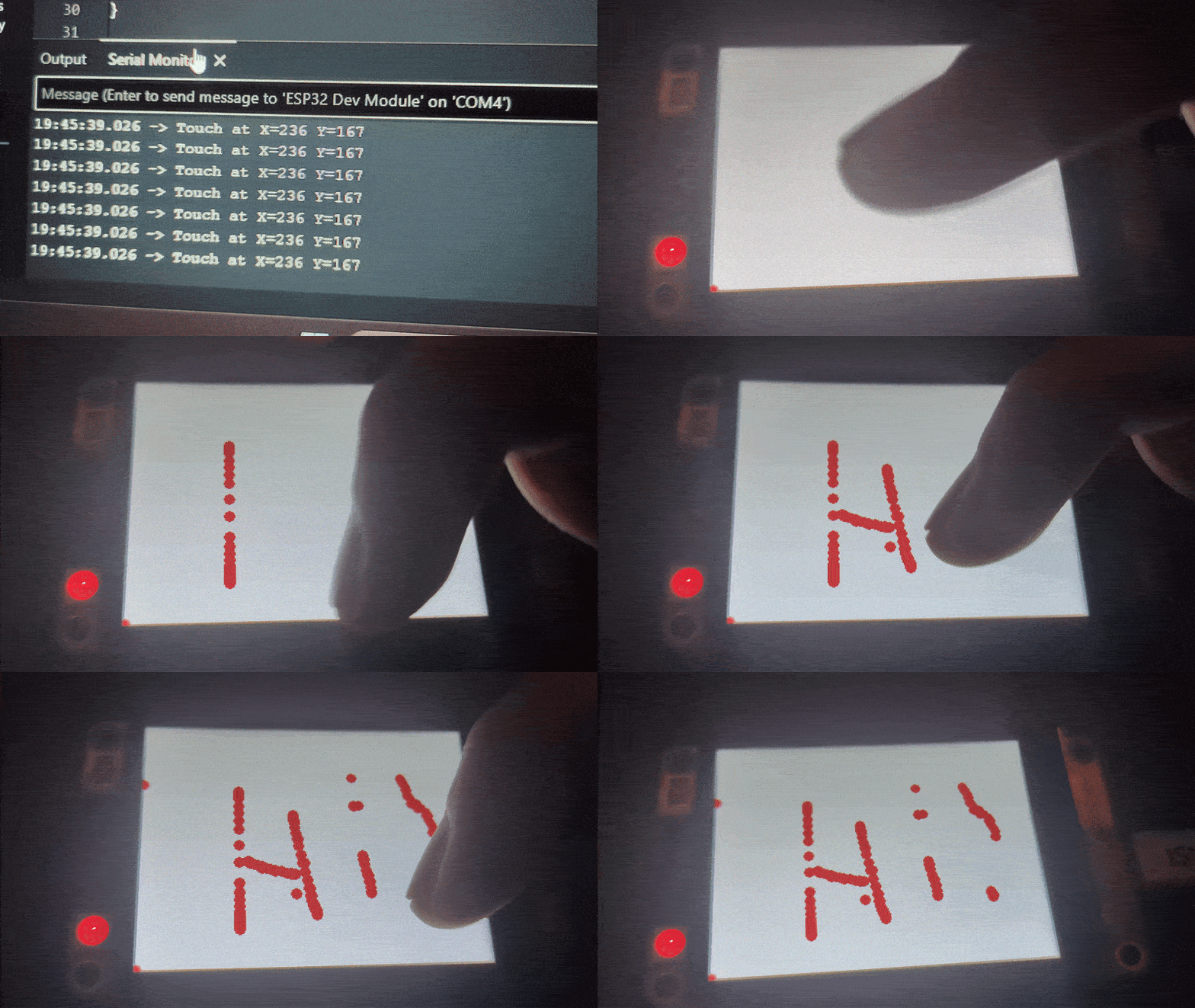
How to make your ESP32-2432S024 [CYD], work and actually display contents on screen. If this doesn't work for you, you can try editing and look what works for you. I'm a ESP32 Beginner too, so i don't know much aswell.
Step 1: Go to Library Manager in Arduino IDE -> Install "CST816D" | Author: "Maxime Andre".
Step 2: Go to Library Manager in Arduino IDE -> Install "TFT_eSPI" | Author: "Bodmer".
Step 3: Copy or move cst816d.cpp From the Repo To ->
Windows: %USERPROFILE%\Documents\Arduino | Linux: ~/Documents/Arduino/ -> .../Arduino/libraries/cst816d/src/cst816d.cpp <- Replace the Local with the in the Repo
Step 4: Open Arduino Project, and upload the code to ESP32-2432S024