Skip to content
Arica Conrad edited this page Jun 8, 2022 · 1 revision

Color Palette

We chose neutral, calming colors of blue and green for the buttons and navigation menu of the app respectively, while light yellow color is used for the Help button to contrast against the blue and green colors. We spent time ensuring the colors we chose maintained a high color contrast for the users who have vision problems.
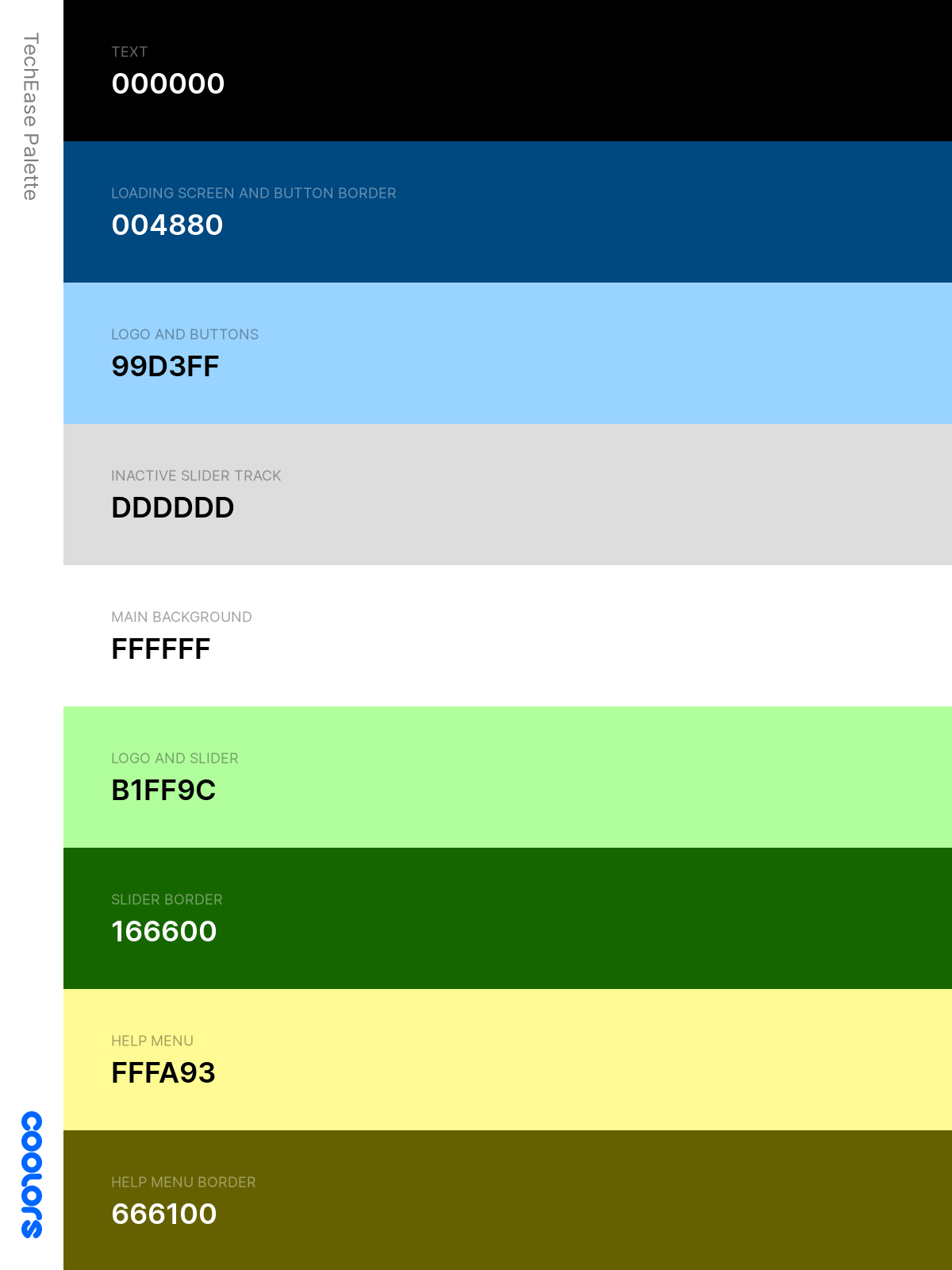
TechEase Color Palette

App Icon

We wanted our app icon to be simple and easily recognizable for our target audience. With the app name chosen to be TechEase, we came up with an icon design that combines the "T" and "E" of the app name and uses the blue and green colors from our color palette.

TechEase App Icon

Prototypes

Paper Prototype

Our first low-fidelity prototype was created using paper and pencil.
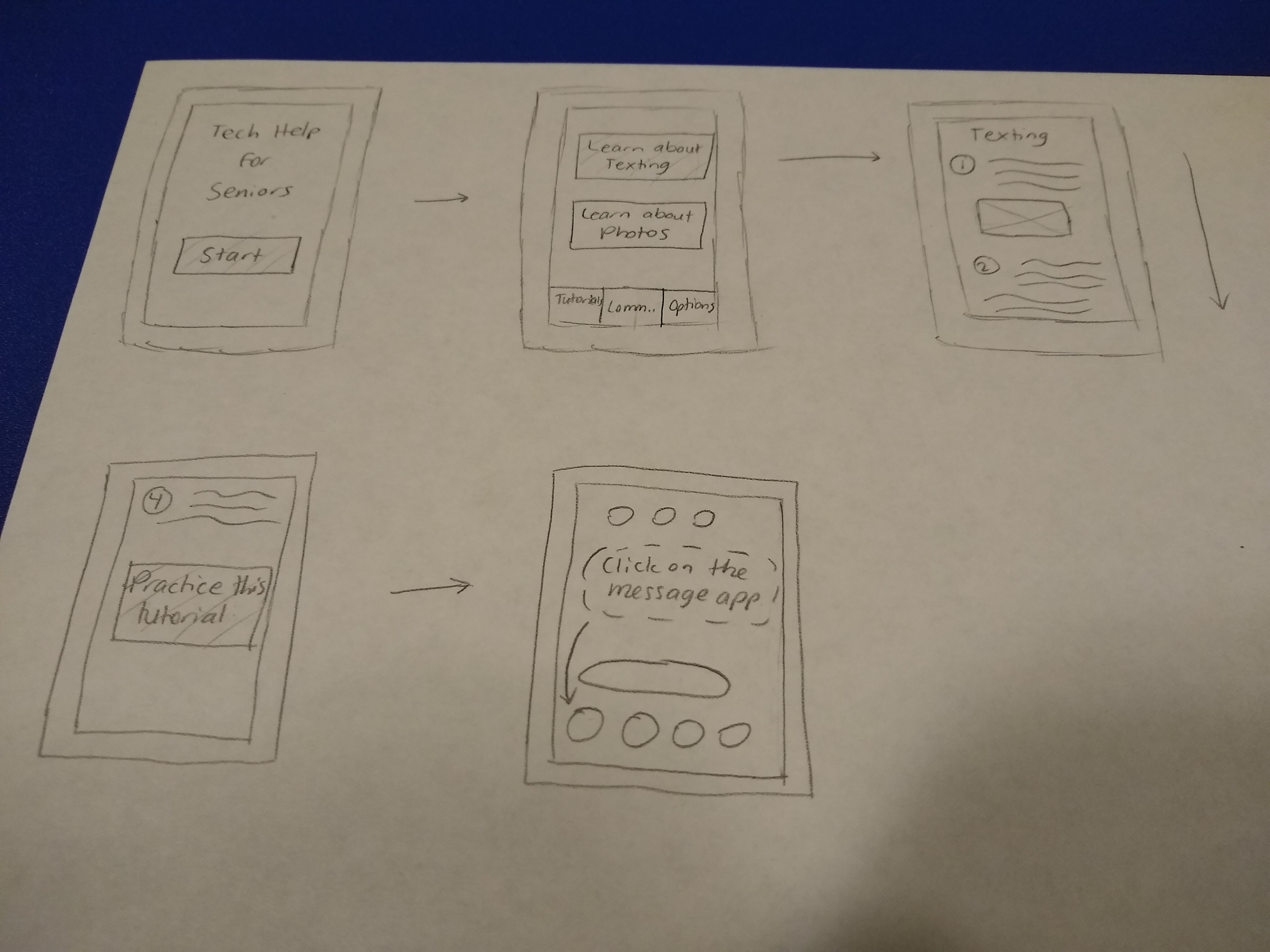
Paper Prototype

Low-Fidelity Prototype

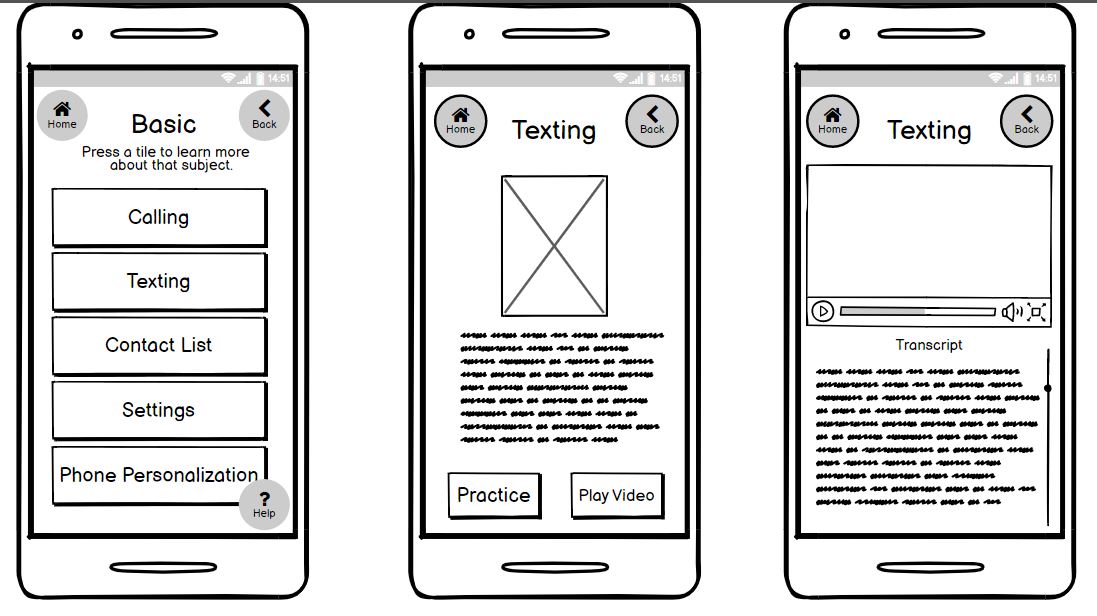
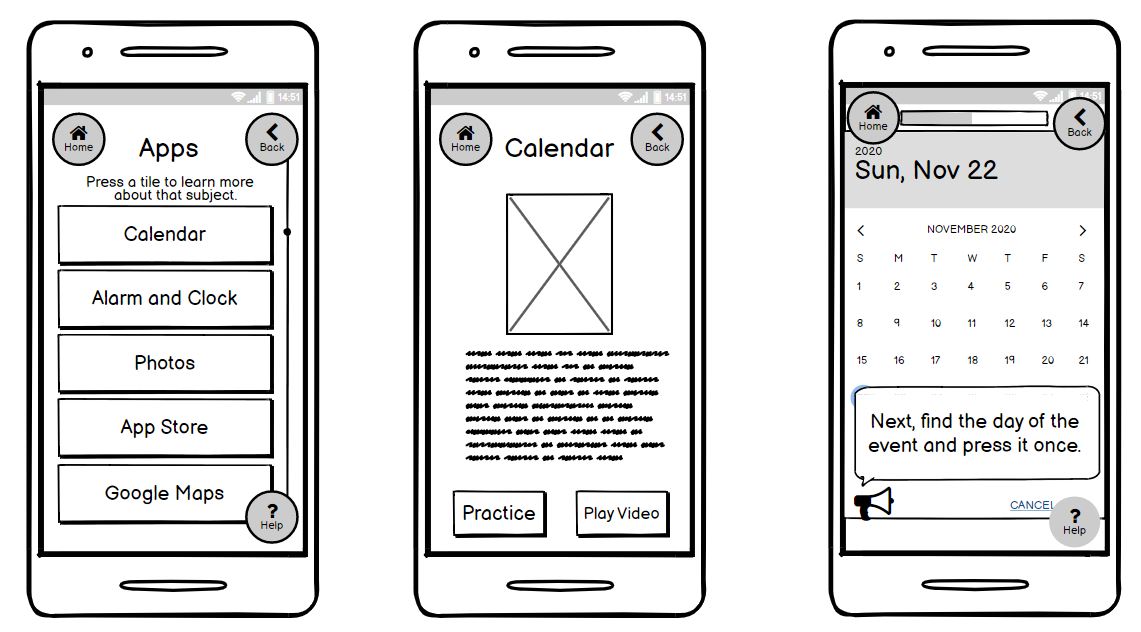
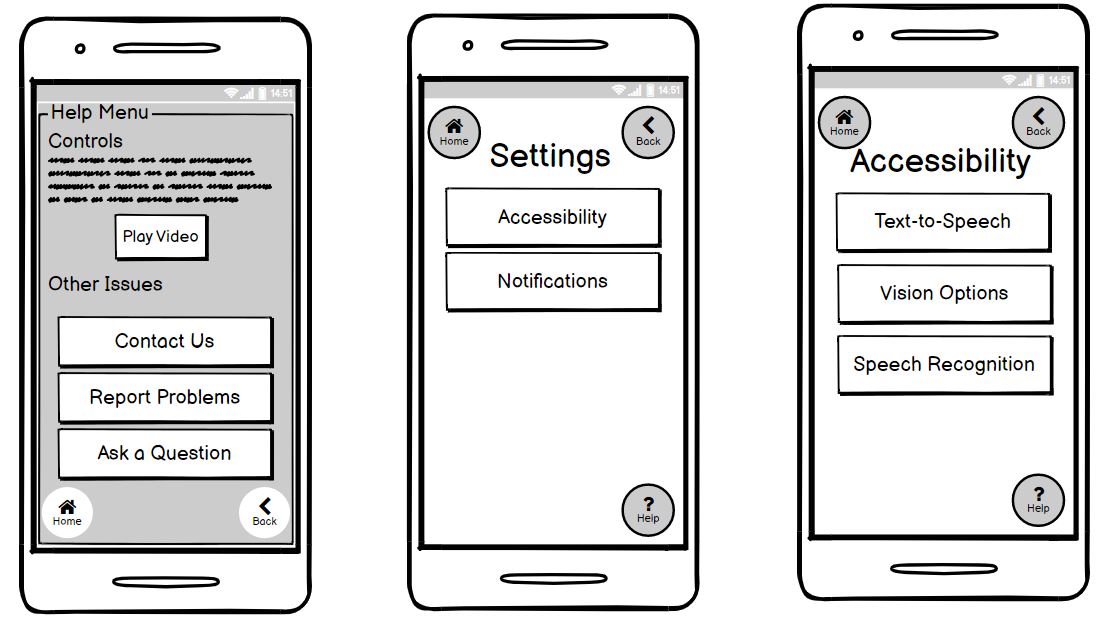
We iterated off this version using Balsamiq to create a more polished low-fidelity prototype.
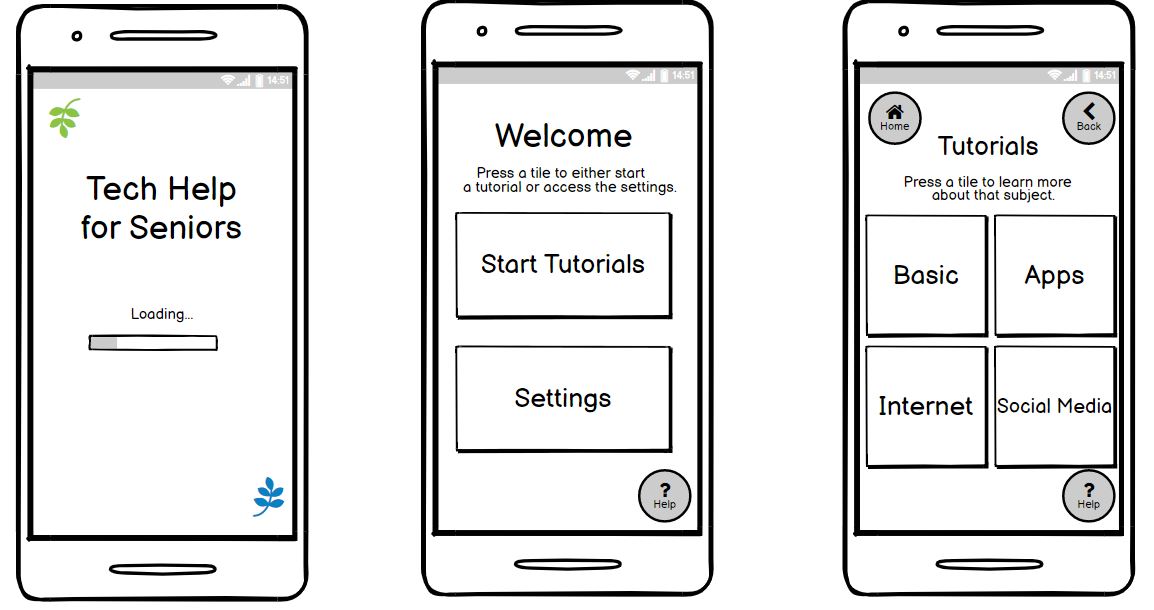
Low-Fidelity Prototype Screenshot 1

Low-Fidelity Prototype Screenshot 2

Low-Fidelity Prototype Screenshot 3

Low-Fidelity Prototype Screenshot 4

High-Fidelity Prototype

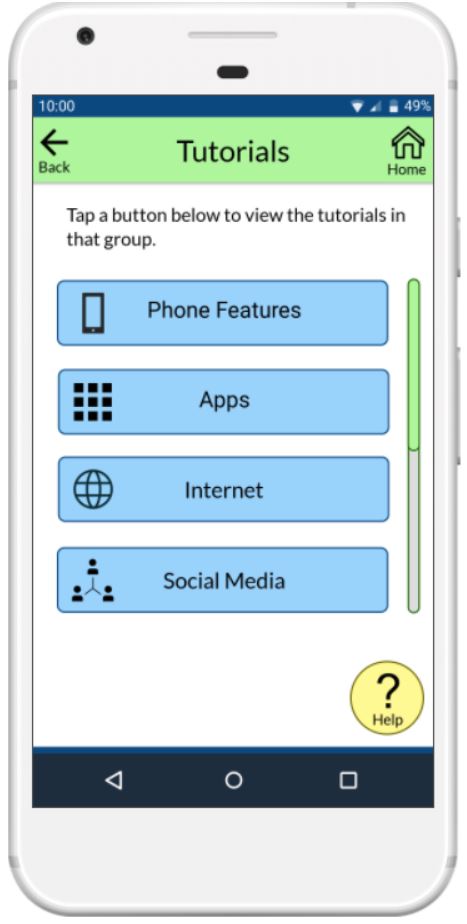
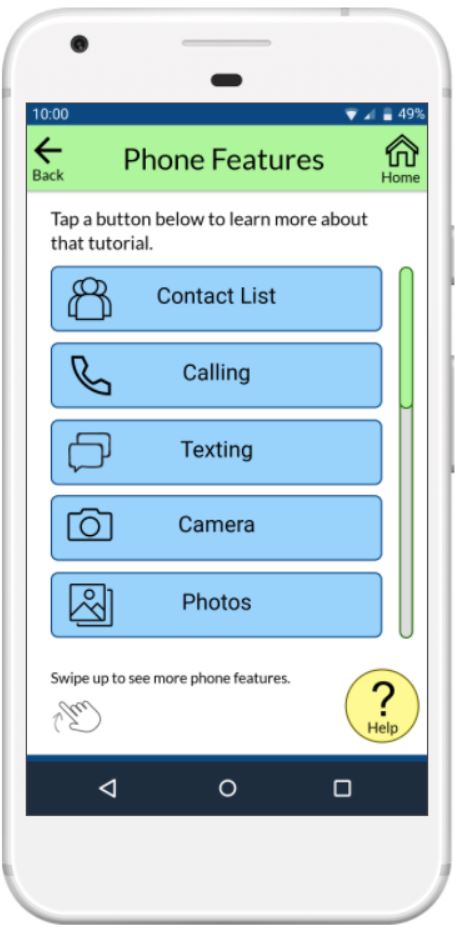
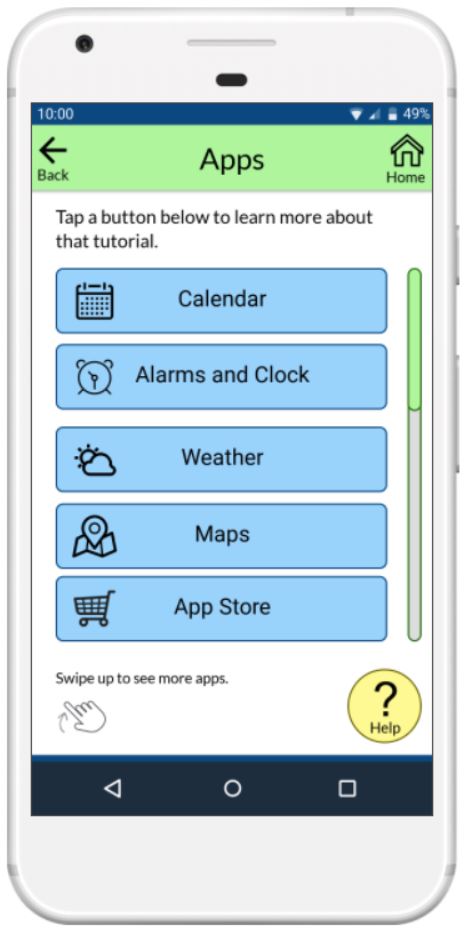
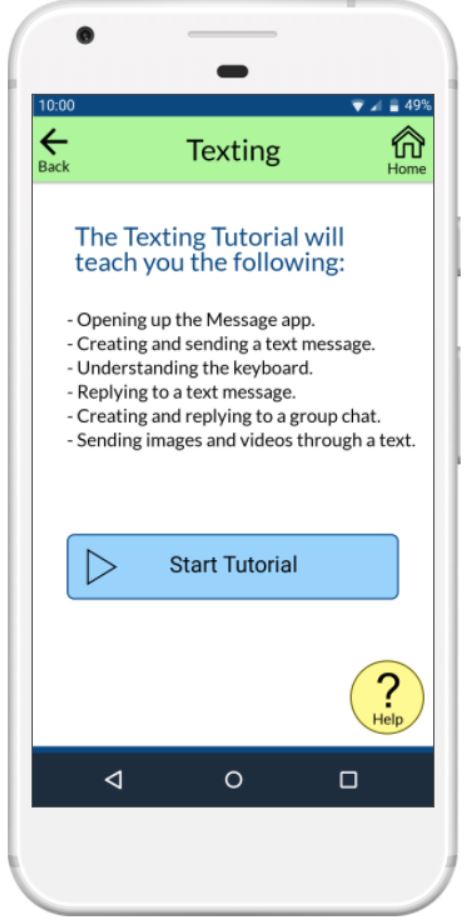
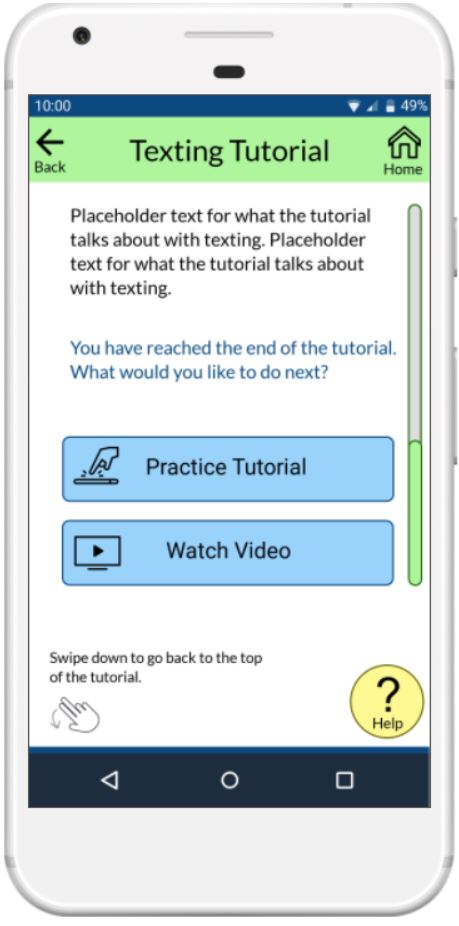
We then designed our high-fidelity prototype using Marvel App.
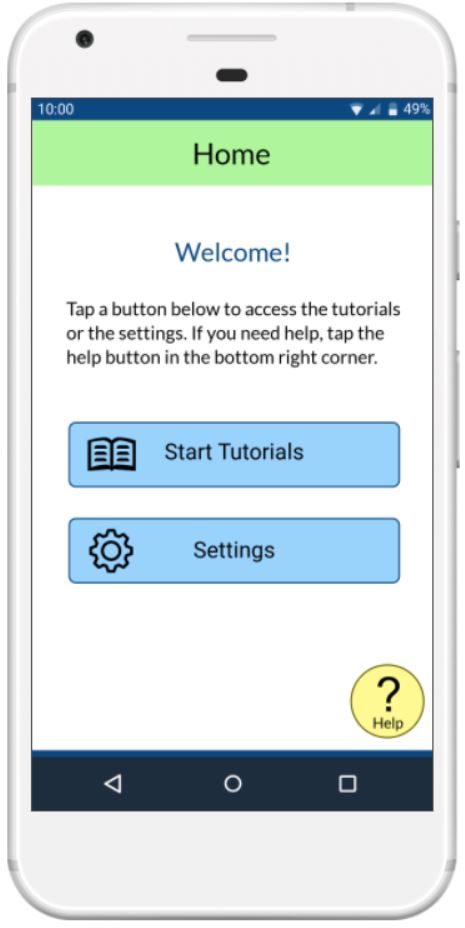
Home

Marvel App High-Fidelity Prototype Screenshot 1

Tutorial Categories

Marvel App High-Fidelity Prototype Screenshot 2

Marvel App High-Fidelity Prototype Screenshot 3

Marvel App High-Fidelity Prototype Screenshot 4

Tutorial Overview and End of Written Tutorial

Marvel App High-Fidelity Prototype Screenshot 5

Marvel App High-Fidelity Prototype Screenshot 6

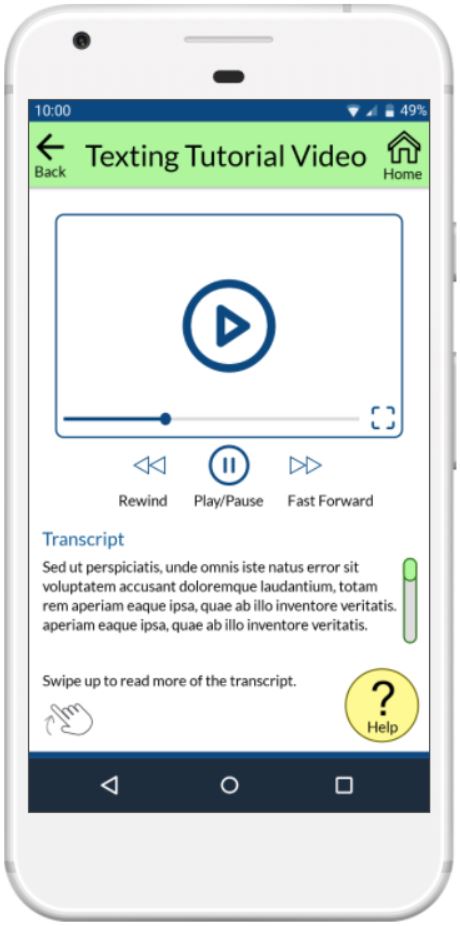
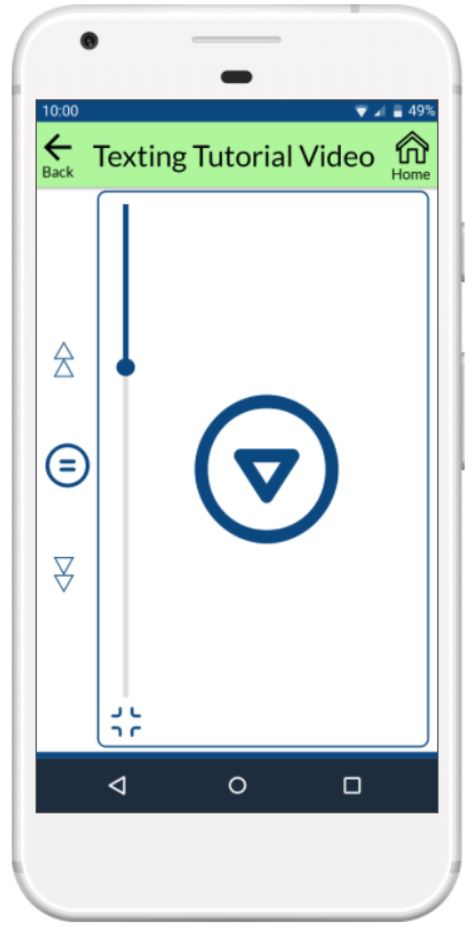
Video Tutorial

Marvel App High-Fidelity Prototype Screenshot 7

Marvel App High-Fidelity Prototype Screenshot 8

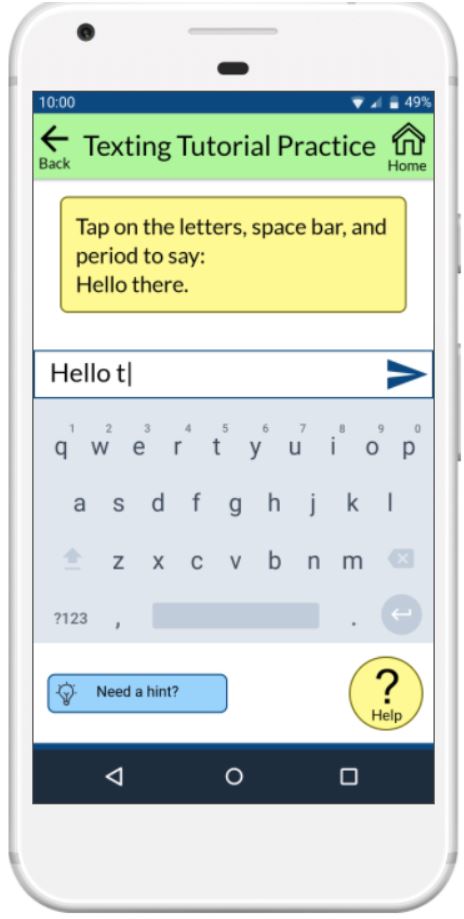
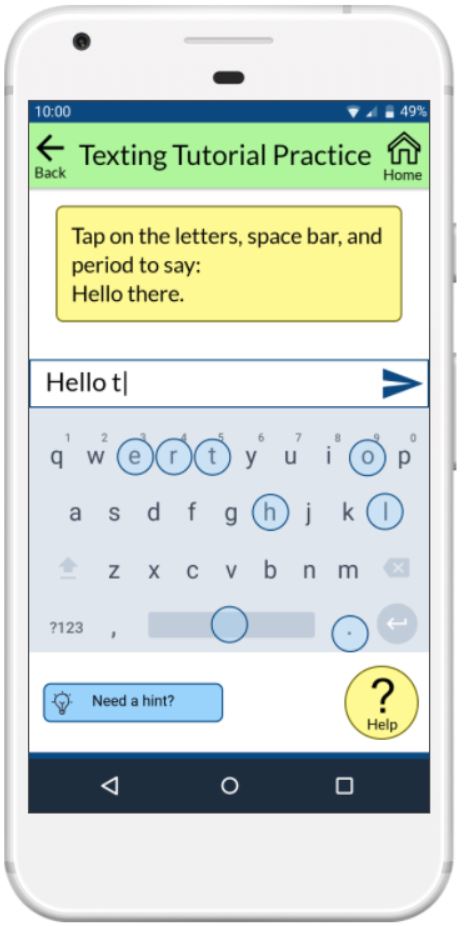
Practice Tutorial

Marvel App High-Fidelity Prototype Screenshot 9

Marvel App High-Fidelity Prototype Screenshot 10

Settings and Accessibility

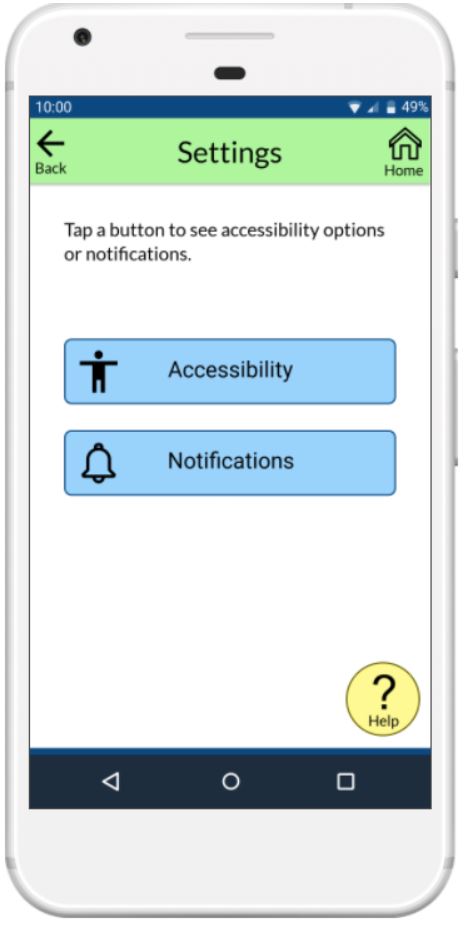
Marvel App High-Fidelity Prototype Screenshot 11

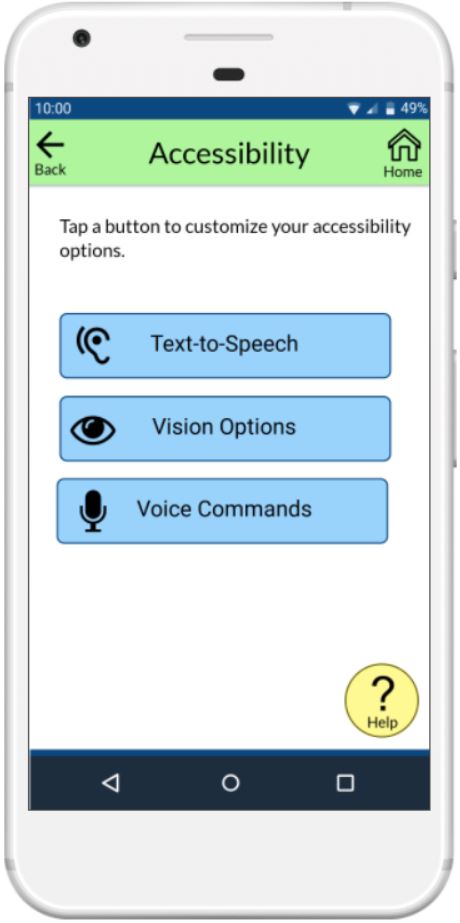
Marvel App High-Fidelity Prototype Screenshot 12

Help

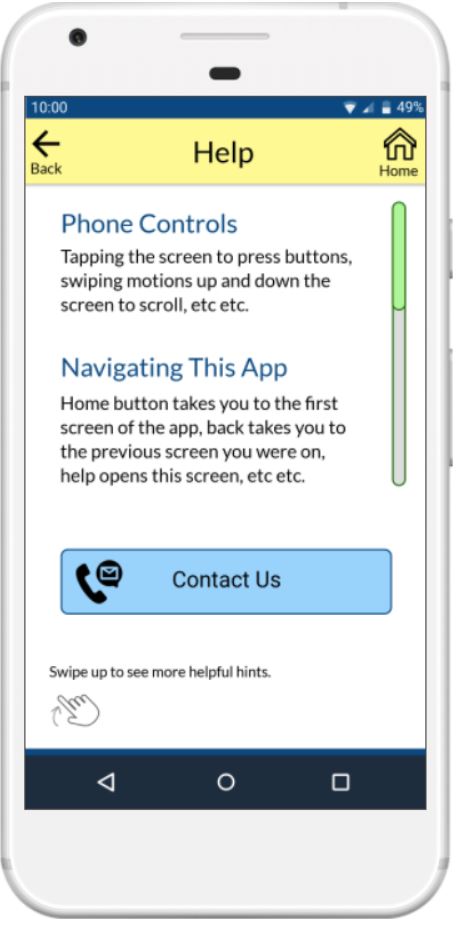
Marvel App High-Fidelity Prototype Screenshot 13

Clone this wiki locally