Development
As of early June 2022, TechEase meets the following MVP requirements:
- An accessible, high-contrast, user-friendly interface.
- Easy-to-understand controls, navigation, and menus.
- Written and video tutorials implemented for the tutorial topics of Emergency Information (Medical ID), Compass app, and Calendar app.
- File I/O functionality for the written tutorials and a video player for the video tutorials.
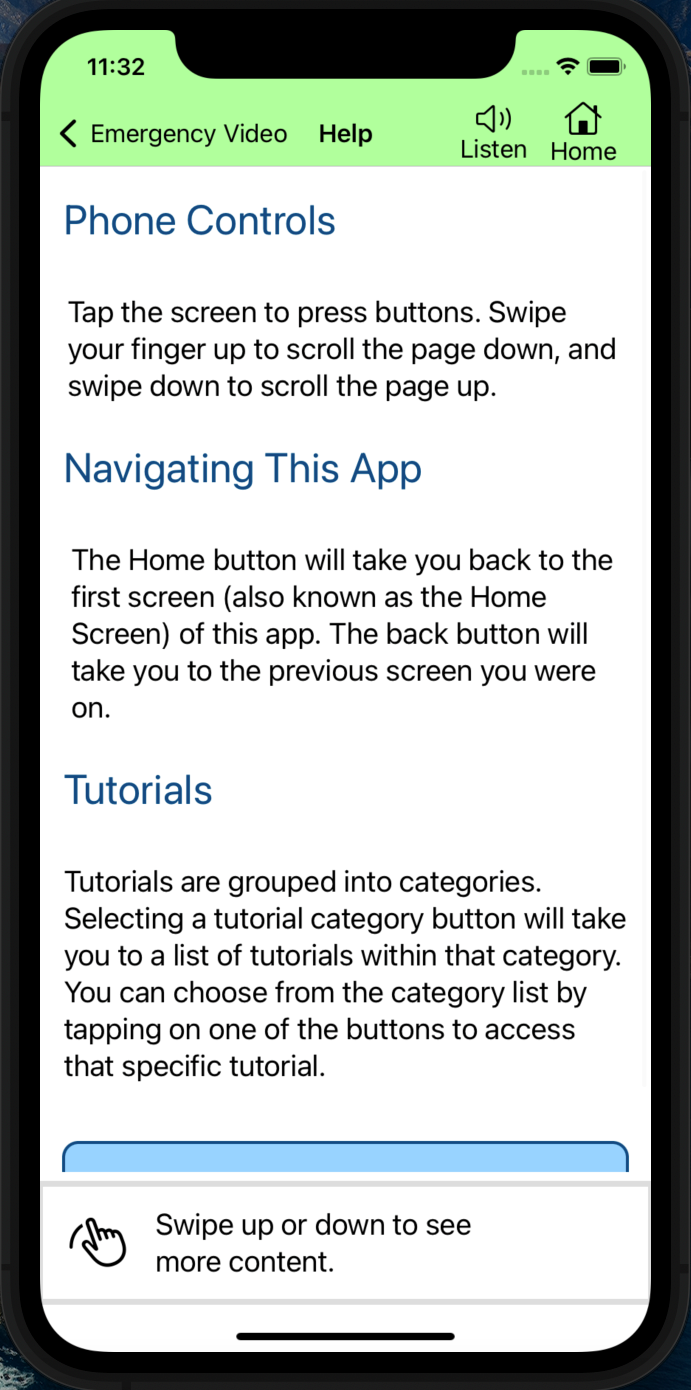
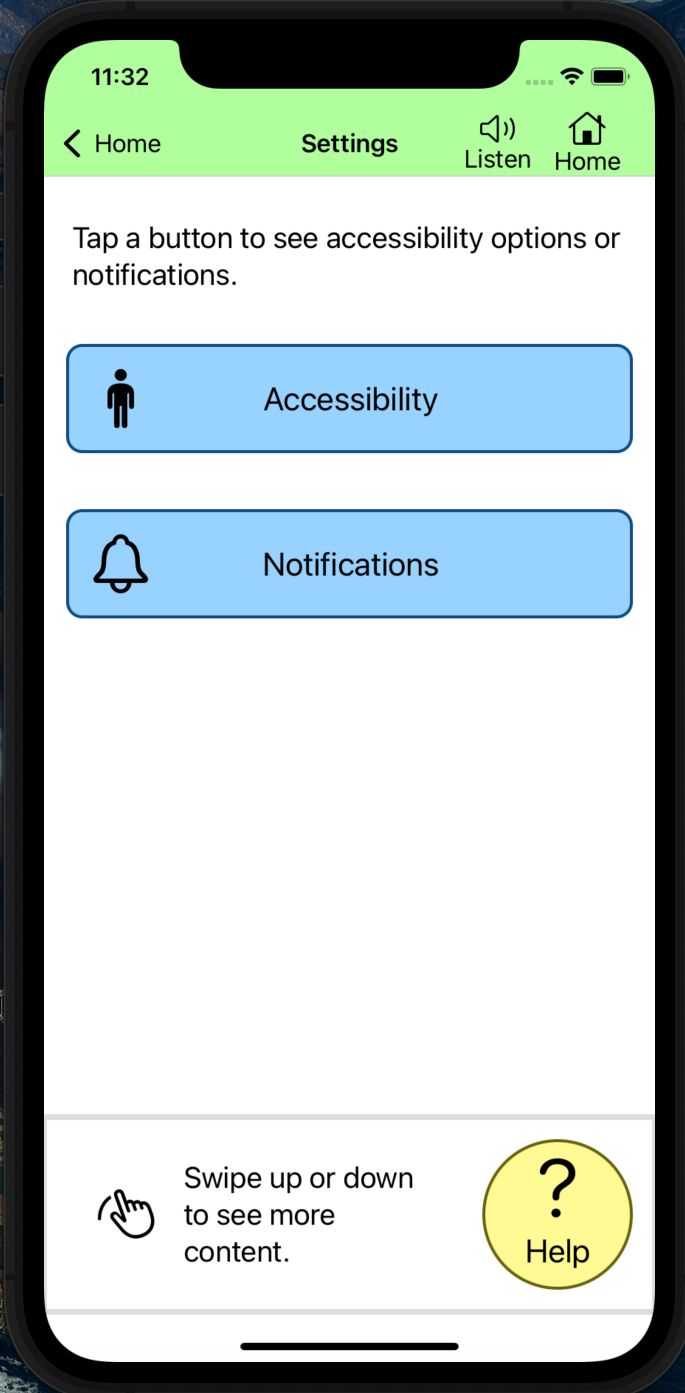
- A help button available on every page.
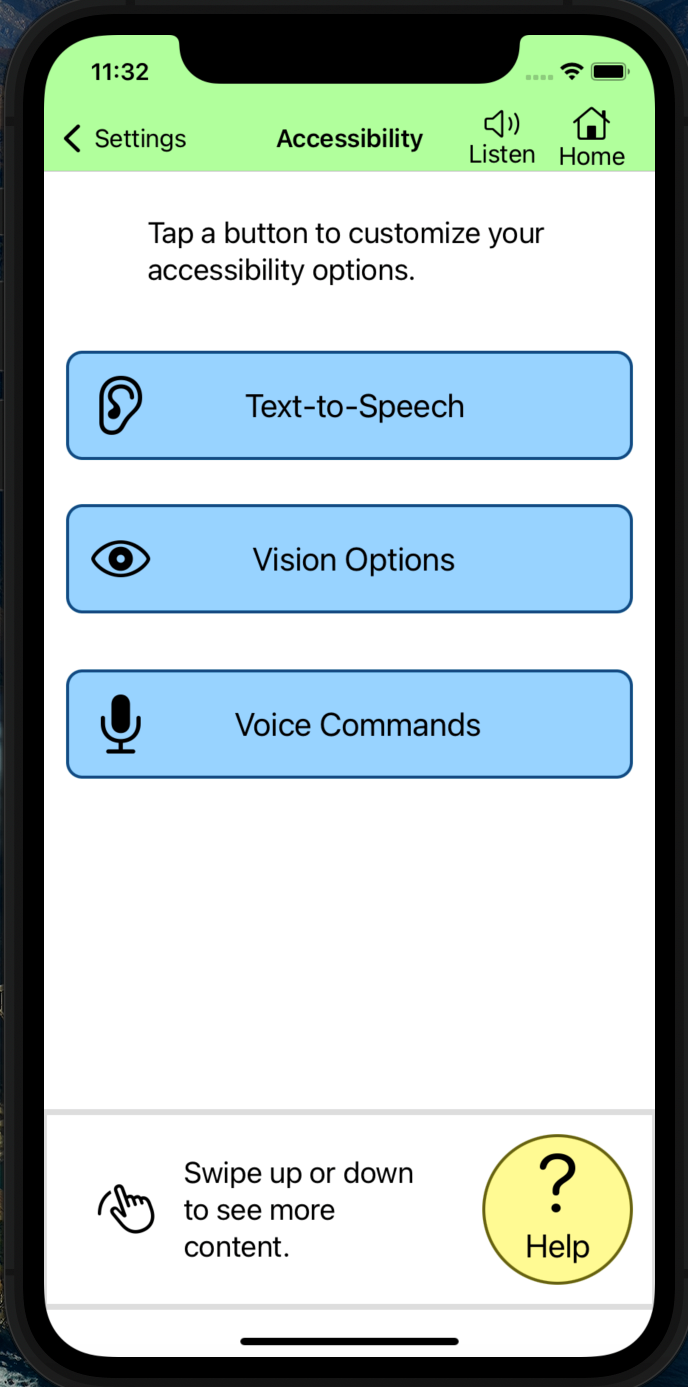
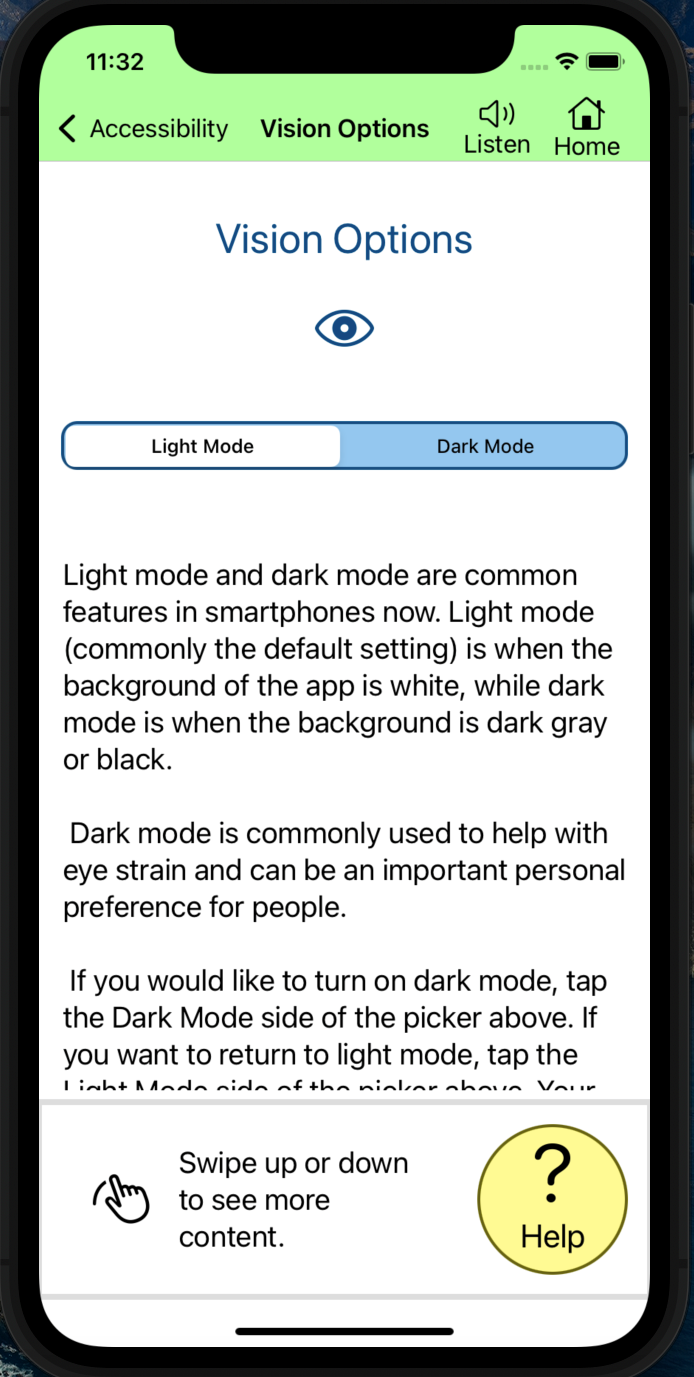
- Some accessibility options, including text-to-speech and dark mode.
The following screenshots are taken from Xcode's iPhone 11 Simulator and show the current state of the app.
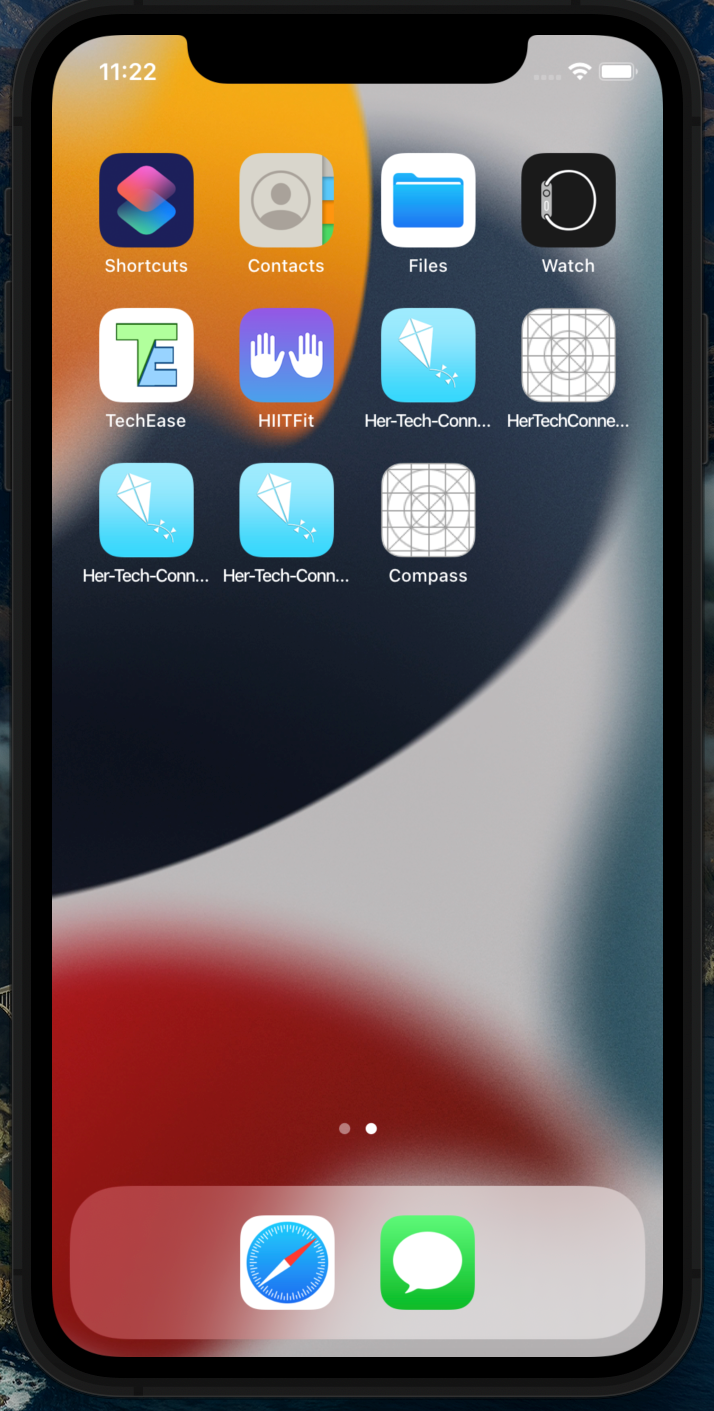
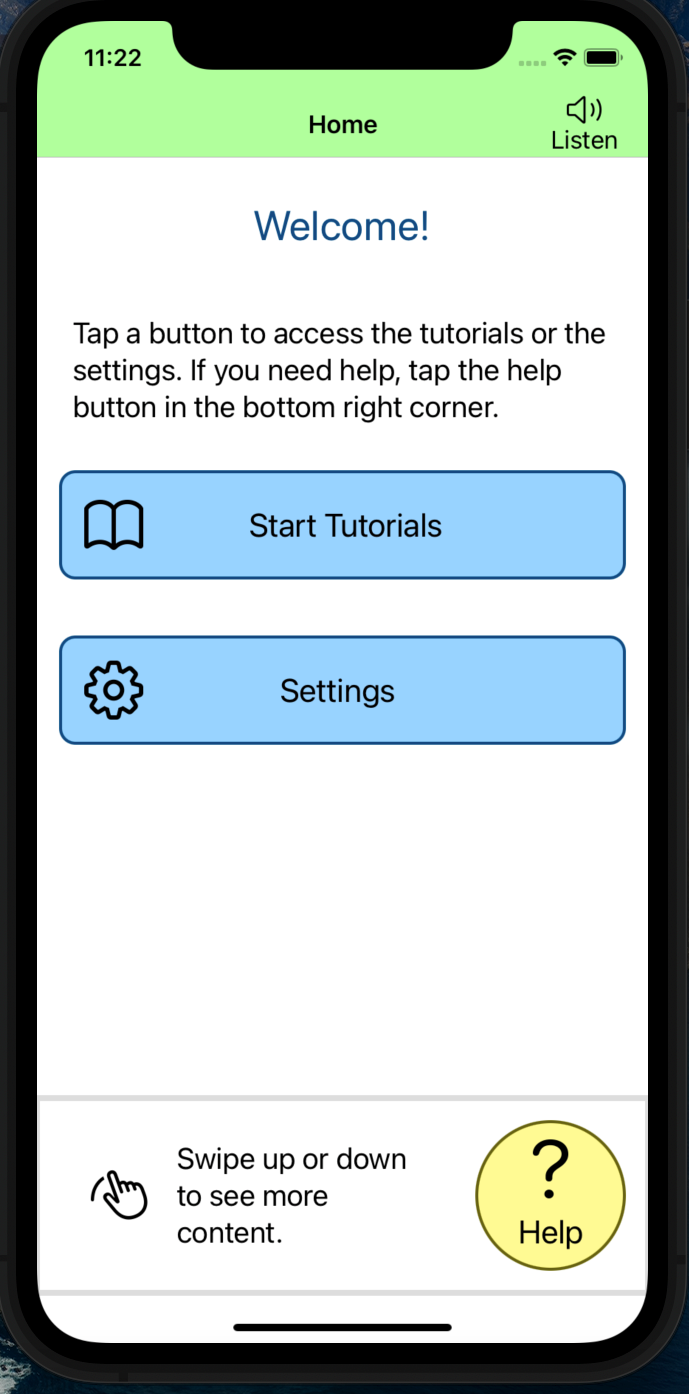
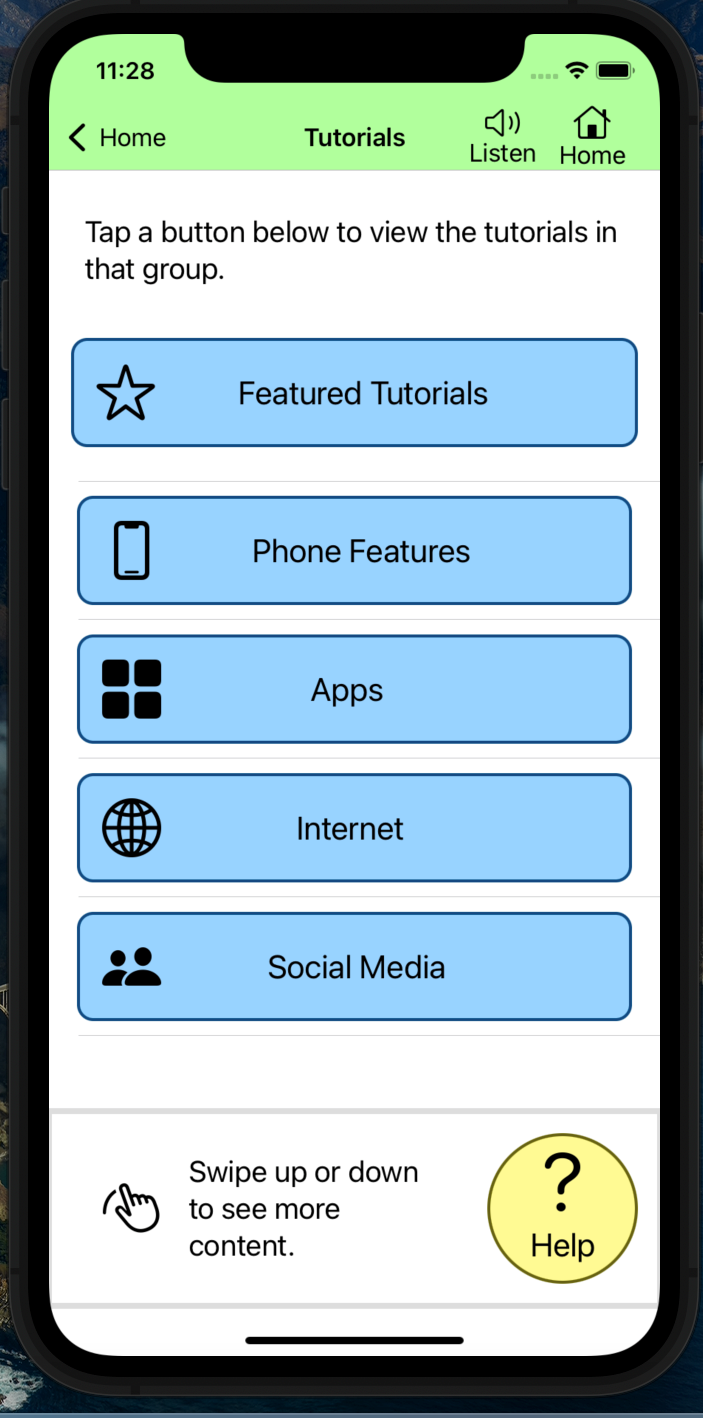
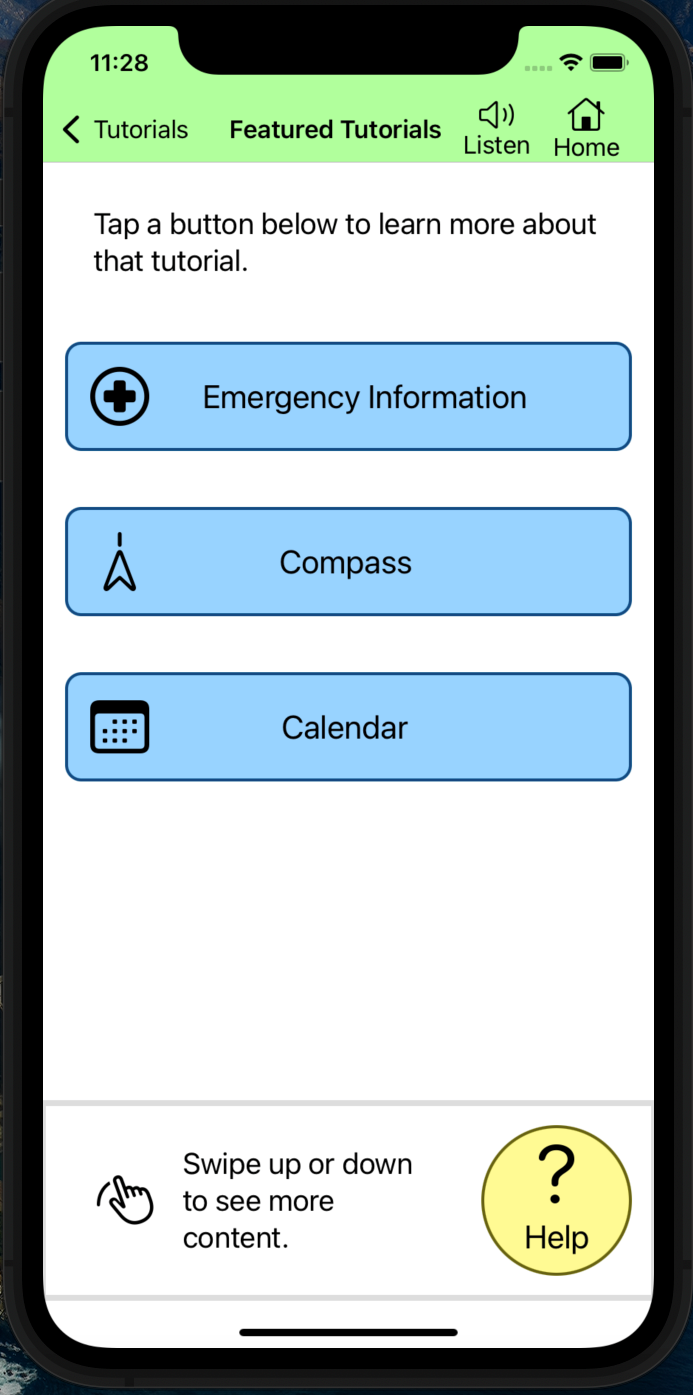
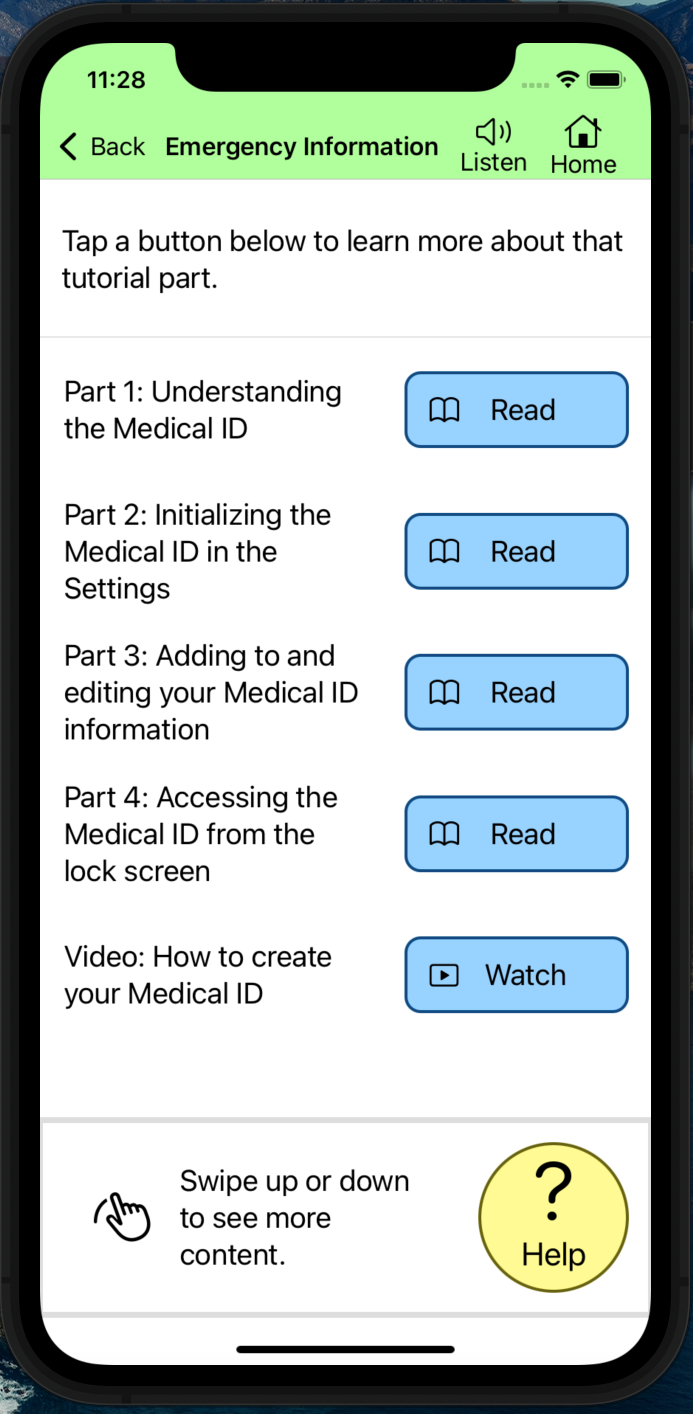
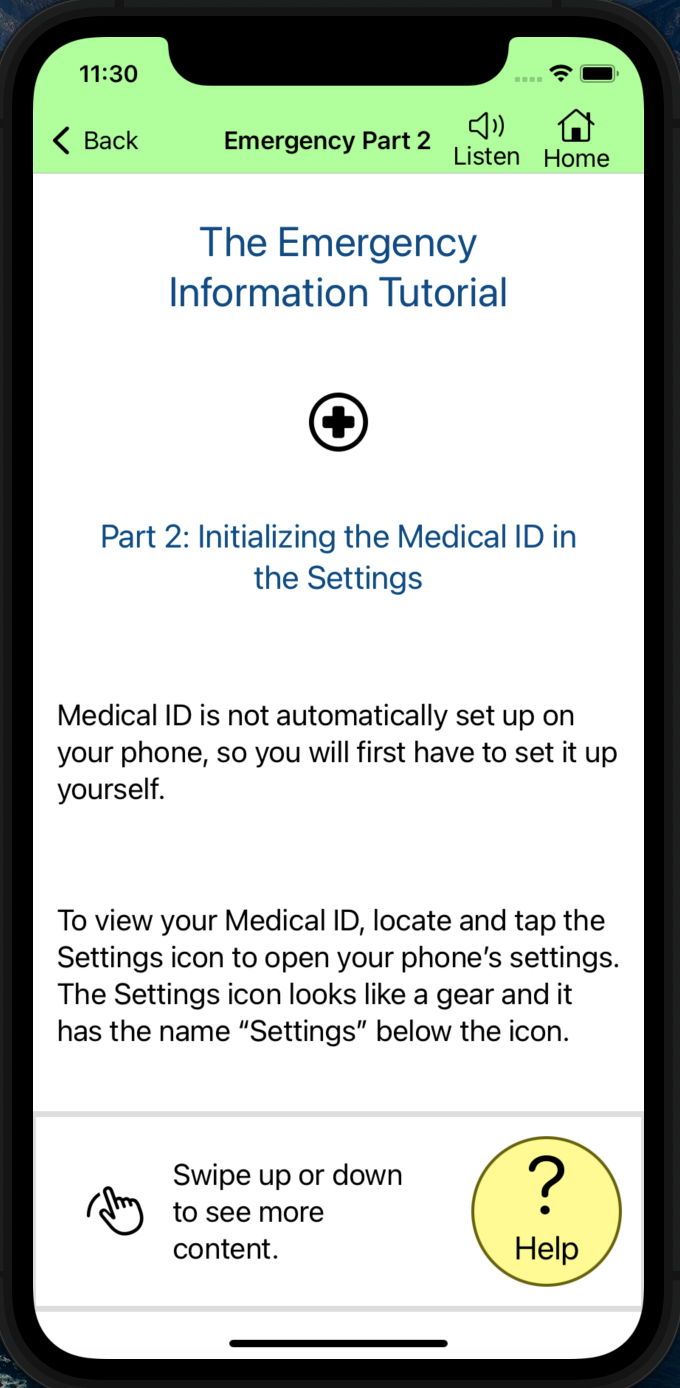
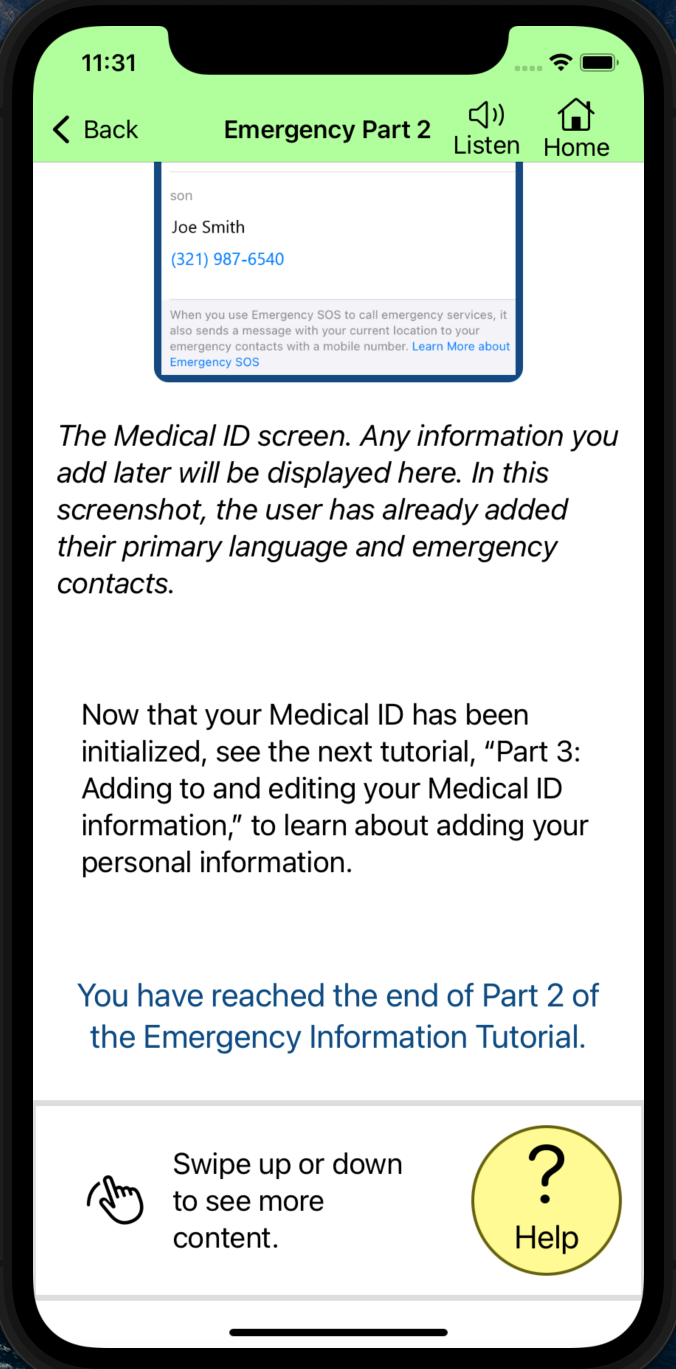
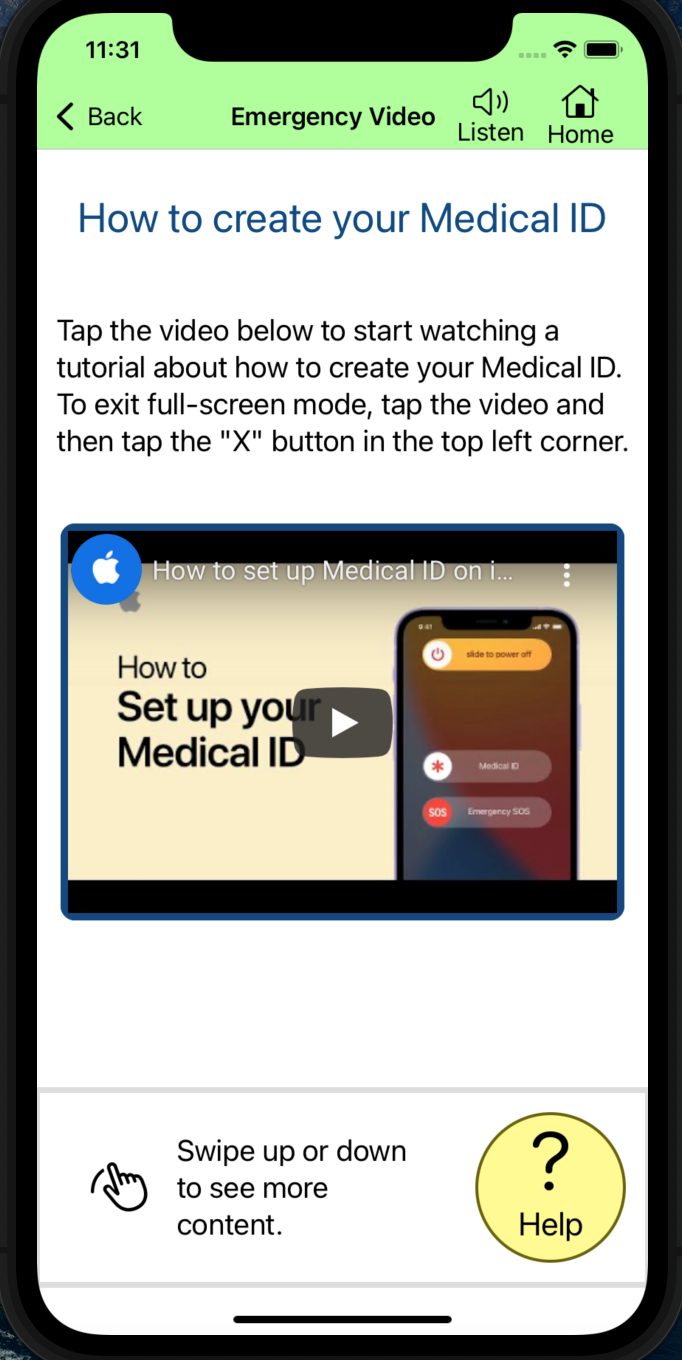
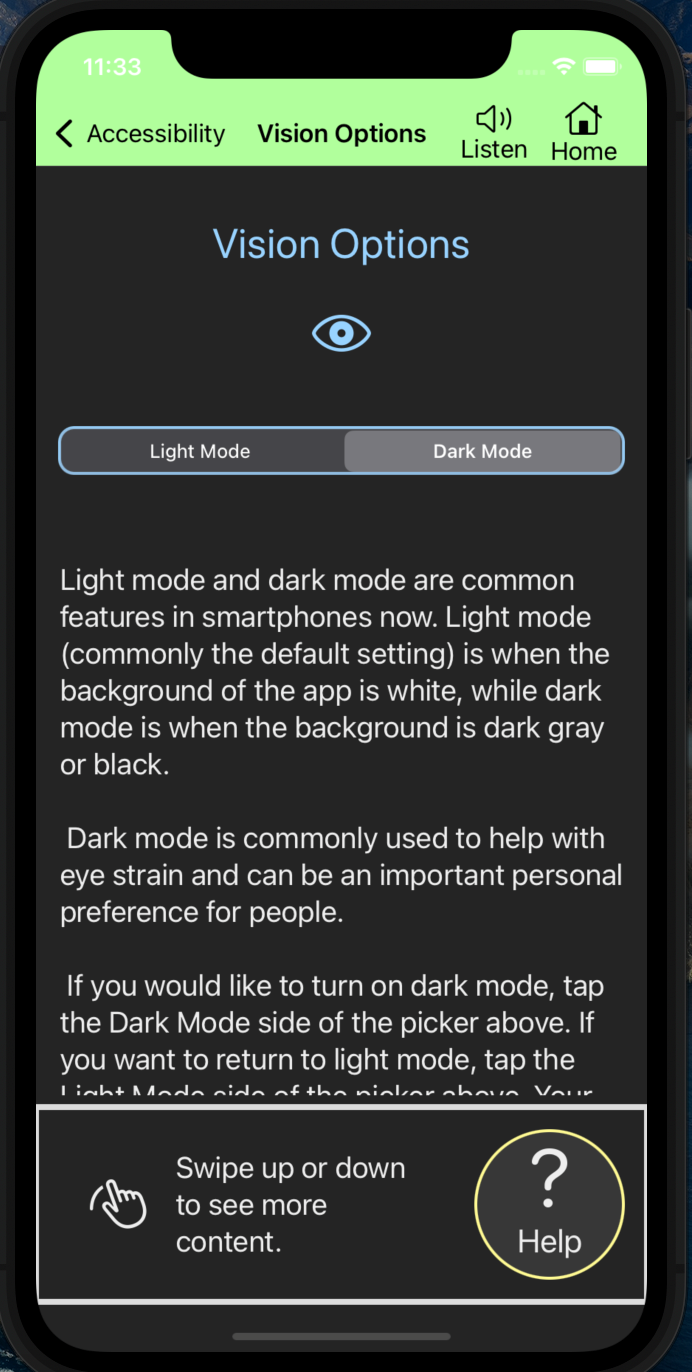
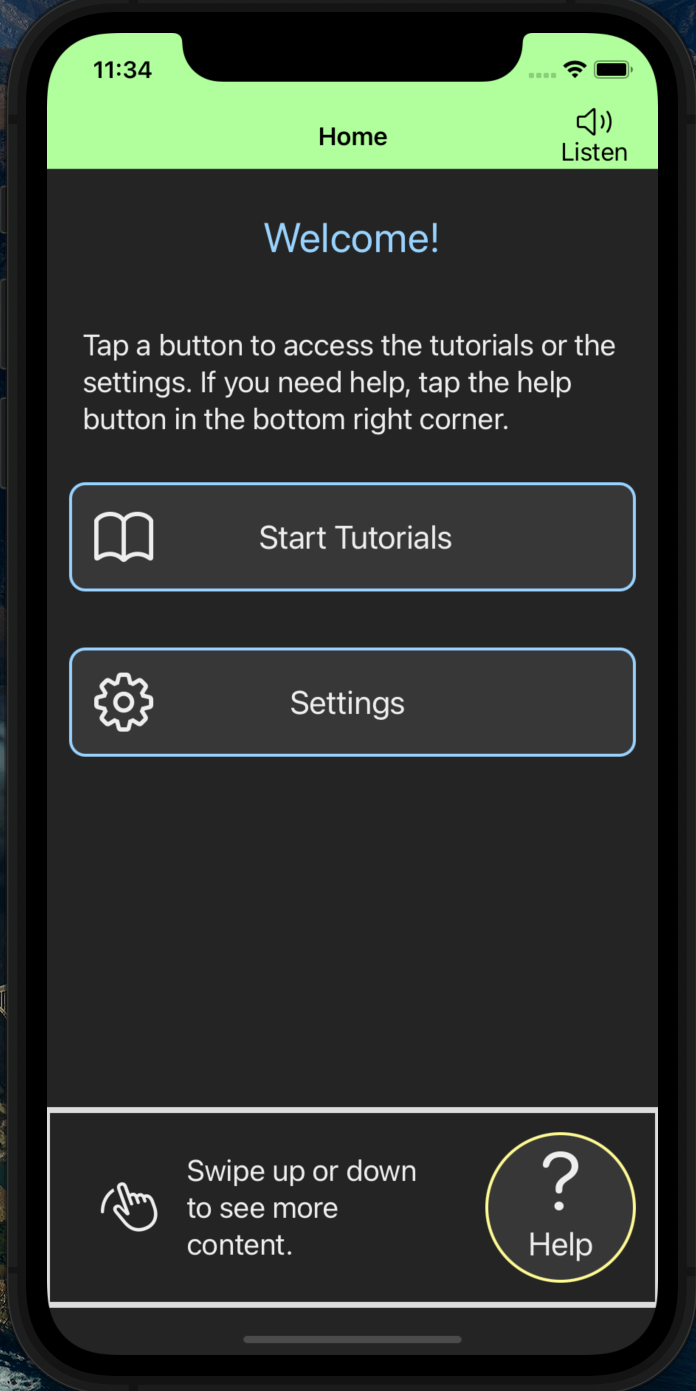
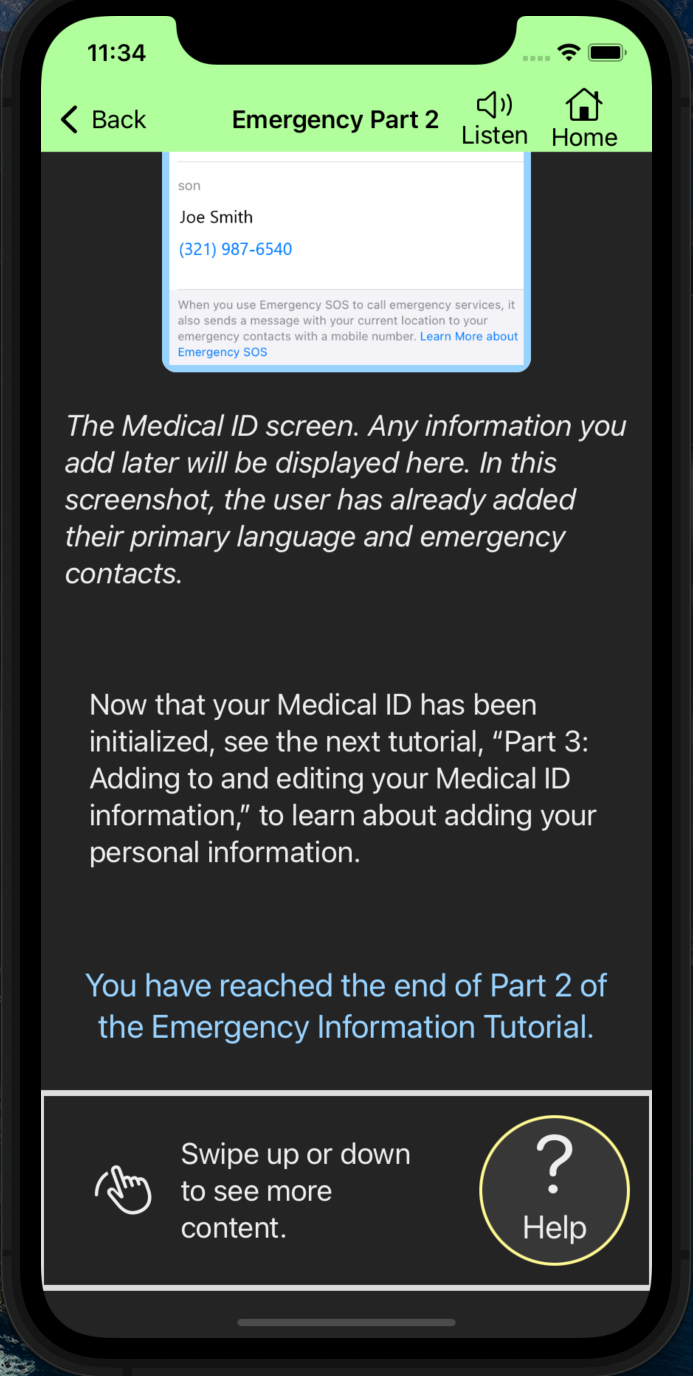
Before further developing TechEase, additional usability testing should be conducted to gather more feedback about the functionality of the app and what tutorials are most important. It will be necessary for the next version of TechEase to add more written, video, and practice tutorials for more phone functionality topics, such as calling, texting, contact list, and the keypad. The existing accessibility features of the app should be developed further, such as a navigation menu design for dark mode, and dynamic help content should be created that changes based on what information is displayed on the current screen.
Based on the current state of TechEase and the feedback provided from usability testing, there are many tasks that could be completed for the next iteration of TechEase:
- Add information at the top of each written tutorial that explains how to switch between the tutorial and the associated iPhone app to follow along.
- Continued implementation of written and video tutorials for more tutorial topics, such as texting, calling, and the camera.
- Create additional written tutorials with common examples of using the associated iPhone app. For instance, create a mini tutorial on adding a doctor's appointment to the Calendar app.
- Practice tutorial implementation for existing tutorial topics.
- Dynamic help content that changes based on the information being displayed on the current screen.
- Continued development of the current accessibility features, such as having the Listen button read all the text on the screens.
- Create additional accessibility features, like a magnifying glass for screenshots and text, and transcripts for the video tutorials for those hard of hearing.
- Implement a working Home button.
- Implement a dark mode navigation menu design.
- Implement dark mode versions of the written tutorial screenshots.
- Possibly change the navigation menu color to be yellow when on the Help screen, similar to what the Marvel App prototype has.